
Claydo - Easy 3D Modelling 1.8
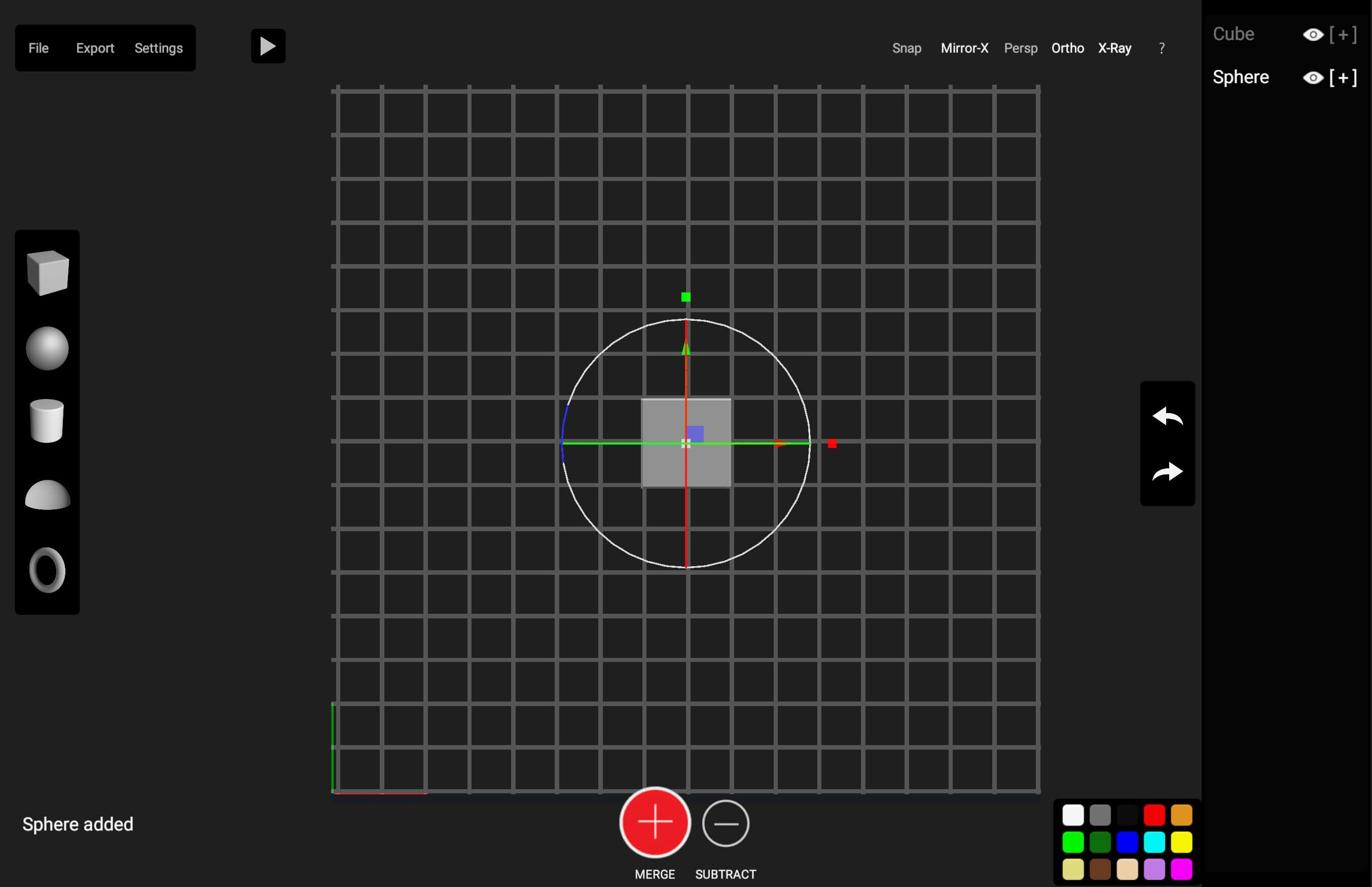
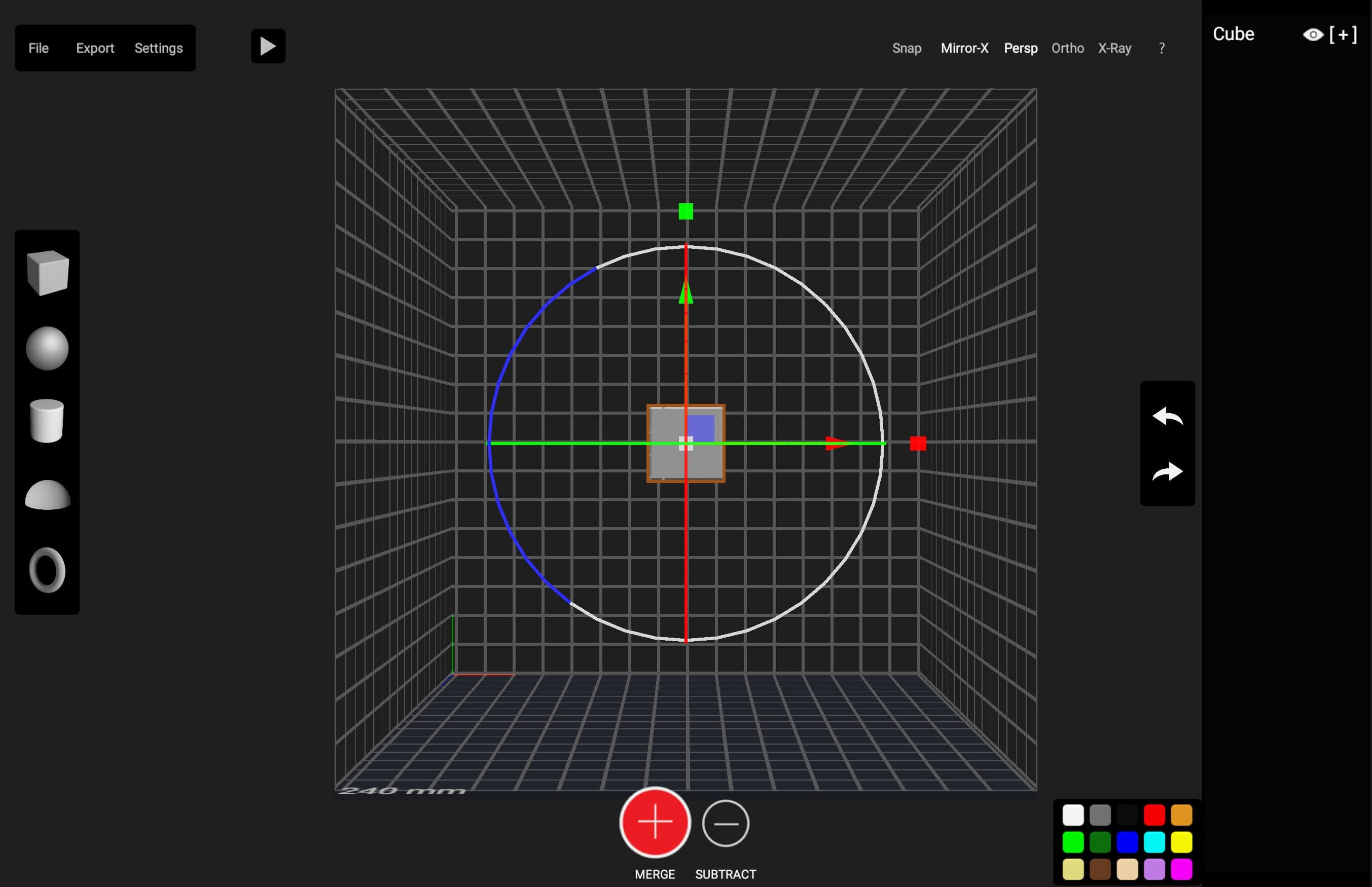
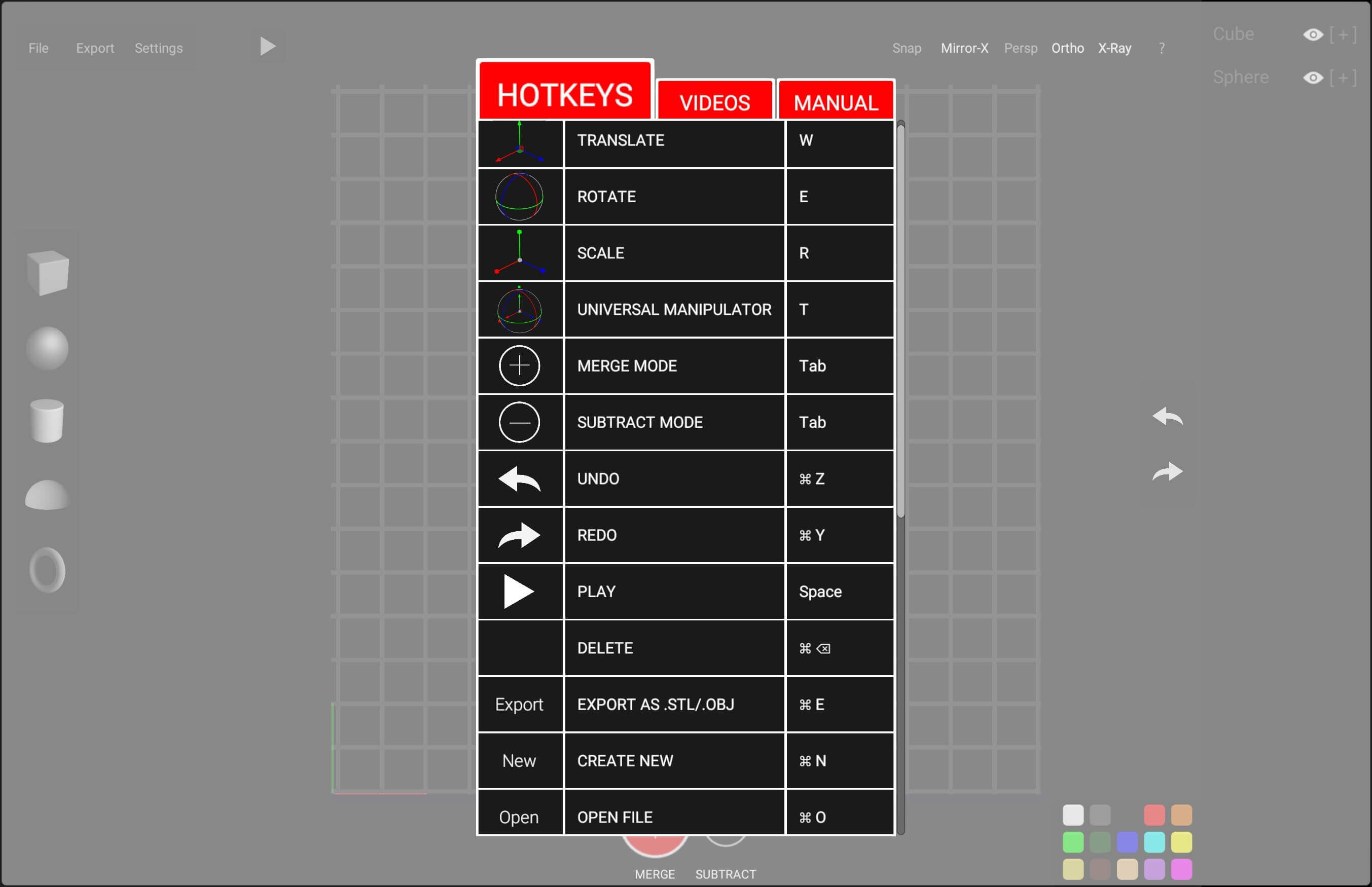
Claydo is a simple 3D design app for Intel and M1 based desktops.
It is used by designers, hobbyists, teachers and kids to make toys, prototypes, home decor, Minecraft models.. the list is endless!
Model your design using simple shapes such as spheres, cubes and cylinders.. merge or subtract in order to get the right shape with a few clicks.
M1 Compatibility Test (Big Sur,M1,Mac Mini)
https://www.youtube.com/watch?v=OEqV-gpBCo8
Export your Claydo creations to a 3d printer or external apps like Maya and Blender.
Claydo's Apple Metal technology allows you to work with complex polygonal meshes in realtime.
Handy measurement tools to export STL files with millimeter precision.
- Easy UI and workflow, get up and running in minutes
- Export out precision models as STL files for 3d printing
- Export out as .OBJ for use in DCC software like Maya/Blender/C4D
- In-built Videos tutorials to get started fast, perfect for schools and teachers to introduce kids to 3d modelling
- Turntable mode for showcasing and sharing your creations as movies
Claydo is built by Appy Monkeys, an app developer with years of experience in creating fun and intuitive creativity apps with over 5 million downloads on the App store and recipient of various awards such as Children's Tech Review and Purdue University's guide for STEM apps.
Version 1.8
- Added new library models.
Frequently asked questions
How do I install the app?
Mount the image, drag the app into the "Applications" folder and launch it. If the system blocks the launch, allow it in "System Settings → Privacy & Security".
The app is damaged or won't launch
Reinstalling from a fresh image usually helps. Make sure your macOS version matches the one listed in the compatibility specs.
How do I update?
Download the new version from the site and install it over the current one — your settings will be preserved.
The download link doesn't work
Try a mirror or a download manager. For large files the browser often drops the connection.
How do I completely remove the app?
Use an uninstaller utility — it cleans up the service files that remain after moving the app to the trash.



Choose a download source
Claydo - Easy 3D Modelling 1.8 · 272.61 MB