Unfolder 1.10.6
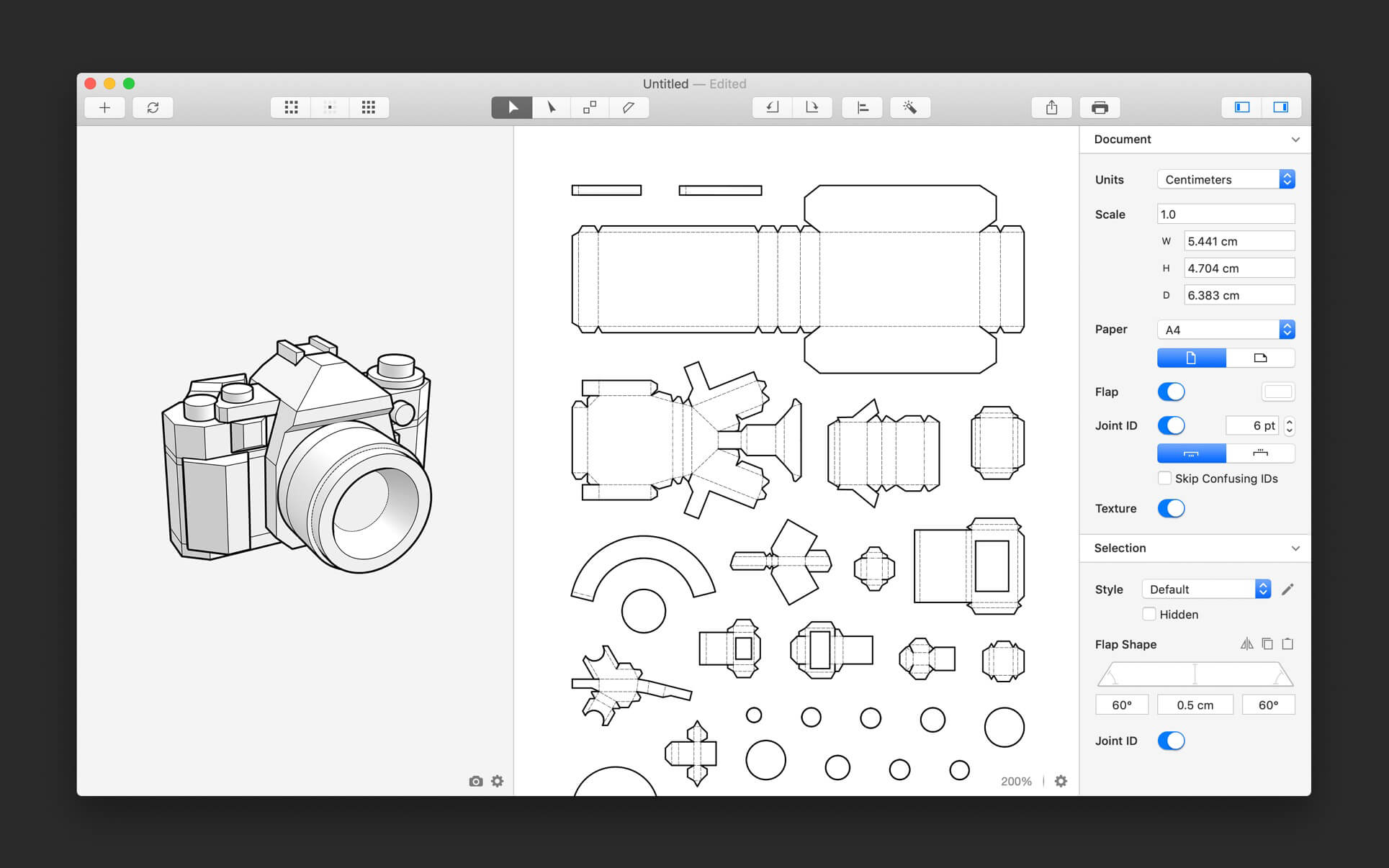
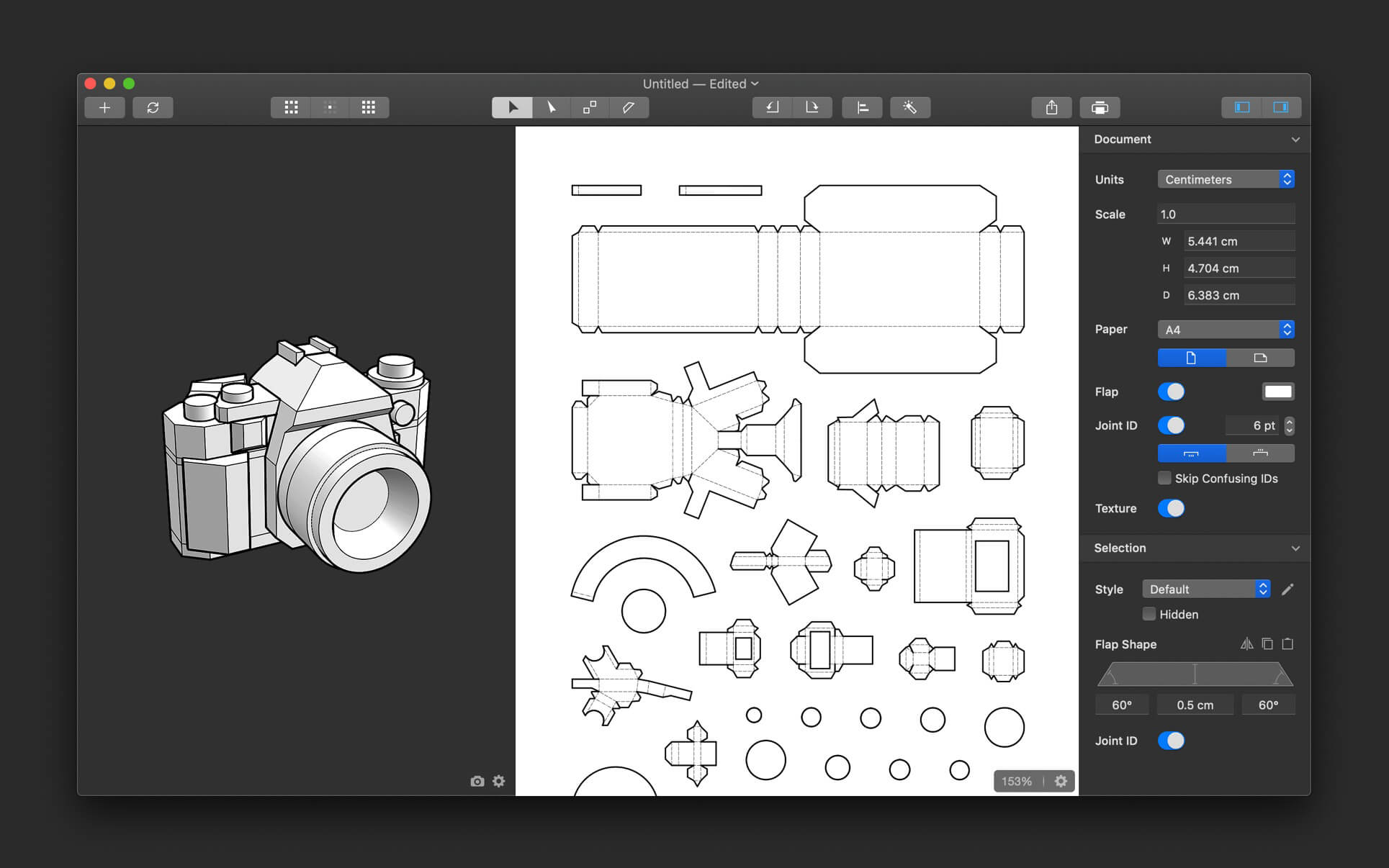
Unfolder is a 3D model unfolding tool to help you create papercraft easily and quickly. Personal observation: Mac native, perfect OSX look and feel, beating Pepakura and Blender's export in ease of use and customization. Exports 3D models to paper folding or CNC. It also syncs with Blender and Cinema4D, and soon with Maya.
Workflow
- Create a 3D model in any 3D editor
- Unfold the 3D model into a 2D template in Unfolder
- Print the template out to make your papercraft by cutting, folding and gluing
Importing and Exporting
- Import 3D objects in OBJ format
- Sync 3D objects with Blender and Cinema 4D in one click
- Partially update the imported objects
- Supports materials and textures
- Export templates in PDF, DXF, SVG, or PNG format
Auto-unfolding
- Generate 2D patches for your 3D models in a few seconds
- The algorithm is highly optimized for papercraft to minimize your effort in further editing
Editing Patches
- Move, rotate, align, and distribute patches
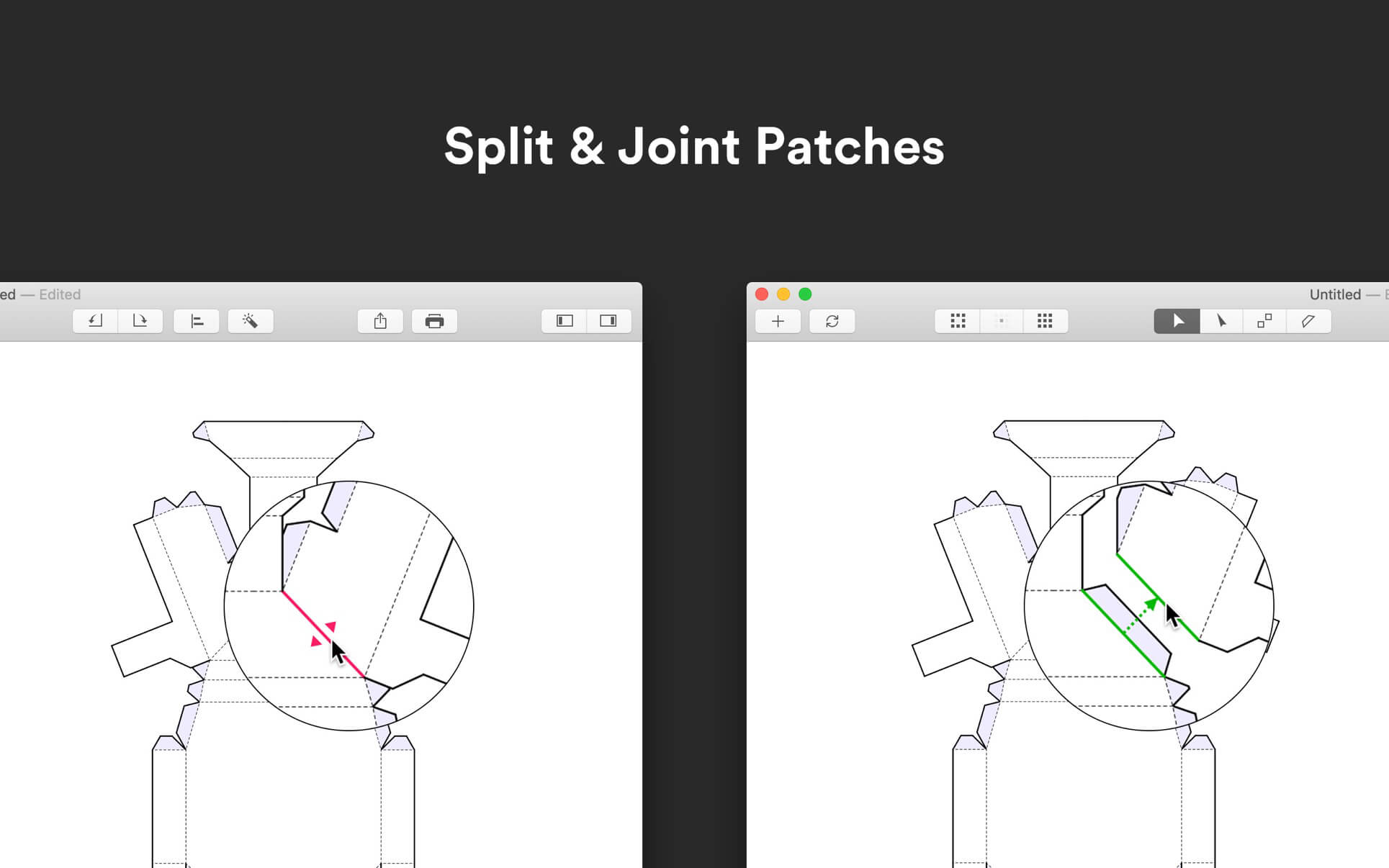
- Split and joint patches easily by clicking the edges in 2D view or 3D view
- Generate paper-saving layout automatically
- Highlight overlapping or overflowing patches
- Adjust the size of your papercraft by typing the dimensions you want
Editing Flaps
- Switch, add or remove flaps easily by clicking the flaps or edges in 2D view
- Reshape flaps by dragging the handles intuitively or typing the angles and height precisely
- Copy and paste the shape of flaps
- Automatically detect and fix the flap problems, such as overlap and overflow
- Display the flap target (the area where a flap should be glued to)
Styling
- Customize the color, thickness, and dashing of lines
- Individually control the appearance of the cutting line, ridge-fold line, and valley-fold line
- Hide unnecessary lines manually or automatically
Version 1.10.6
- Fixed a bug where the height of the new flaps could be incorrect
- Fixed some minor bugs
Frequently asked questions
How do I install the app?
Mount the image, drag the app into the "Applications" folder and launch it. If the system blocks the launch, allow it in "System Settings → Privacy & Security".
The app is damaged or won't launch
Reinstalling from a fresh image usually helps. Make sure your macOS version matches the one listed in the compatibility specs.
How do I update?
Download the new version from the site and install it over the current one — your settings will be preserved.
The download link doesn't work
Try a mirror or a download manager. For large files the browser often drops the connection.
How do I completely remove the app?
Use an uninstaller utility — it cleans up the service files that remain after moving the app to the trash.



Choose a download source
Unfolder 1.10.6 · 11.9 MB