
VideoSolo Video Cutter 1.0.10

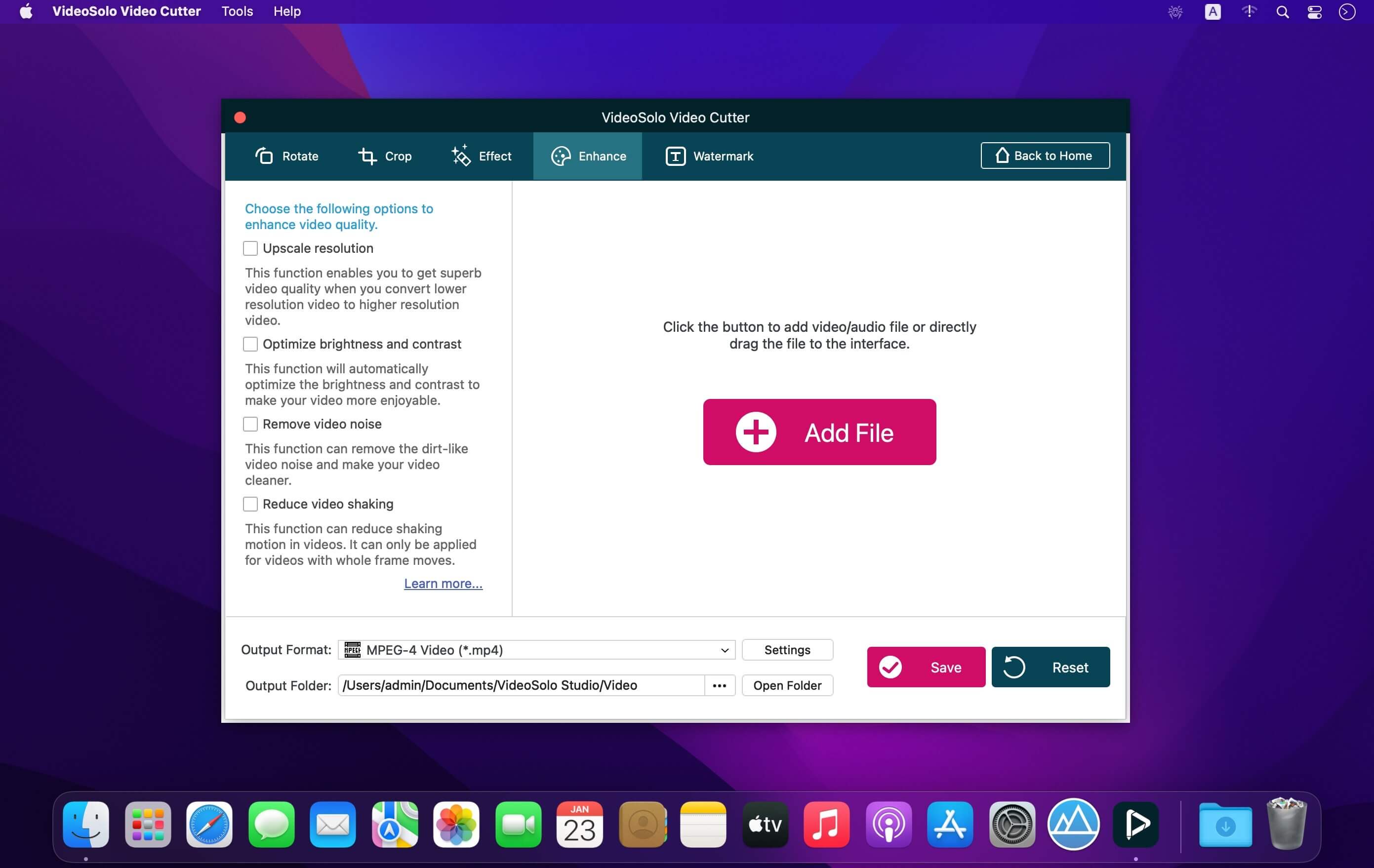
Trim the unwanted part of a video/audio or quickly split a long file into smaller clips without losing quality. You can easily trim or split video/audio file precisely by dragging the progress bar or setting starting/ending point. The instant preview window makes trimming clearer.
Merge Multiple Video Clips into One File
As a professional video joiner/merger, VideoSolo Video Cutter can merge several videos or audio clips in MP4, AVI, MP3, MKV, etc into one file. Files order can be adjusted. Instantly upload any number of videos and combine them with one click.
Rotate Video by 90 Degrees & Flip Video Easily
Sometimes, you need to adjust the video angle to get a better vision or modify the wrong orientation video. VideoSolo Video Cutter is conversant in rotating video 90 clockwise or 90 counterclockwise. It can also allow you to flip video vertically or horizontally.
Crop Video Borders, Adjust Video Aspect Ratio
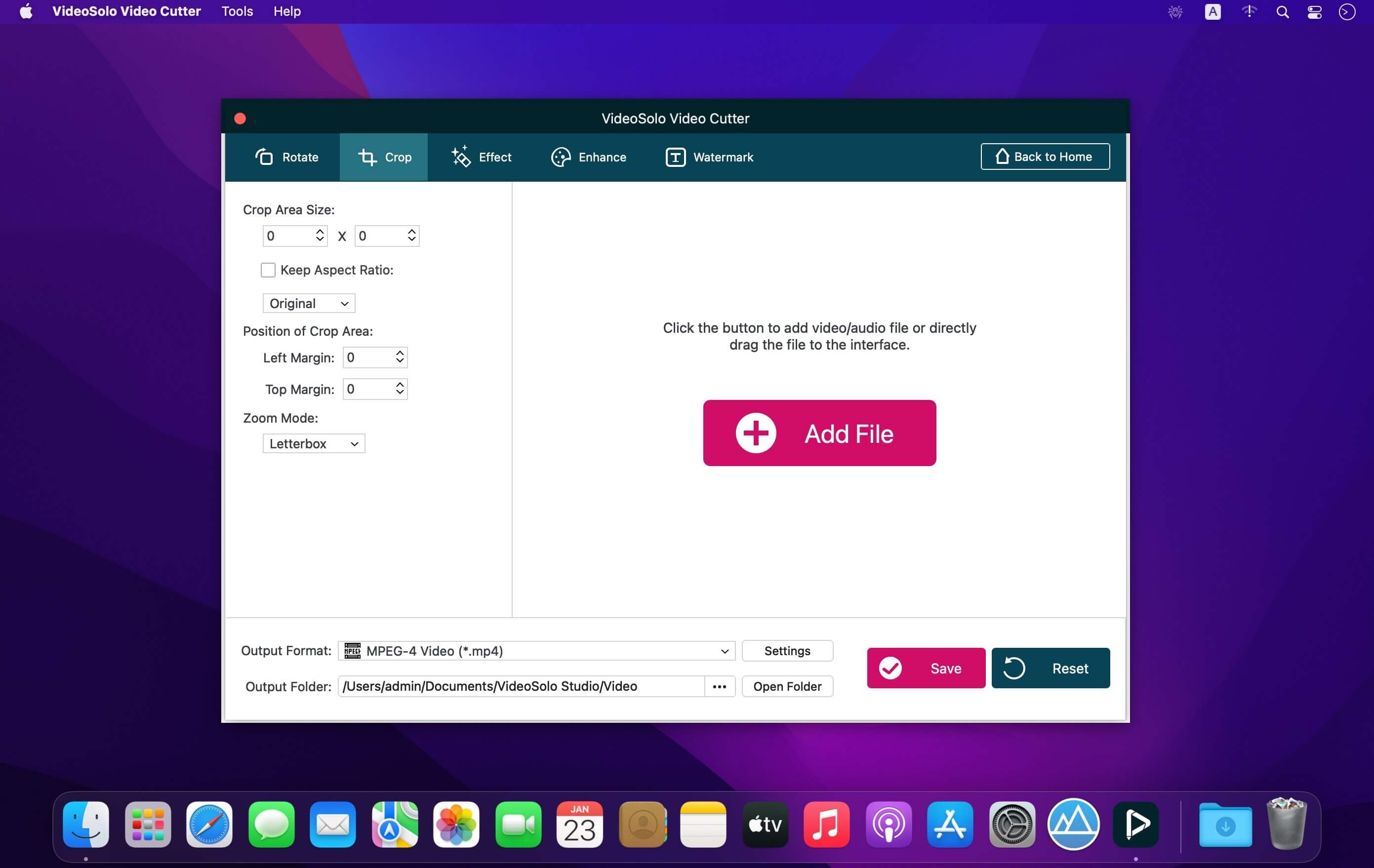
Feel troublesome in the unnecessary black bars around the videos? Or want to spotlight the specific area of your video? You can crop video precisely by dragging or simply filling in the crop area size. The 4 zoom mode: Letterbox, Medium, Pan & Scan and Full can help you suit the aspect ratio better.
Convert Video/Audio Cuttings into 150+ Formats
After editing the video or audio file, you can output the editing file into 150+ formats. It also predefined the output file for popular digital devices like iPhone/iPad/iPod/TV, Samsung/Sony/LG/Huawei smart phones/tablets or PS3/PS4 game console. Then, you can play the file on all popular devices.
Version 1.0.10:
- Release notes were unavailable when this listing was updated.
Frequently asked questions
How do I install the app?
Mount the image, drag the app into the "Applications" folder and launch it. If the system blocks the launch, allow it in "System Settings → Privacy & Security".
The app is damaged or won't launch
Reinstalling from a fresh image usually helps. Make sure your macOS version matches the one listed in the compatibility specs.
How do I update?
Download the new version from the site and install it over the current one — your settings will be preserved.
The download link doesn't work
Try a mirror or a download manager. For large files the browser often drops the connection.
How do I completely remove the app?
Use an uninstaller utility — it cleans up the service files that remain after moving the app to the trash.





Choose a download source
VideoSolo Video Cutter 1.0.10 · 39.16 MB
Previous versions
VideoSolo Video Cutter 1.0.10
Previous versions are available to registered users.