
Adobe Media Encoder 2022 v22.6.1
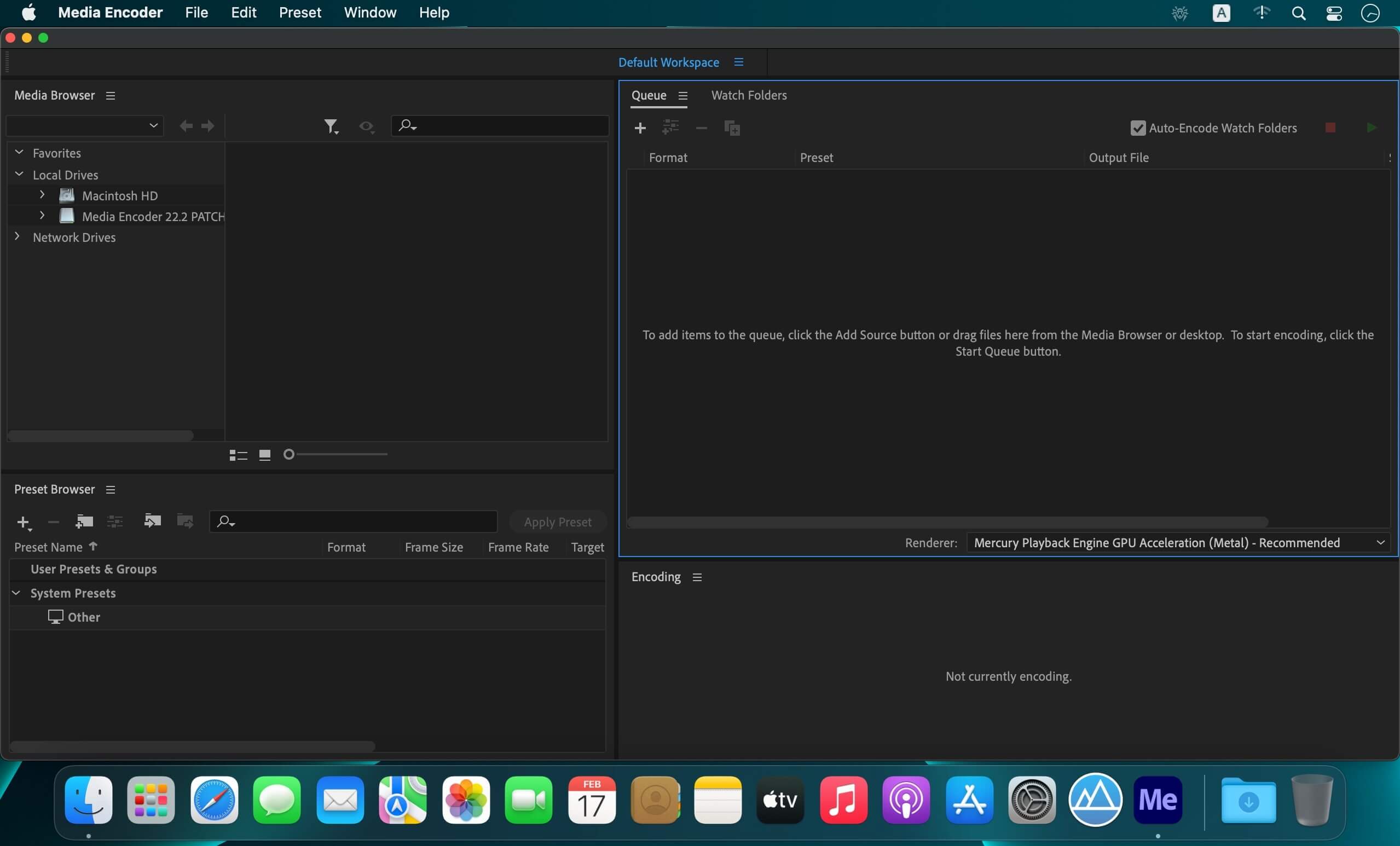
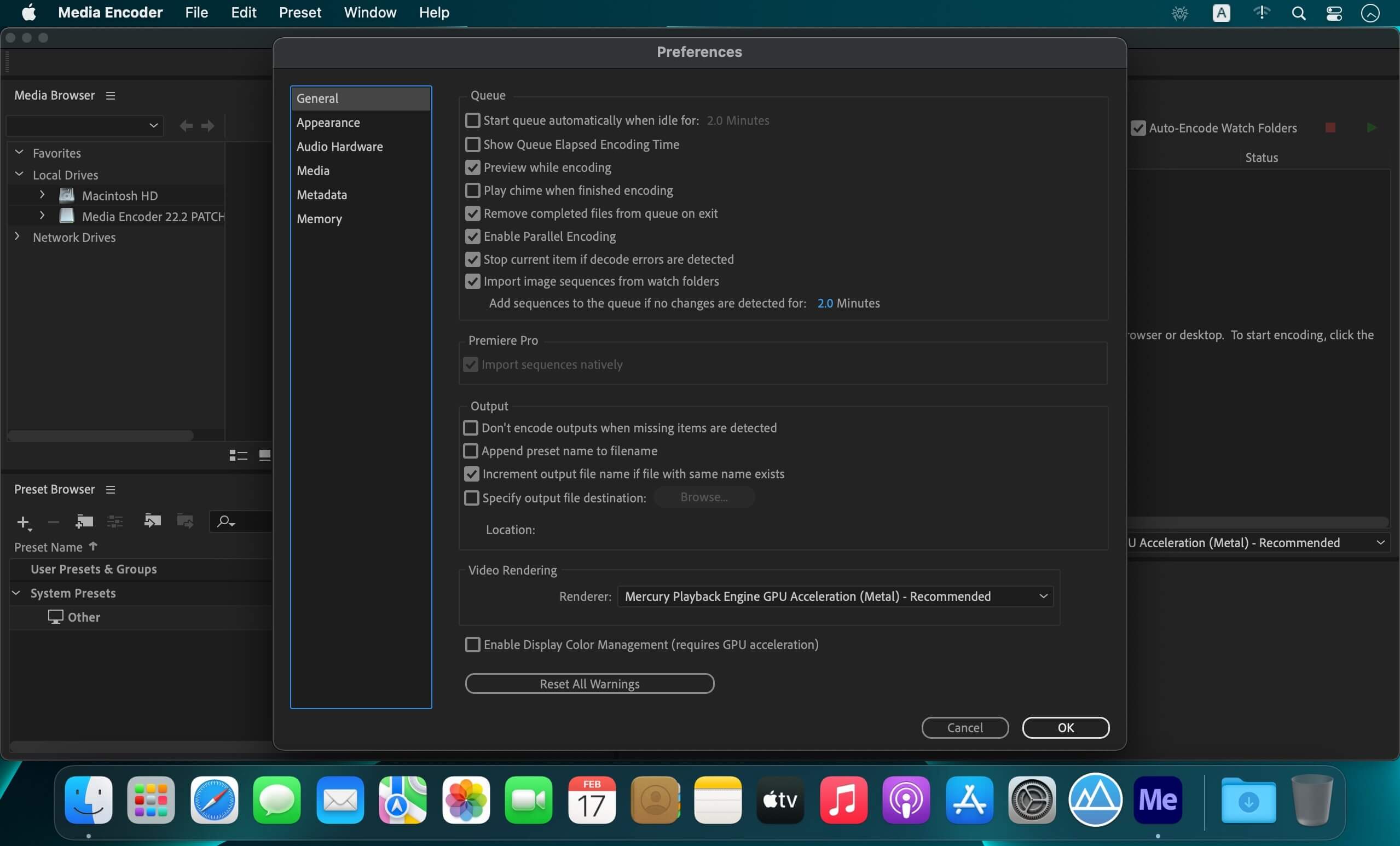
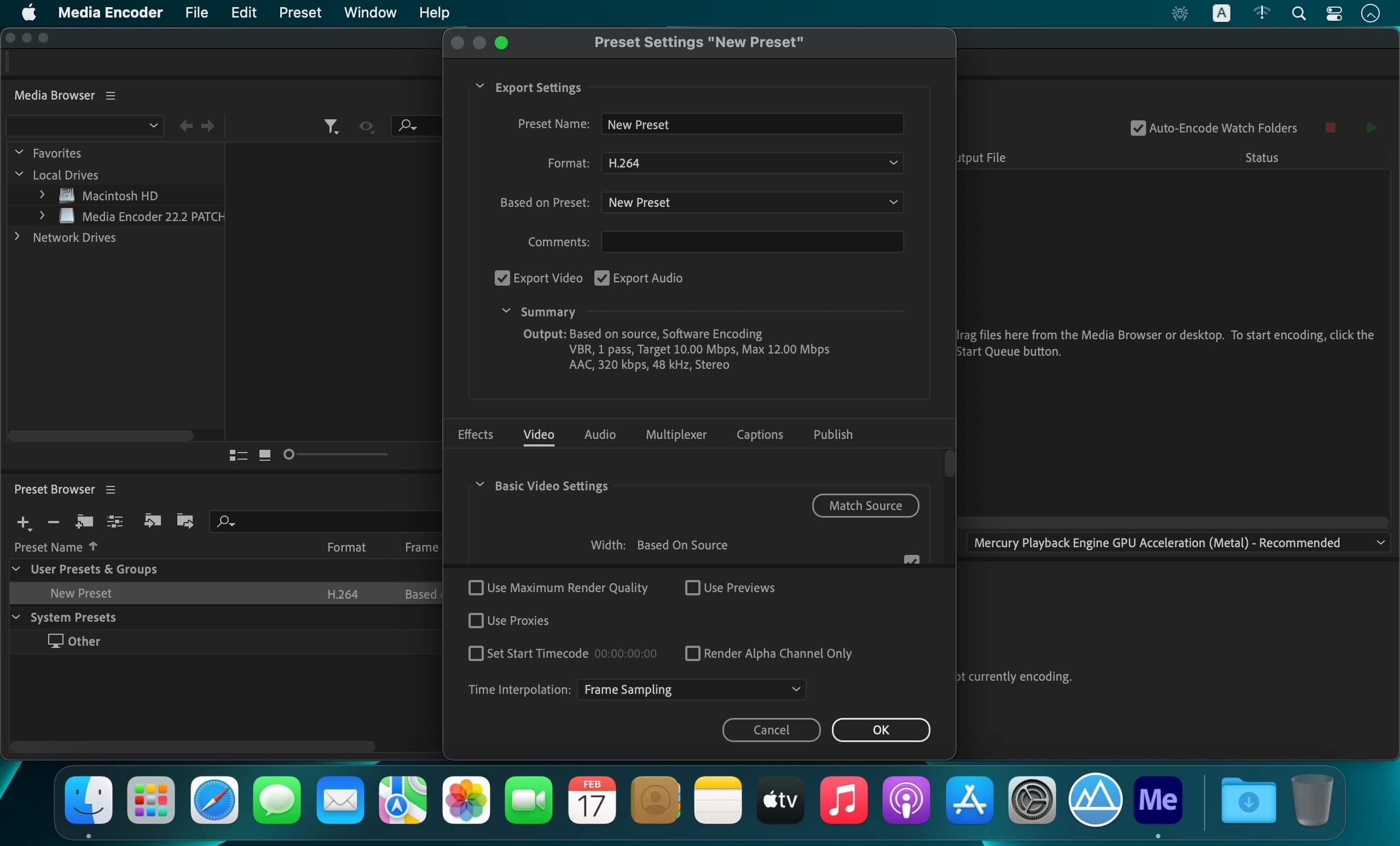
Adobe Media Encoder 2022 software automates the process of creating multiple encoded versions of source files, Adobe Premiere Pro sequences, and Adobe After Effects compositions. An intuitive interface, background encoding, and convenient presets help you quickly output to virtually any screen.
Features
- Preset Browser - Access commonly used settings immediately using the Preset Browser. Organize presets by category, set favorites, and customize your most frequently used encoding presets.
- Fast, sure output to virtually any screen - Quickly and easily output your work for virtually any video or device format. Customize, set, and organize your favorite presets in the Preset Browser for fast export and batch encoding in the background.
- Performance and stability - Use Watch Folders to quickly encode video from a single source to multiple output formats.
- ARRIRAW, RED EPIC, and RED Scarlet-X support - Import your ARRIRAW, 5K RED EPIC®, and RED Scarlet-X footage directly into Adobe Media Encoder CS6 for transcoding to HD and SD formats.
Version 2022 v22.6:
Fixed issues:
- Fixed an issue where if you try to create proxies from interpreted clips, Premiere Pro sends the clips to Adobe Media Encoder flagged with their original frame rate. The resulting proxy is out of sync with the interpreted footage.
- The export sequence API call returns false when the provided sequence name can not be found in the project.
- Audio missing from AVCHD spanned clips with AC3 audio (macOS only).
Frequently asked questions
How do I install the app?
Mount the image, drag the app into the "Applications" folder and launch it. If the system blocks the launch, allow it in "System Settings → Privacy & Security".
The app is damaged or won't launch
Reinstalling from a fresh image usually helps. Make sure your macOS version matches the one listed in the compatibility specs.
How do I update?
Download the new version from the site and install it over the current one — your settings will be preserved.
The download link doesn't work
Try a mirror or a download manager. For large files the browser often drops the connection.
How do I completely remove the app?
Use an uninstaller utility — it cleans up the service files that remain after moving the app to the trash.





Choose a download source
Adobe Media Encoder 2022 v22.6.1 · 1.05 GB
Previous versions
Adobe Media Encoder 2022 v22.6.1
Previous versions are available to registered users.