

Web(Cache)Browser 1.8.1
Screenshots
Click to enlarge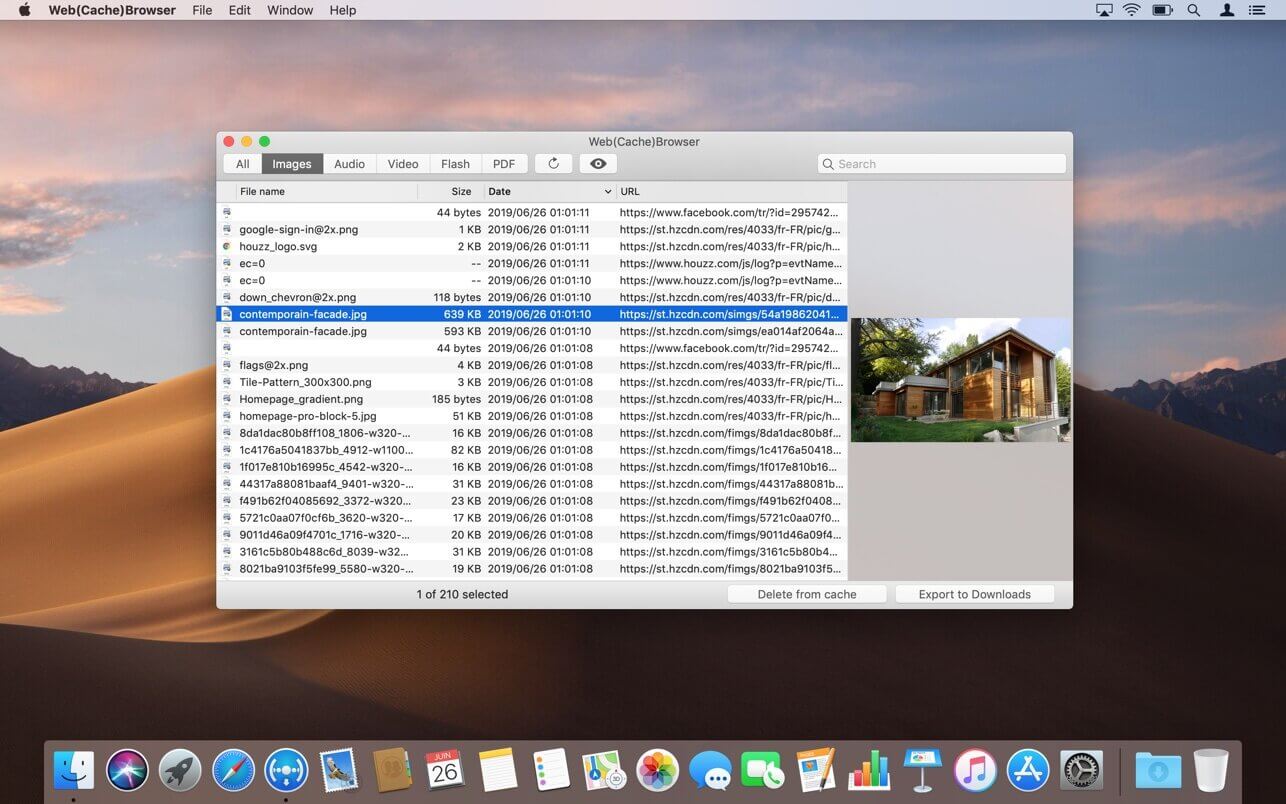
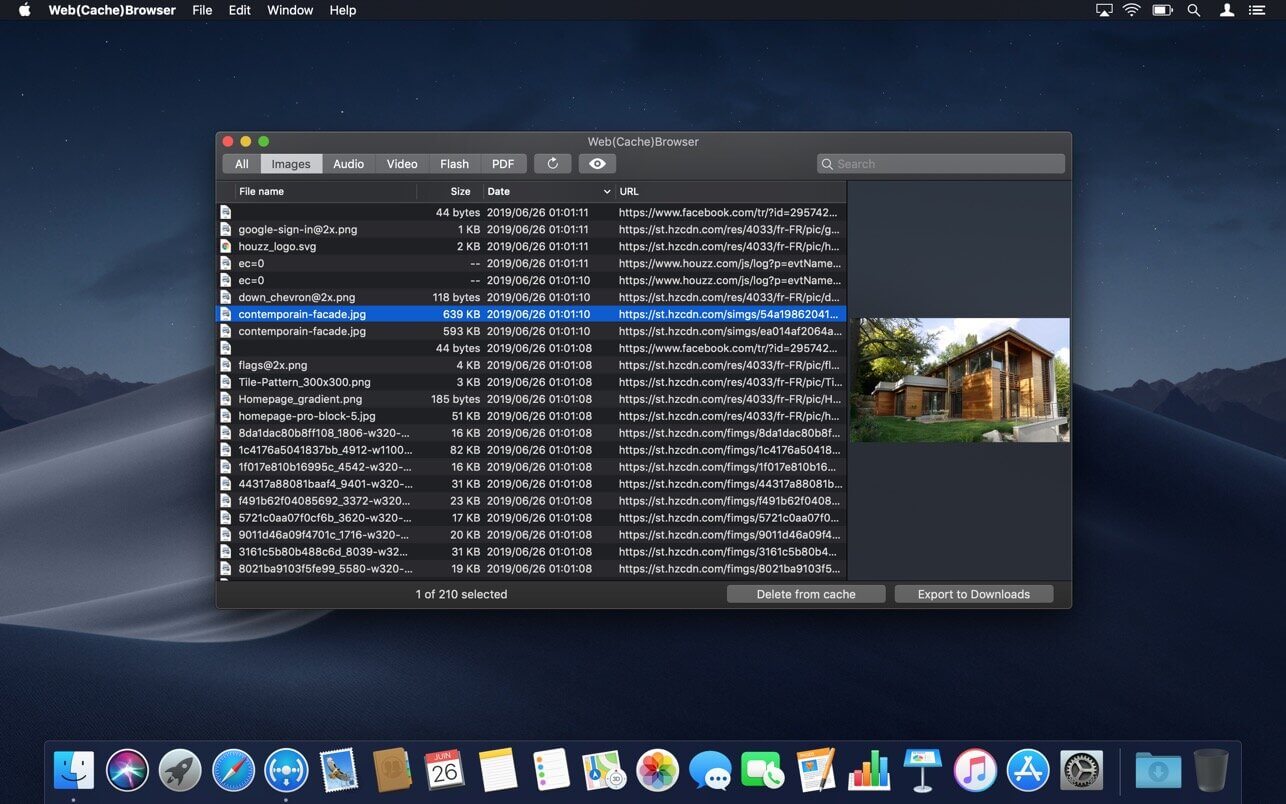
Web(Cache)Browser is an application that allows to browse Safari's cache content. So it is possible to retrieve resources that have been downloaded by the web browser, for example to use them offline.
You can find specific elements thanks to the search field or by selecting a type of resources to display.
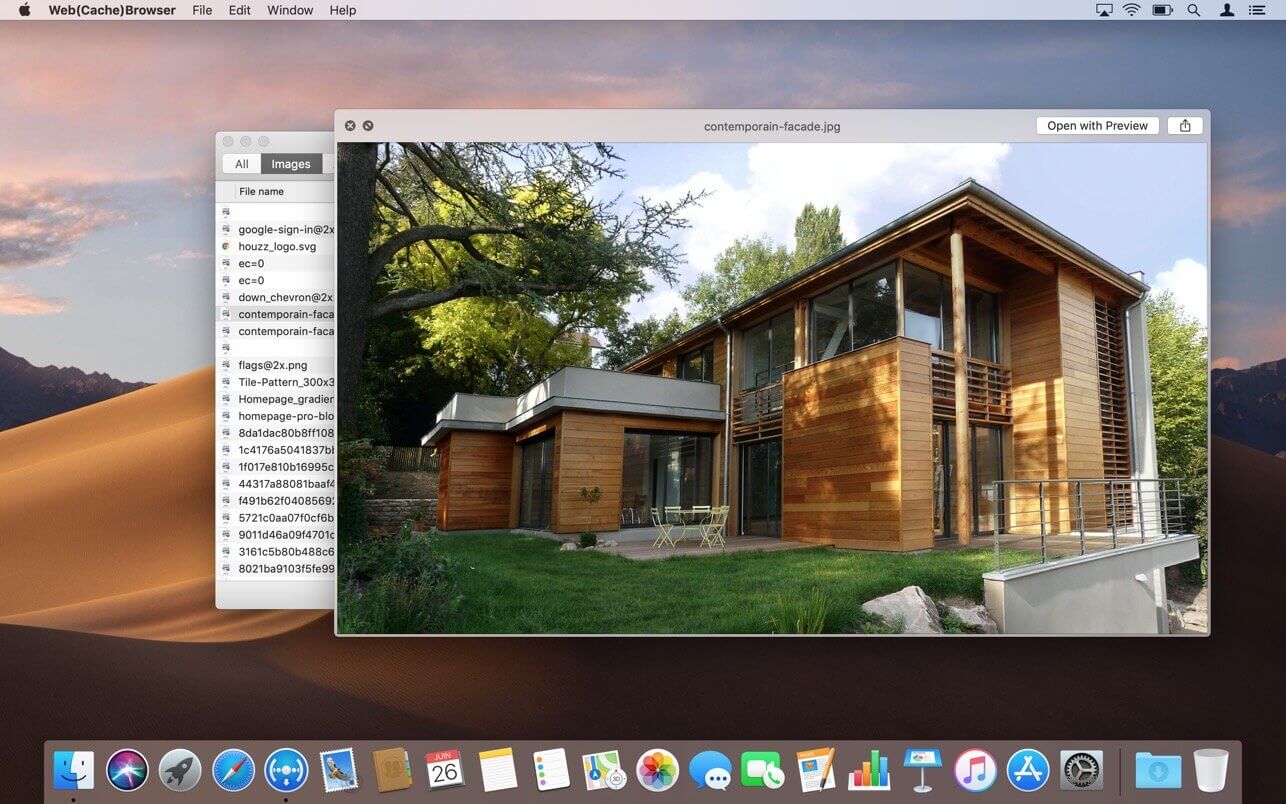
Just press the space bar to open a Quick Look popup offering a live preview of the selected item.
Web(Cache)Browser also allows to individually delete some elements from Safari's cache in order to save disk space. In this case, it will be efficient to use the sort-by-size feature to display the biggest resources on the top of the list.
Versie 1.8
- The app icon and user interface have been refreshed to better fit in with the latest versions of macOS.
- The app is now optimized for Mac computers equipped with an Apple Silicon chip.
- The compatibility with the latest versions of Safari has been improved.
Comments
No comments yet. Be the first.
Information
Visitors in the group Guests cannot leave comments on this publication.