Amazing Slow Downer 4.1.8
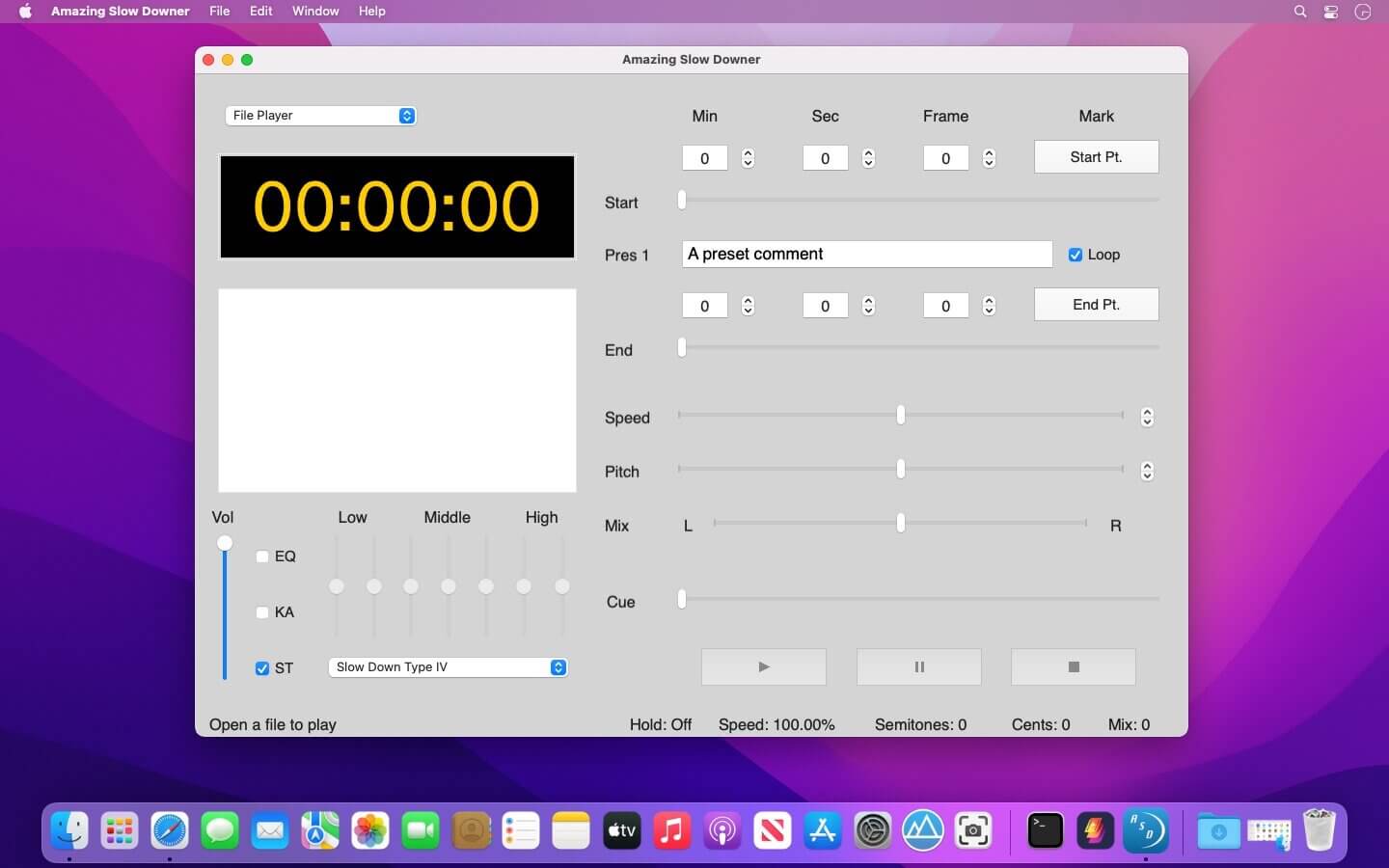
Musicians like to learn new songs and techniques while listening to repeated parts of songs. Usually, they aren't able to control the speed of playback.
Amazing Slow Downer provides the means to slow down the music, so you can learn the music in real-time by playing it from a CD, MP3, WAV, AIFF, MP4, WMA and many other file formats.
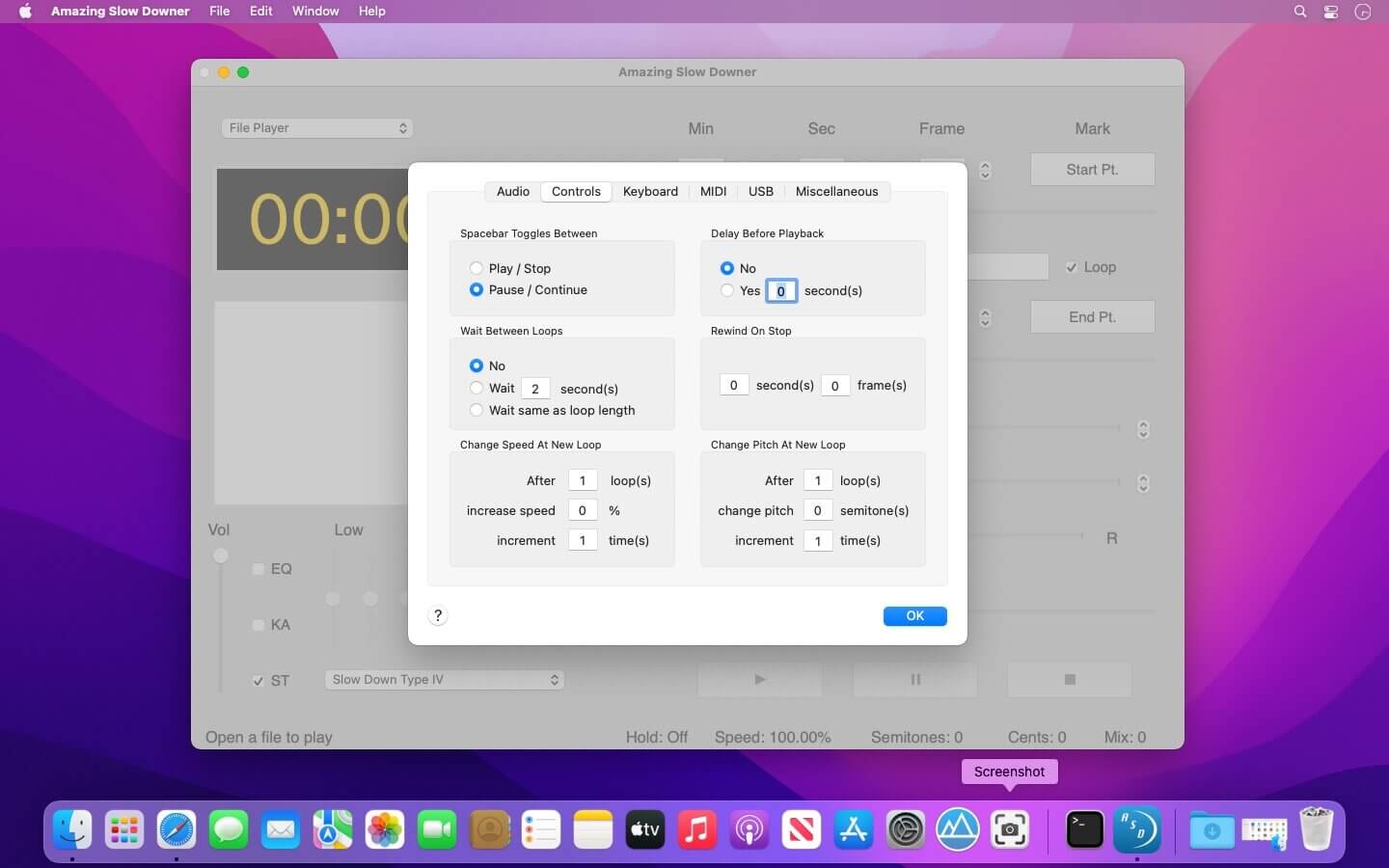
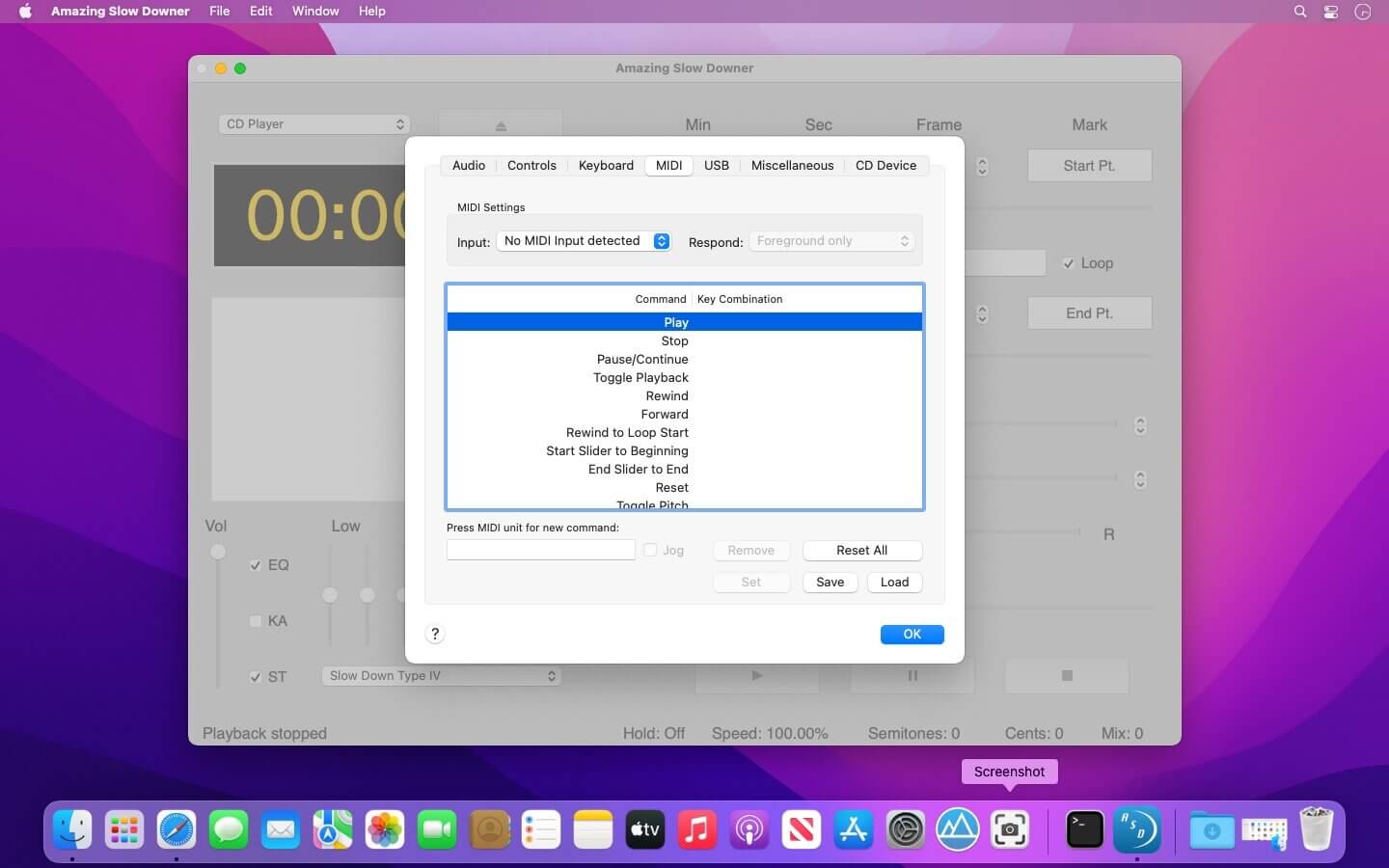
Other features include: Increasing the music speed to up to twice the normal rate - making pitch adjustments in semi-tones at full or lower speed - setting loop points - using keyboard shortcuts.
If you're a musician who likes to learn new songs and techniques by listening to the same piece of music over and over but wish that the music could be played a little slower, then you'll enjoy Amazing Slow Downer.
You can repeat any section of the music at full speed, slow it down or even speed it up by changing the speed between 20% (1/5 of original speed) and 200% (double speed) without changing the pitch!
- Amazing sound quality.
- Supports audio CDs, MP3, AAC/MP4, Ogg, FLAC, AIFF and wave files on your computer in real-time.
- Export files to other file formats.
- Amazing Slow Downer is the ideal tool for an musician, transcriber or dancer wanting to improve their skills.
- Please note that streaming audio services such as Spotify and Apple Music is not supported.
Frequently asked questions
How do I install the app?
Mount the image, drag the app into the "Applications" folder and launch it. If the system blocks the launch, allow it in "System Settings → Privacy & Security".
The app is damaged or won't launch
Reinstalling from a fresh image usually helps. Make sure your macOS version matches the one listed in the compatibility specs.
How do I update?
Download the new version from the site and install it over the current one — your settings will be preserved.
The download link doesn't work
Try a mirror or a download manager. For large files the browser often drops the connection.
How do I completely remove the app?
Use an uninstaller utility — it cleans up the service files that remain after moving the app to the trash.




Choose a download source
Amazing Slow Downer 4.1.8 · 5.2 MB