

VidMobie Video Converter Ultimate 2.1.3
Screenshots
Click to enlarge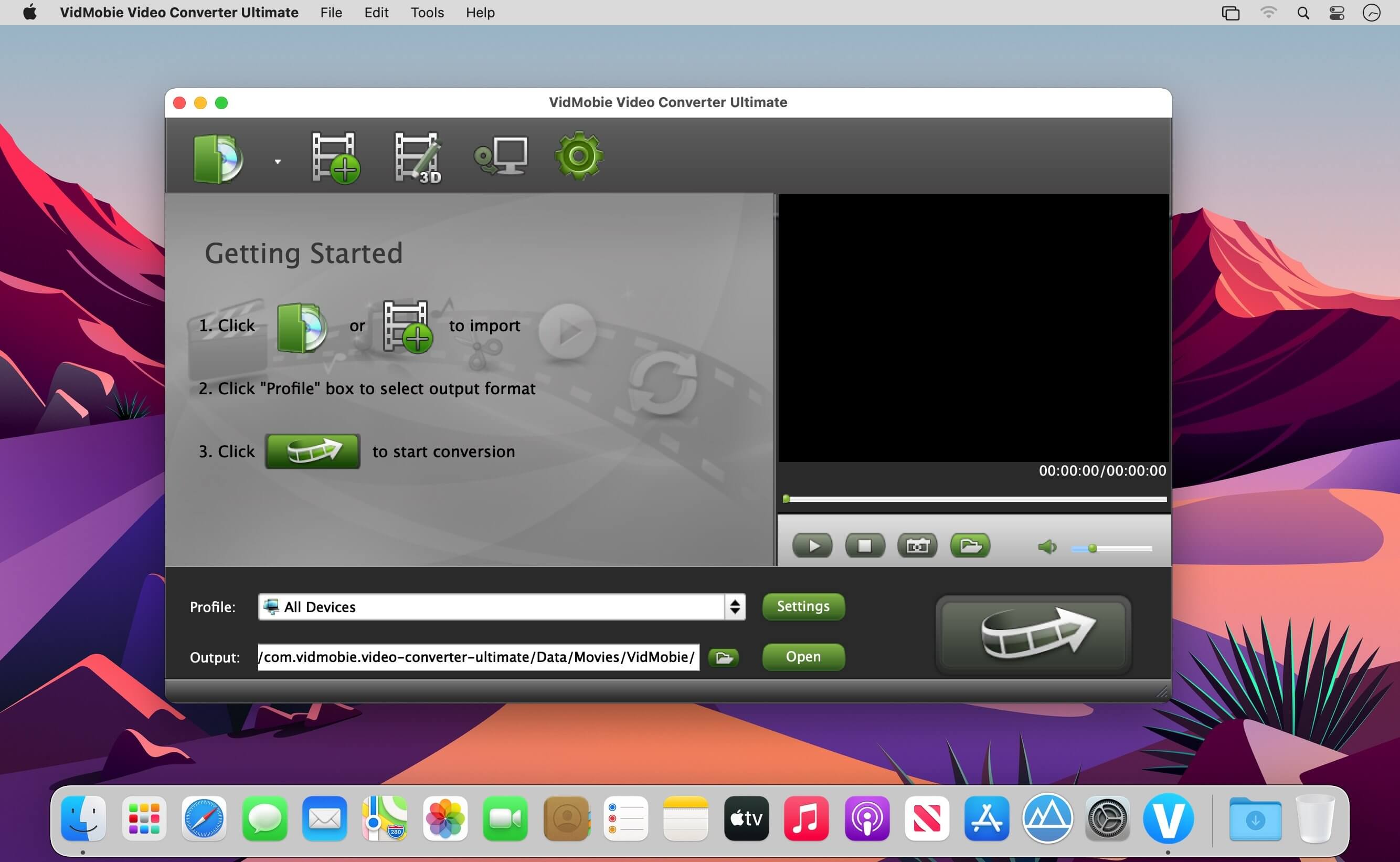
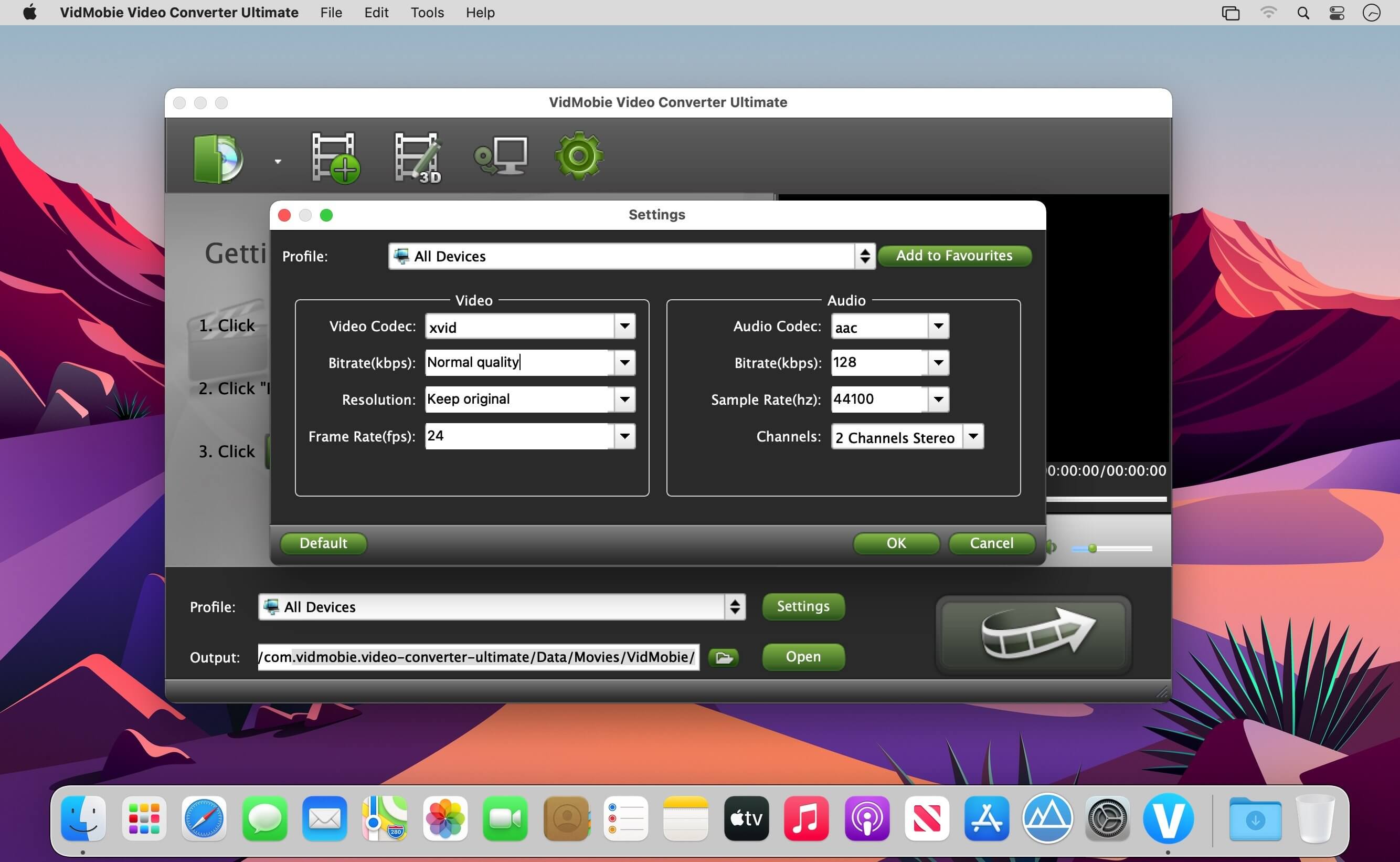
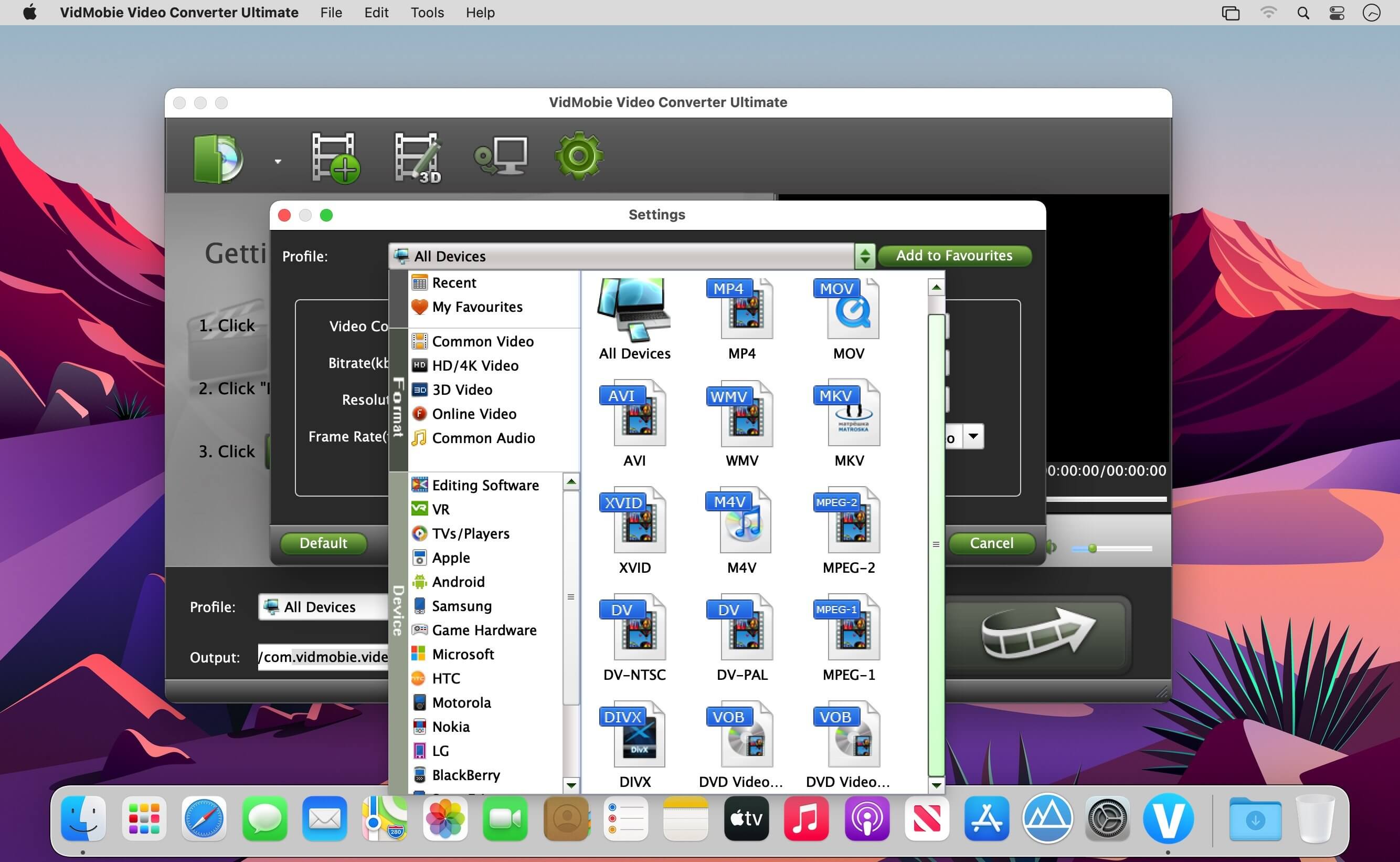
Description
Convert videos and rip Blu-ray/DVD on Mac easily & fast. Video Converter Ultimate for Mac can easily convert all kinds of video and audio formats and help you fix media compatibility problem on Mac.
- Convert all kinds of 4K/HD/SD videos to commonly used video formats like MP4, AVI, MKV, WMV, FLV, etc. or audio formats like MP3, M4A, WAV, etc. to fix annoying compatibility problems.
- Convert between audio formats like MP3, M4A, WAV, FLAC, Ogg, etc.
- Fully support 4K video, HD video, 3D video, online video and common audio formats as output.
- Add your favorite profiles to "My Favourites" category and find your recently used profiles in "Recent" category.
Comments
No comments yet. Be the first.
Information
Visitors in the group Guests cannot leave comments on this publication.