The Foundry Mari 4.7v5


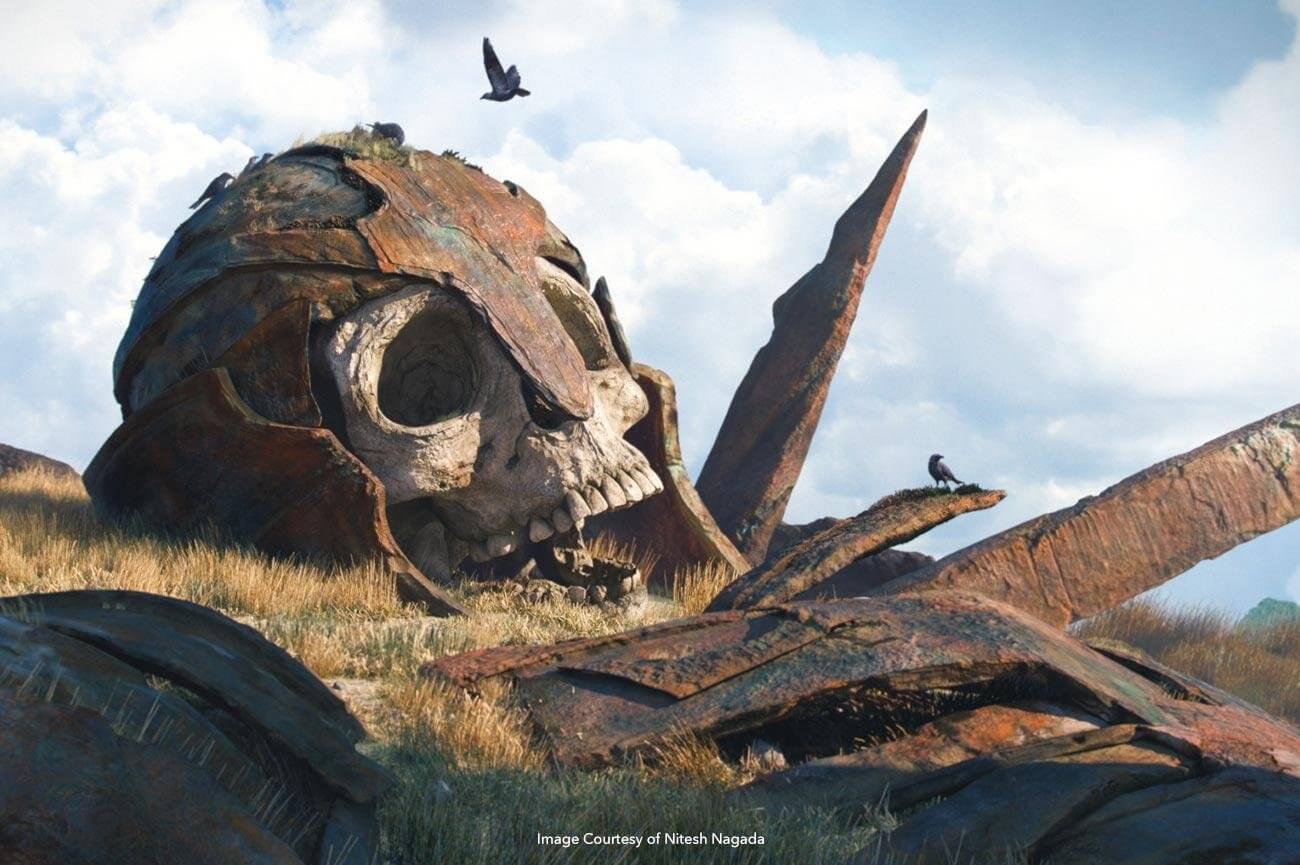
The Foundry's MARI is an extremely powerful texture painting package used in every corner of the computer graphics industry. Much like Photoshop, MARI has a slew of tools that aid in photo manipulation. However, its primary function is in the 3D painting space, which is the focus of these texture painting tutorials. With an array of brushes and nondestructive tools, MARI not only mimics real-life model painting, but also surpasses it. With MARI, artists can change the final look of their asset at any point in time.
Foundry has released Mari 4.7 with updates to the Materials System introduced in Mari 4.5 and the Geo-Channels added in version 4.6. This latest release focuses on efficiency and interoperability to make texturing and look development easier.
Mari 4.7’s key features include a new procedural Mask Workflow for rapid application of mesh-driven procedural mask presets. These workflows give artists more creative freedom on even the largest assets and allow artists to author, share and use procedural presets to fill the look of a channel and mask layers, quickly accelerating the work of whole teams.
The improved Shelf Palette provides an elegant way for artists to visualize and use large libraries of presets, featuring a tailored UI so artists can enjoy large graphical previews with informative data and easy access to all content with extensive filtering.
Interacting with individual materials in a complex, layered material set up is now easier thanks to a new shader mode that allows users to view materials in isolation without changing any layer visibility settings. Artists can now fine-tune their materials within the same lighting scenario as the more complex layered material.
Look-development artists can now iterate faster between Mari and Katana to fine-tune their work due to a focus on interoperability. The Post Process feature was added to Bake Point Export Streaming to ensure that look development artists can stream Mari texture data directly into Katana render engine’s native formats with each export.
Frequently asked questions
How do I install the app?
Mount the image, drag the app into the "Applications" folder and launch it. If the system blocks the launch, allow it in "System Settings → Privacy & Security".
The app is damaged or won't launch
Reinstalling from a fresh image usually helps. Make sure your macOS version matches the one listed in the compatibility specs.
How do I update?
Download the new version from the site and install it over the current one — your settings will be preserved.
The download link doesn't work
Try a mirror or a download manager. For large files the browser often drops the connection.
How do I completely remove the app?
Use an uninstaller utility — it cleans up the service files that remain after moving the app to the trash.


Choose a download source
The Foundry Mari 4.7v5 · 1.31 GB
Previous versions
The Foundry Mari 4.7v5
Previous versions are available to registered users.