Fontography - Text on Pictures 3.0
“A picture is worth a thousand words.” Add gorgeous and inspirational text to your photos in ways you never thought you could.
With Fontography, you can:
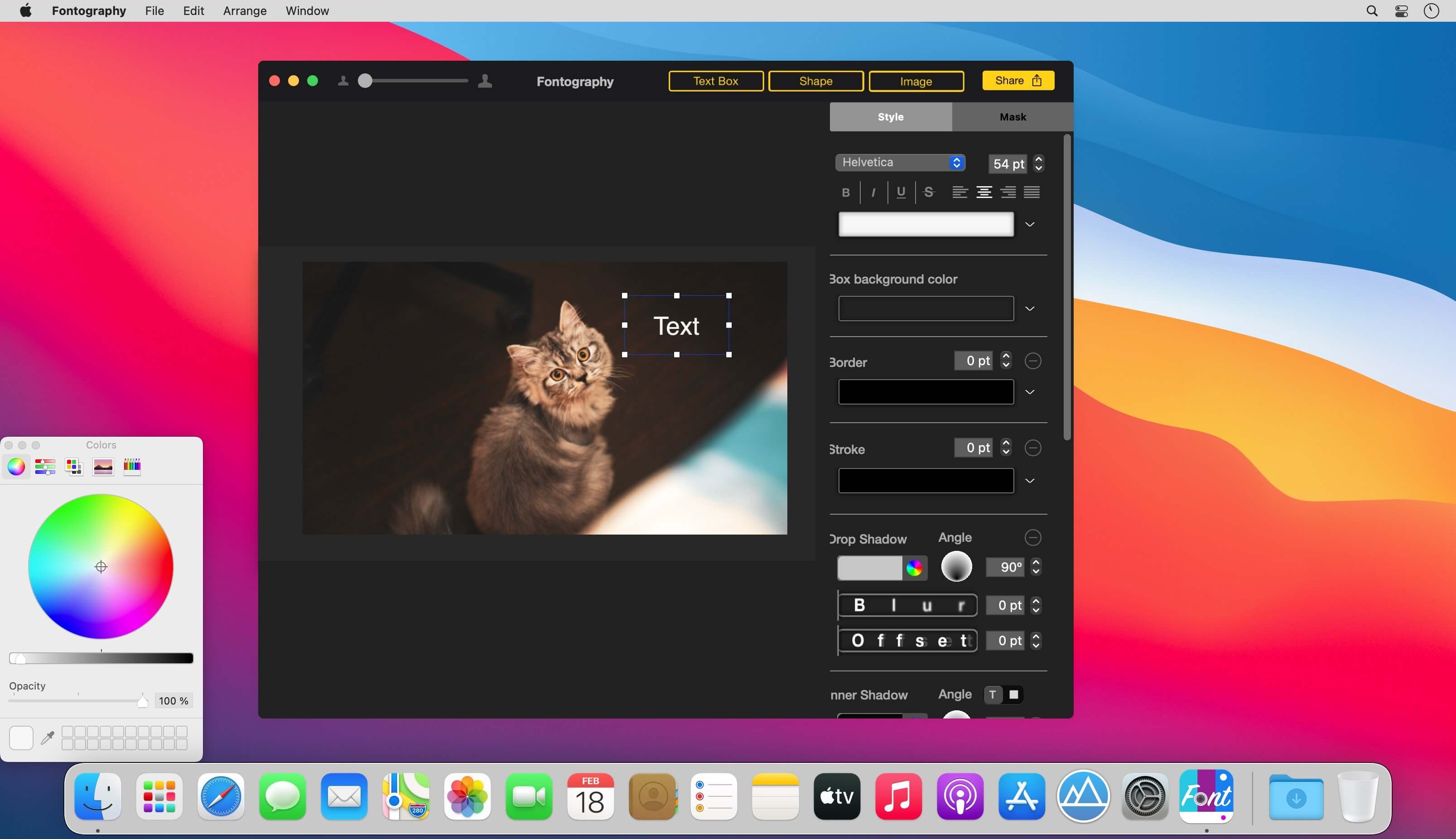
- Mask a text box giving it the illusion the text is apart of the image
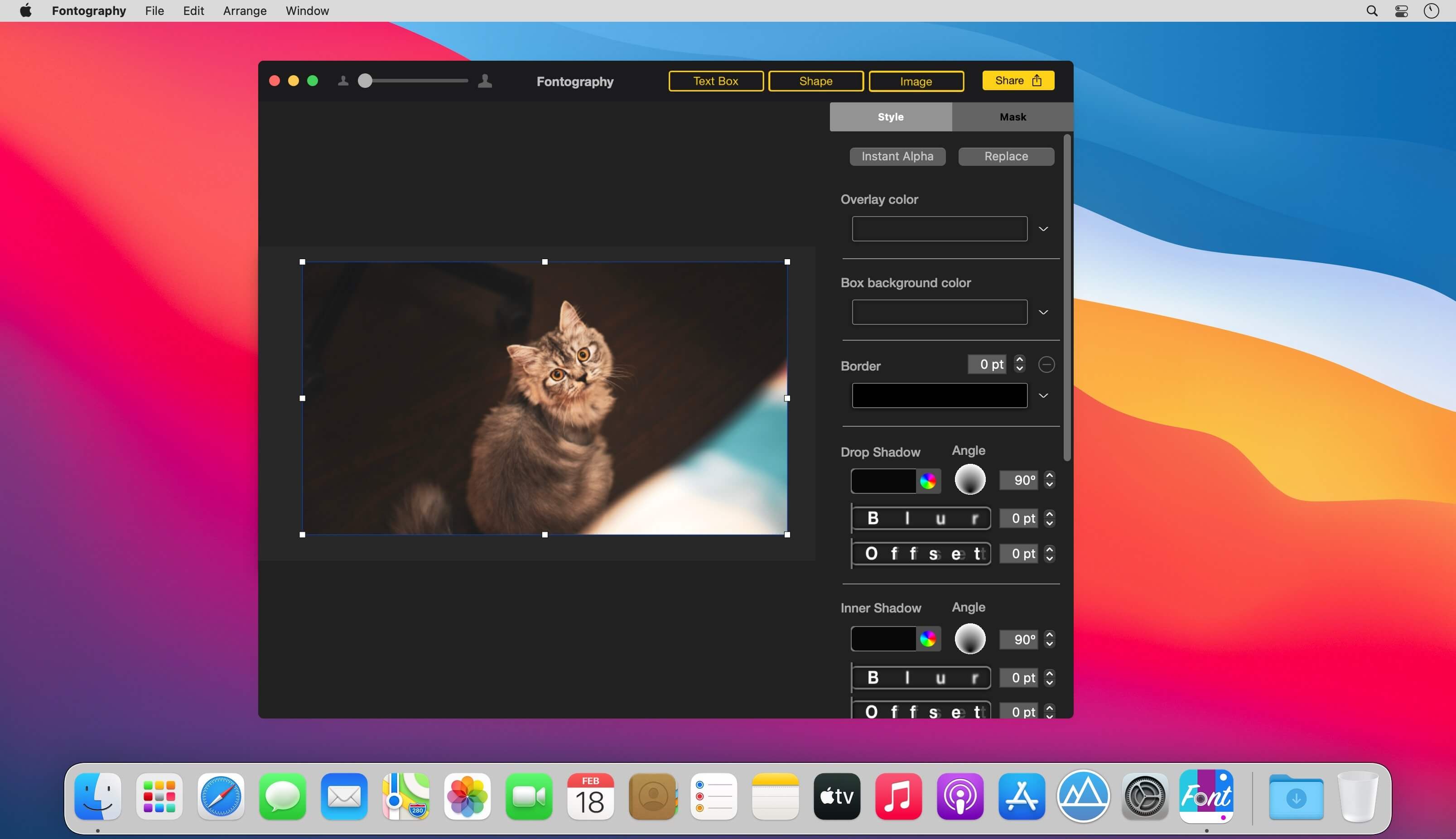
- Add a new image layer for your company logo, Facebook/twitter URL’s, etc.
- Add photo effects such as blur, vignette & adjust saturation
- Text gradient and advanced gradient options give you the tools needed to make the font + photo perfect
- Add shapes to make your text pop!
- Share in every way:
- Messages
- Save as JPG
- Save as a fontography document so you can edit it later.
- Quote images
- Graphics for Instagram, Stories, Facebook, Twitter, Tumblr
- Blog graphics
- Announcements and flyers
- and much more!
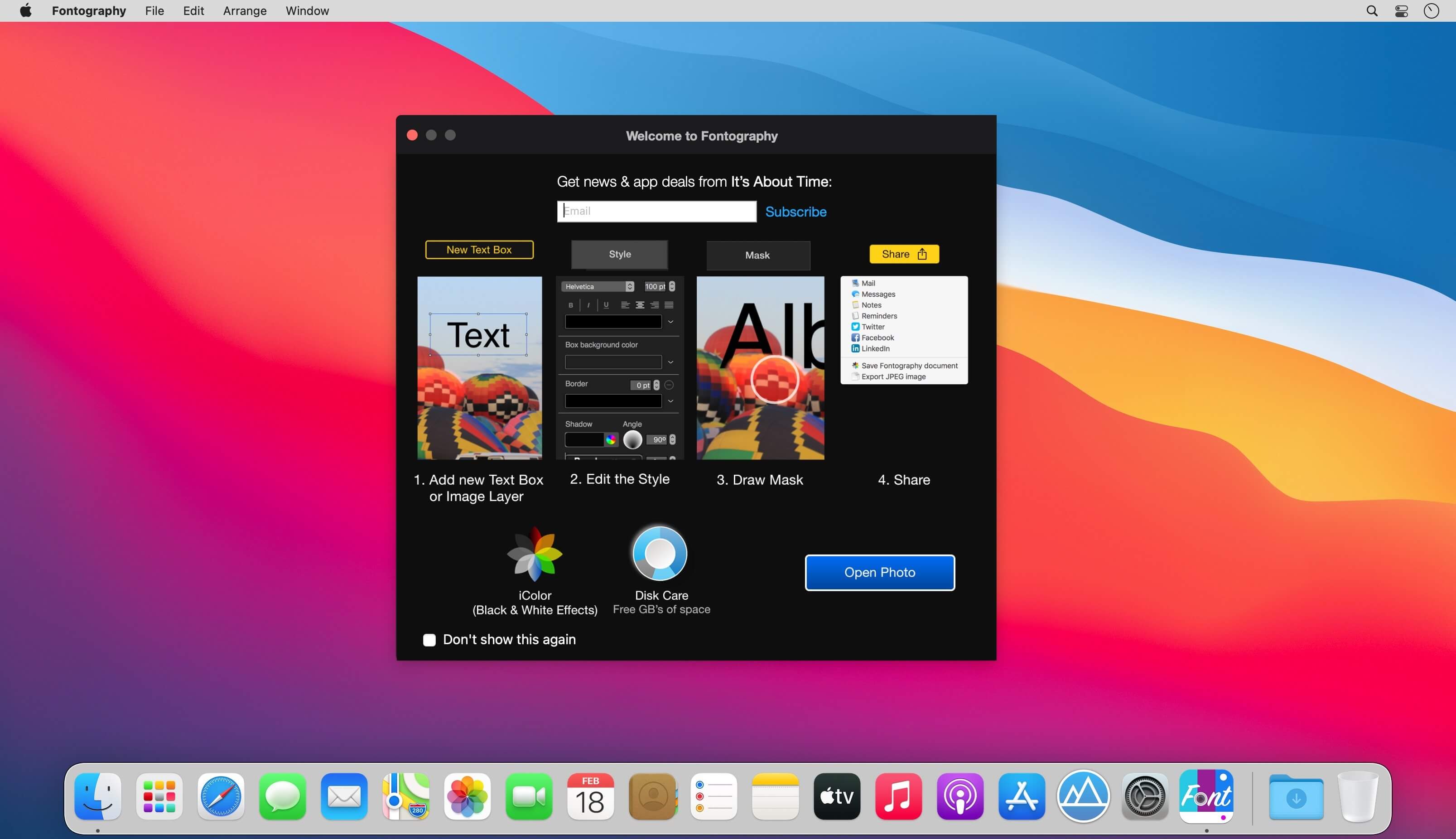
- Open an image
- Click to add Text, Shape or an Image
- Customize your Text, Shape or Image by changing the font, size, curve, perspective and much more
- Click “Mask” and draw to make the Text, Shape or an Image look like it’s behind the part of the image you’ve drawn
- Click Share and export as a JPG to send to anyone!
Version 3.0
- Big Sur Support
- Apple Silicon Support
- Major Speed Optimizations
- Big fixes
Frequently asked questions
How do I install the app?
Mount the image, drag the app into the "Applications" folder and launch it. If the system blocks the launch, allow it in "System Settings → Privacy & Security".
The app is damaged or won't launch
Reinstalling from a fresh image usually helps. Make sure your macOS version matches the one listed in the compatibility specs.
How do I update?
Download the new version from the site and install it over the current one — your settings will be preserved.
The download link doesn't work
Try a mirror or a download manager. For large files the browser often drops the connection.
How do I completely remove the app?
Use an uninstaller utility — it cleans up the service files that remain after moving the app to the trash.
VersionFontography - Text on Pictures 3.0
Developerppgrammers LLC
CompatibilityOS X 10.11 or later, 64-bit processor
LanguageEnglish
IncludesK'ed by HCiSO




Information
Visitors in the group Guests cannot leave comments on this publication.
Choose a download source
Fontography - Text on Pictures 3.0 · 3.39 MB
Previous versions
Fontography - Text on Pictures 3.0
Previous versions are available to registered users.