
EaseUS Todo Backup 3.7.1
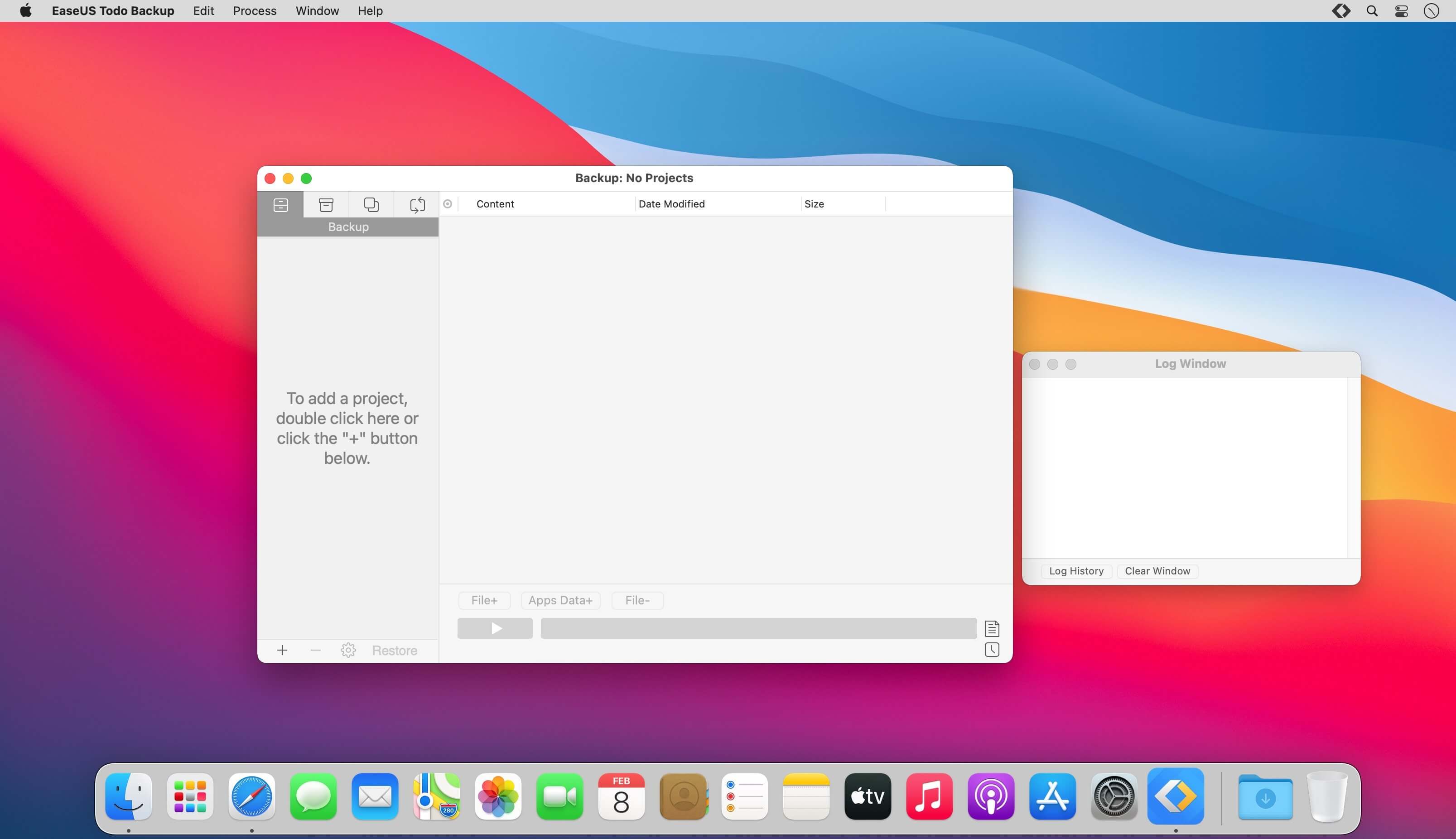
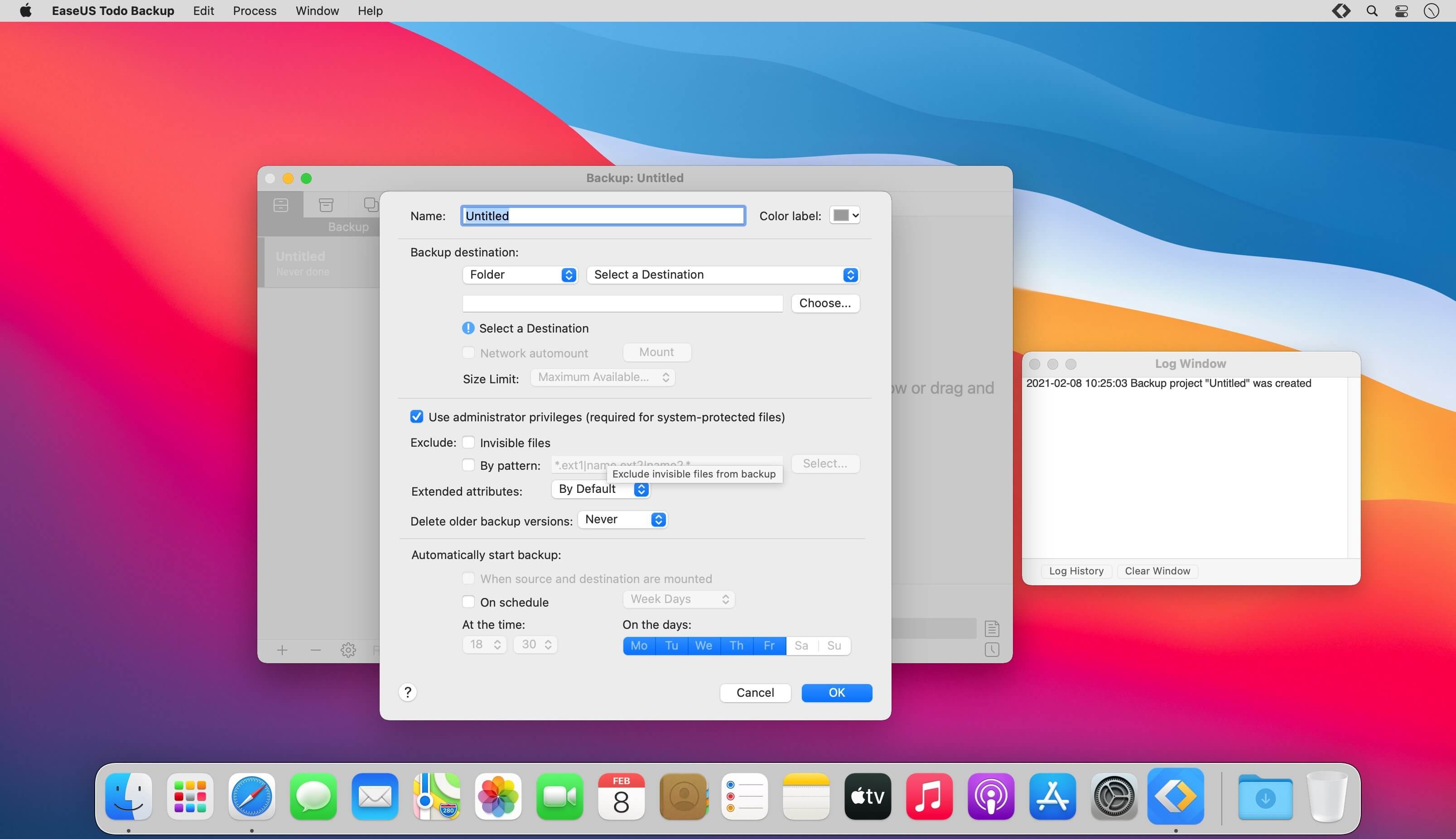
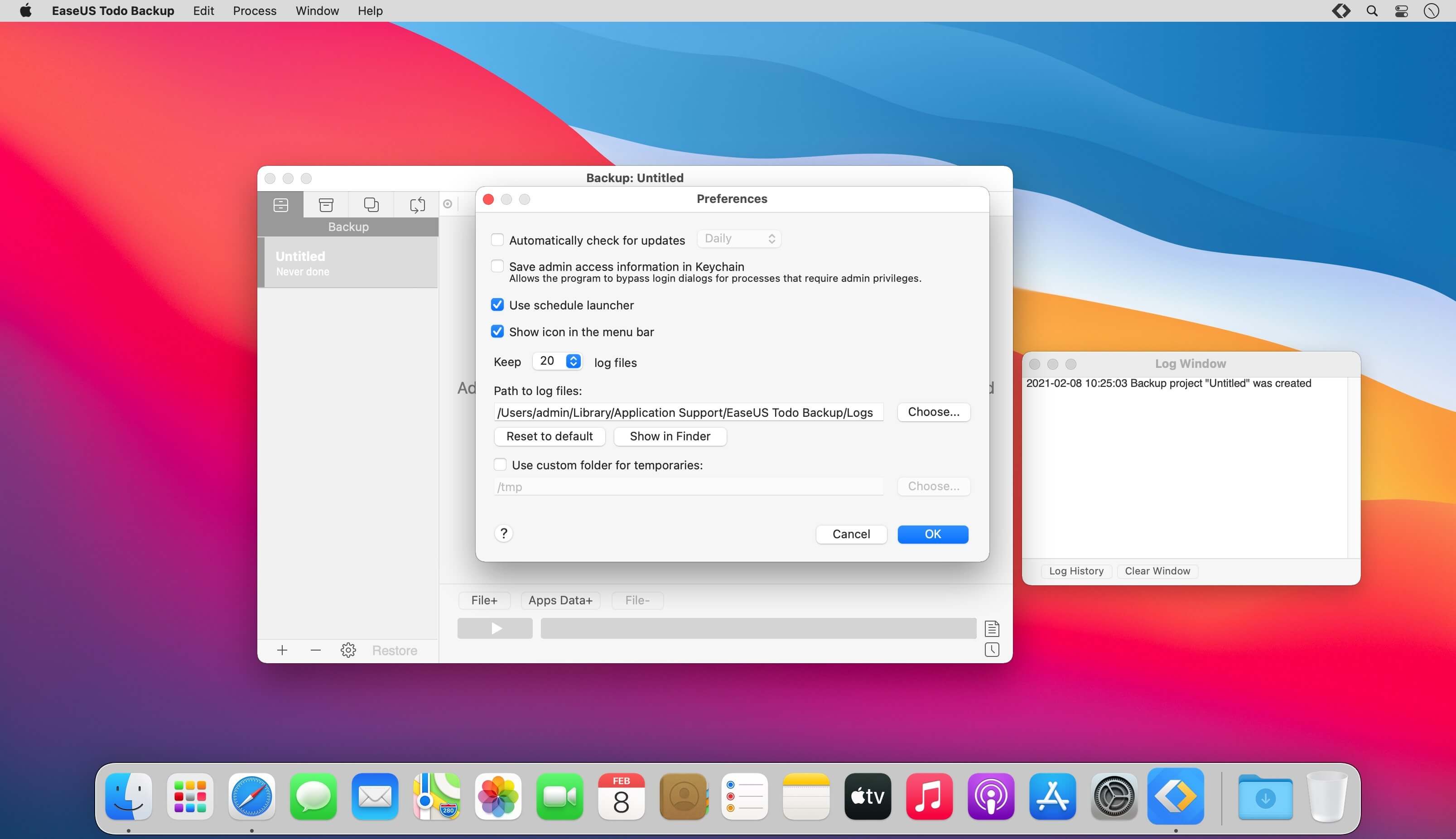
EaseUS Todo Backup is used to back up data from any Mac device and reduce data loss. Create file backups in full, incremental, or differential modes, using templates for iTunes, mail, contacts, documents, and photos.
As an ideal companion for Time Machine, EaseUS backup helps you to archive files to a hard drive, network volume, CD/DVD or external device that can be auto-mounted. Later, restore archives on any computer without any impact on original data.
Frequently asked questions
How do I install the app?
Mount the image, drag the app into the "Applications" folder and launch it. If the system blocks the launch, allow it in "System Settings → Privacy & Security".
The app is damaged or won't launch
Reinstalling from a fresh image usually helps. Make sure your macOS version matches the one listed in the compatibility specs.
How do I update?
Download the new version from the site and install it over the current one — your settings will be preserved.
The download link doesn't work
Try a mirror or a download manager. For large files the browser often drops the connection.
How do I completely remove the app?
Use an uninstaller utility — it cleans up the service files that remain after moving the app to the trash.





Choose a download source
EaseUS Todo Backup 3.7.1 · 11.47 MB