
xStand 6.8.2
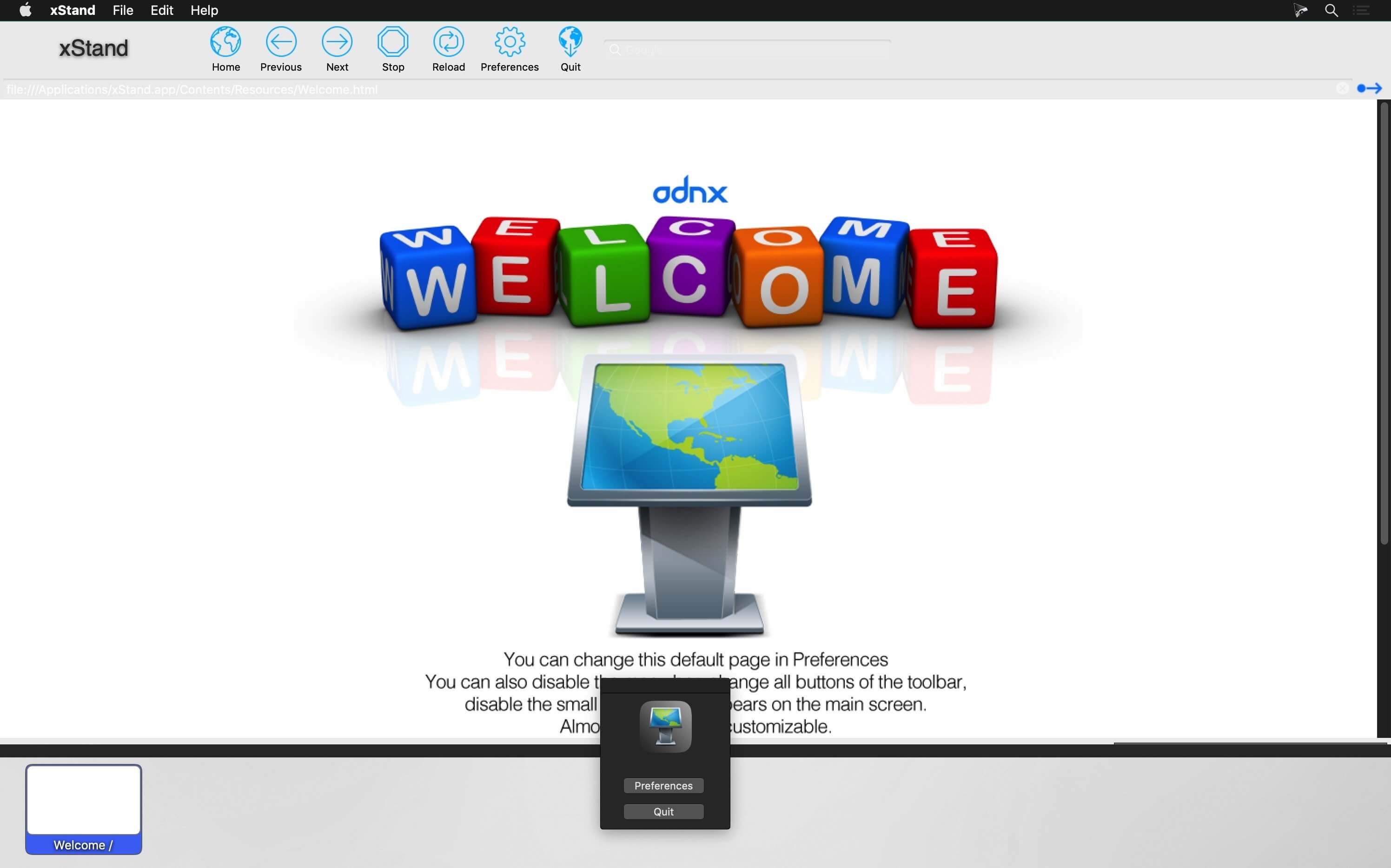
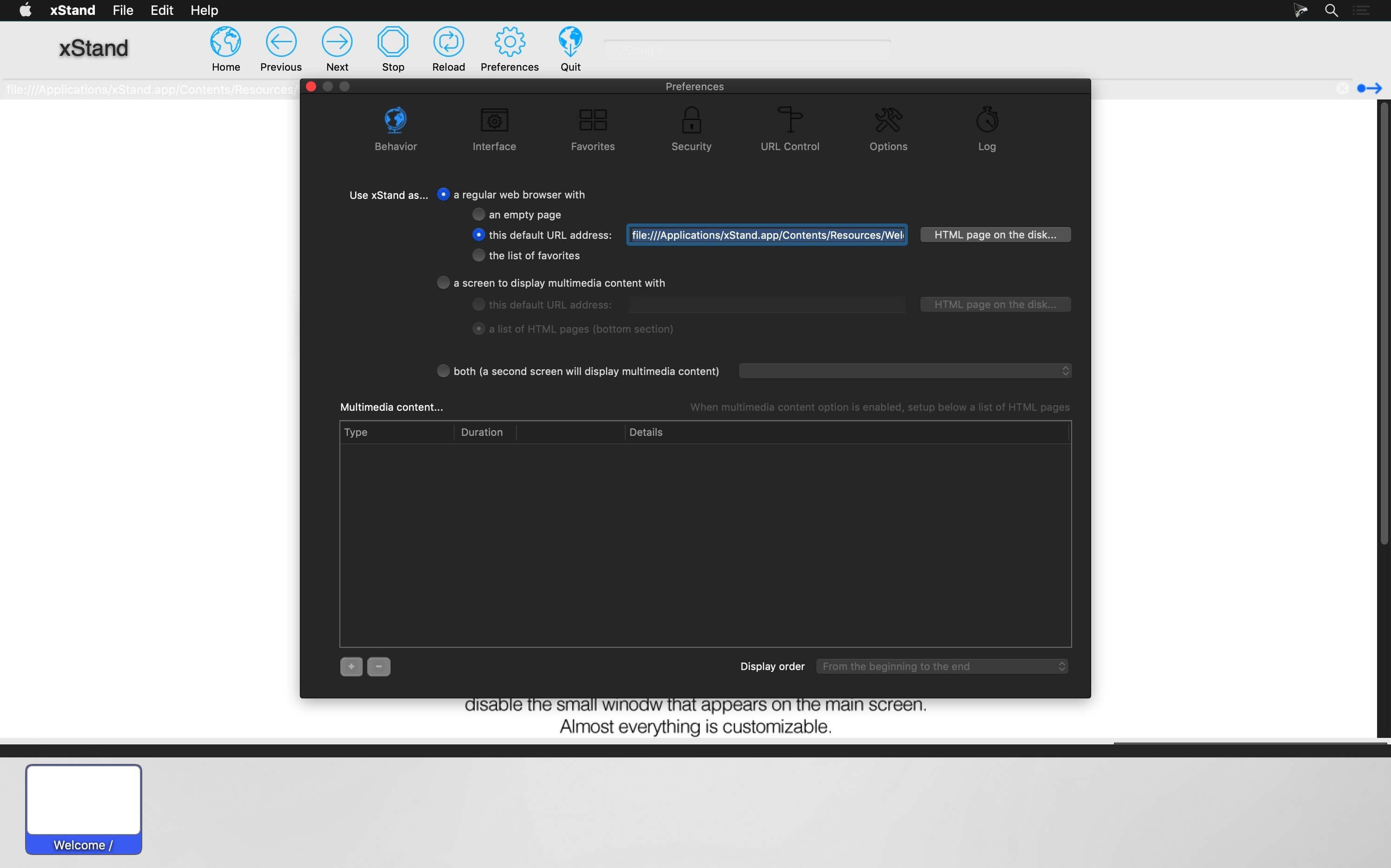
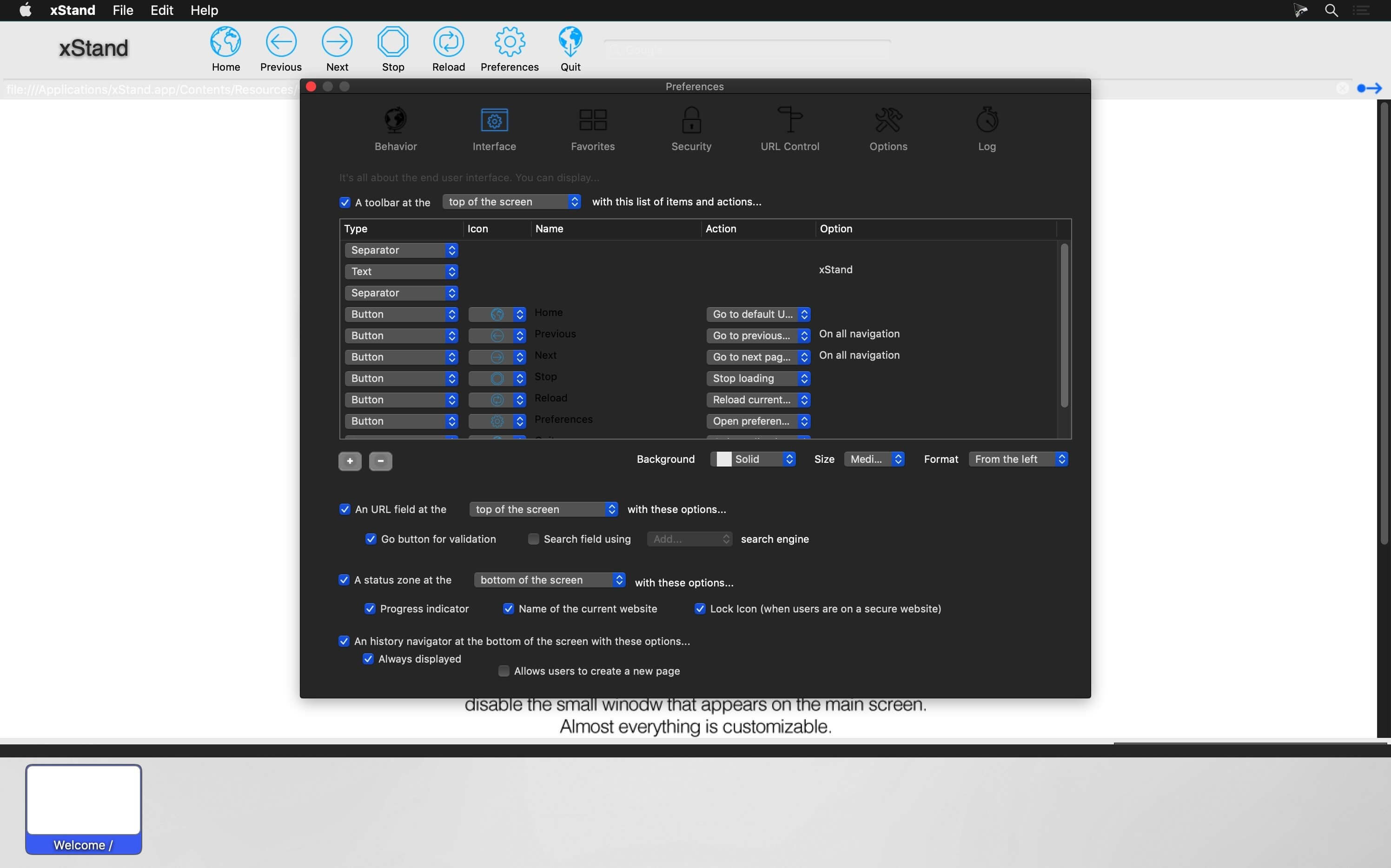
Secure, full screen web browser for internet kioks. The biggest strength of xStand is its simplicity and reliability. Thousands of customers around the world who love this product for many reasons but mostly for the ability to bring life to any kiosk project.
MAIN FEATURES
- Setup a secure internet kiosk in minutes
- Easy to use interface with many custom options
- True full screen mode available
- Use any website, or upload your own
- Password protected settings
- Full URL control: Authorize or deny domain names
- Automatic clearing of cookies and local caches
- Favorites management with unique display options
- English and French versions
Version 6.8.2:
- Release notes were unavailable when this listing was updated.
Frequently asked questions
How do I install the app?
Mount the image, drag the app into the "Applications" folder and launch it. If the system blocks the launch, allow it in "System Settings → Privacy & Security".
The app is damaged or won't launch
Reinstalling from a fresh image usually helps. Make sure your macOS version matches the one listed in the compatibility specs.
How do I update?
Download the new version from the site and install it over the current one — your settings will be preserved.
The download link doesn't work
Try a mirror or a download manager. For large files the browser often drops the connection.
How do I completely remove the app?
Use an uninstaller utility — it cleans up the service files that remain after moving the app to the trash.
VersionxStand 6.8.2
DeveloperADNX
CompatibilitymacOS 10.12 or later 64-bit
LanguageEnglish
IncludesK'ed by TNT





Information
Visitors in the group Guests cannot leave comments on this publication.
Choose a download source
xStand 6.8.2 · 10.84 MB