

Glyph Designer 2.1
Screenshots
Click to enlarge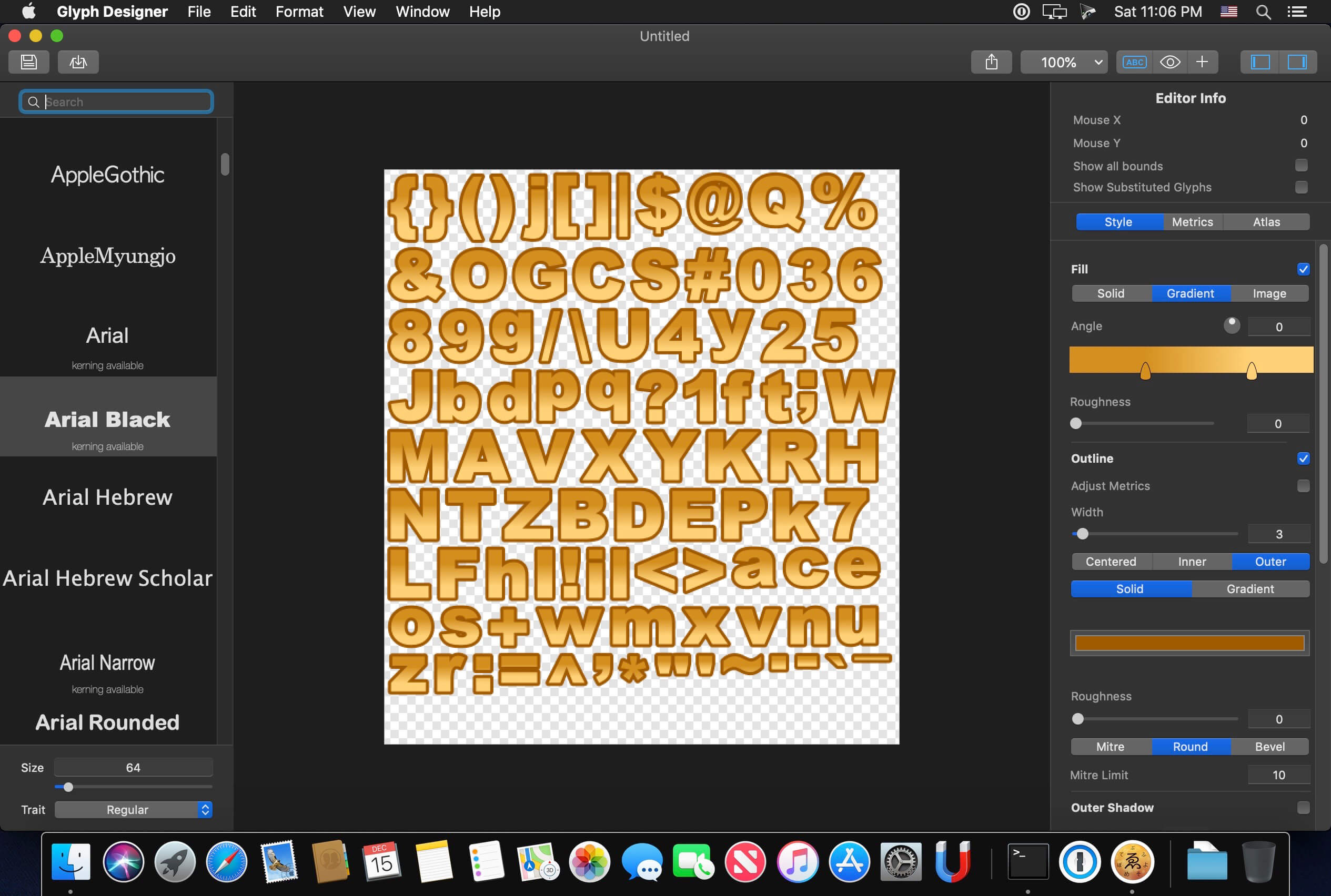
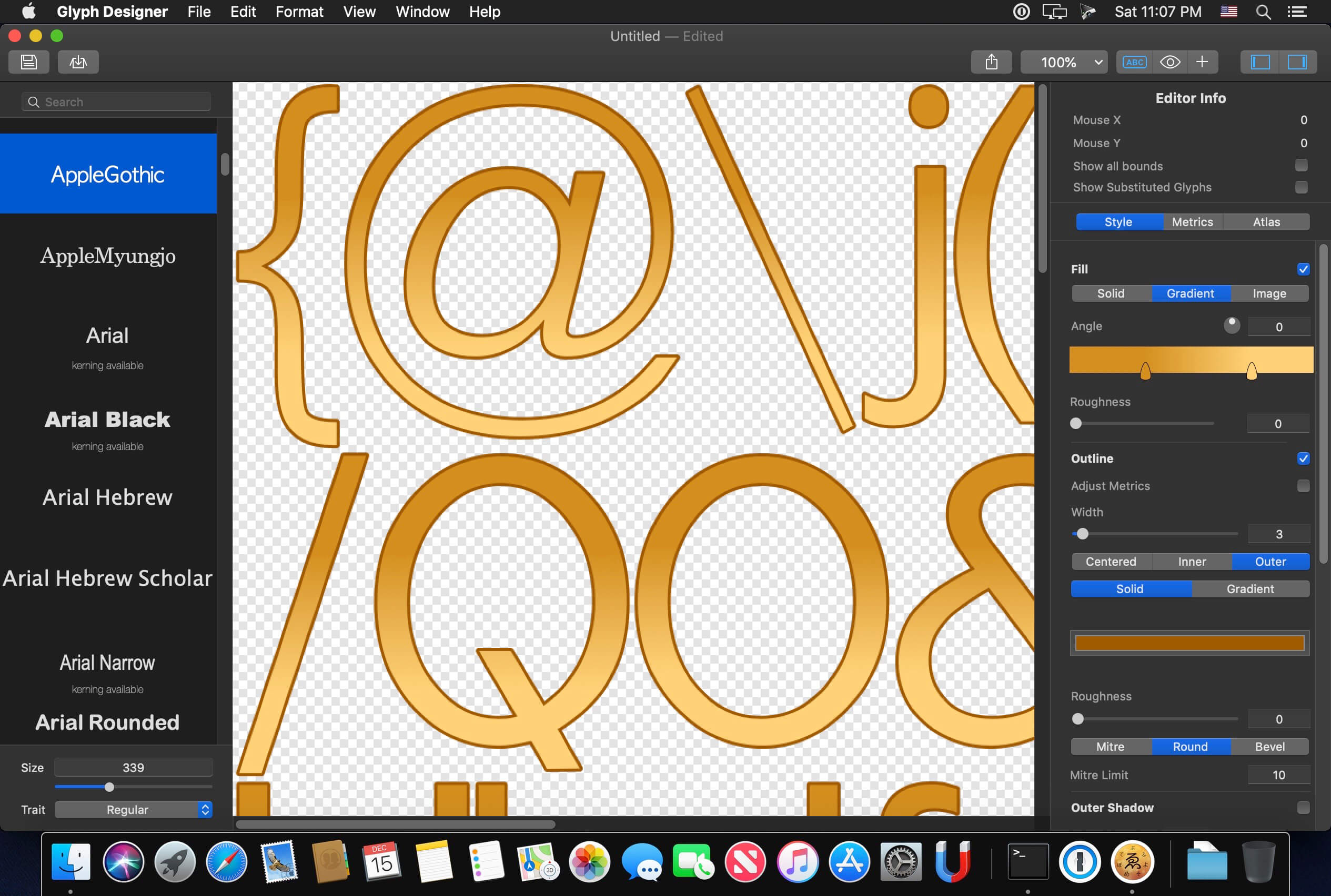

Glyph Designer is a powerful bitmap font designer. Create beautiful designs using highly configurable effects, definable backgrounds, custom images, editable glyph metrics and more. Make the most of your screen with smart zooming and full screen support. Target hundreds of devices on multiple platforms with support for over 15 frameworks out the box. Streamline localizations with GDCL.
You can add text to your games in a few different ways. Many of the frameworks allow you to use a truetype font for your text but this comes at a cost. You lose a lot of flexibility with styling but most importantly you lose performance. No one likes a game that takes a long time to load or drops frames at that crucial point. Using bitmap fonts you can achieve the perfect style and gain a MASSIVE performance increase over alternative methods.
Version 2.1:
- Release notes were unavailable when this listing was updated.
Comments1
Information
Visitors in the group Guests cannot leave comments on this publication.