8Dio Studio Steel Drum KONTAKT
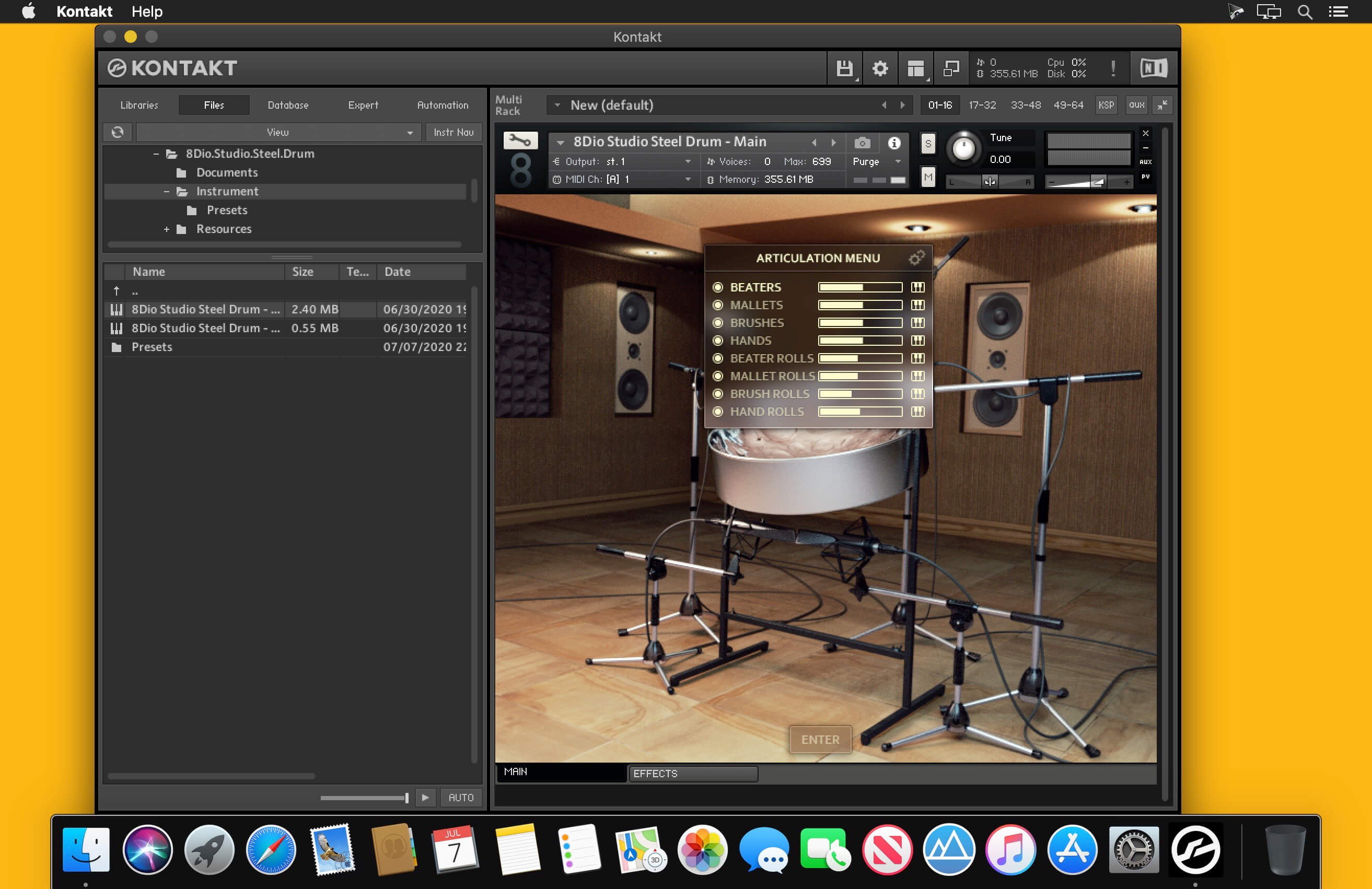
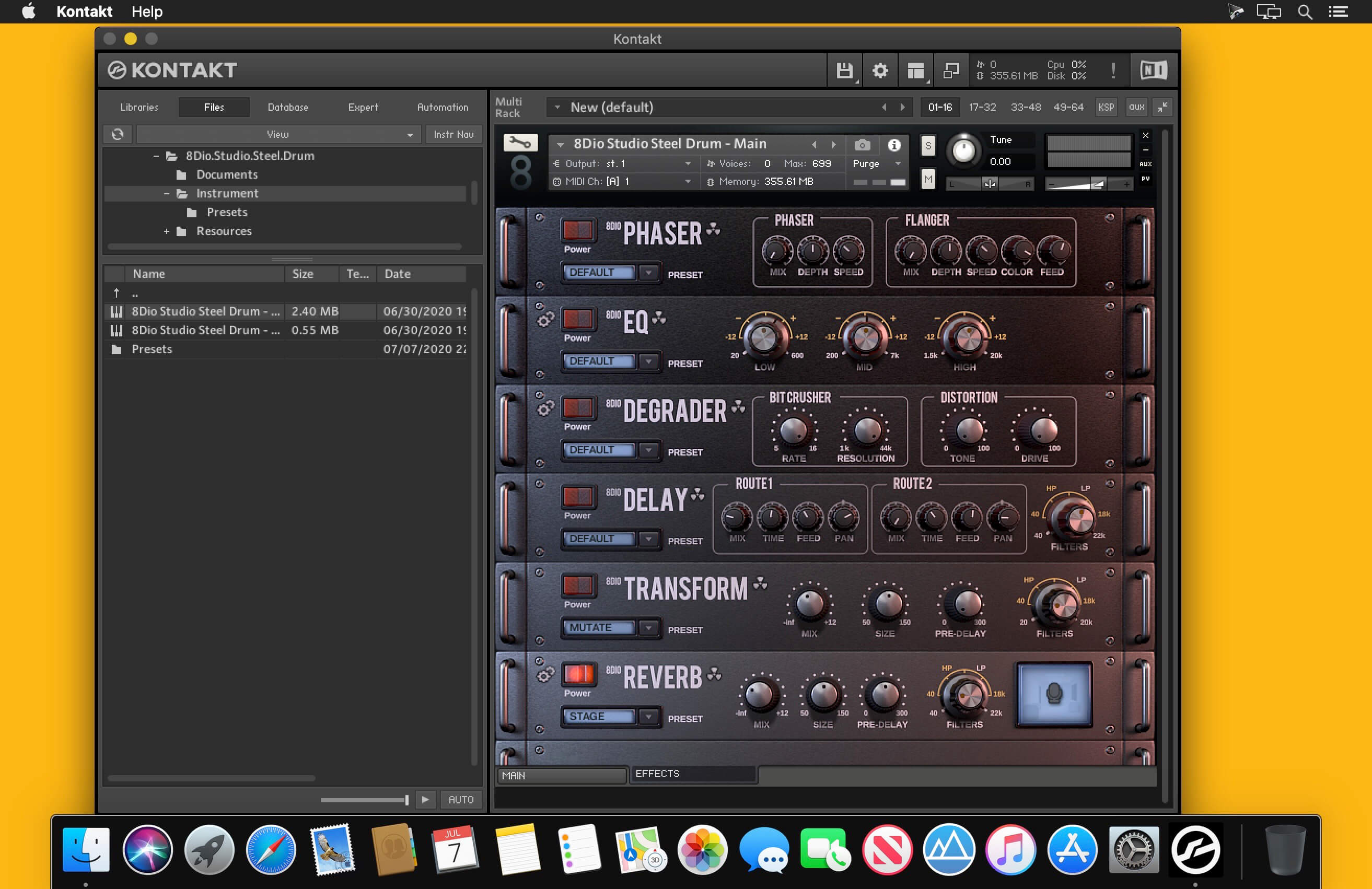
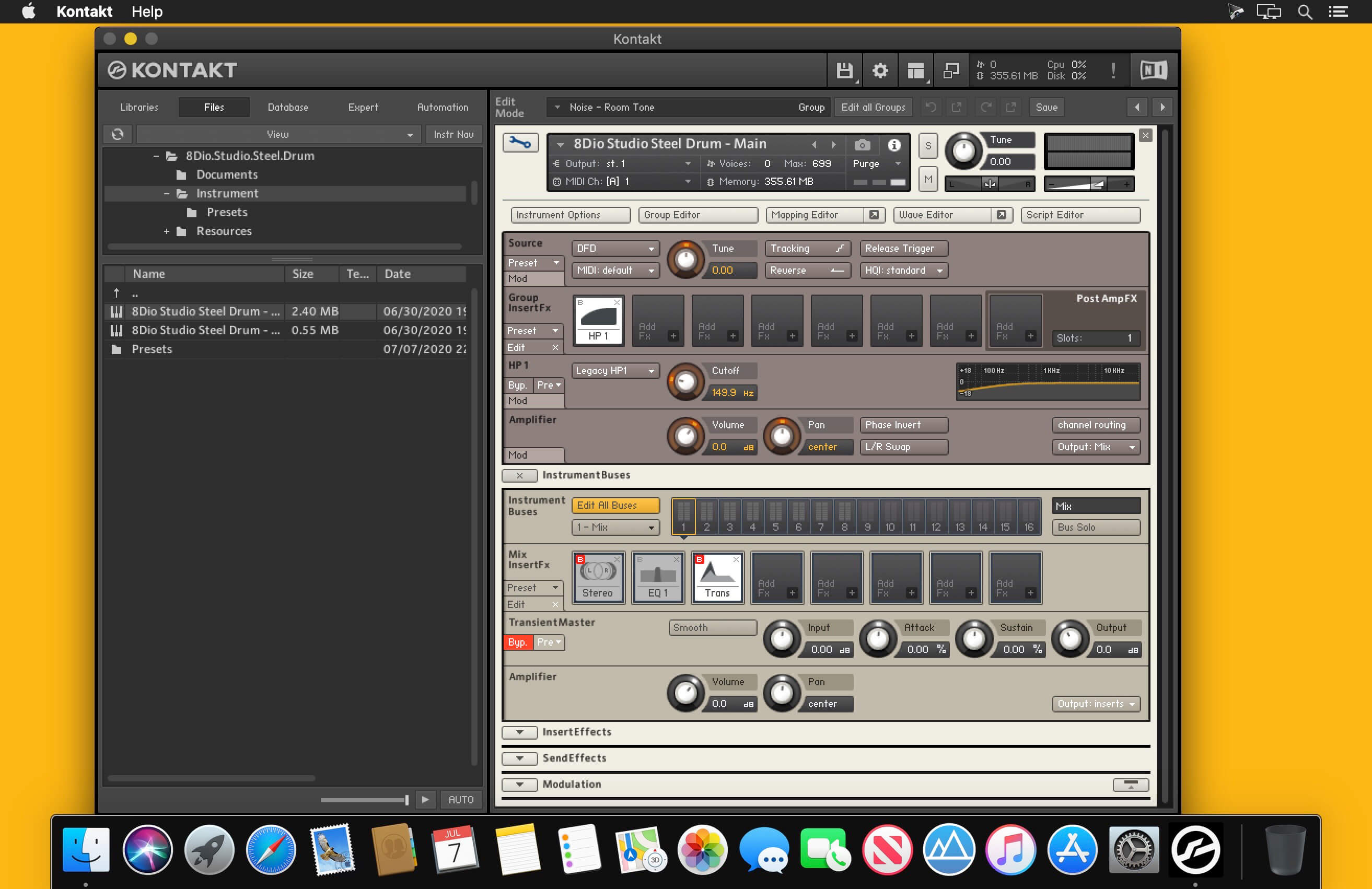
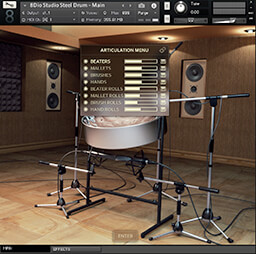
8Dio Studio Steel Drum represents an extreme deep-sampled Steel Drum. The instrument is comprised of more than 55.000 samples, 5 true vintage microphone positions, 2 world-class reverbs (Bricasti & TC6000). The 8Dio Studio Steel Drum was custom designed for 8Dio. We wanted the instrument to cover all ranges from bass to treble, but have them all contained inside a singular Steel Drum. We sampled the instrument with several mallet types (ex. Beaters, Felt Mallet, Brushes, Hands, Nails, Rattles, FX etc) at up to 10 velocity layers and 10 repetitions.
We recorded the instrument with four vintage microphone options including Neumann, Neve, Coles, Royers. And also included a mixed microphone position, which loads as the default setting. Everything was carefully recorded & processed at 24bit / 96k at our British Studio through a historic custom Neve desk before being carefully down sampled to 48k for ease of streaming. The core content was captured with a variety of mallet types, from rubber beaters and felt mallets to brushes and hands. Additionally we sampled prepared and percussive techniques. All of which with multiple dynamics and repetitions to allow for maximum realism. In addition to all of this, the library gives you full control over the dynamic response and tonal qualities, so the perfect sound can be dialed in just for you.
OVERVIEW
- 55,800 Samples. 12.7 GB (compressed from 32 GB)
- 5 Microphones (incl. Neumann u87, Coles, Neve, etc)
- 2 Pro-Grade Reverbs (Bricasti and TC)
- Up to 10 dynamic layers each with up to 10 repetitions
- Prepared Articulations (ex. Hands, Nails, Percussive FX)
- Intuitive and Advanced 3D Controls and Interface
- Advanced Chaos Effects Systems
Frequently asked questions
How do I install the app?
Mount the image, drag the app into the "Applications" folder and launch it. If the system blocks the launch, allow it in "System Settings → Privacy & Security".
The app is damaged or won't launch
Reinstalling from a fresh image usually helps. Make sure your macOS version matches the one listed in the compatibility specs.
How do I update?
Download the new version from the site and install it over the current one — your settings will be preserved.
The download link doesn't work
Try a mirror or a download manager. For large files the browser often drops the connection.
How do I completely remove the app?
Use an uninstaller utility — it cleans up the service files that remain after moving the app to the trash.
Version8Dio Studio Steel Drum KONTAKT
Developer8Dio
CompatibilityKONTAKT 5.5.1 Full +
LanguageEnglish
Information
Visitors in the group Guests cannot leave comments on this publication.
Choose a download source
8Dio Studio Steel Drum KONTAKT · 11.06 GB