
Imagenomic Realgrain for PS 2.1.4 Build 2147
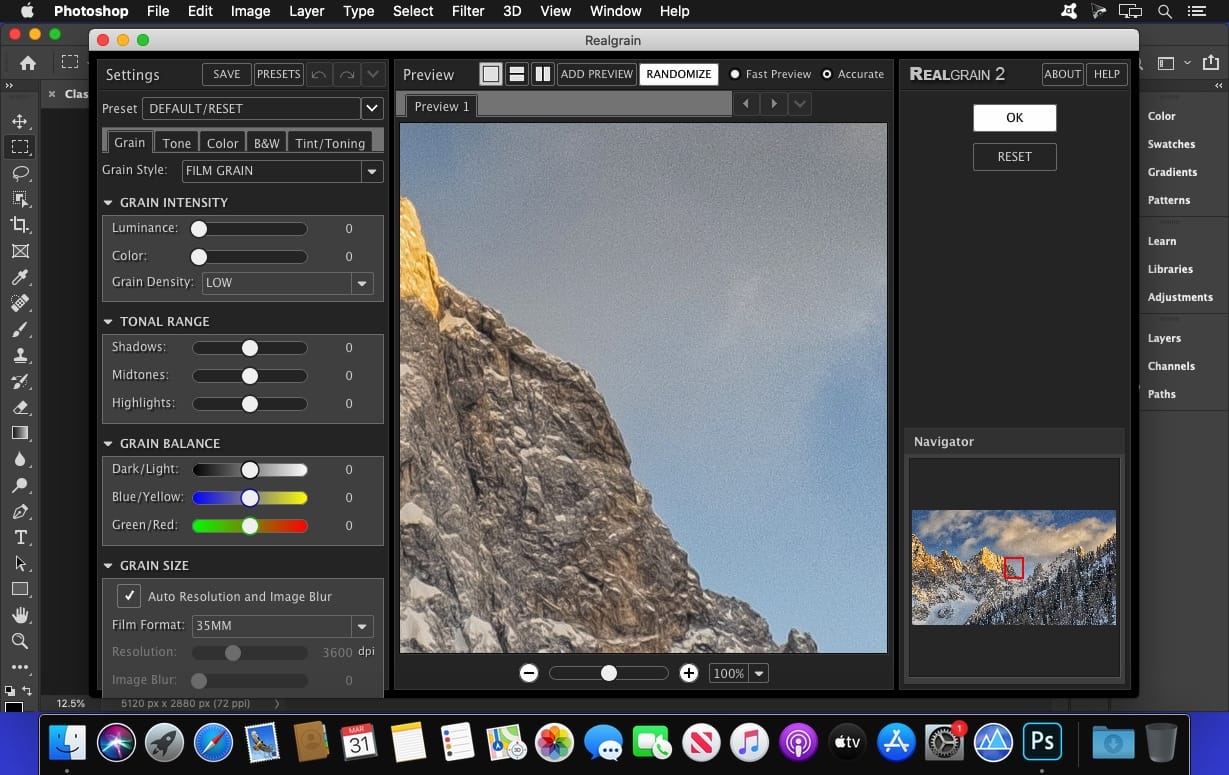
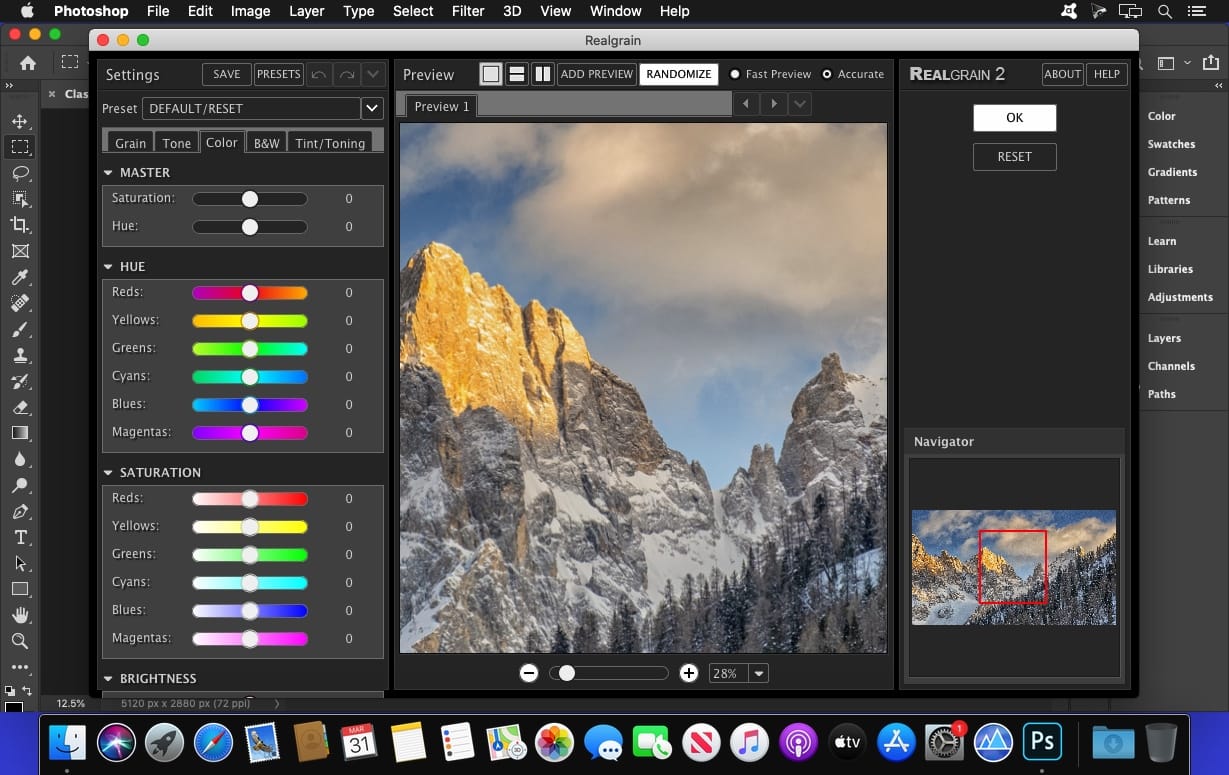
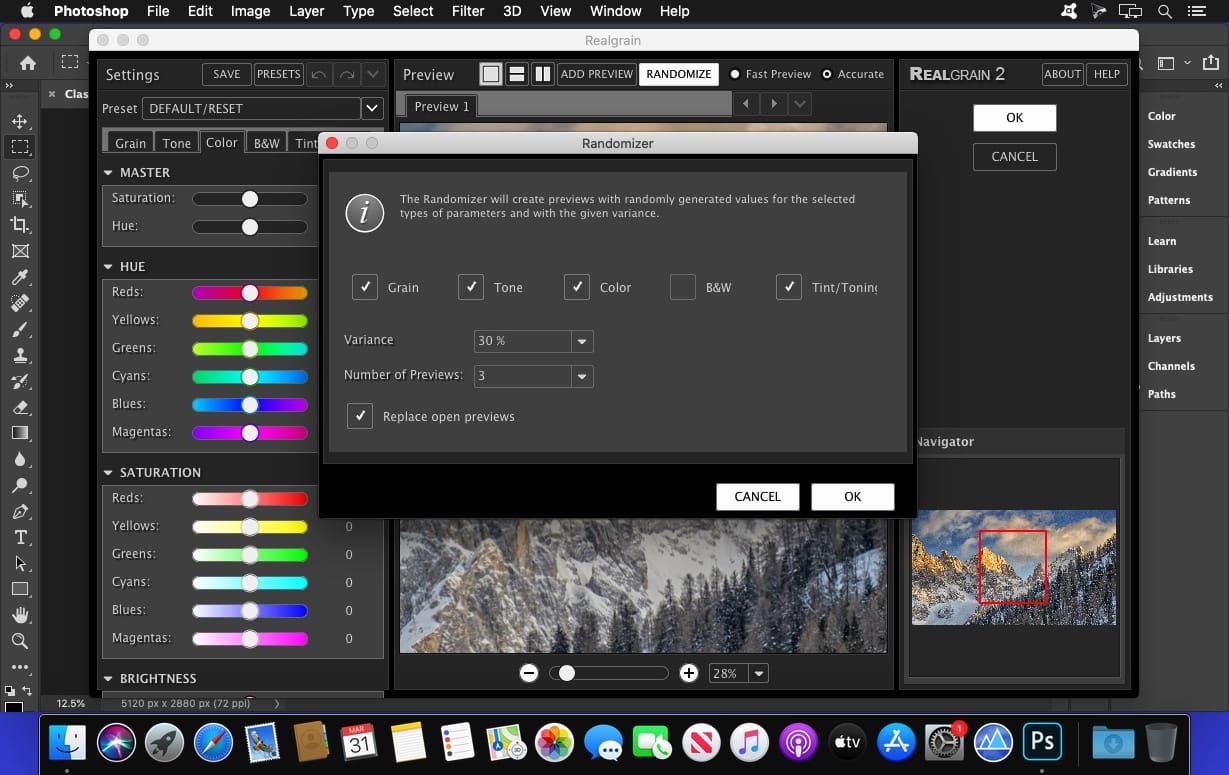
If you are looking for a superior black-and-white conversion, toning and color effects or long for the darkroom age to achieve the soft, warm graininess of film, then Realgrain is the plugin for you.
HOST
Adobe Photoshop 2022-2024
Frequently asked questions
How do I install the app?
Mount the image, drag the app into the "Applications" folder and launch it. If the system blocks the launch, allow it in "System Settings → Privacy & Security".
The app is damaged or won't launch
Reinstalling from a fresh image usually helps. Make sure your macOS version matches the one listed in the compatibility specs.
How do I update?
Download the new version from the site and install it over the current one — your settings will be preserved.
The download link doesn't work
Try a mirror or a download manager. For large files the browser often drops the connection.
How do I completely remove the app?
Use an uninstaller utility — it cleans up the service files that remain after moving the app to the trash.
Related posts
-
 Imagenomic Professional Plugin Suite For Adobe Photoshop 1708
Photography13.21 MB
Imagenomic Professional Plugin Suite For Adobe Photoshop 1708
Photography13.21 MB
-
 Imagenomic Plug-in for Photoshop, Aperture 3 and Lightroom (update 15.09.2019)
Photography26.31 MB
Imagenomic Plug-in for Photoshop, Aperture 3 and Lightroom (update 15.09.2019)
Photography26.31 MB
-
 Imagenomic Professional Plugin Suite For Adobe Photoshop 2027
Photography71.05 MB
Imagenomic Professional Plugin Suite For Adobe Photoshop 2027
Photography71.05 MB
-
 Imagenomic Portraiture for PS 4.5 Build 4501
Mac Apps65.55 MB
Imagenomic Portraiture for PS 4.5 Build 4501
Mac Apps65.55 MB
-
 Imagenomic Plug-in for Photoshop, Aperture 3 and Lightroom
Mac Apps81.5 MB
Imagenomic Plug-in for Photoshop, Aperture 3 and Lightroom
Mac Apps81.5 MB
Choose a download source
Imagenomic Realgrain for PS 2.1.4 Build 2147 · 6.8 MB
Previous versions
Imagenomic Realgrain for PS 2.1.4 Build 2147
Previous versions are available to registered users.