
AirBuddy 1.5.3
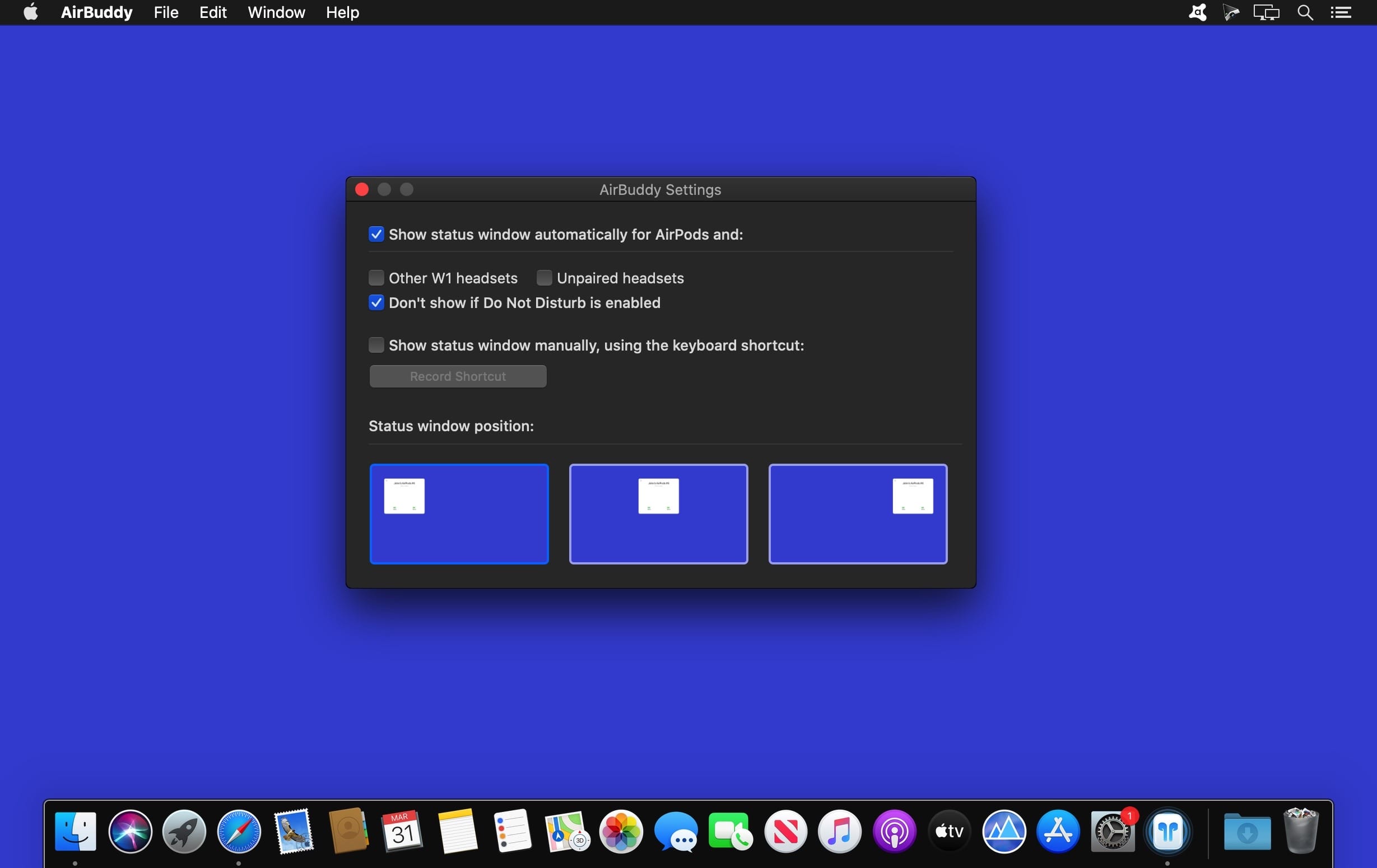
AirBuddy brings the same AirPods experience you have on iOS to the Mac. With AirBuddy, you can open up your AirPods case next to your Mac and see the status right away, just like it is on your iPhone or iPad. A simple click and you're connected and playing your Mac's audio to AirPods. Oh, it also makes sure the audio input of your Mac is NOT switched to the AirPods automatically when connecting so you can get the best possible quality.
With the Batteries Notification Center widget, you can also see the battery status for your Mac, including how much battery time you have left or how long it'll take to finish charging (if it's charging). The widget also shows the battery status for your AirPods, their charging case, other W1 headsets like Beats headphones and your iOS devices.
Version 1.5.3:
- Release notes were unavailable when this listing was updated.
Frequently asked questions
How do I install the app?
Mount the image, drag the app into the "Applications" folder and launch it. If the system blocks the launch, allow it in "System Settings → Privacy & Security".
The app is damaged or won't launch
Reinstalling from a fresh image usually helps. Make sure your macOS version matches the one listed in the compatibility specs.
How do I update?
Download the new version from the site and install it over the current one — your settings will be preserved.
The download link doesn't work
Try a mirror or a download manager. For large files the browser often drops the connection.
How do I completely remove the app?
Use an uninstaller utility — it cleans up the service files that remain after moving the app to the trash.
VersionAirBuddy 1.5.3
DeveloperGumroad
CompatibilitymacOS 10.15.1 or later 64-bit
LanguageEnglish
IncludesK'ed by TNT

Choose a download source
AirBuddy 1.5.3 · 5.72 MB
Comments 2