
GG Audio Blue3 v2.3.0
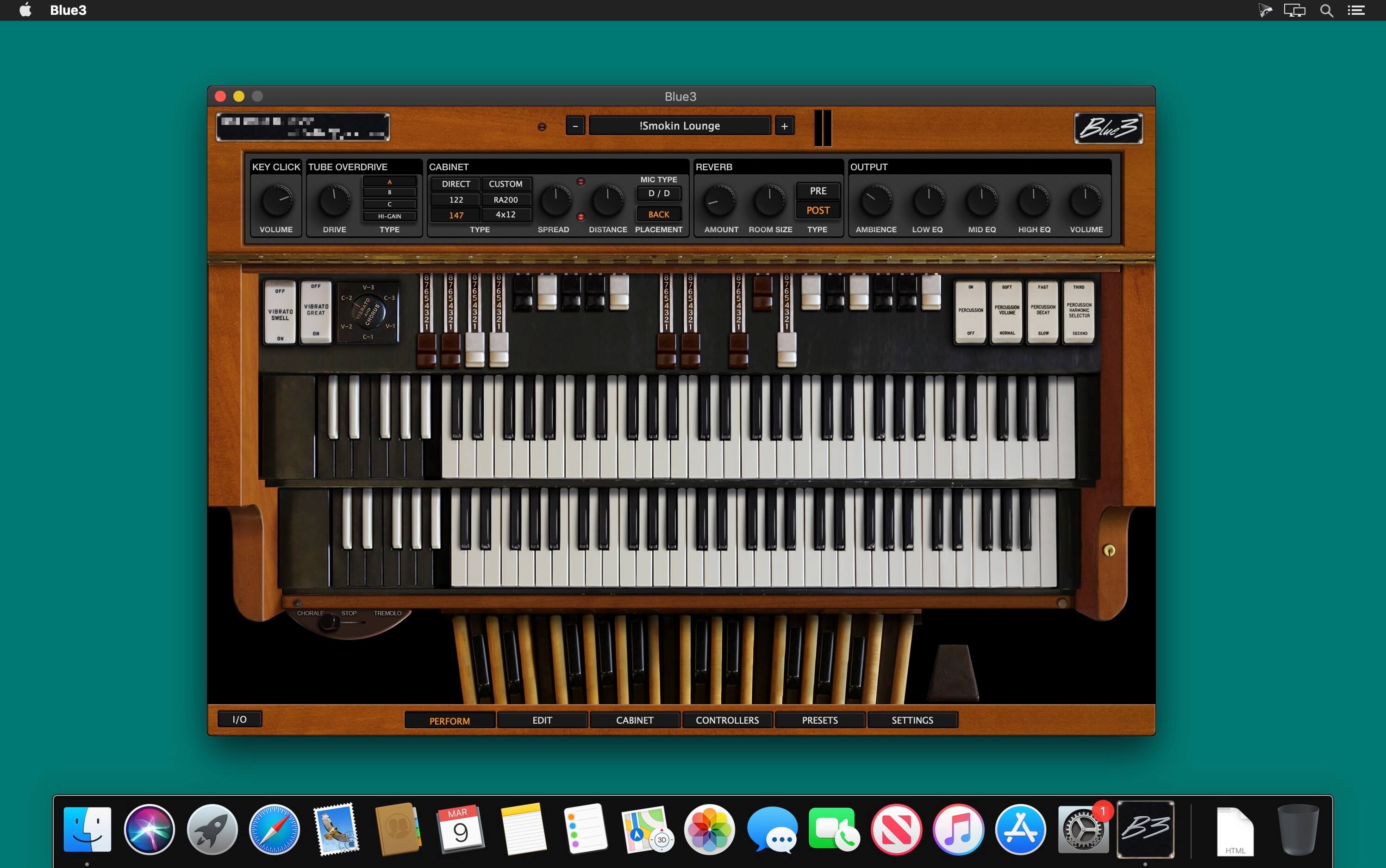
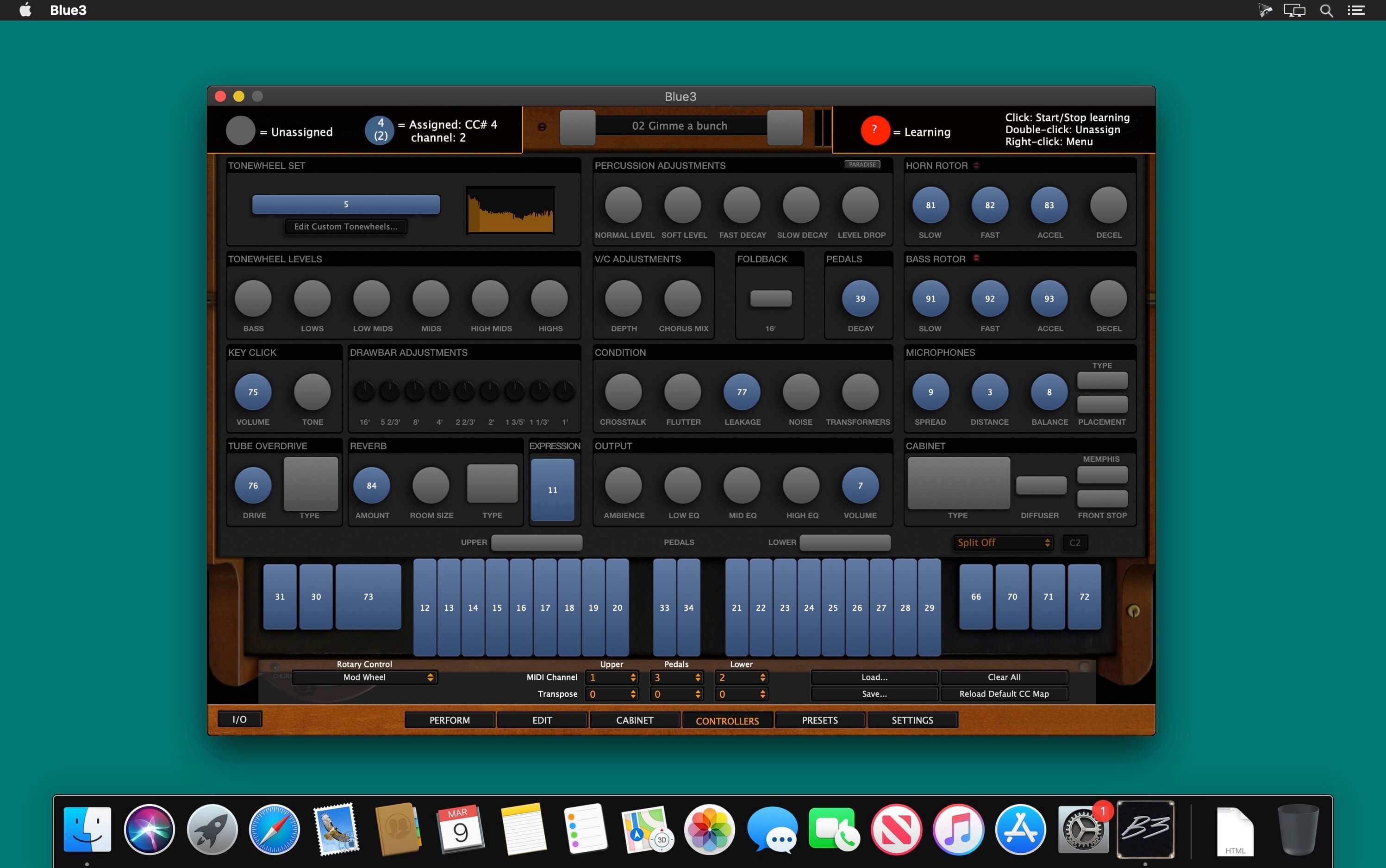

GG Audio Blue3 v2.3.0 You know the sound. We’ve all heard it many times. Sweet and angry. Mysterious and powerful. Warm and wonderful. Blue3 recreates the glorious sound of vintage tonewheel organs with amazing attention to detail. Every component of these wonderful instruments has been captured with all their quirks and imperfections.
Features
- 91 modeled tonewheels with accurate phase synchronization
- Full polyphony for upper, lower and pedal manuals
- Adjustable tonewheel leakage, crosstalk and flutter
- Adjustable 9 contact key and busbar simulation
- Selectable keyboard split
- Adjustable 3 band output EQ
- Extensive MIDI controller mapping
- Cherry, Walnut, Mahogany and Walnut cabinet finishes
- Includes Spin, a separate plugin that contains Blue3’s Tube Overdrive and Rotary Cabinet simulations
- 30 tonewheel sets from vintage A100, B3, C3 & L100 instruments
- Continuously adjustable 6 way tonewheel scaling
- Adjustable drawbar output levels
- Hyper-accurate vibrato/chorus scanner
- Completely adjustable percussion & vibrato scanner controls
- Accurate manual taper & volume robbing
- 2 Stereo outputs, Main and Direct (pre-overdrive and cabinet)
- Tuning from A=432 to A=445
- Low memory/disk usage
- Low CPU usage
- Classic 122, 147 and “high power” custom rotary speaker simulations
- 3 classic 40 watt rotary speaker tube overdrive simulations and high gain British guitar amp overdrive
- Completely adjustable rotary speeds, acceleration & deceleration
- Accurate microphone spread, distance & balance controls
- Rotary horn diffusers on/off
- Front stop & Memphis control for rotary speaker
- Guitar amp/cabinet simulation
Frequently asked questions
How do I install the app?
Mount the image, drag the app into the "Applications" folder and launch it. If the system blocks the launch, allow it in "System Settings → Privacy & Security".
The app is damaged or won't launch
Reinstalling from a fresh image usually helps. Make sure your macOS version matches the one listed in the compatibility specs.
How do I update?
Download the new version from the site and install it over the current one — your settings will be preserved.
The download link doesn't work
Try a mirror or a download manager. For large files the browser often drops the connection.
How do I completely remove the app?
Use an uninstaller utility — it cleans up the service files that remain after moving the app to the trash.
VersionGG Audio Blue3 v2.3.0
DeveloperGG Audio LLC
CompatibilityOS X 10.9 or later, 64-bit processor
LanguageEnglish
IncludesK
Information
Visitors in the group Guests cannot leave comments on this publication.
Choose a download source
GG Audio Blue3 v2.3.0 · 218.7 MB