Joyoshare Audio Recorder 1.1.0.5
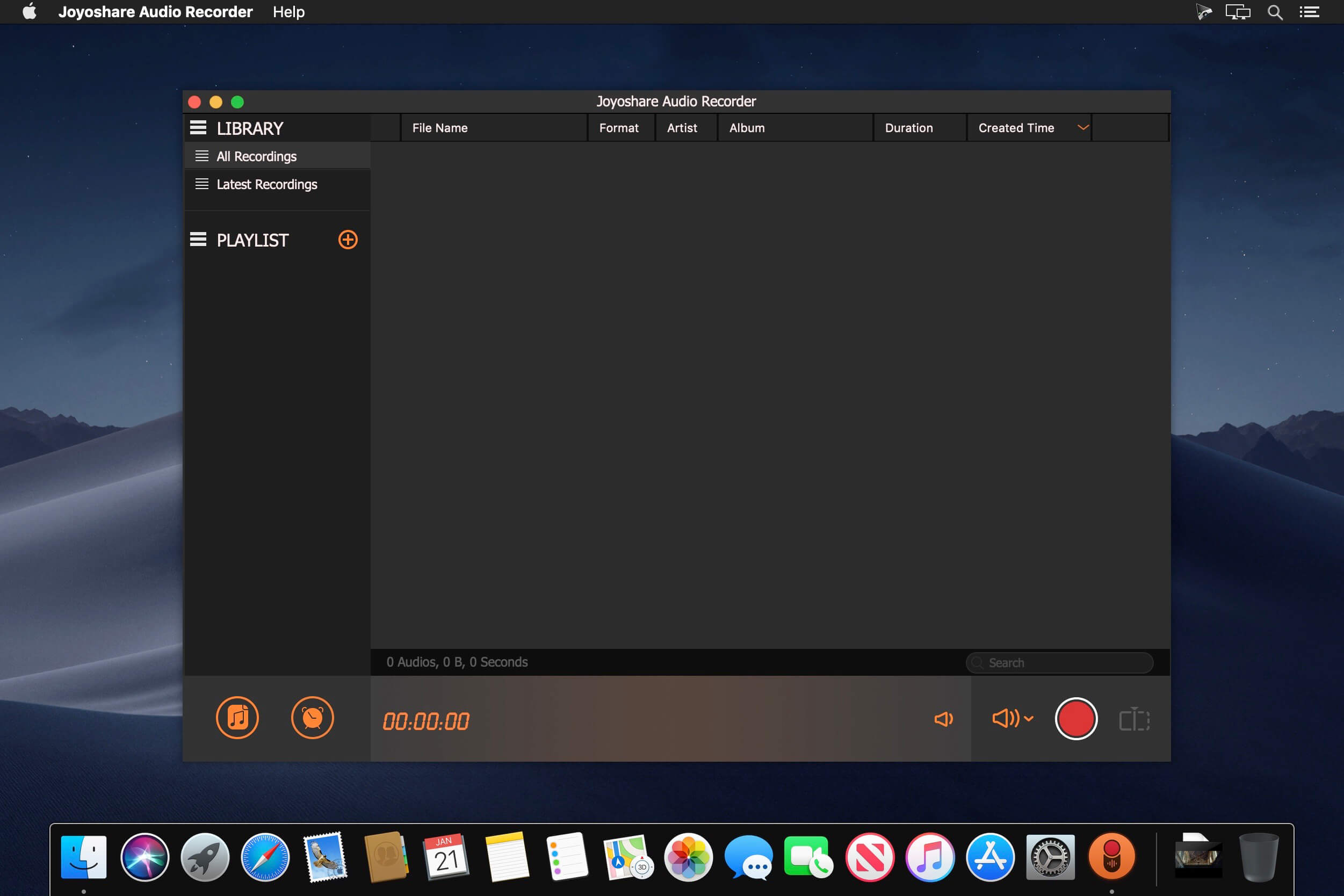
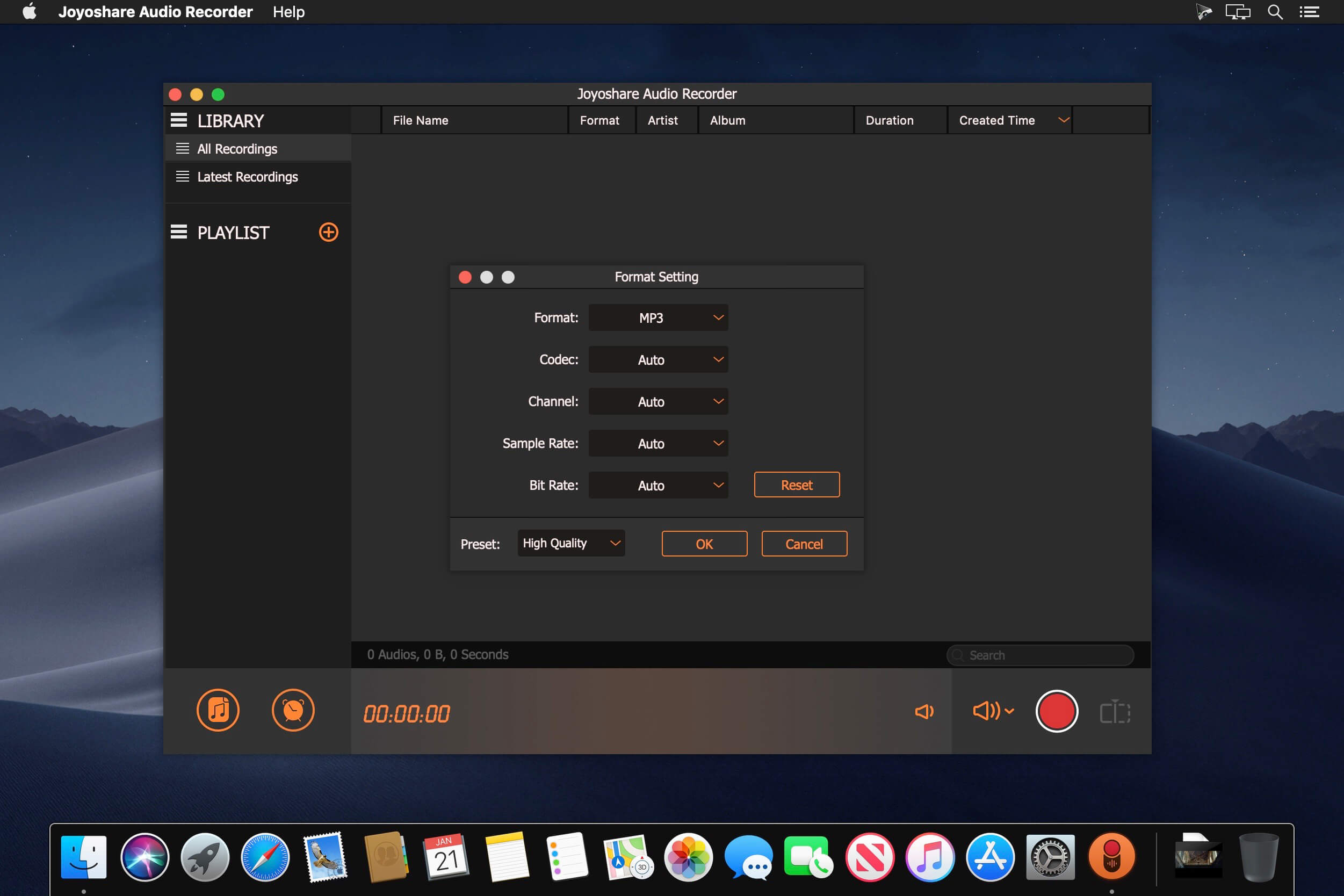
Joyoshare Audio Recorder is such an all-powerful tool that performs well in capturing audios from popular music sites, online chat platforms, radio stations or microphones. In addition to recording source selection, it comes with accurate-trimming and equalizer sounds post-processing to enrich audio files. No matter which device or player you want to listen to audios on, Joyoshare Audio Recorder can achieve it by saving to the most compatible and widely-used MP3, AC3, AAC, M4B, etc. More handily, it has options to manage playlists, timed recording or ID3 tags as you wish.
- Record Types of Audios Easily
- Support 16 Popular Output Formats
- Recognize and Fix ID3 Tags
- Create Playlists to Manage Audio
Frequently asked questions
How do I install the app?
Mount the image, drag the app into the "Applications" folder and launch it. If the system blocks the launch, allow it in "System Settings → Privacy & Security".
The app is damaged or won't launch
Reinstalling from a fresh image usually helps. Make sure your macOS version matches the one listed in the compatibility specs.
How do I update?
Download the new version from the site and install it over the current one — your settings will be preserved.
The download link doesn't work
Try a mirror or a download manager. For large files the browser often drops the connection.
How do I completely remove the app?
Use an uninstaller utility — it cleans up the service files that remain after moving the app to the trash.
VersionJoyoshare Audio Recorder 1.1.0.5
DeveloperJoyoshare Studio
CompatibilityOS X 10.9 or later, 64-bit processor
LanguageEnglish
IncludesK'ed by TNT

Information
Visitors in the group Guests cannot leave comments on this publication.
Choose a download source
Joyoshare Audio Recorder 1.1.0.5 · 31.83 MB