
Allavsoft Video Downloader Converter 3.29.4.9738
Allavsoft Video Downloader and Converter for Batch Downloads
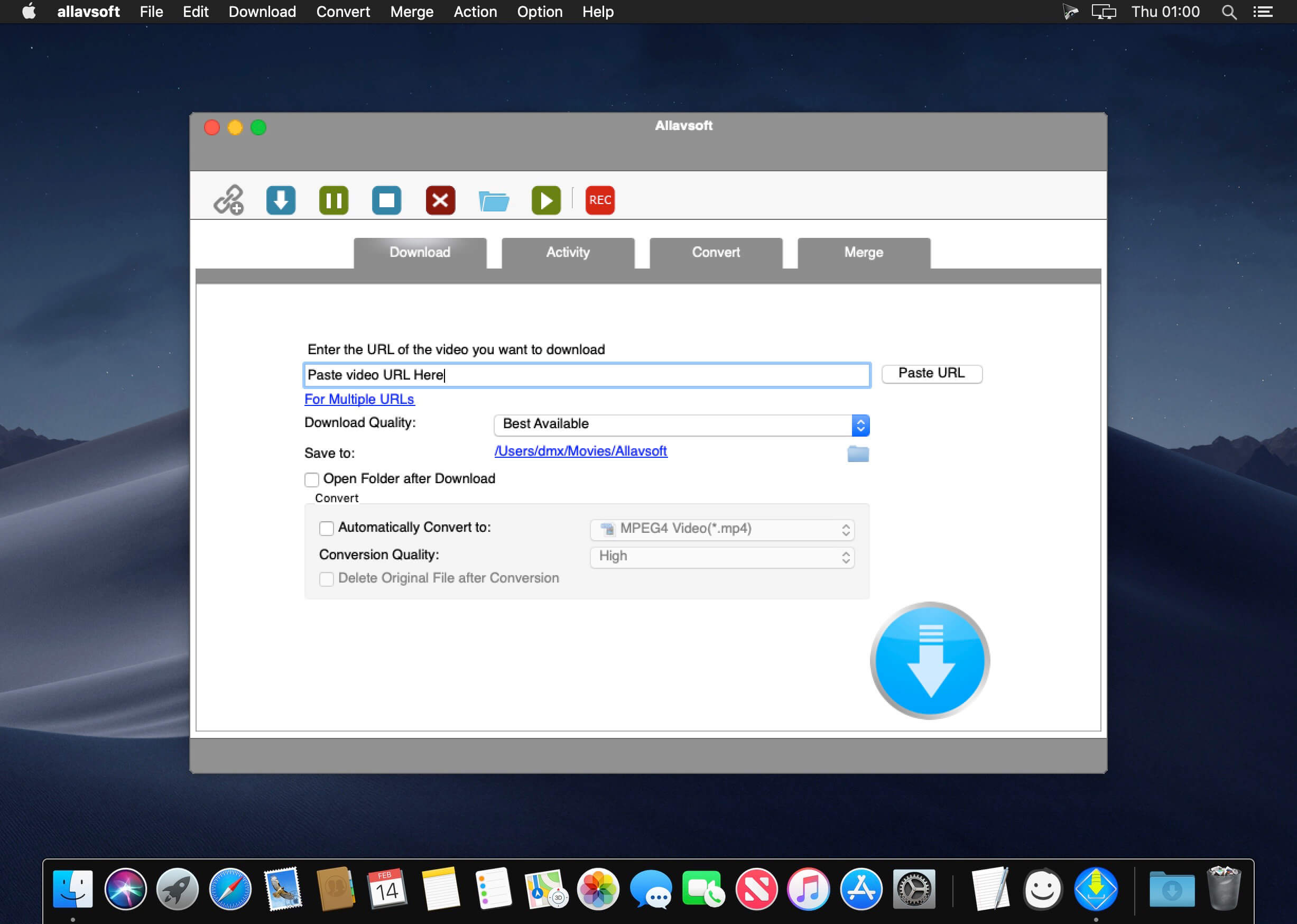
This powerful Video Downloader supports downloading movies, music videos, playlist, sport videos, lectures and more from free video sharing website like Facebook, Dailymotion, eHow, and more than 100 video sharing sites.
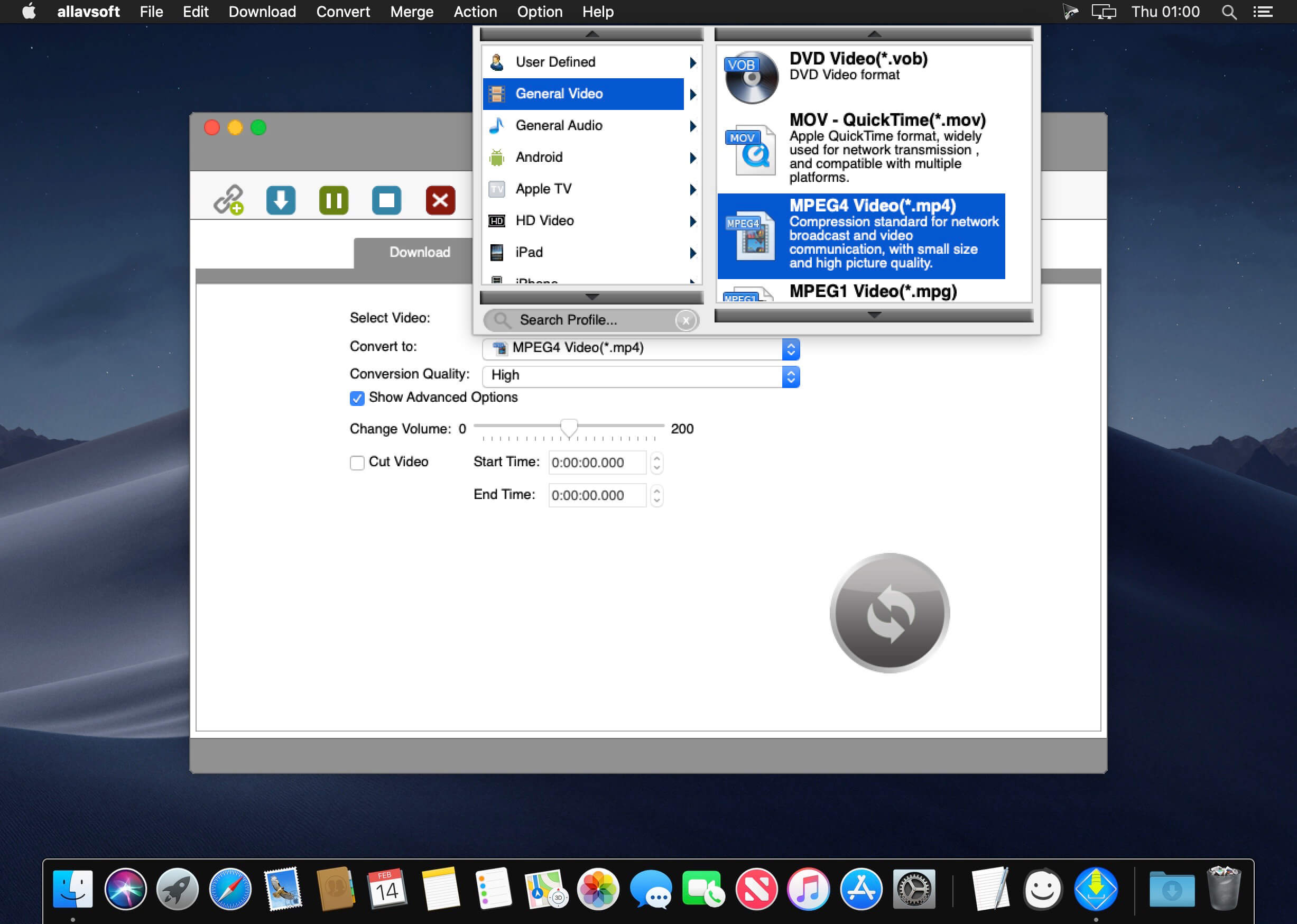
Besides downloading video in its original format, Allavsoft also features one-click to download as well as convert the downloaded video to popular video format like MP4, AVI, WMV, MOV, MPEG-1, MPEG-2, VOB, ASF, RMVB, DV, TS, Apple ProRes, WebM, FLV, OGV and etc.
This ideal Web Video Downloader app enables selecting among all video qualities available for downloading like download videos in ultra high definition (4K), 3D video, HD 2k, HD 1080p, HD 720p, and stand definition 480p, 360p, and 240p.
This professional Video Downloading and Converting tool also helps to extract and download audio from online music video or movies as well as convert to popular audio format like MP3, WMA, WAV, AAC, AAC, Apple Lossless M4A, AIFF, RA, FLAC, OGG, AU and etc.
Batch download and convert
- Allavsoft supports adding multiple video URLs and batch downloading and converting multiple videos at a time.
- When download web video files, this wonderful Video Downloader will automatically detects advertisements and does not download them.
- Preview and playback downloaded video files
- There is a built-in video player in Allavsoft for us to preview and playback the downloaded video files.
- Breakpoint Resume
- You can pause and resume downloading at any time. It is very convenient to use.
- Action after download done
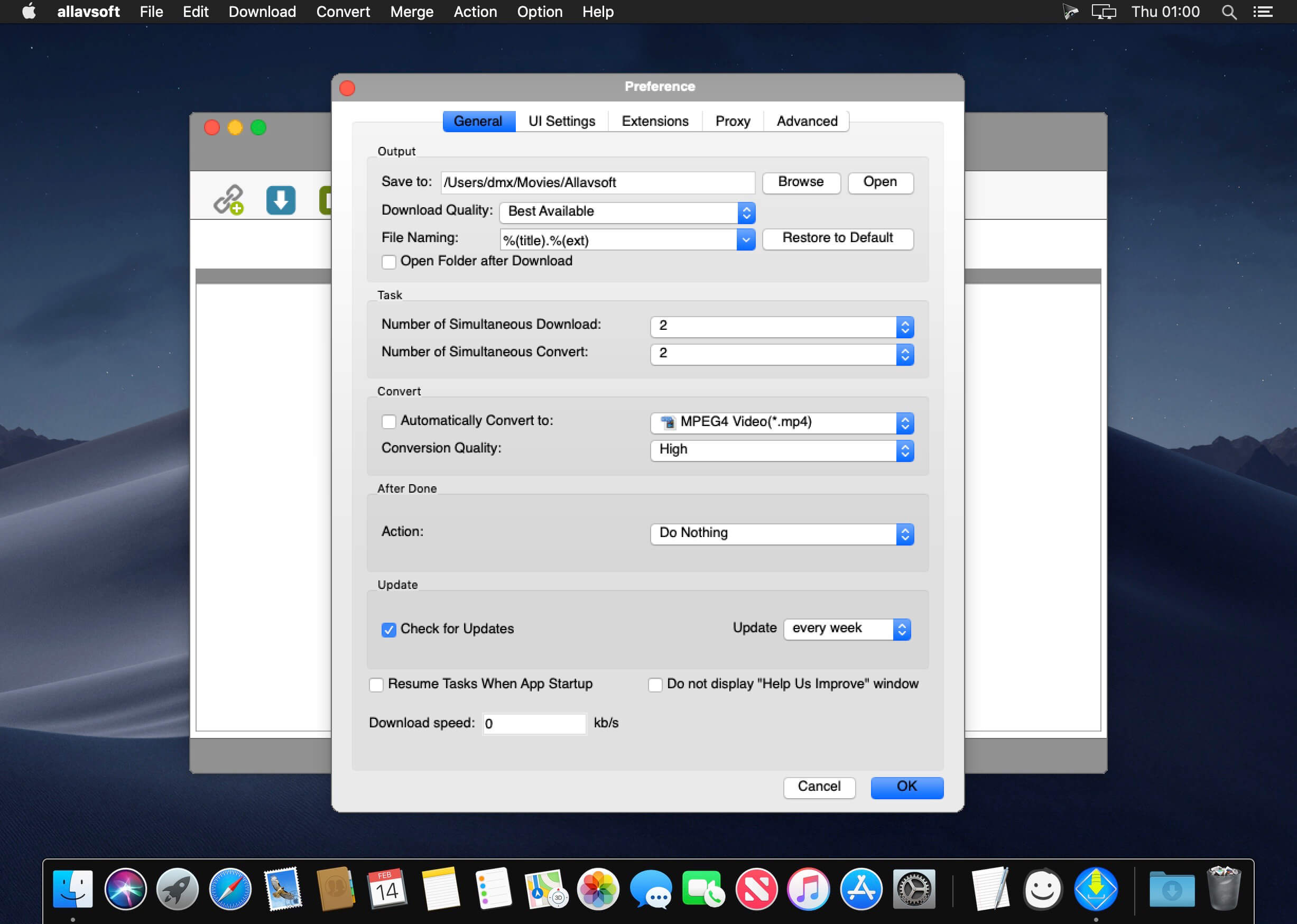
- You can set automatically shut down computer after all the download tasks are finished, if you have lots of videos to download and want to leave your Windows on to download them.
- Keep history for downloading.
Version 3.29.4.9738
- Release notes were unavailable when this listing was updated.
Frequently asked questions
How do I install the app?
Mount the image, drag the app into the "Applications" folder and launch it. If the system blocks the launch, allow it in "System Settings → Privacy & Security".
The app is damaged or won't launch
Reinstalling from a fresh image usually helps. Make sure your macOS version matches the one listed in the compatibility specs.
How do I update?
Download the new version from the site and install it over the current one — your settings will be preserved.
The download link doesn't work
Try a mirror or a download manager. For large files the browser often drops the connection.
How do I completely remove the app?
Use an uninstaller utility — it cleans up the service files that remain after moving the app to the trash.





Choose a download source
Allavsoft Video Downloader Converter 3.29.4.9738 · 184.25 MB
Previous versions
Allavsoft Video Downloader Converter 3.29.4.9738
Previous versions are available to registered users.