
NCH Mixpad Masters 14.14
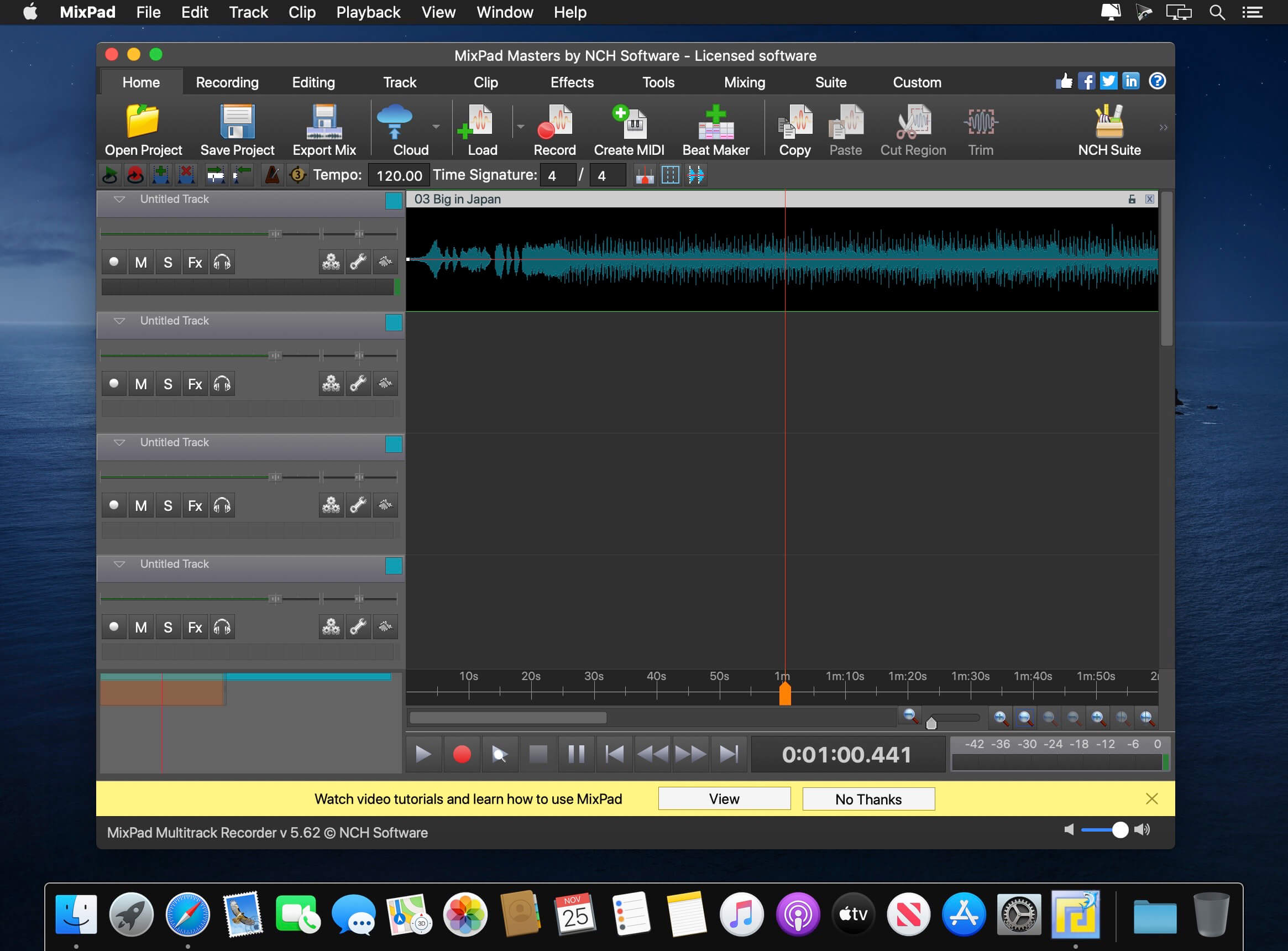
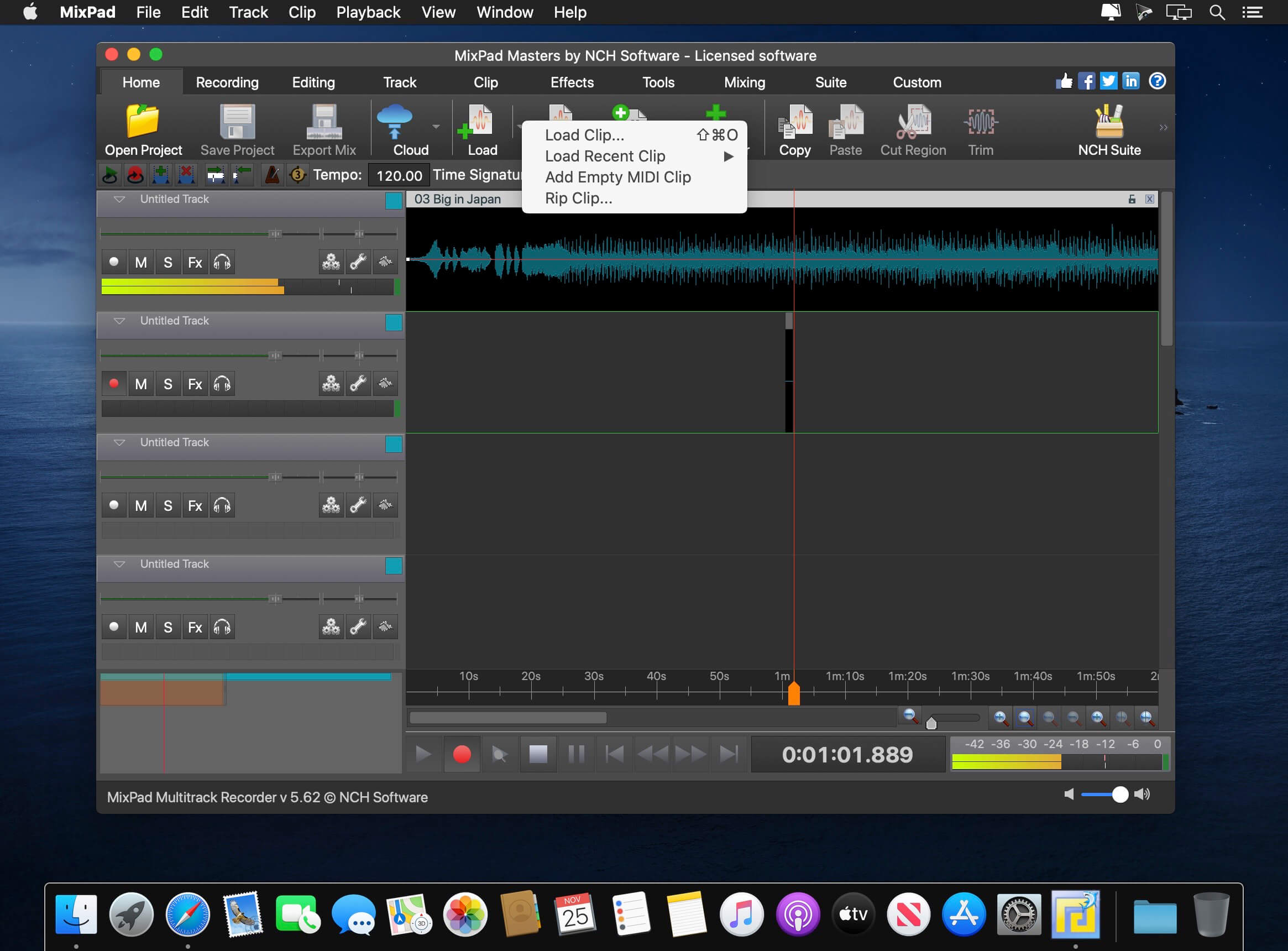
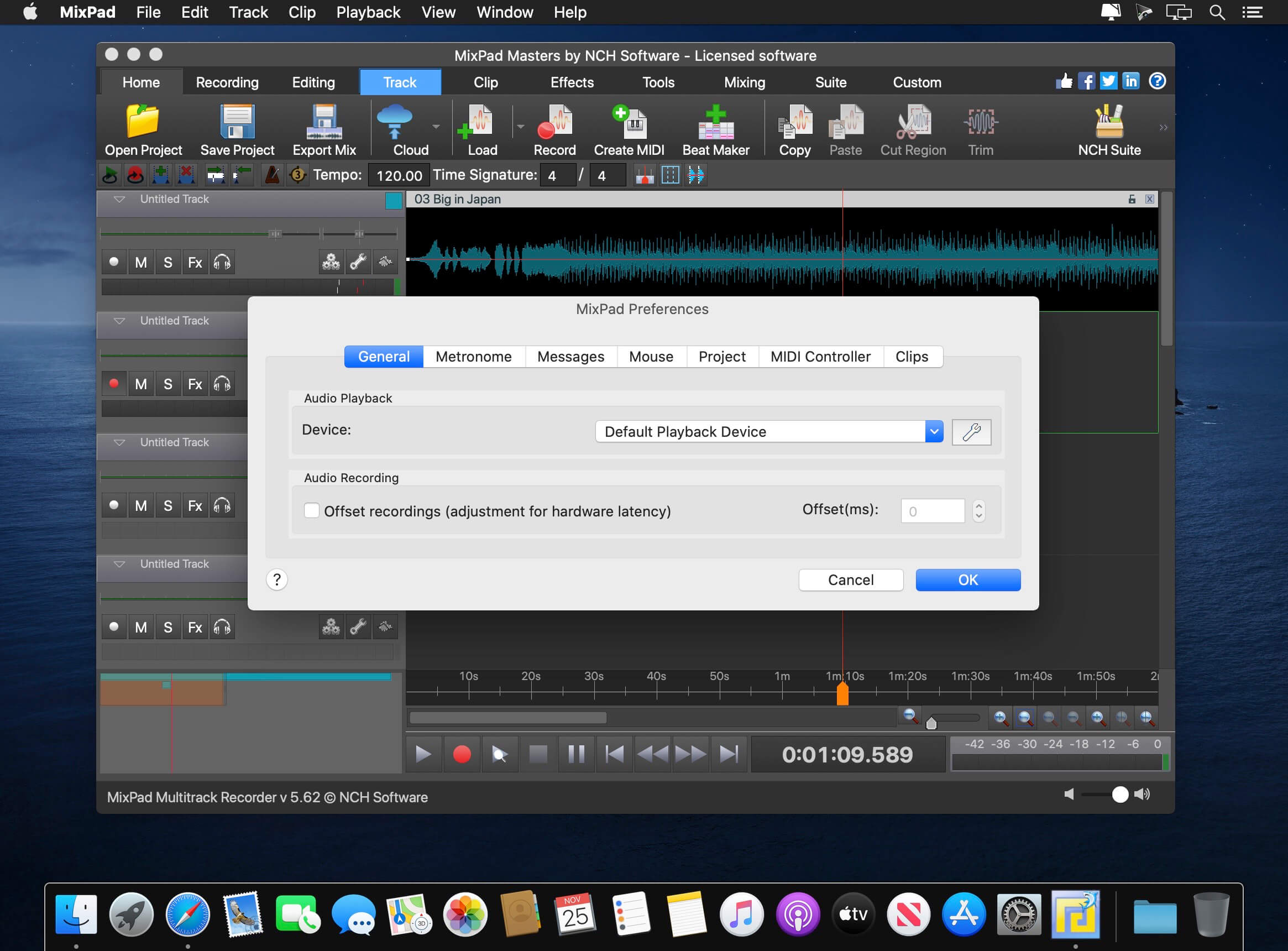
With MixPad multi-track recording and mixing software, you can access all the power of professional recording and mixing equipment through a single platform that streamlines the process and makes mixing a breeze.
Mixing Software Features :
- Mix an unlimited number of music, vocal and audio tracks
- Record single or multiple tracks simultaneously
- Load any audio file; more supported formats than any other mixer
- Add audio effects including EQ, compression, reverb and more
- Includes a royalty-free sound effect and music library with hundreds of clips to use in your productions
- VST plugin support for added studio effects and instruments
- Very low latency, ASIO support for sample accurate recording
- Supports sample rates from 6 kHz to 96 kHz
- Export at all popular bit depths up to 32 bits floating point audio
- Mix to mp3, burn to CD or upload your productions
- Save in any file type you need, from studio quality wav files to high compression formats for sharing online
Version 14.14:
- Bug Fixes
Frequently asked questions
How do I install the app?
Mount the image, drag the app into the "Applications" folder and launch it. If the system blocks the launch, allow it in "System Settings → Privacy & Security".
The app is damaged or won't launch
Reinstalling from a fresh image usually helps. Make sure your macOS version matches the one listed in the compatibility specs.
How do I update?
Download the new version from the site and install it over the current one — your settings will be preserved.
The download link doesn't work
Try a mirror or a download manager. For large files the browser often drops the connection.
How do I completely remove the app?
Use an uninstaller utility — it cleans up the service files that remain after moving the app to the trash.


Choose a download source
NCH Mixpad Masters 14.14 · 7.5 MB
Previous versions
NCH Mixpad Masters 14.14
Previous versions are available to registered users.