
Topaz Sharpen AI 1.4.2

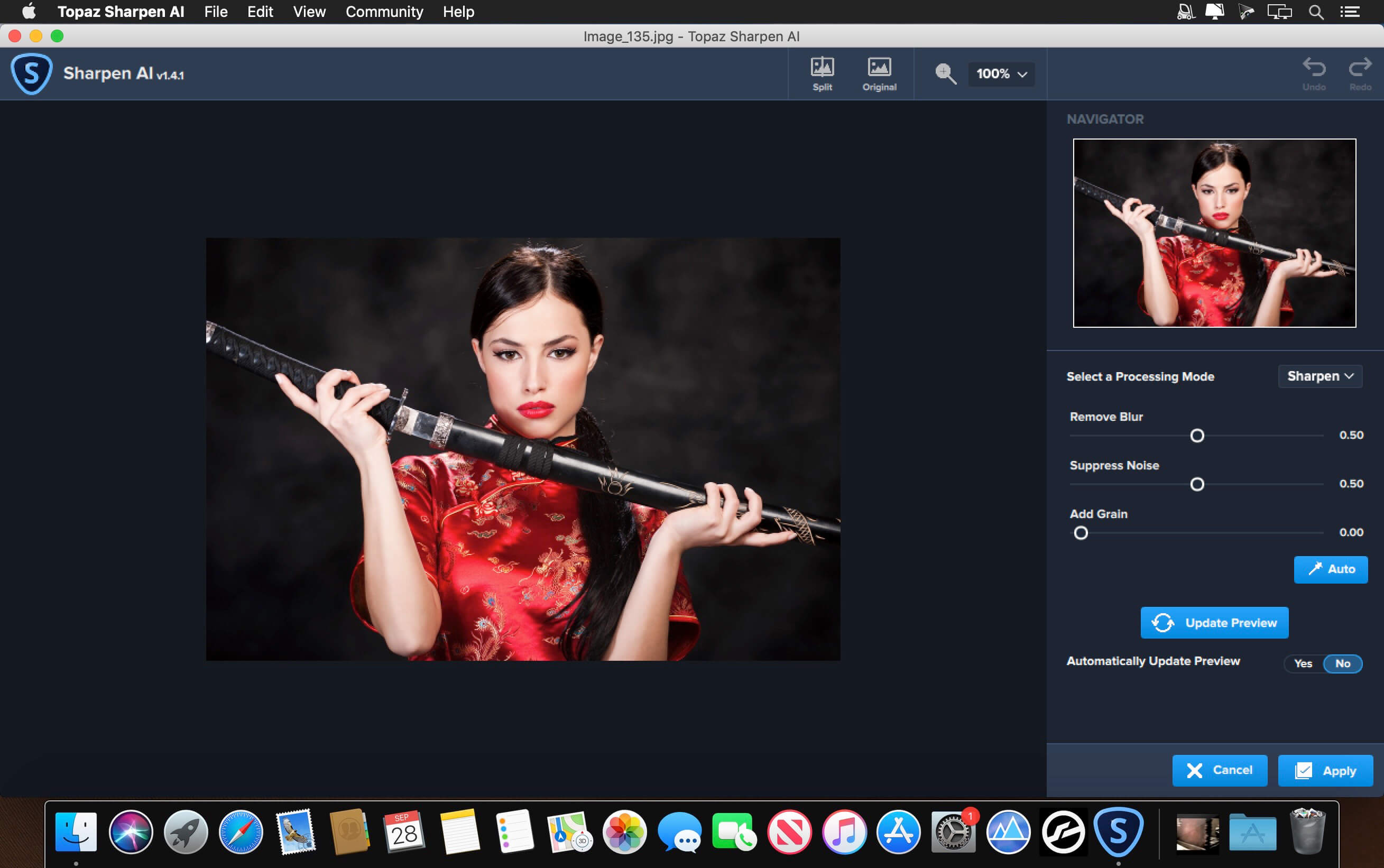
Sharpen AI is the first sharpening and shake reduction software that can tell difference between real detail and noise. Create tack-sharp images even when you’re shooting handheld, at night, or with a shallow depth of field.
Three kinds of sharpening for a perfect photo.
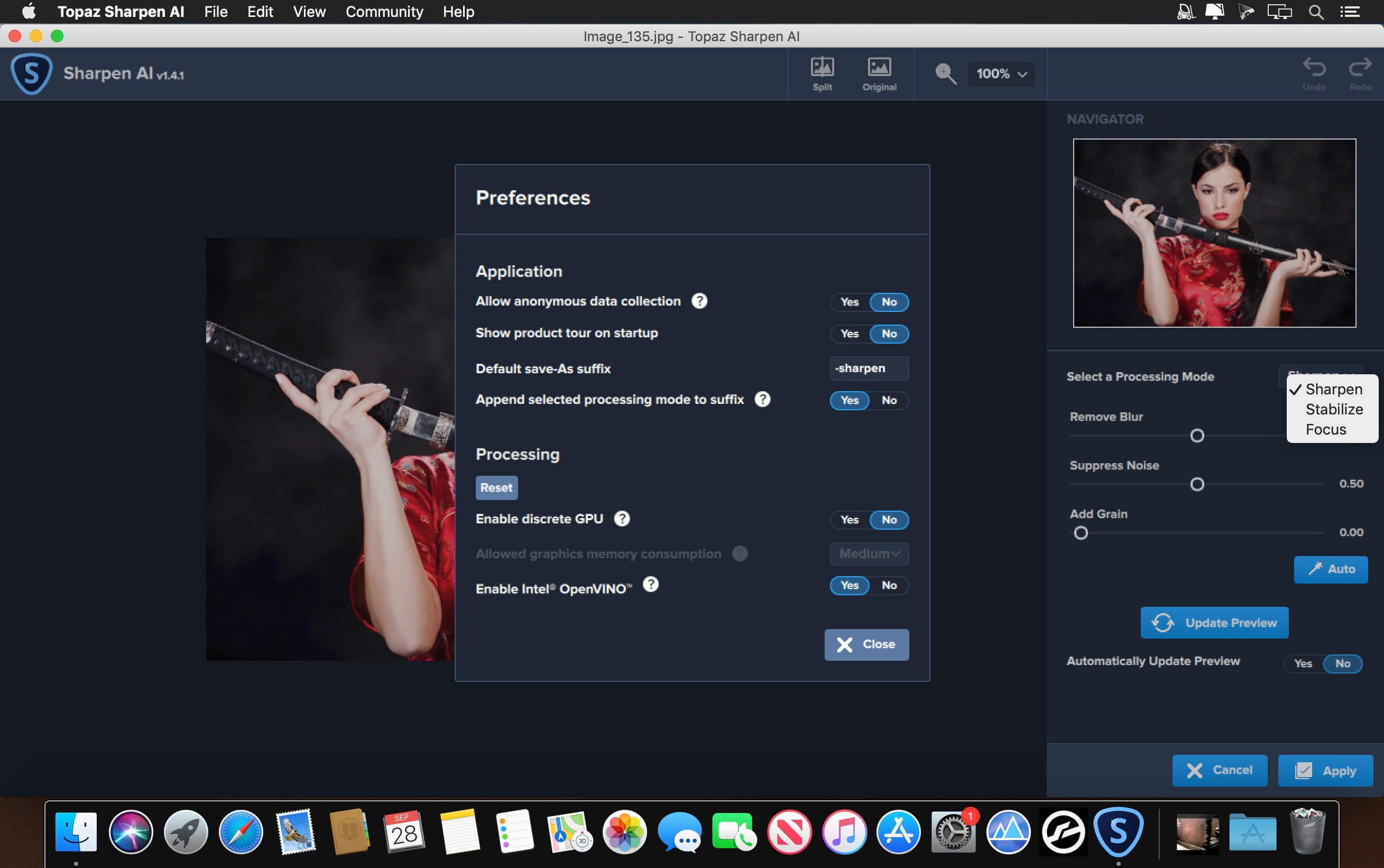
There’s nothing worse than the feeling of taking the perfect photo, rushing home, opening it up on your computer… and realizing that it’s blurry at 100%. When this happens, it’s usually caused by one of three problems: camera shake, focus issues, or general softness. Sharpen AI includes a separate module to handle each one.
Stabilize: natural shake reduction
Even the steadiest hands don’t compare to a tripod when it comes to image sharpness. Unlike a tripod, though, you always have your hands with you! Sharpen AI’s Stabilize module has been trained to reverse motion blur and make handheld images look like they were taken from a tripod.
Focus: better focus correction
Focus correction is a notoriously difficult problem that’s easy to get wrong, but Sharpen AI’s Focus module excels at correct up to ten pixels of focus blur. This is perfect for sharpening out-of-focus eyes or correct issues caused by incorrect in-camera focus. Tip: use selective adjustments for best results!
Sharpen: general input sharpening
Even with no motion blur or focus issues, images generally come out of the camera soft. Sharpen AI includes the Sharpen module that specializes in correcting small amounts of general softness without any artifacts or halos. It’s the most natural-looking sharpening tool that you will ever use.
Version 1.4.2:
Change:
Change:
- Model update
- Fixed crashing on 1% issue
Frequently asked questions
How do I install the app?
Mount the image, drag the app into the "Applications" folder and launch it. If the system blocks the launch, allow it in "System Settings → Privacy & Security".
The app is damaged or won't launch
Reinstalling from a fresh image usually helps. Make sure your macOS version matches the one listed in the compatibility specs.
How do I update?
Download the new version from the site and install it over the current one — your settings will be preserved.
The download link doesn't work
Try a mirror or a download manager. For large files the browser often drops the connection.
How do I completely remove the app?
Use an uninstaller utility — it cleans up the service files that remain after moving the app to the trash.
VersionTopaz Sharpen AI 1.4.2
DeveloperTopaz Labs
CompatibilitymacOS 10.12 or later, 64-bit processor
LanguageEnglish
IncludesK



Information
Visitors in the group Guests cannot leave comments on this publication.
Choose a download source
Topaz Sharpen AI 1.4.2 · 1.3 GB
Previous versions
Topaz Sharpen AI 1.4.2
Previous versions are available to registered users.