
Postbox 7.0.64
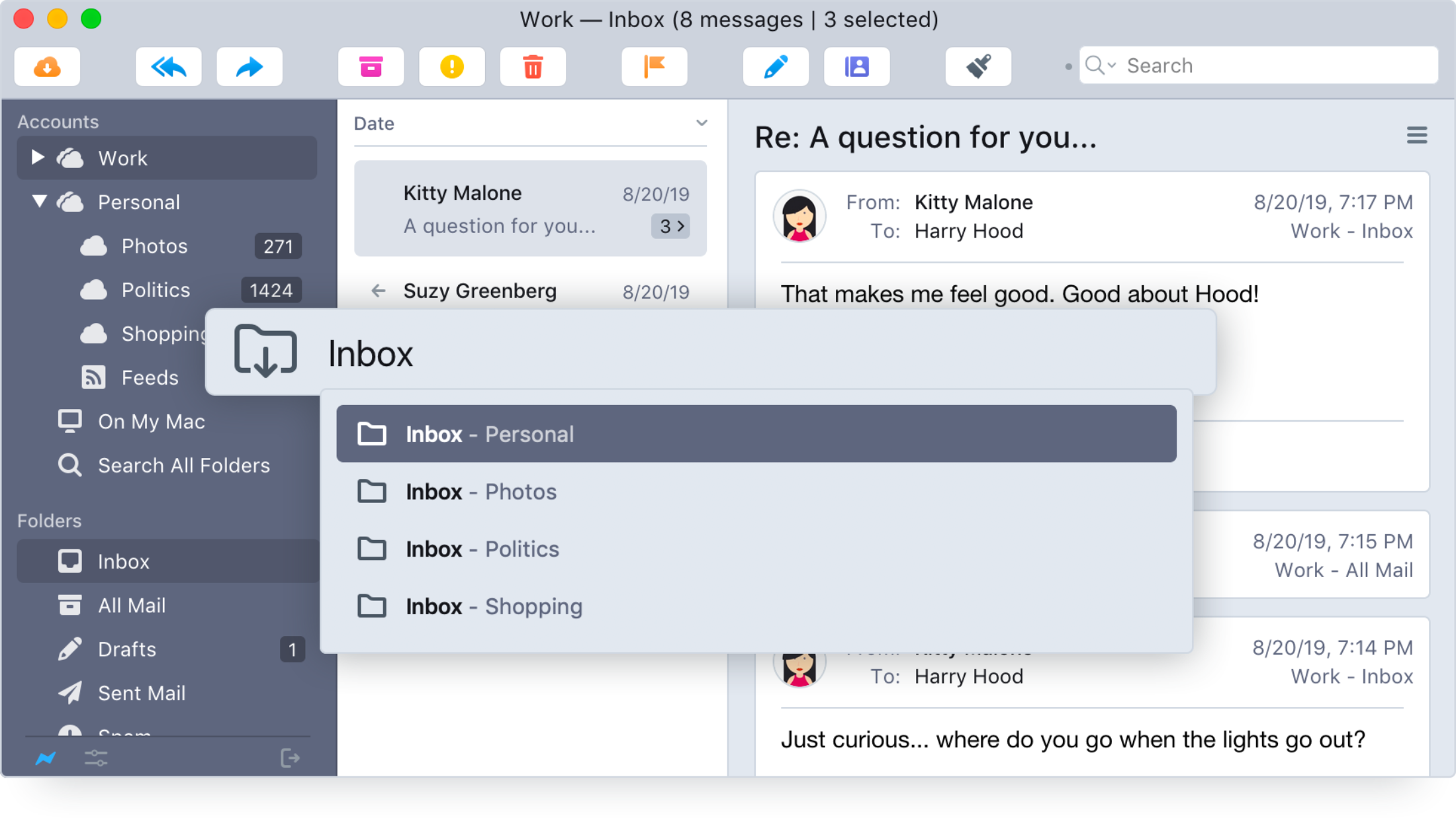
Postbox 7 is a new email application that helps you organize your work life and get stuff done. It has all the elegance and simplicity of Apple Mail, but with more power and flexibility to manage even the most demanding workloads.
The New Postbox Version 7
Fast, powerful, feature-rich, intuitive, customizable, and drop-dead gorgeous.
Manage Mountains of Messages
Postbox has the tools you need to tackle busy inboxes.
- Triage new messages faster with a full suite of keyboard shortcuts, macros for common actions, and intuitive swipe actions on macOS.
- Easily organize large inboxes by tag or Gmail label.
- Find and view the messages you need using Postbox's powerful search engine and one-click filter views.
Spend Less Time Composing Messages
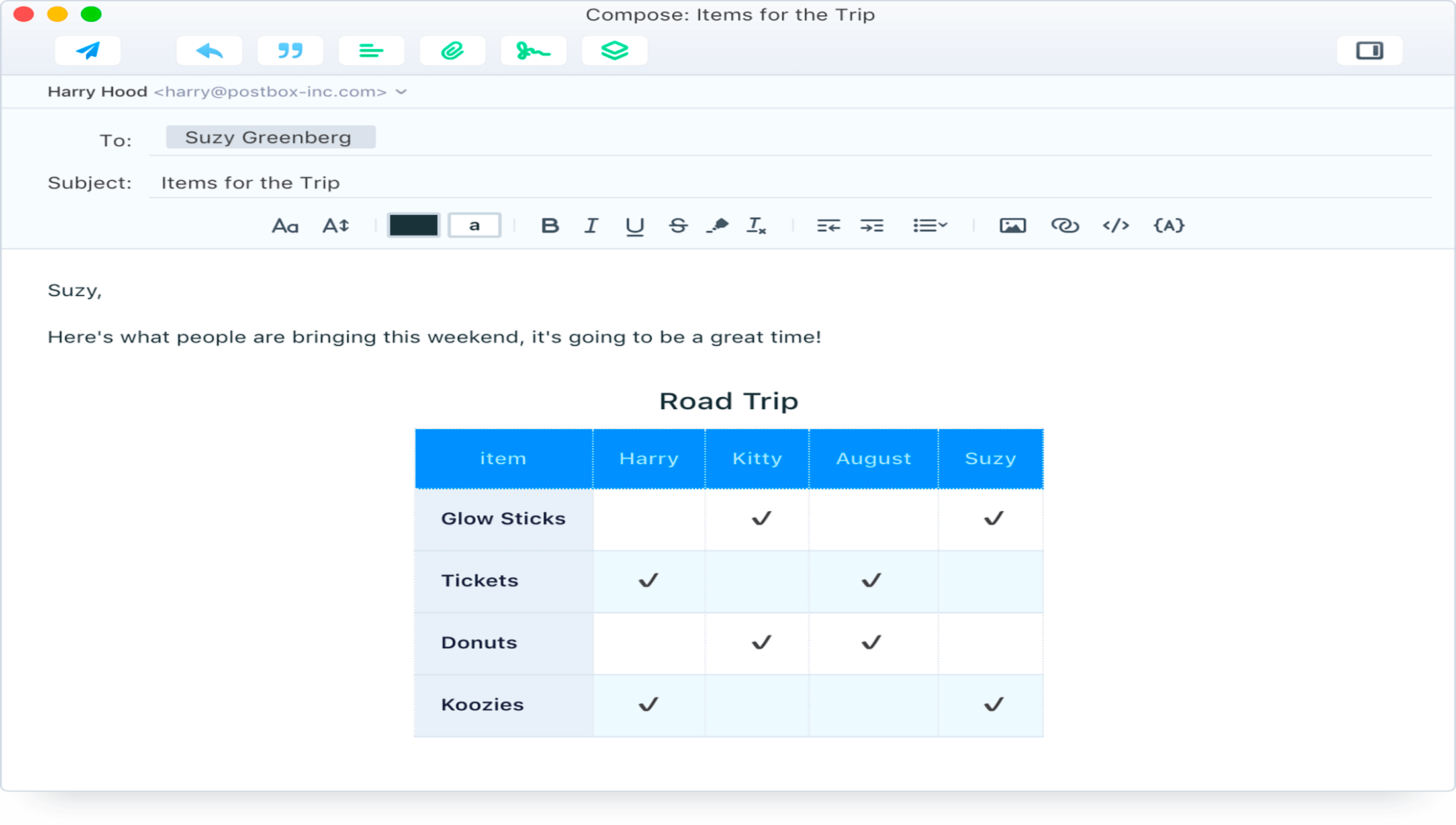
Postbox's pro-class composition tools will save you time.
- Reply to emails faster by inserting pre-canned responses with just a few clicks. We also include 70 professionally written email responses that anyone can customize and use for free.
- Send large files through sharable links from Dropbox, OneDrive and Box.
- Add beautiful content using over 300 pre-built formatting Clips and 25 beautiful signature templates – all included for free.
Work in a Beautiful Space
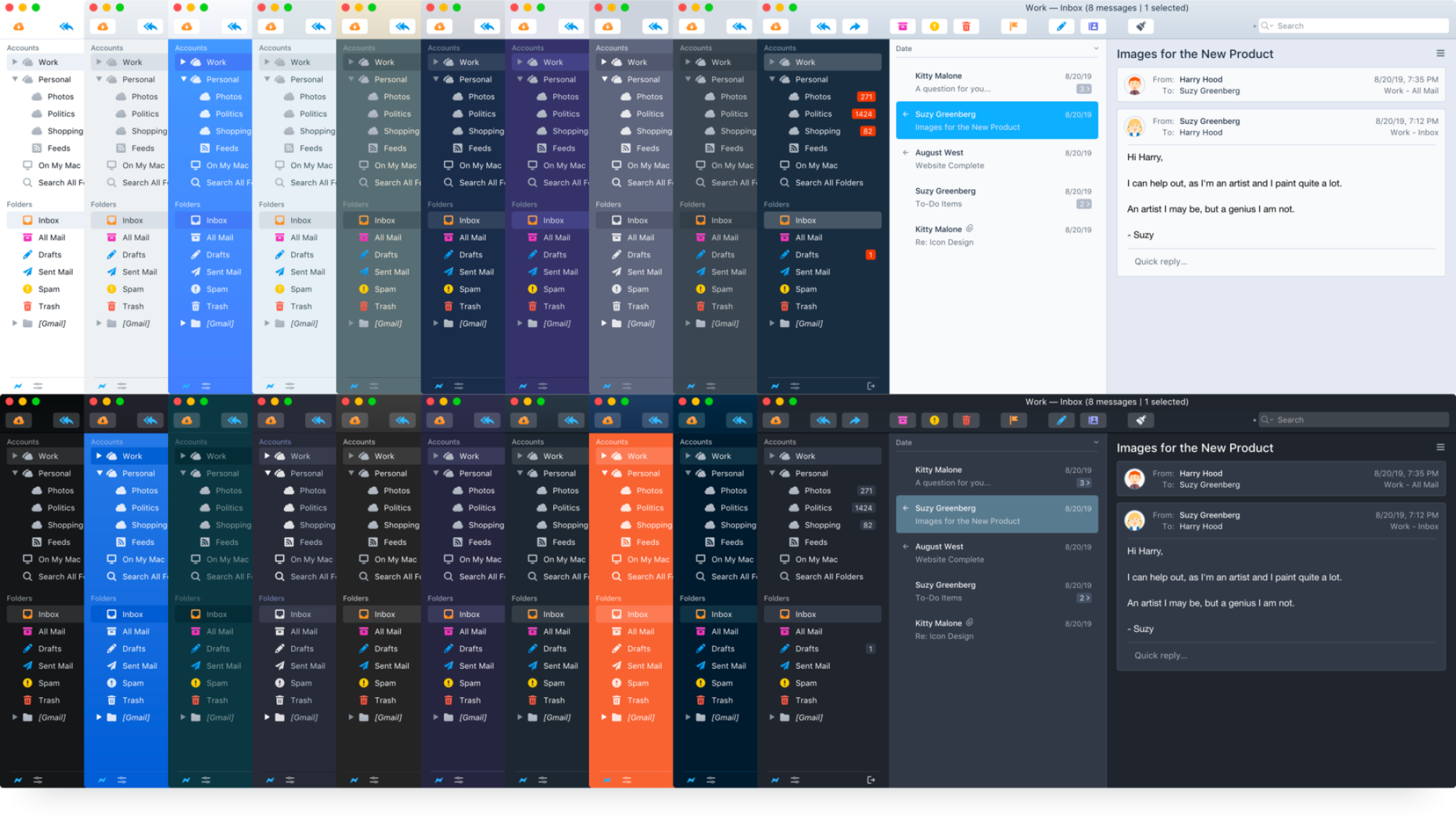
- 20 light and dark themes to fit any mood.
Optimize Your Workflow
Customize Postbox to work the way you do.
- Customize Postbox's interface just the way you want it. Display messages in vertical and horizontal views, organize folders in the Favorites Bar or Tabs, or pin important emails to the top of your message list.
- Extend Postbox's functionality through Postbox Labs, a place for 3rd-party code such as OpenPGP encryption and Import & Export Tools.
Email Privately and Securely
We're serious about protecting your privacy and keeping you safe.
- Our company doesn't read or store your email messages or passwords
- We do not implement features that invade your privacy
- We warn you if someone is trying to track your behavior
- We help detect potential phishing and malware attacks
- Free OpenPGP encryption through Enigmail, a 3rd-party Labs Project
Version 7.0.62:
- Added support for OmniFocus 4 Pro for macOS
- Fixed an issue that prevented images from specific domains from loading
- Changed Microsoft OAuth2 account setup labels for consistency
- Removed support for Google Safe Browsing
Frequently asked questions
How do I install the app?
Mount the image, drag the app into the "Applications" folder and launch it. If the system blocks the launch, allow it in "System Settings → Privacy & Security".
The app is damaged or won't launch
Reinstalling from a fresh image usually helps. Make sure your macOS version matches the one listed in the compatibility specs.
How do I update?
Download the new version from the site and install it over the current one — your settings will be preserved.
The download link doesn't work
Try a mirror or a download manager. For large files the browser often drops the connection.
How do I completely remove the app?
Use an uninstaller utility — it cleans up the service files that remain after moving the app to the trash.





Choose a download source
Postbox 7.0.64 · 59.16 MB
Previous versions
Postbox 7.0.64
Previous versions are available to registered users.