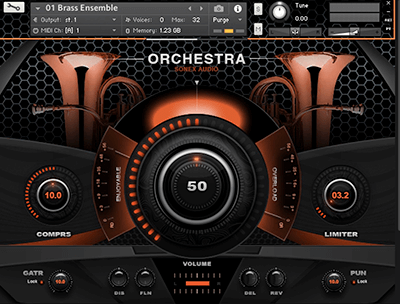
Sonex Audio Brass Ensemble KONTAKT
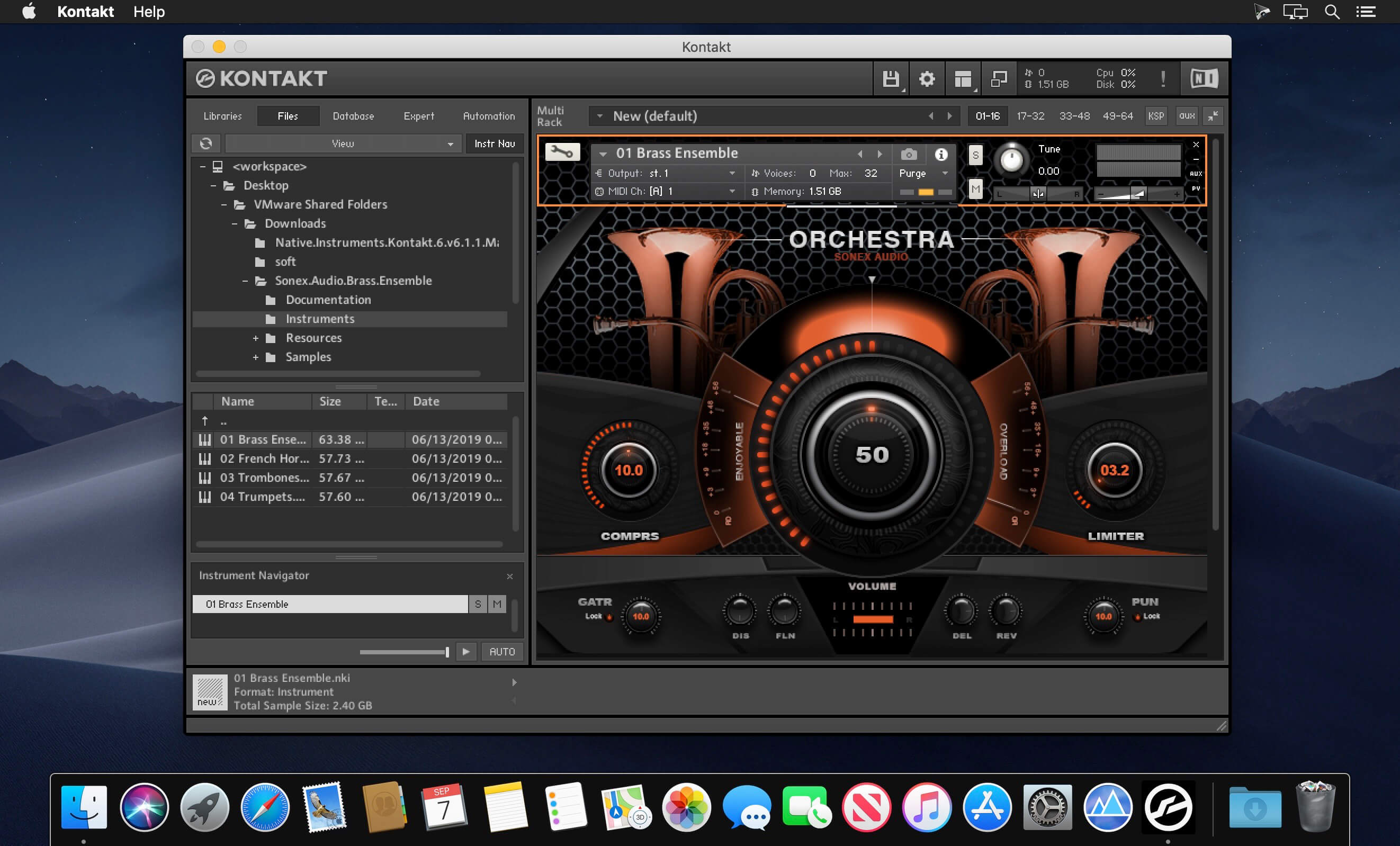
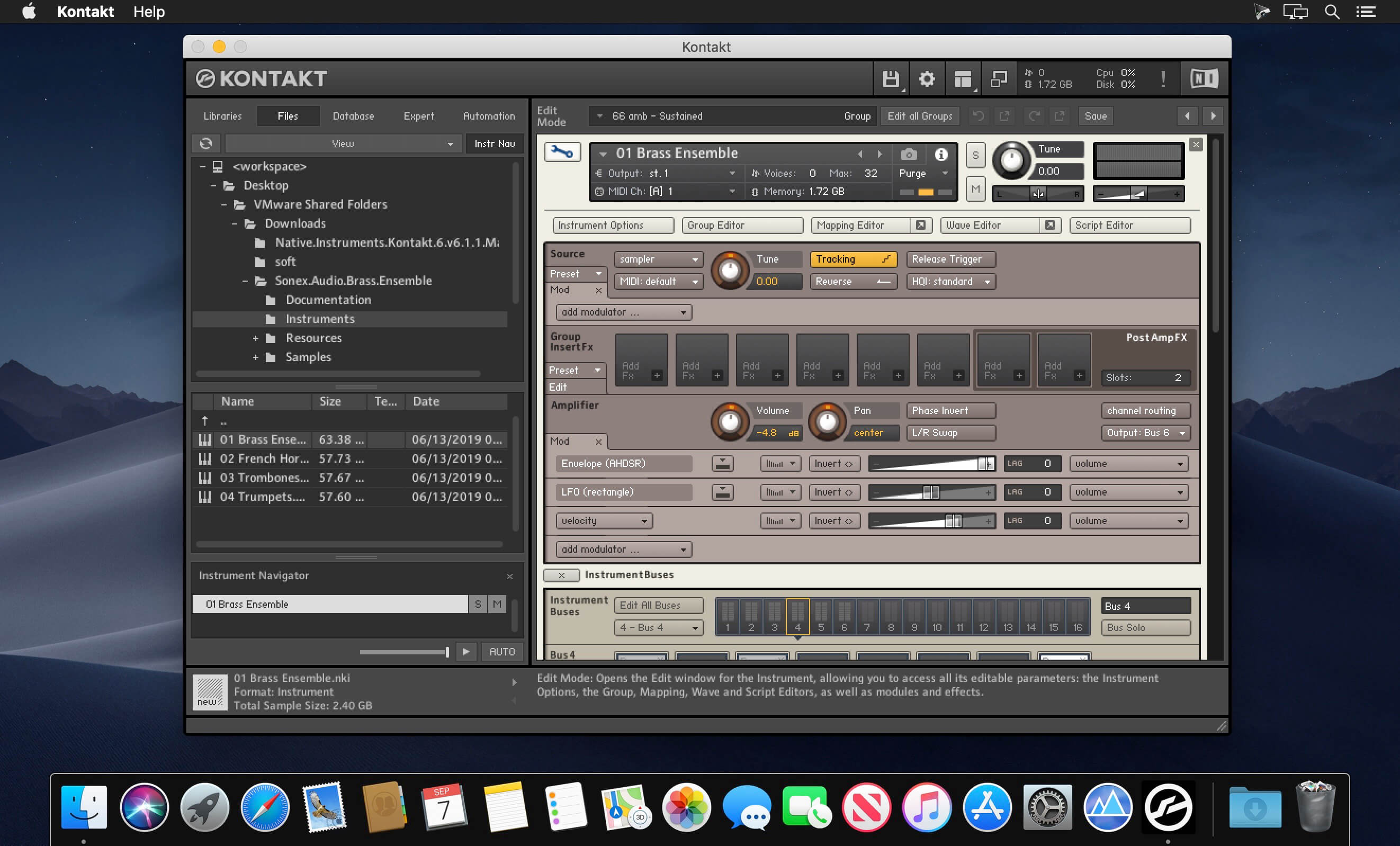
Brass Ensemble and 3 separate Instruments: French Horns, Trombones and Trumpets. Up to 3 articulations (key switching) per instrument: Sustains, Staccato, Marcato and Crescendo. 4 separate mic positions: close (stereo and mono), middle, far, and ambience (room). Up to 6 velocity layers and 3 round robins.
- Nearly 23GB of uncompressed sample content (compressed to 9.1 GB)
- 4.419 Samples (Kontakt Lossless Sample Compression format)
- Dozens of ready-to-use presets for creative starting points
- Built-in Effects: 3-Band Equalizer, Compressor, Saturation, Distortion, Chorus, Reverb,
- Delay, Stereo Width, Limiter and more
- Full set of effects in the Kontakt settings for further customization
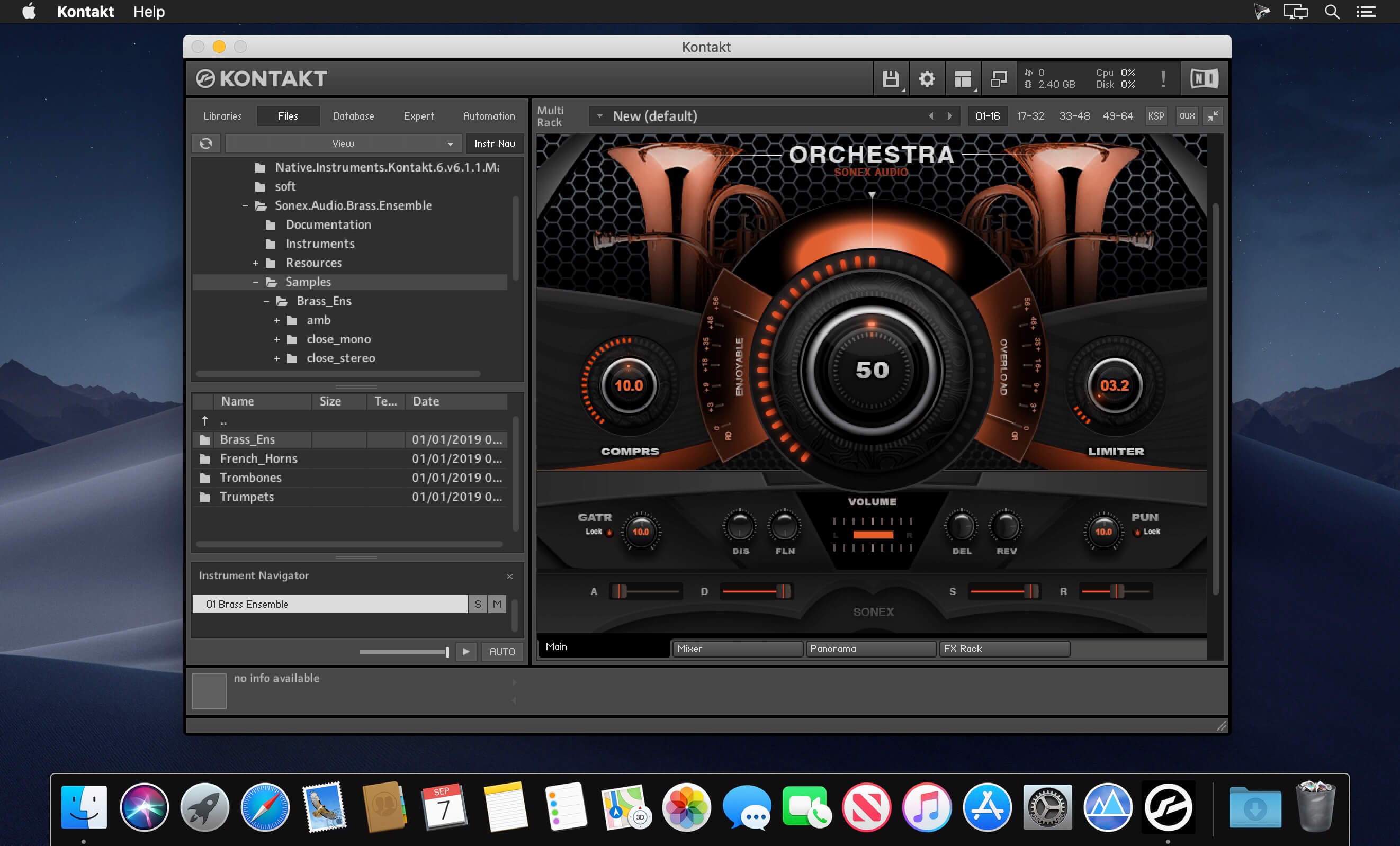
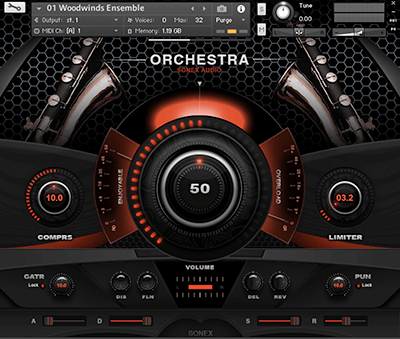
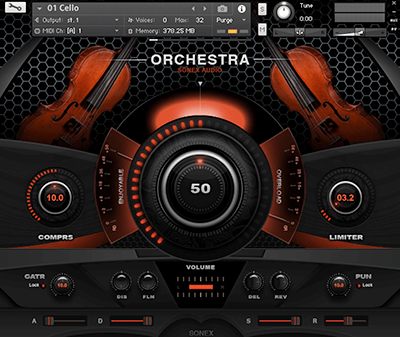
- Unique and intuitive GUI has been designed to give you full control over a huge amount of options and effects without slowing down the creative process
- Lossless sample compression for better disk streaming
- Full Retail Version of NI Kontakt 5.6 or later required (MAC and PC compatible)
- Not Compatible with Free Kontakt Player
- Brass Ensemble - Sustained / Staccato / Marcato
- French Horns - Sustained / Staccato / Crescendo
- Trombones - Sustained / Staccato / Crescendo
- Trumpets - Sustained / Staccato / Crescendo
- Close Stereo / Close Mono / Middle / Far / Ambience
- Mix (Main Out)
Main Page offers global controls over volume, pan, a/d/s/r, reverb, delay, distortion and more.
Mixer Page includes controls for all 4 mic positions: close, mid, far and room (ambience), as well as a full mix (out) option.
Panorama Page includes controls over Stereo Width (mics and mix), Phaser, Chorus, Flanger.
Effects Page includes controls over EQ, Flanger, Compressor, Delay, and Reverb.
Frequently asked questions
How do I install the app?
Mount the image, drag the app into the "Applications" folder and launch it. If the system blocks the launch, allow it in "System Settings → Privacy & Security".
The app is damaged or won't launch
Reinstalling from a fresh image usually helps. Make sure your macOS version matches the one listed in the compatibility specs.
How do I update?
Download the new version from the site and install it over the current one — your settings will be preserved.
The download link doesn't work
Try a mirror or a download manager. For large files the browser often drops the connection.
How do I completely remove the app?
Use an uninstaller utility — it cleans up the service files that remain after moving the app to the trash.
VersionSonex Audio Brass Ensemble KONTAKT
DeveloperSonex Audio
CompatibilityFull Retail Version of NI Kontakt 5.6 or later required
LanguageEnglish
Information
Visitors in the group Guests cannot leave comments on this publication.
Choose a download source
Sonex Audio Brass Ensemble KONTAKT · 6.24 GB