
Drama 2.1.4
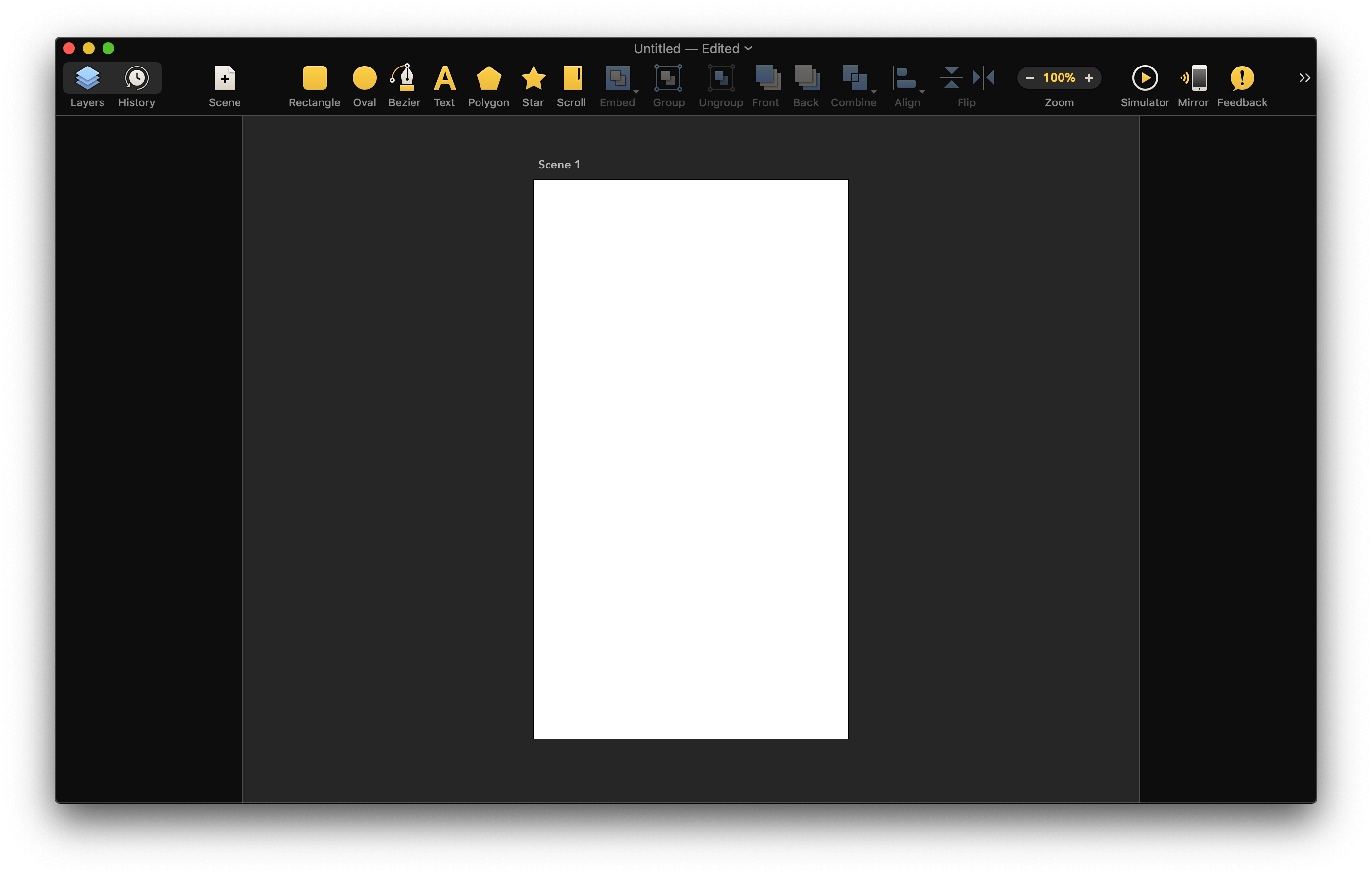
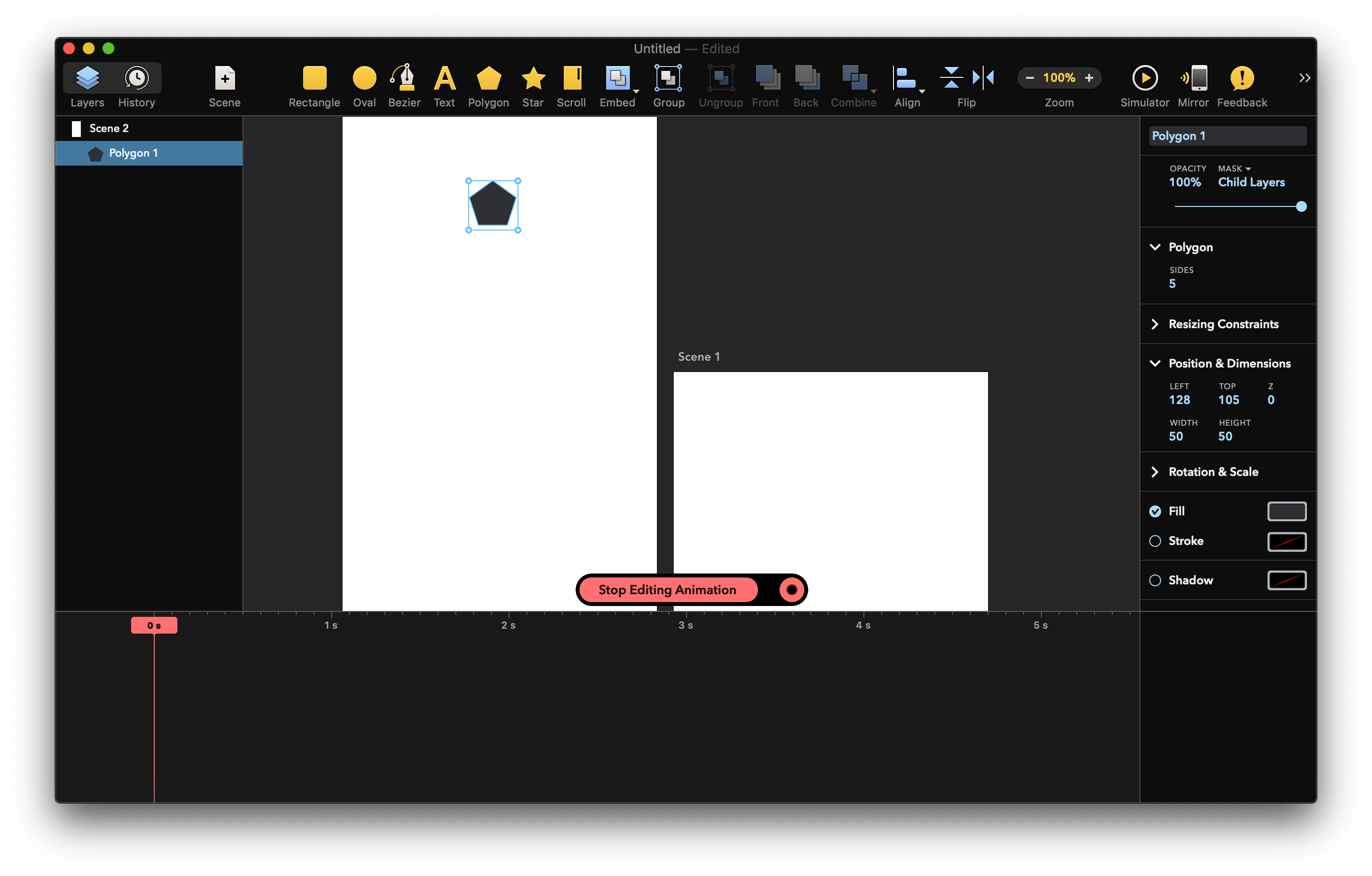
Prototyping, animation & design tool. All-in-one. Drama's handy 3-in-1 functionality uniquely integrates design, animation and prototyping into a single familiar tool. No more frustrating switching between apps or learning new stuff.
Powerful prototyping tools
- Bring your designs to life with powerful prototyping tools
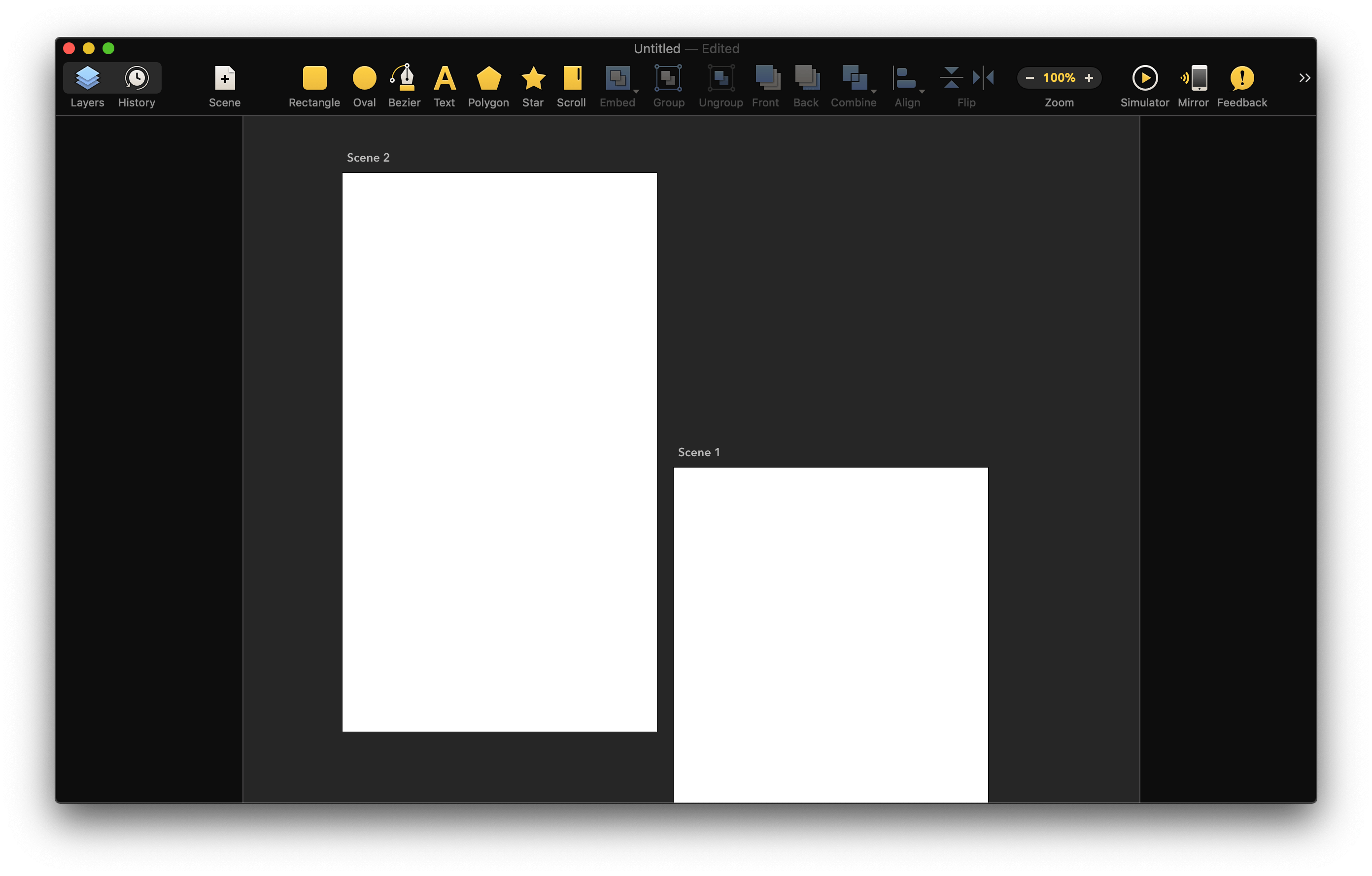
- Draw scenes.
- Each scene represents a visual state of your prototype.
- Add transitions between scenes.
- Transitions are triggered when users interact with the prototype.
- Magic Move auto-animates layers with the same name during scene transitions.
Version 2.1.4:
Bug Fixes:
- Crash during Bézier creation
- Random crash when opening Drivers or Timeline window
- Visual tweaks in the GUI
Frequently asked questions
How do I install the app?
Mount the image, drag the app into the "Applications" folder and launch it. If the system blocks the launch, allow it in "System Settings → Privacy & Security".
The app is damaged or won't launch
Reinstalling from a fresh image usually helps. Make sure your macOS version matches the one listed in the compatibility specs.
How do I update?
Download the new version from the site and install it over the current one — your settings will be preserved.
The download link doesn't work
Try a mirror or a download manager. For large files the browser often drops the connection.
How do I completely remove the app?
Use an uninstaller utility — it cleans up the service files that remain after moving the app to the trash.




Choose a download source
Drama 2.1.4 · 7.71 MB
Previous versions
Drama 2.1.4
Previous versions are available to registered users.