String Audio ALCHEMIST 2 Cinematic Impacts v2.5 KONTAKT
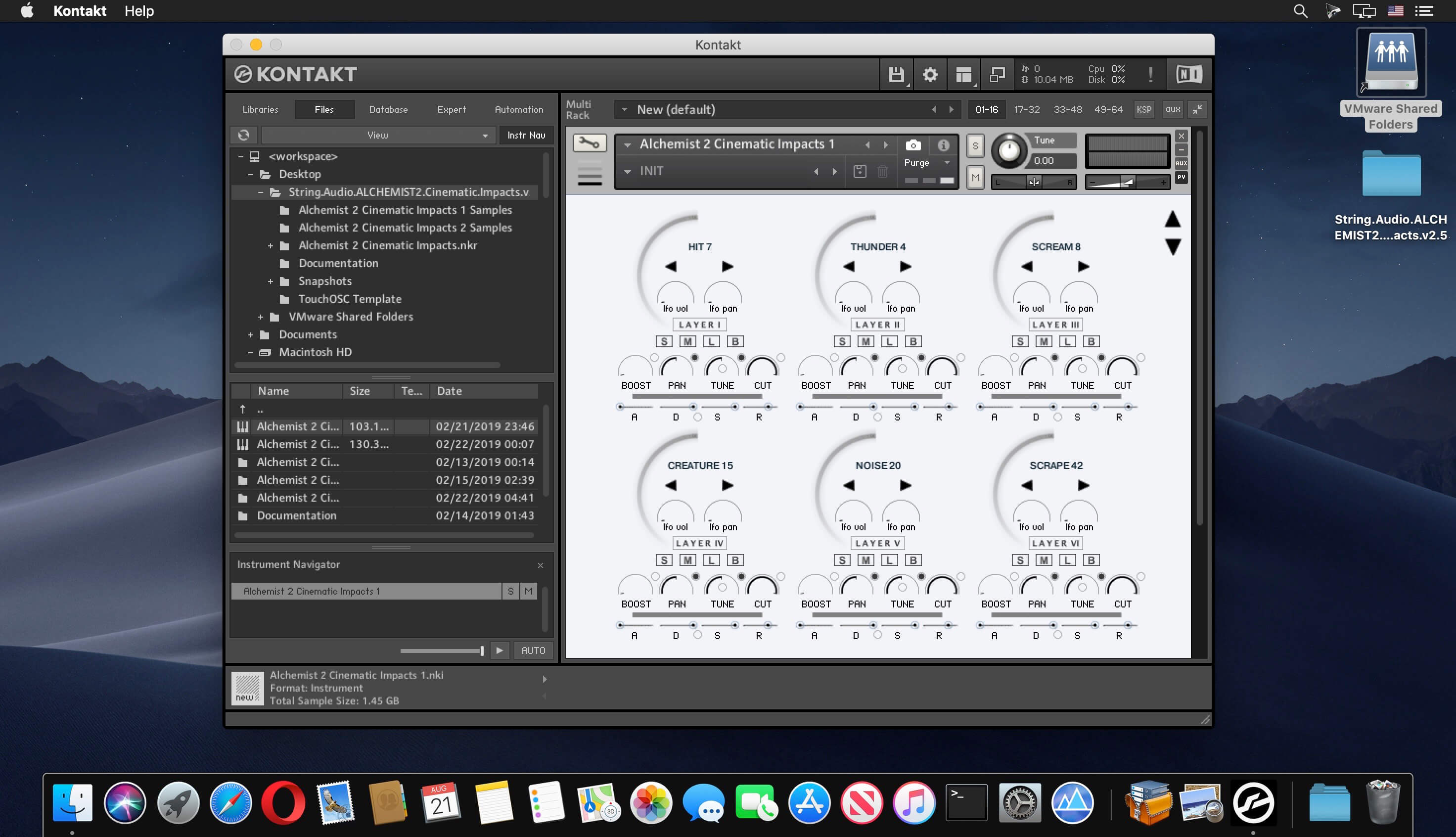
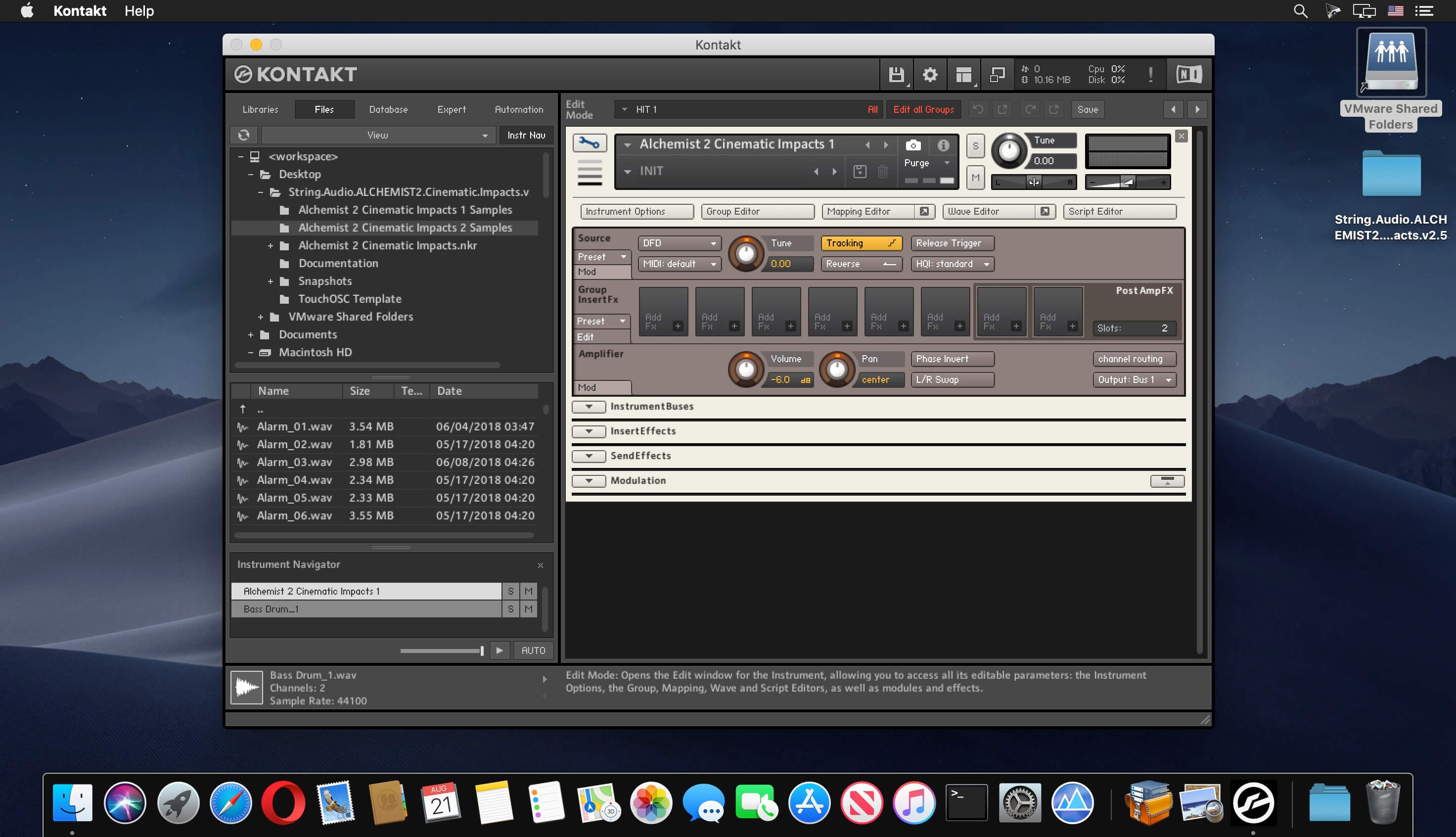
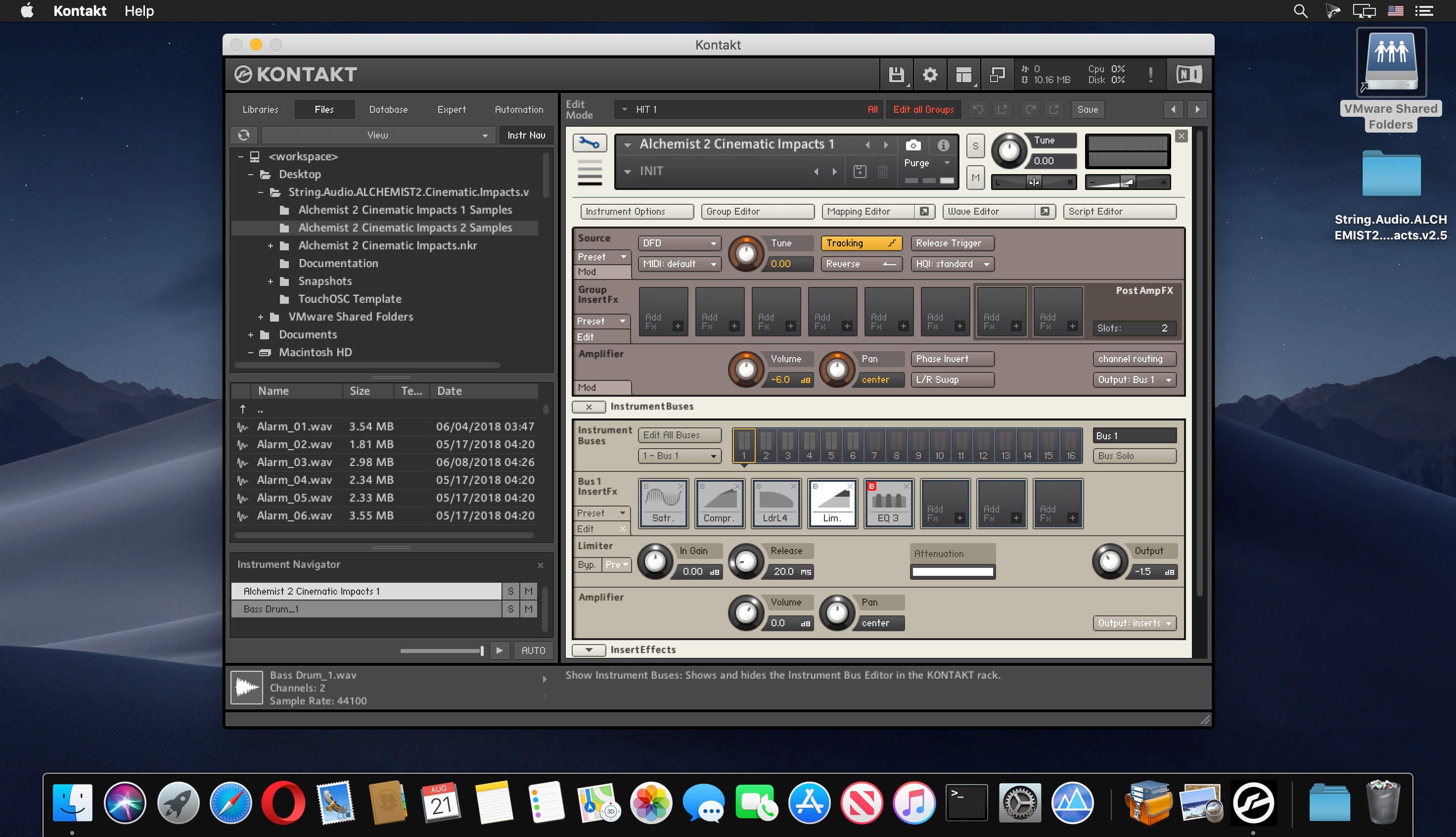
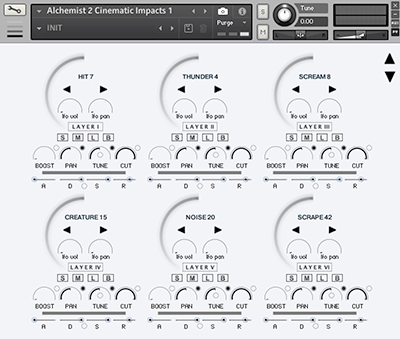
We are very excited to present a new version of our best seller library Alchemist Cinematic Impacts. ALCHEMIST 2 Cinematic Impacts is boosted by an updated version of our acclaimed ALCHEMIST 2 engine featuring important improvements and bugfixes and support for the TouchOSC controller.
Two Instruments:
- Alchemist 2 Cinematic Impacts 2: 2.4GB of brand new sample material and 300 of new snapshots powered by the new ALCHEMIST 2 engine.
- Alchemist 2 Cinematic Impacts 1: All samples (1.6GB) and snapshots (195) of the first version of Alchemist Impacts powered by the new ALCHEMIST 2 engine.
- 00+ high-quality WAV total samples.
- 6 layers.
- 495 pre-programmed Snapshots.
- Main Engine: Individual layer controls for pitch, volume, pan, solo, mute, effects bypass, layer lock, adsr, layer boost and cut, pan and amp LFO send.
- Powerful randomize function.
- Dedicated Motion Engine: Arpeggiator, Pan and Amp LFO.
- Dedicated Color Engine: 200 convolution Impulse Responses, Randomize function.
- Dedicated Effect Engine: skreamer, lo-fi, chorus, tape saturation, delay, and distortion (controlled by the modulation wheel).
- Dedicated Eq Engine
- TouchOSC compatibility and custom template.
What's new in the updated ALCHEMIST 2 Engine:
- Support for the Midi/OSC controller TouchOSC (free ALCHEMIST 2 template included)
- Added in the Main Engine two useful controls for the Volume LFO and Pan LFO that let you engage the LFO on the fly with a click of the mouse
- Added in the Color Engine for each convolver the "Prev/Next" buttons to easily navigate through the different Impulse Responses
Frequently asked questions
How do I install the app?
Mount the image, drag the app into the "Applications" folder and launch it. If the system blocks the launch, allow it in "System Settings → Privacy & Security".
The app is damaged or won't launch
Reinstalling from a fresh image usually helps. Make sure your macOS version matches the one listed in the compatibility specs.
How do I update?
Download the new version from the site and install it over the current one — your settings will be preserved.
The download link doesn't work
Try a mirror or a download manager. For large files the browser often drops the connection.
How do I completely remove the app?
Use an uninstaller utility — it cleans up the service files that remain after moving the app to the trash.
VersionString Audio ALCHEMIST 2 Cinematic Impacts v2.5 KONTAKT
DeveloperString Audio
CompatibilityRequires FULL version of Kontakt 5.6 and above!
LanguageEnglish
Related posts


Information
Visitors in the group Guests cannot leave comments on this publication.
Choose a download source
String Audio ALCHEMIST 2 Cinematic Impacts v2.5 KONTAKT · 3.62 GB