
Topaz Software & Plug-ins Bundle for Adobe Photoshop (Updated 07.2019)


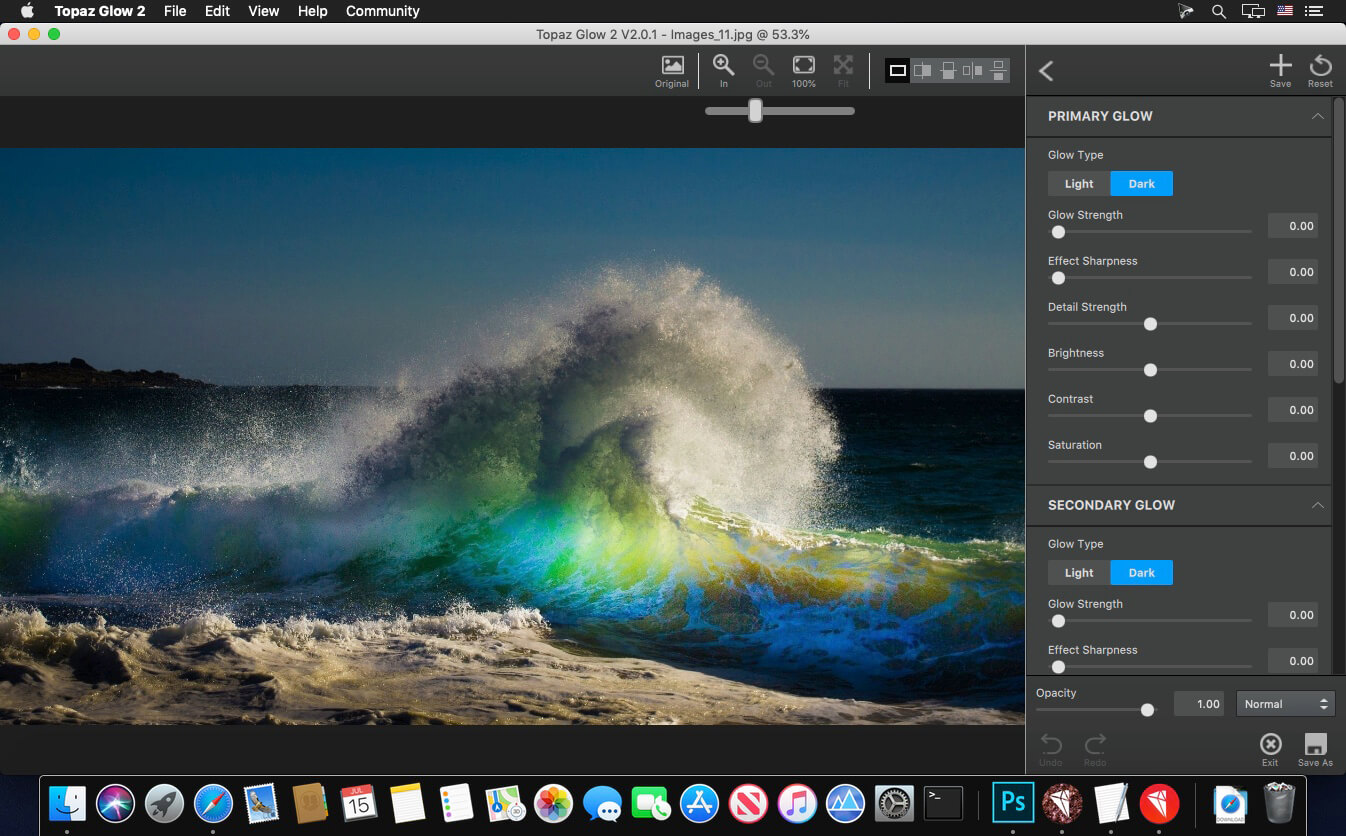
Topaz Plug-ins Bundle for Adobe Photoshop helps amateur and professional photographers accomplish the most common creative and corrective post processing tasks. With 14 powerful and easy-to-use programs, users can quickly enhance their digital images with flexible adjustments that are easy to apply and customize - and often in just 1-click!
Features:
- Instantly convert your photos into an exciting art
- Control of the artistic process with an infinitely configurable options
- Use simple, fast and easy to master sliders
- Maximizing productivity through the use of a number of built-in presets
- Save your settings in your own presets
- Take advantage of multiple processors for faster processing
- Use Photoshop smart filter for convenient and non-destructive editing
- Topaz Adjust
- Topaz ReStyle
- Topaz Clarity
- Topaz ReMask
- Topaz B&W Effects
- Topaz Detail
- Topaz Simplify
- Topaz Lens Effects
- Topaz Star Effects
- Topaz Clean
- Topaz Impression
- Topaz Glow
- Topaz DeNoise
- Topaz InFocus
- Topaz DeJPEG
- Topaz photoFXlab
- Topaz Texture Effects
- Topaz A.I. Gigapixel 4.1.2
- Topaz JPEG to RAW AI 2.1.2
- Topaz Sharpen AI 1.2.1
- Topaz Denoise AI 1.1.1
- TopazAdjust 1.0.2
Frequently asked questions
How do I install the app?
Mount the image, drag the app into the "Applications" folder and launch it. If the system blocks the launch, allow it in "System Settings → Privacy & Security".
The app is damaged or won't launch
Reinstalling from a fresh image usually helps. Make sure your macOS version matches the one listed in the compatibility specs.
How do I update?
Download the new version from the site and install it over the current one — your settings will be preserved.
The download link doesn't work
Try a mirror or a download manager. For large files the browser often drops the connection.
How do I completely remove the app?
Use an uninstaller utility — it cleans up the service files that remain after moving the app to the trash.
VersionTopaz Software & Plug-ins Bundle for Adobe Photoshop (Updated 07.2019)
DeveloperTopaz Labs, LLC.
CompatibilityOS X 10.9 or later, 64-bit processor
LanguageEnglish
IncludesK
Related posts
-
 Topaz Plugins Bundle (11.2017)
Graphic Design861.02 MB
Topaz Plugins Bundle (11.2017)
Graphic Design861.02 MB
-
 Topaz Plug-ins Bundle for Adobe Photoshop DC 19.12.2016
Graphic Design1003.24 MB
Topaz Plug-ins Bundle for Adobe Photoshop DC 19.12.2016
Graphic Design1003.24 MB
-
 Exposure X5 Bundle 5.2.4.282
Photography518.05 MB
Exposure X5 Bundle 5.2.4.282
Photography518.05 MB
-
 AKVIS Bundle 2016 (upd 21.12.2016)
Graphic Design3.28 GB
AKVIS Bundle 2016 (upd 21.12.2016)
Graphic Design3.28 GB
-
 Alien Skin Plug-ins Bundle 2019 (update 26.07)
Photography1.02 GB
Alien Skin Plug-ins Bundle 2019 (update 26.07)
Photography1.02 GB
Information
Visitors in the group Guests cannot leave comments on this publication.
Choose a download source
Topaz Software & Plug-ins Bundle for Adobe Photoshop (Updated 07.2019) · 4.13 GB