
Pixologic Zbrush 2019.1.2
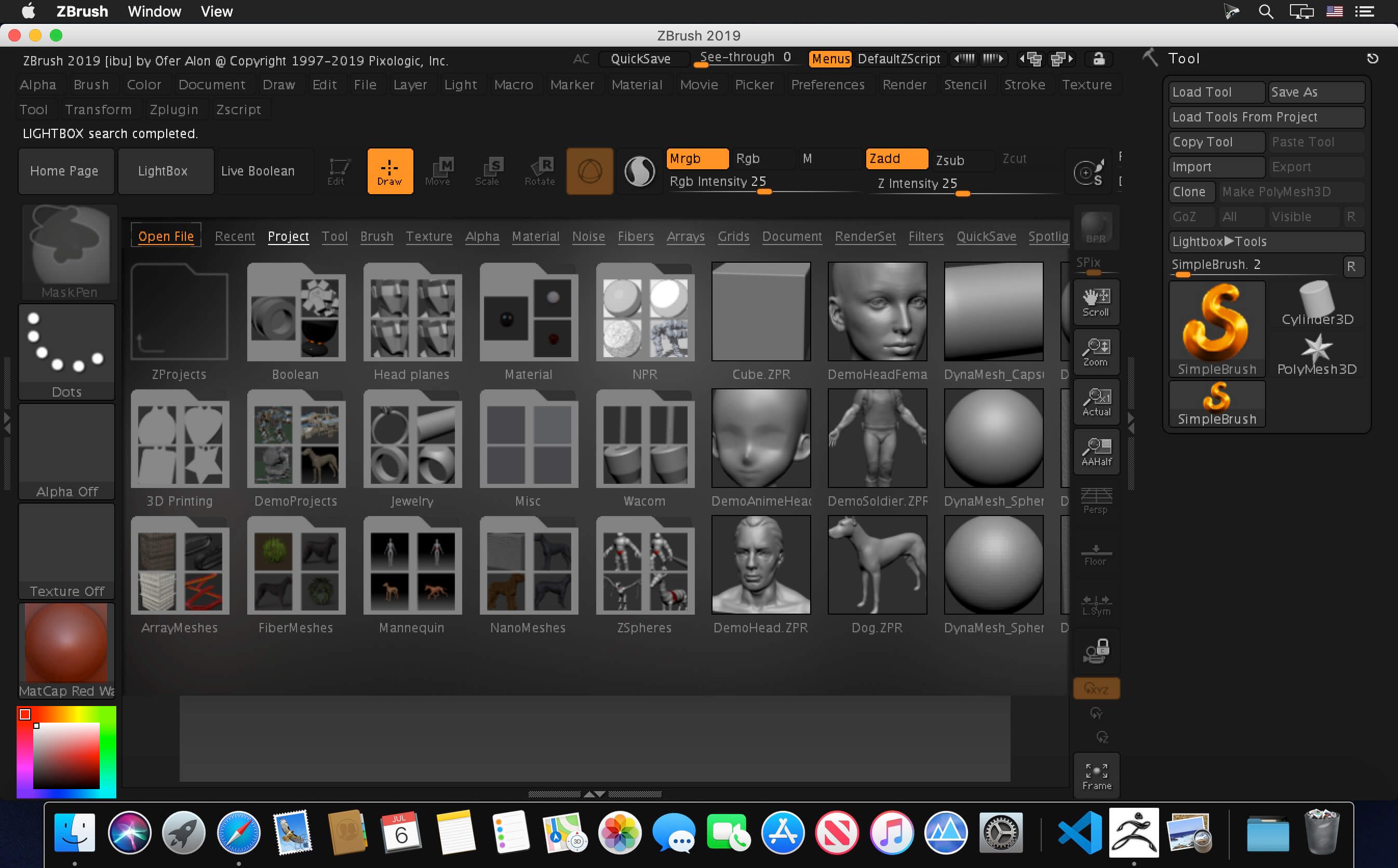
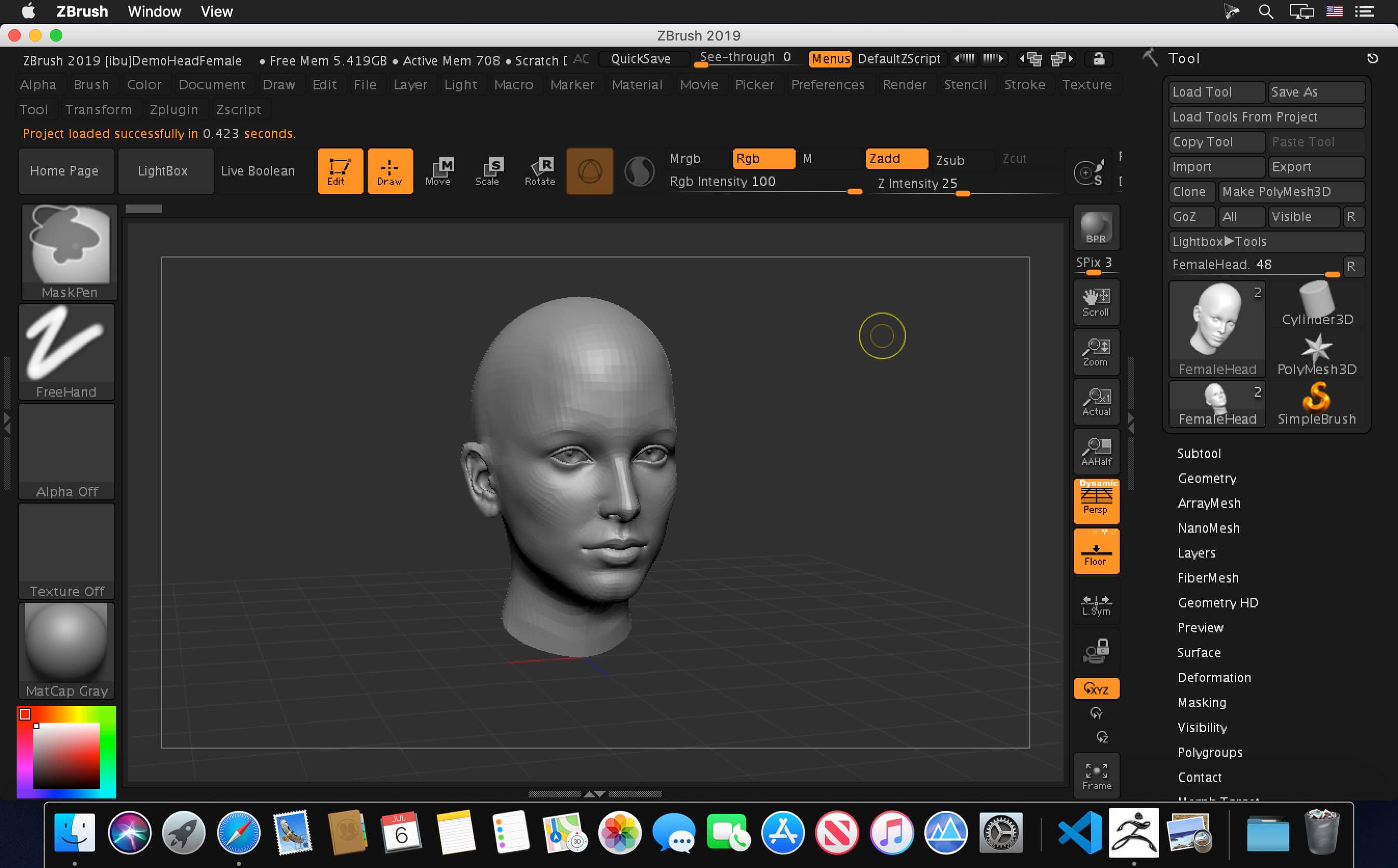
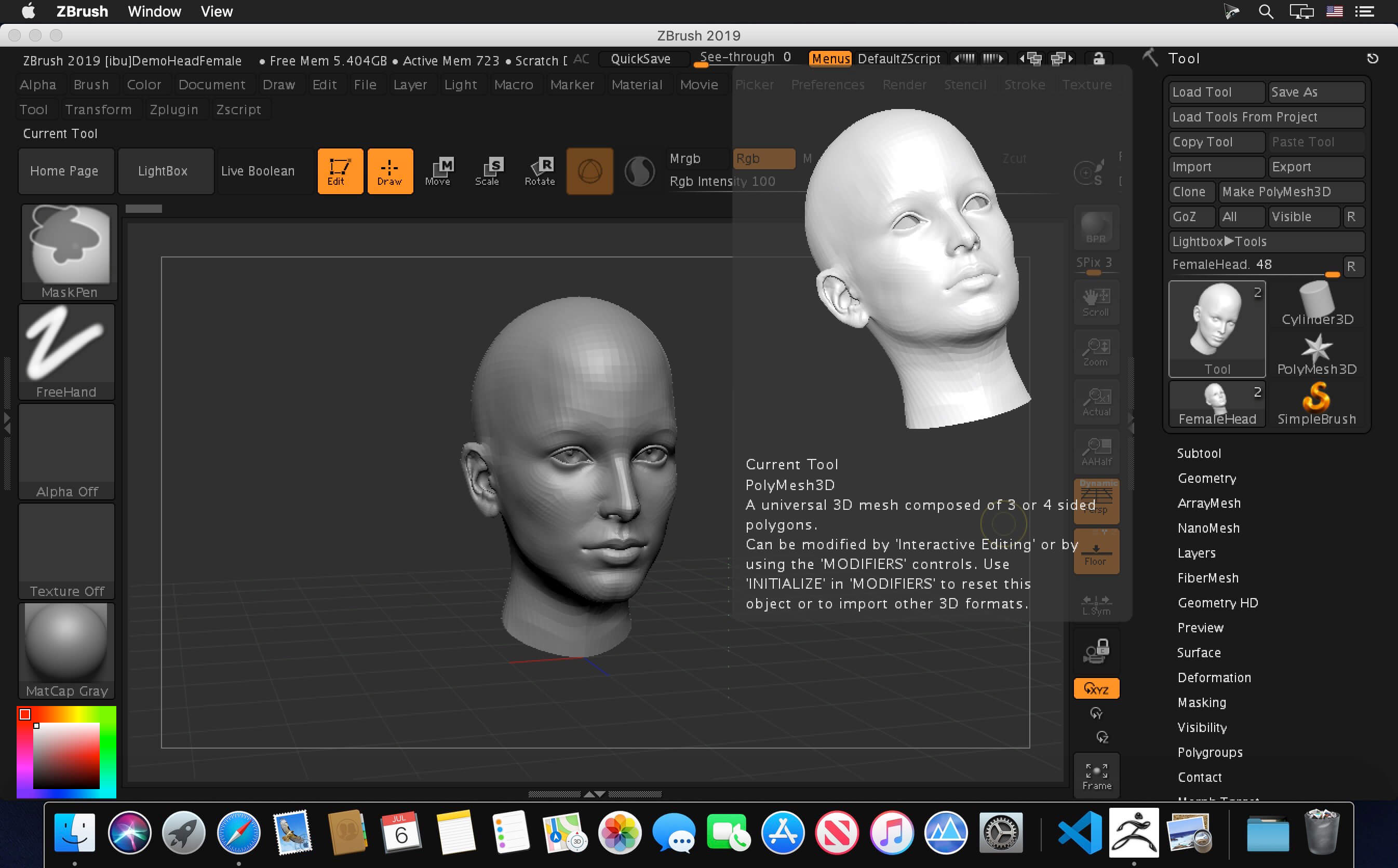
ZBrush sets the industry standard for digital sculpting. Its features enable you to use customizable brushes to shape, texture and paint virtual clay in a real-time environment. When you use ZBrush, you’ll be working with the same tools used by film studios, game developers, toy/collectible makers, jewelry designers, automotive/aviation designers, illustrators and artists worldwide.
ZBrush 2019 continues in the path of creativity and productivity with major new features allowing artists to work even faster, especially focusing on creating hard-surface and mechanical shapes with greater ease. While working, or as a final during creation you will be able to produce stunning nonrealistic rendering with instant feedback. ZBrush 2019 also helps you to be more efficient with its new Folders organization system, it’s rewritten automatic retopology tool, and a new camera system. Your art will change forever.
New features highlights:
- Sculptris Pro
- Project Primitive
- PolygroupIt
- Elastic Option for Curve Mode
- Liquid Option for Curve Mode
- Equidistant Gizmo Mesh Duplication
- Remember Draw Size
- Remember Dynamic Mode for Draw Size
- Tessimate Geometry
- New PolyGroup by Normals Algorithm
- Added Draw Transformation Border option to hide transformation border
- Increased OBJ Import file size capacity
- Increased Output Size for 3D Print Hub
- New Snake Hook Brushes for Scultpris Pro
- Option to Save Startup Default Material
- QuickSaves Can Now be Saved to Any Hard Drive
- New Activation and License Management System with Unique Login Support
- Create Displacement Maps from the highest subdiv level if HD geometry levels are present
- OBJ Import will not accept Color Vertex information
- Presets added to Decimation Master
Frequently asked questions
How do I install the app?
Mount the image, drag the app into the "Applications" folder and launch it. If the system blocks the launch, allow it in "System Settings → Privacy & Security".
The app is damaged or won't launch
Reinstalling from a fresh image usually helps. Make sure your macOS version matches the one listed in the compatibility specs.
How do I update?
Download the new version from the site and install it over the current one — your settings will be preserved.
The download link doesn't work
Try a mirror or a download manager. For large files the browser often drops the connection.
How do I completely remove the app?
Use an uninstaller utility — it cleans up the service files that remain after moving the app to the trash.
VersionPixologic Zbrush 2019.1.2
DeveloperPxologic
CompatibilityOS X 10.9 or later, 64-bit processor
LanguageEnglish
IncludesK


Information
Visitors in the group Guests cannot leave comments on this publication.
Choose a download source
Pixologic Zbrush 2019.1.2 · 1.69 GB