
Smith Micro Poser Pro v11.0
Poser is a 3D universe to illustrate and animate in. Whether you've just begun your journey into graphics or you’re a seasoned professional, Poser is your gateway to an experience that is infinitely creative. Design your 3D world with gigabytes of included content from Poser’s library. Set the scene with real-world props and 3D elements. Populate and animate scenes with ready-to-pose, fully textured animals and humans. Start making 3D art and animation in minutes.
Figure Design
Poser makes working with the human form easily accessible with an intuitive user interface. Human and animal models are included for you to start designing and posing immediately. Click-and-drag to sculpt faces, pose body parts, or create various ethnic varieties. For those who require finer control; full body morphs, facial expression morphs, and bone rigging are available for any figure. All features and models are provided in a natural 3D environment for realistic depth, lighting and shadowing on any figure in any pose. Quickly and easily create shape variations with Poser’s brush based morphing tools.
Content
With Poser, human and animal models are prepared for you to start designing and posing immediately. Figures are pre-rigged so artists can click-and-drag to pose body parts, sculpt faces, or create ethnic varieties. Thousands of poses, morphs, clothing, hair, materials, and accessories are included.
Rendering
Poser’s powerful lighting and rendering tools deliver high-quality artistic effects. Create renders with natural lighting, shadows, subsurface scattering for realistic looking skin, caustics and volumetrics for smoke, fog and cloud effects. Customize your final output in many styles, including photorealism, sketch, cartoon, silhouette, real-time comic book mode and more.
Animation
Poser’s animation tools help you create stunning, realistic animations without much of the repetitive work involved in animating figures. Poser includes automatic keyframe creation, non-linear animation, lip syncing and a walk simulator to simplify the animation process.
Simulation
Dynamic props and bullet physics move with your figure and add realism, bounce and jiggle to your animations. Clothing, table cloth, curtains drape and deform just as they do in real-life, while hair can be grown, styled and controlled dynamically as if blown by the wind.
WHAT’S NEW
NEW!
- SuperFly - Physically Based Rendering
- Improvements to Realtime Comic Book preview
- Actor Selection History
- Custom Parameter Palettes
- Customizable Keyboard Shortcuts
- Smooth Translation of Joints
- Adaptive Rigging using Morph Dependent Joint Centers (Creation is PRO)
- Animated Orientations
- New Female Figure
- Export a Partial Scene (Pro only)
- Export a Morph Injection (Pro only)
- Area Lights
- Caustics
Screenshots
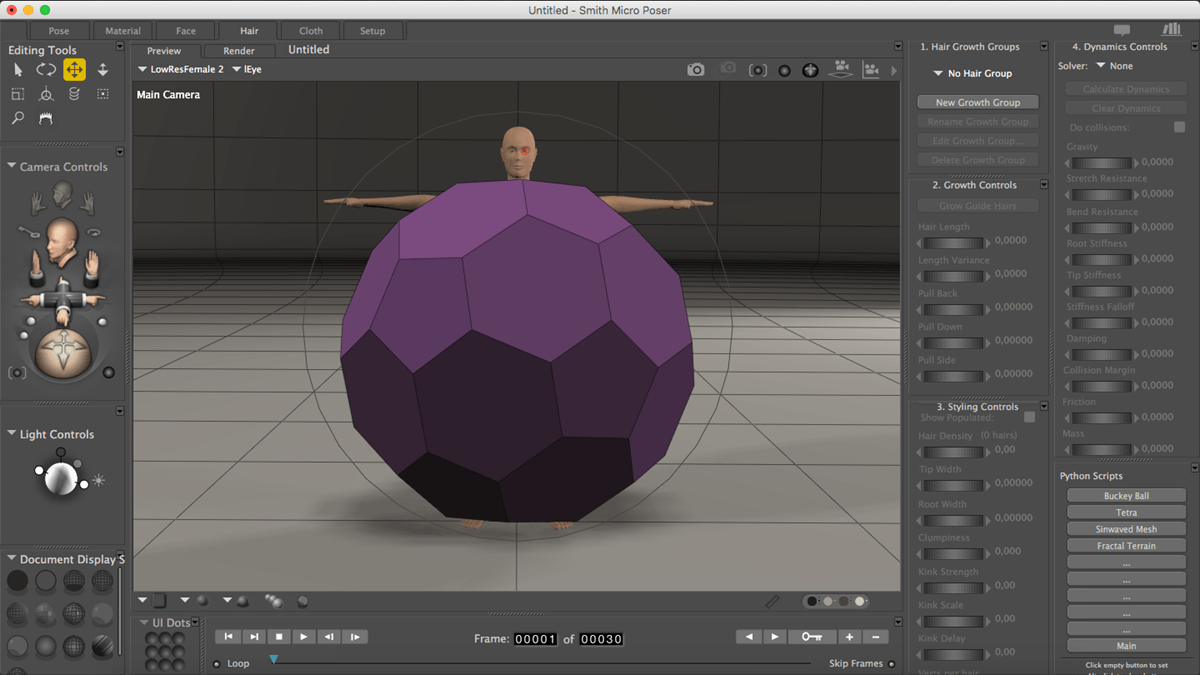
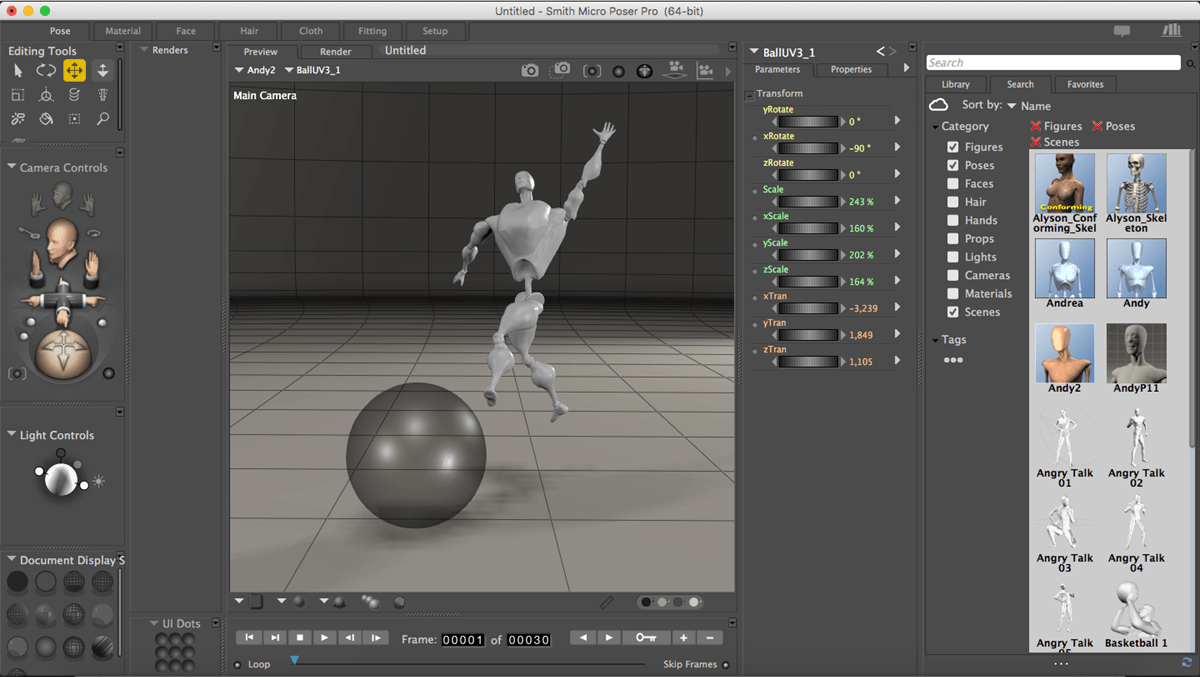
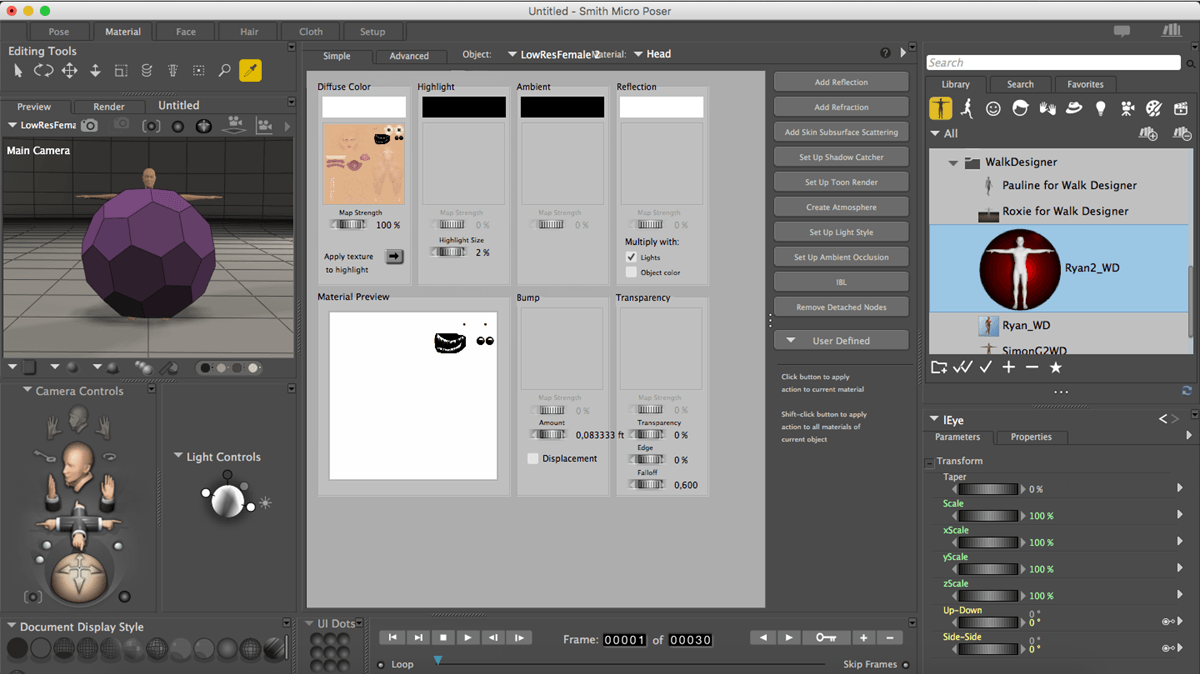
Frequently asked questions
How do I install the app?
Mount the image, drag the app into the "Applications" folder and launch it. If the system blocks the launch, allow it in "System Settings → Privacy & Security".
The app is damaged or won't launch
Reinstalling from a fresh image usually helps. Make sure your macOS version matches the one listed in the compatibility specs.
How do I update?
Download the new version from the site and install it over the current one — your settings will be preserved.
The download link doesn't work
Try a mirror or a download manager. For large files the browser often drops the connection.
How do I completely remove the app?
Use an uninstaller utility — it cleans up the service files that remain after moving the app to the trash.
DeveloperSmith Micro Software, Inc.
CompatibilityOS X 10.9 or later, 64-bit processor
LanguageEnglish
IncludesK
Related posts
-
 Smith Micro Poser Pro 11.1.1.35540
Graphic Design1004.37 MB
Smith Micro Poser Pro 11.1.1.35540
Graphic Design1004.37 MB
-
 Reallusion Cartoon Animator 4.5.2918.1 Pipeline
Graphic Design659.45 MB
Reallusion Cartoon Animator 4.5.2918.1 Pipeline
Graphic Design659.45 MB
-
 CrazyTalk Pipeline 8.12.3124.1
Graphic Design377.49 MB
CrazyTalk Pipeline 8.12.3124.1
Graphic Design377.49 MB
-
 Human Anatomy Atlas – 3D Anatomical Model of the Human Body 7.4.01
Mac Apps459.58 MB
Human Anatomy Atlas – 3D Anatomical Model of the Human Body 7.4.01
Mac Apps459.58 MB
-
 Moho Pro 14.4
Graphic Design596.56 MB
Moho Pro 14.4
Graphic Design596.56 MB
Information
Visitors in the group Guests cannot leave comments on this publication.
Choose a download source
Smith Micro Poser Pro v11.0 · 812.77 MB