
Vanilla Pro 1.2.2
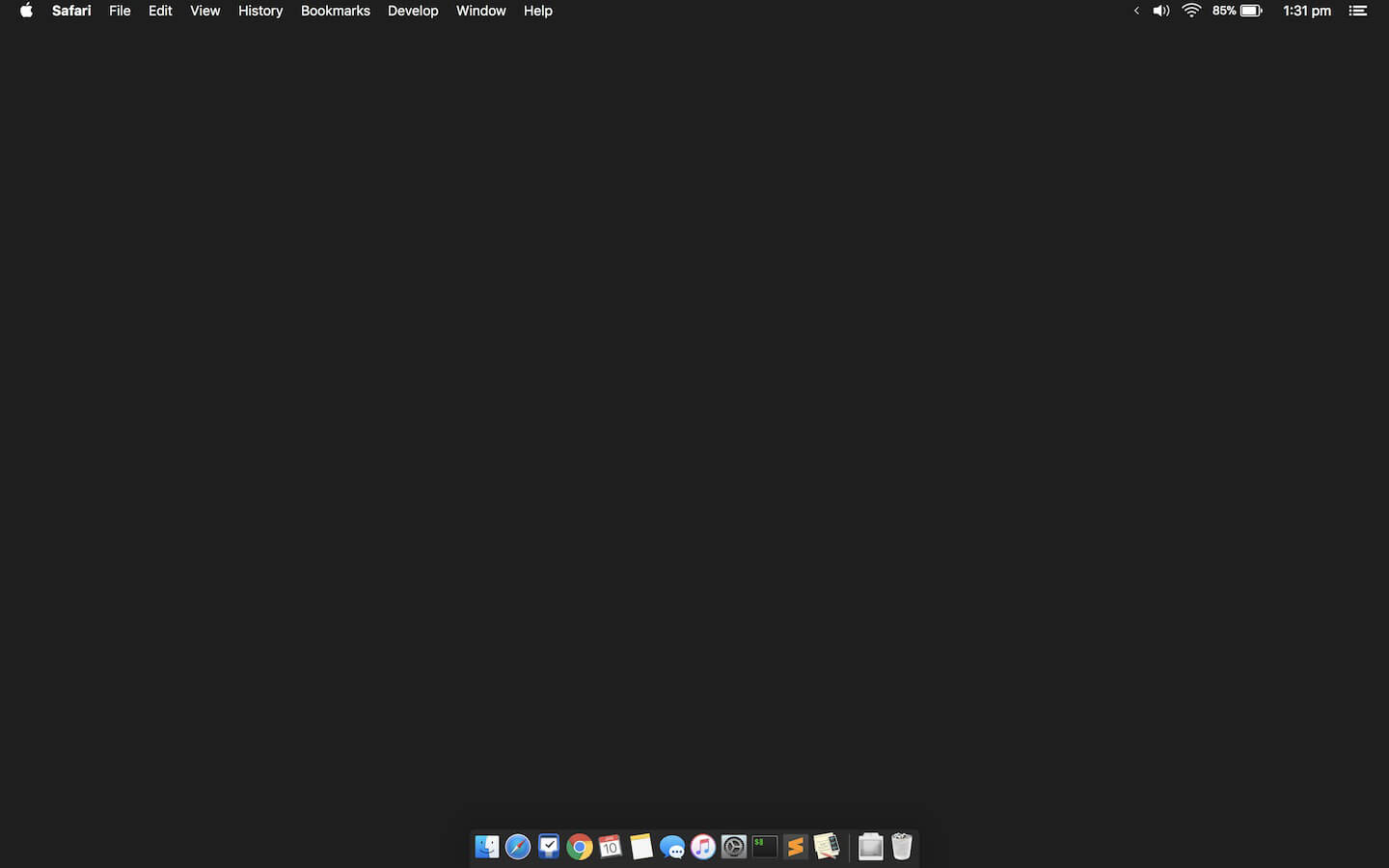

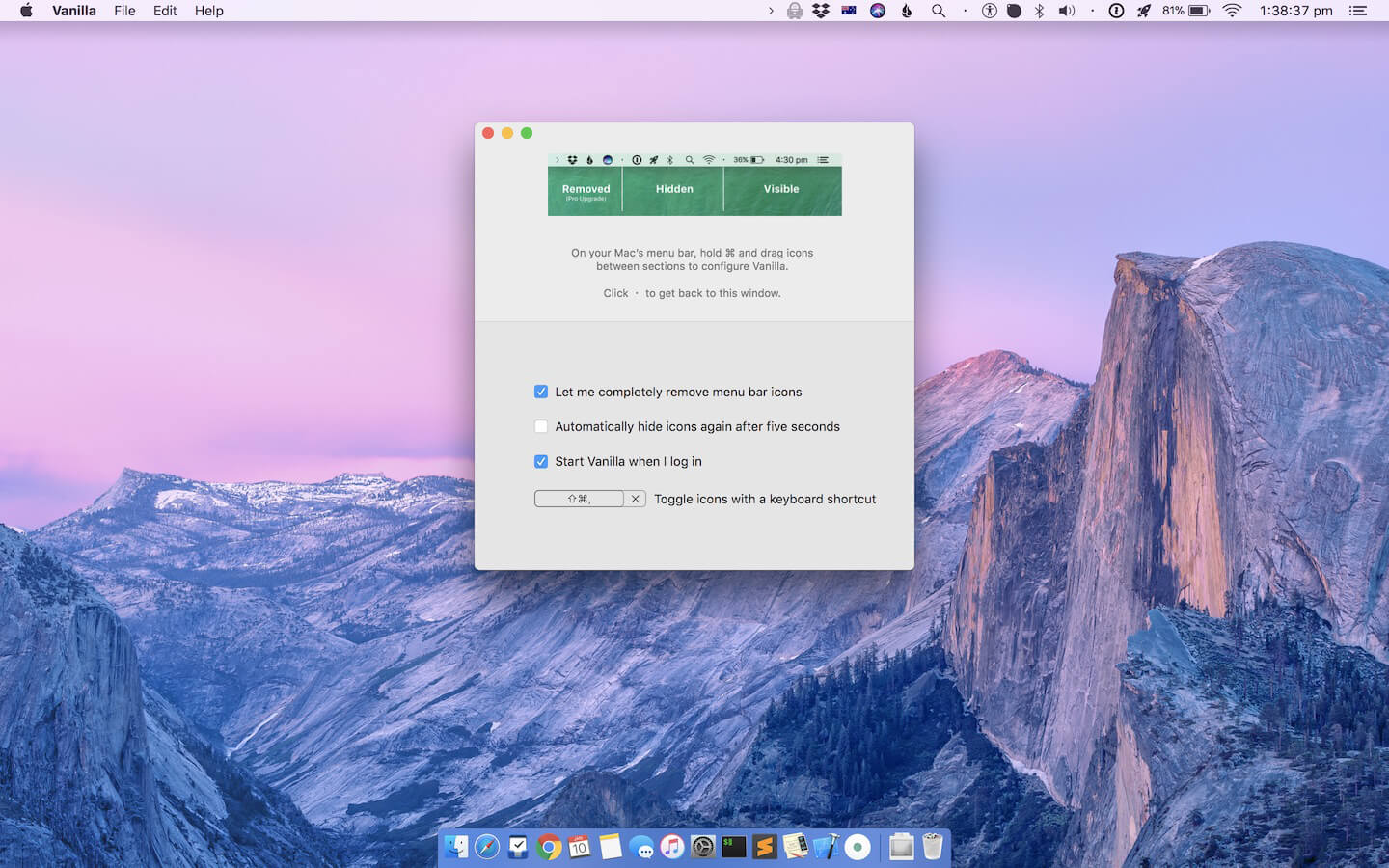
Vanilla lets you hide the icons in your menu bar.
- Perfect your menu bar by completely hiding icons
- Hide any app icon from your Mac’s menu bar
- Compatible with light and dark menu bars
- Automatically hide icons again after five seconds
- Start Vanilla automatically when you log in
- Toggle icons with a keyboard shortcut
- (Seriously, I use this with Command-Shift-< like forty times a day. Get Pro just for this.)
Version 1.2.2:
- This version of Vanilla adds two important features:
- A key fix for compatibility with macOS Catalina and the new permissions model
- Introduced a new licensing service for activating upgrades
Frequently asked questions
How do I install the app?
Mount the image, drag the app into the "Applications" folder and launch it. If the system blocks the launch, allow it in "System Settings → Privacy & Security".
The app is damaged or won't launch
Reinstalling from a fresh image usually helps. Make sure your macOS version matches the one listed in the compatibility specs.
How do I update?
Download the new version from the site and install it over the current one — your settings will be preserved.
The download link doesn't work
Try a mirror or a download manager. For large files the browser often drops the connection.
How do I completely remove the app?
Use an uninstaller utility — it cleans up the service files that remain after moving the app to the trash.
VersionVanilla Pro 1.2.2
DeveloperMatthew Palmer
CompatibilitymacOS 10.12 or later, 64-bit processor
LanguageEnglish
IncludesK'ed by TNT





Information
Visitors in the group Guests cannot leave comments on this publication.
Choose a download source
Vanilla Pro 1.2.2 · 10.8 MB