Native Instruments Mallet Flux v1.0.0
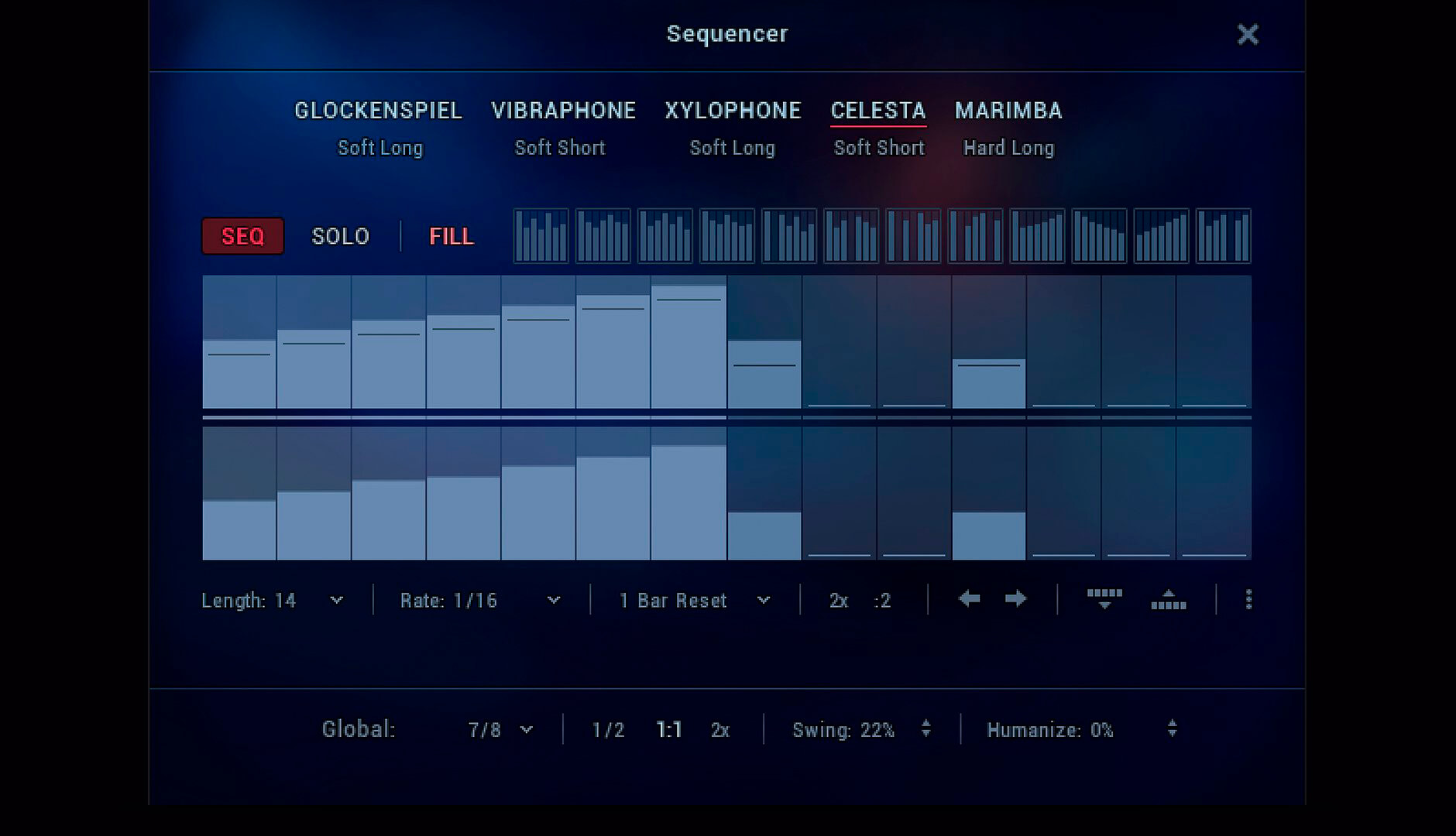
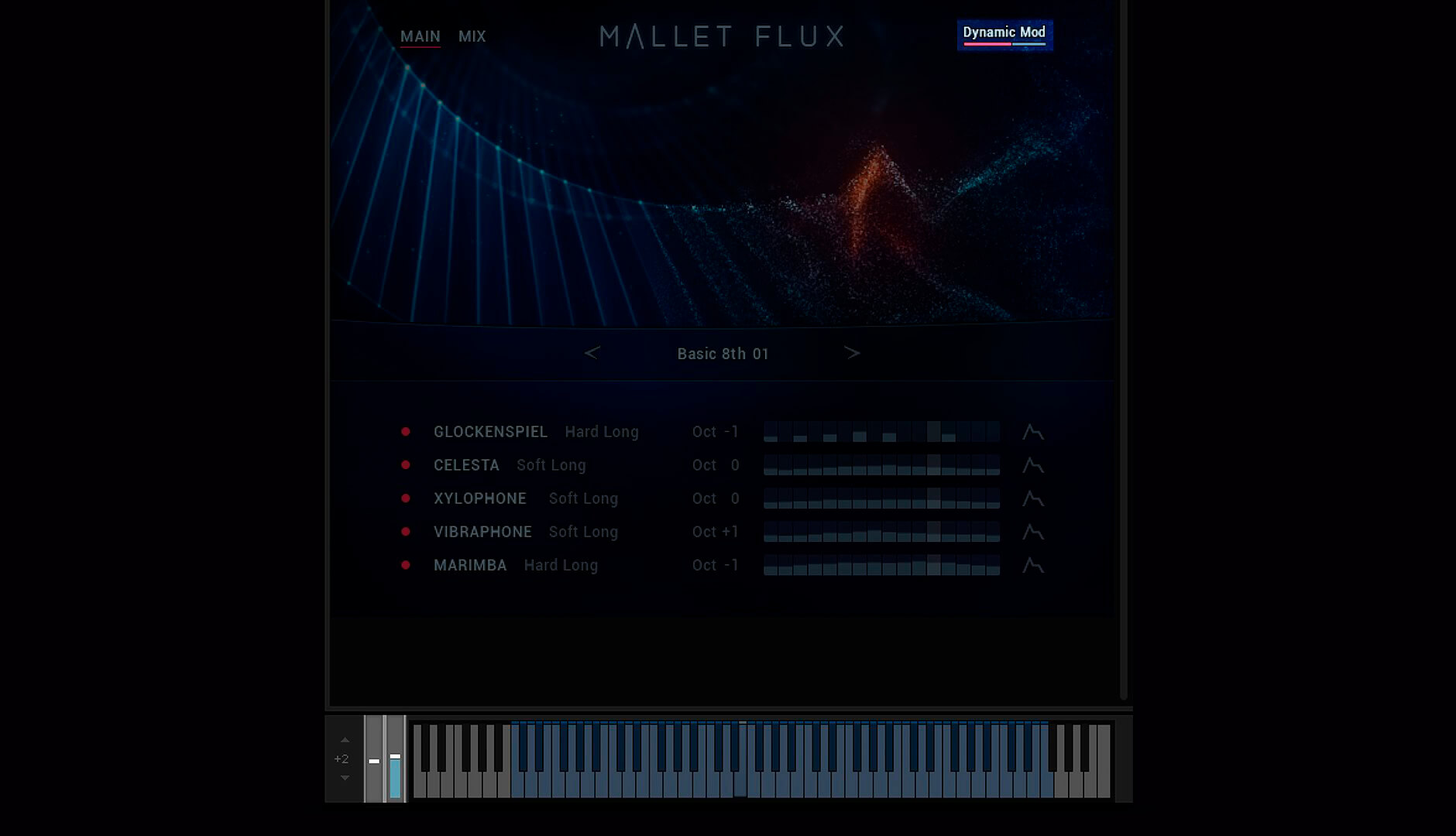

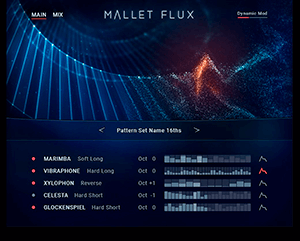
Mallet Flux helps composers, producers, and other musicians start creating right away. Users can begin with 270 pre-designed arpeggios, sequences, and single hits in multi-instrument arrangements. These presets can be fully modified to produce completely new patterns. Users can also take advantage of innovative Flux Engine pattern automation to create complex rhythmic phrases and arrangements by playing simple chords.
With intuitive mixing controls, Mallet Flux lets users adjust the balance of instruments and add effects, including enhanced effects introduced with Kontakt 6. Mallet Flux also offers new high-quality room, hall, and plate reverbs that allow users to place instruments in a variety of sonic spaces. Through complex multi-effect chains, users can transform acoustic tuned percussion sounds into cinematic pads, drones, and other unique tones.
Frequently asked questions
How do I install the app?
Mount the image, drag the app into the "Applications" folder and launch it. If the system blocks the launch, allow it in "System Settings → Privacy & Security".
The app is damaged or won't launch
Reinstalling from a fresh image usually helps. Make sure your macOS version matches the one listed in the compatibility specs.
How do I update?
Download the new version from the site and install it over the current one — your settings will be preserved.
The download link doesn't work
Try a mirror or a download manager. For large files the browser often drops the connection.
How do I completely remove the app?
Use an uninstaller utility — it cleans up the service files that remain after moving the app to the trash.
VersionNative Instruments Mallet Flux v1.0.0
DeveloperNative Instruments
CompatibilityKONTAKT 6
LanguageEnglish
IncludesK


Information
Visitors in the group Guests cannot leave comments on this publication.
Choose a download source
Native Instruments Mallet Flux v1.0.0 · 5.32 GB