
Mocha Pro 2019 v6.0.0.1882 Plugin for OFX
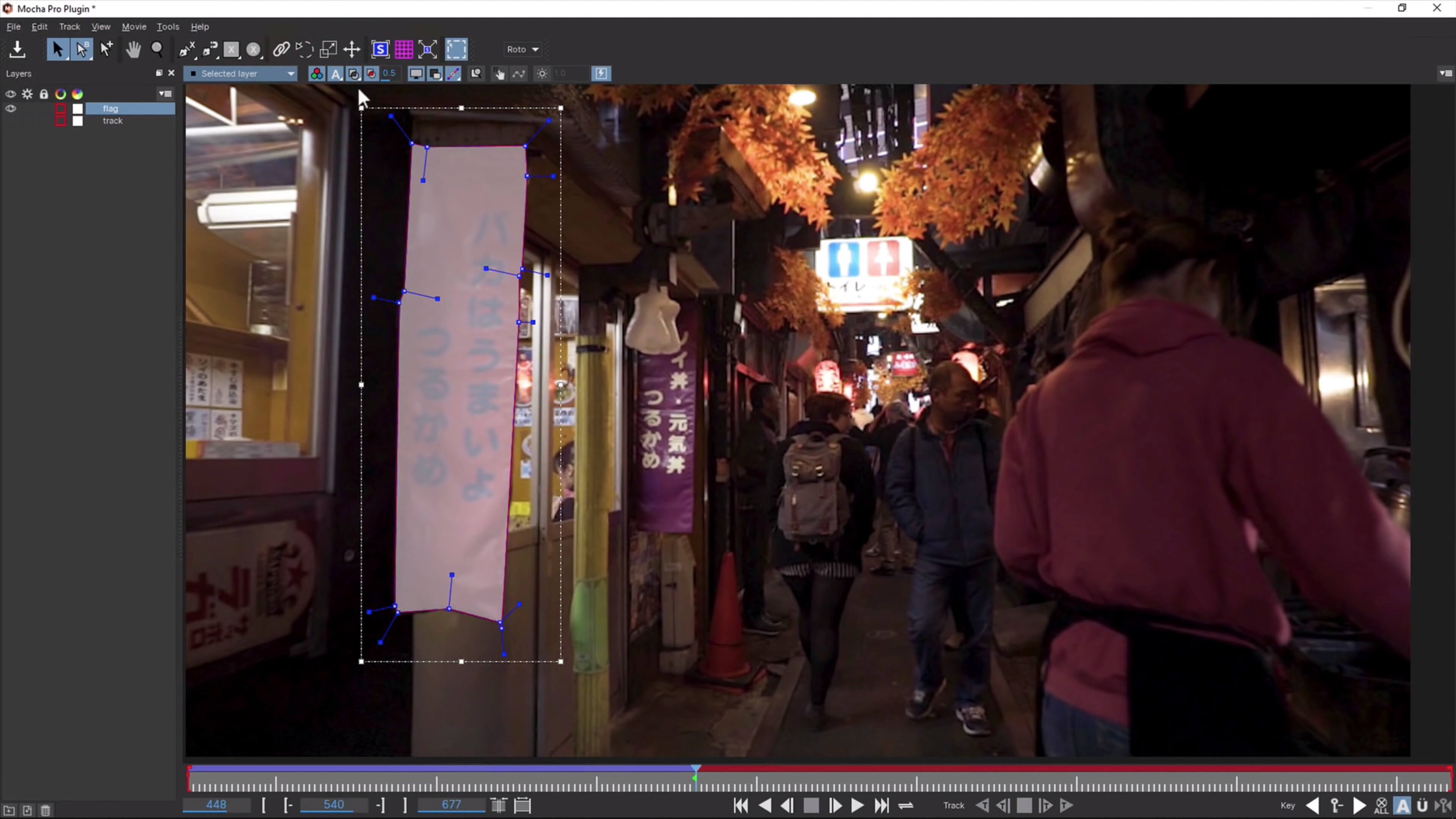
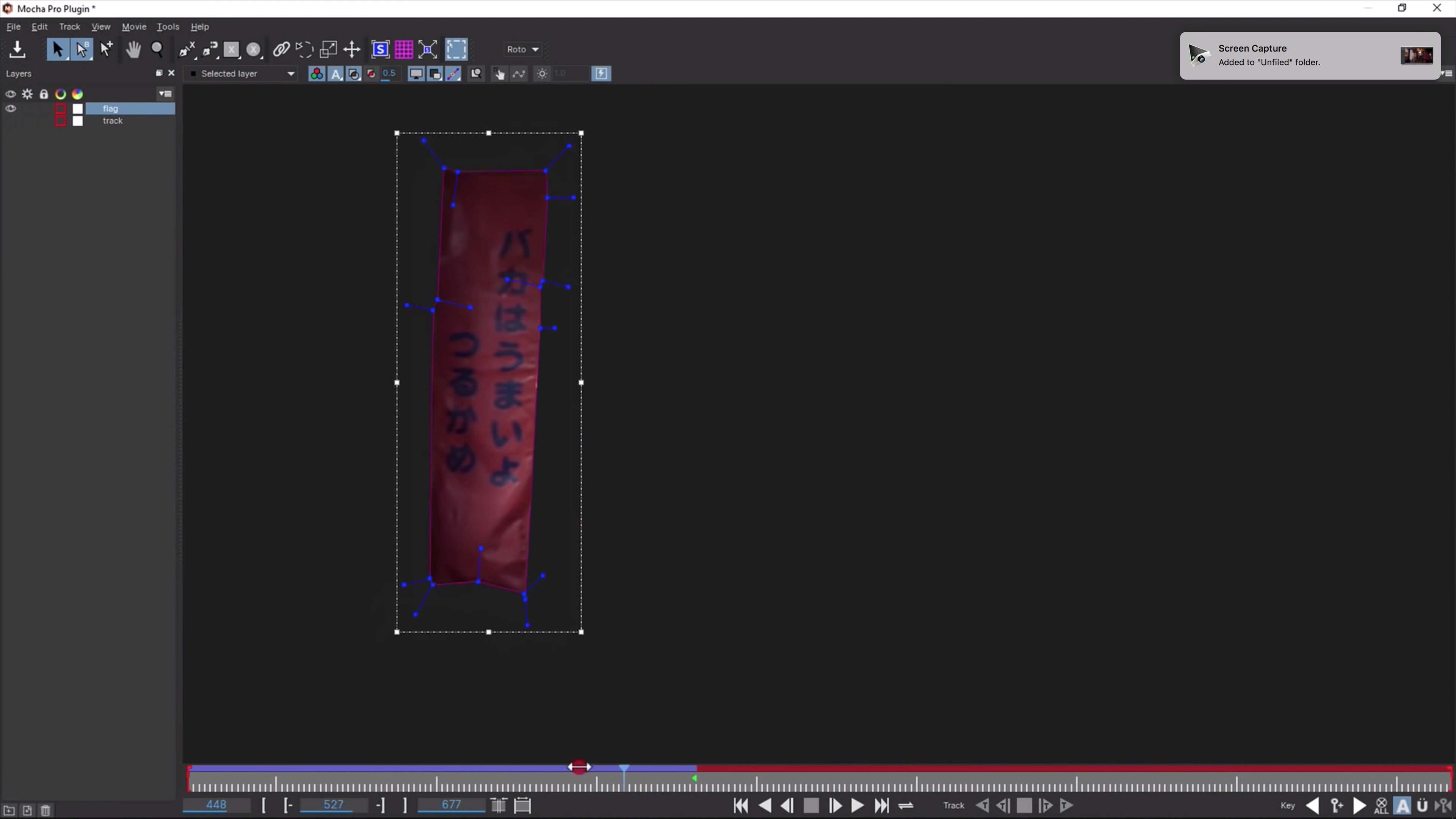

Say hello to MOCHA PRO 2019! Mocha Pro is the Academy Award-winning planar tracking tool for visual effects and post-production. With a proven record on the world’s most notable film and television projects, Mocha is valued by effects artists and editors for its unique ability to reduce the time-consuming keyframing associated with high-end VFX and finishing.
Mocha Pro 2019 features GPU-accelerated planar tracking and object removal, advanced rotoscoping tools, stabilization, 3D camera solver, stereo 360/VR support, and more
NEW MOCHA PRO 2019
- New workspaces interface Mocha Essentials
- Removal GPU accelerated objects provides faster rendering
- Spline new tools for faster masking: Spline with adjustable magnetic edges, Freehand Spline tools and geometric shapes
- support resolution Retina / High DPI Monitor
- The laureates tools 360 / VR now included with Mocha Pro 2019
Frequently asked questions
How do I install the app?
Mount the image, drag the app into the "Applications" folder and launch it. If the system blocks the launch, allow it in "System Settings → Privacy & Security".
The app is damaged or won't launch
Reinstalling from a fresh image usually helps. Make sure your macOS version matches the one listed in the compatibility specs.
How do I update?
Download the new version from the site and install it over the current one — your settings will be preserved.
The download link doesn't work
Try a mirror or a download manager. For large files the browser often drops the connection.
How do I completely remove the app?
Use an uninstaller utility — it cleans up the service files that remain after moving the app to the trash.
VersionMocha Pro 2019 v6.0.0.1882 Plugin for OFX
DeveloperBORIS FX, INC.
CompatibilityOS X 10.10 or later, 64-bit processor
LanguageEnglish
IncludesK




Information
Visitors in the group Guests cannot leave comments on this publication.
Choose a download source
Mocha Pro 2019 v6.0.0.1882 Plugin for OFX · 107.79 MB