Paprika Recipe Manager 3.2.1
Features
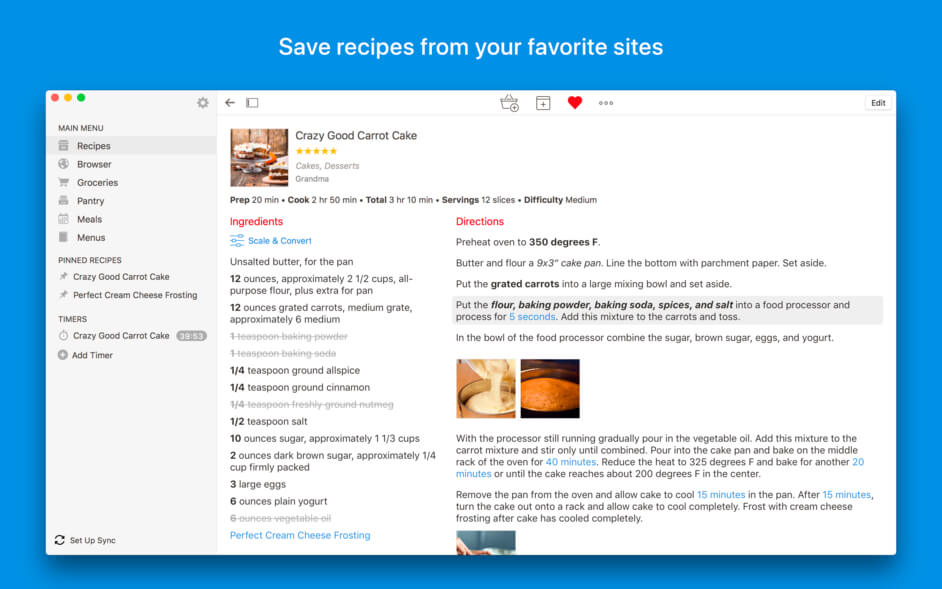
- Automatically download recipes with a single tap from more than 100 supported sites.
- Innovative clipboard tools let you copy and paste recipe information from any website..
- Quickly scale recipe ingredients to your desired serving size.• Add personalized notes to each recipe.
- Track nutritional information (automatically saved from sites which provide it).
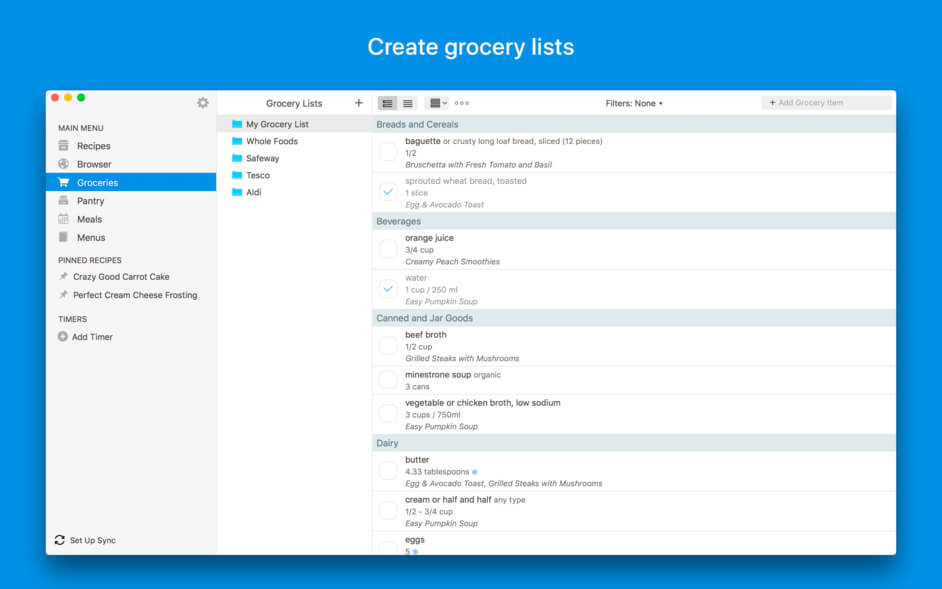
- Easily manage your grocery list: add recipes with a single click, as well as your own items.
- No-hassle meal planning: add specific recipes or custom entries into the weekly meal planner.
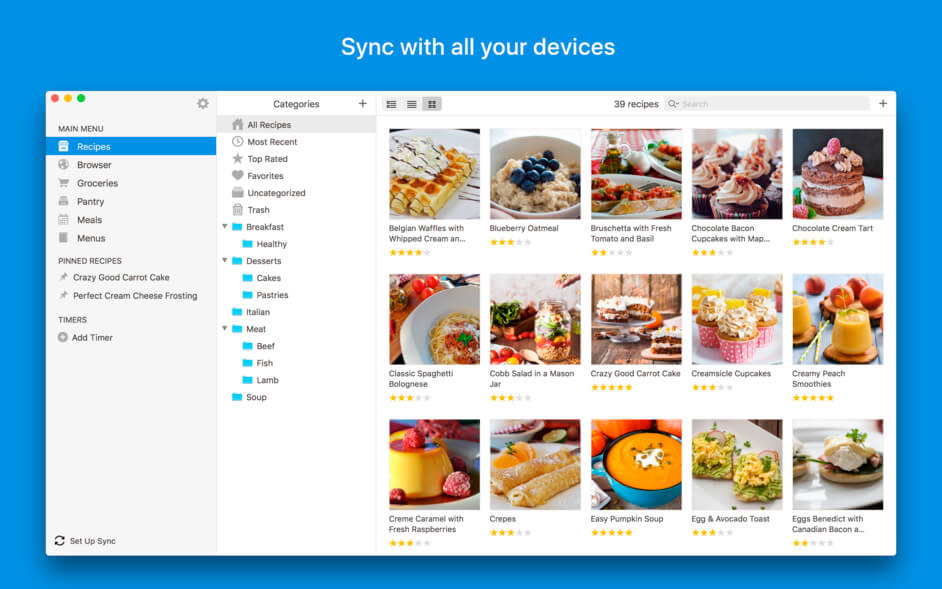
- Customizable categories: assign recipes to multiple categories.
- Powerful search tools help you easily find any recipe by source, ingredient or name.
- Full printing and emailing support for recipes, grocery lists, and meal plans.
- Share recipes via email (that other Paprika users can automatically import).
- Backup and restore keeps your recipe collection safe.
- Import from popular desktop apps such as MacGourmet, YummySoup! and MasterCook.
- Cloud sync between Mac OS X, iPads, iPhones and iPod Touches.
- Offline access. All of your data is stored locally, no Internet connection is required.
- Bookmarklet. Capture recipes from your Web browser straight into your Paprika Cloud Sync account.
Version 3.2.3
- The ingredient scaler will now preserve measurement abbreviations when scaling ingredients.
- Fixed scaling of certain case-sensitive measurements (1t vs 1T).
- Fixed importing of older MacGourmet files.
- Fixed a few other minor bugs.
Frequently asked questions
How do I install the app?
Mount the image, drag the app into the "Applications" folder and launch it. If the system blocks the launch, allow it in "System Settings → Privacy & Security".
The app is damaged or won't launch
Reinstalling from a fresh image usually helps. Make sure your macOS version matches the one listed in the compatibility specs.
How do I update?
Download the new version from the site and install it over the current one — your settings will be preserved.
The download link doesn't work
Try a mirror or a download manager. For large files the browser often drops the connection.
How do I completely remove the app?
Use an uninstaller utility — it cleans up the service files that remain after moving the app to the trash.
VersionPaprika Recipe Manager 3.2.1
DeveloperHindsight Labs LLC
CompatibilitymacOS 10.12 or later, 64-bit processor
LanguageMultilangual
IncludesK'ed by TNT


Information
Visitors in the group Guests cannot leave comments on this publication.
Choose a download source
Paprika Recipe Manager 3.2.1 · 15.71 MB