
HandsFree 2.6.5
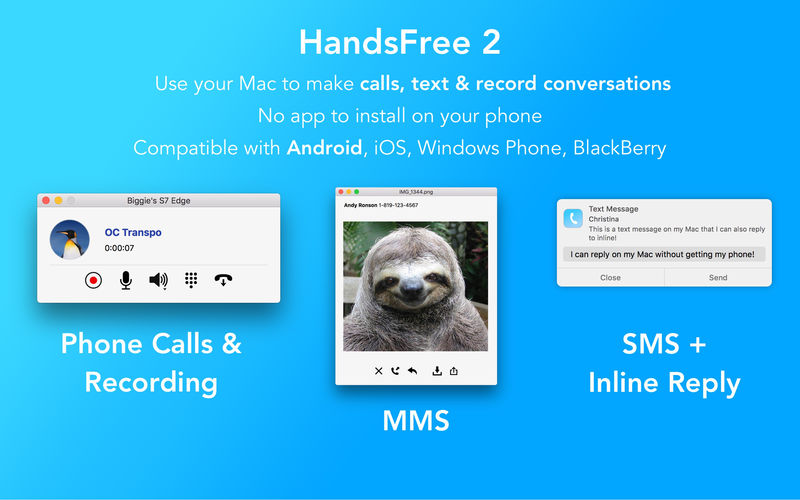
Never miss another call or text message. HandsFree 2 runs un-intrusively in the background with an always available menu icon. Easily make calls, send a message or even record an important conversation.
And it works with any Bluetooth enabled phone. That’s right, Windows Phone, BB, iPhone and even Android is compatible. It’s like OS X Continuity except for everyone and with more features.
Check out the list of included features:
- Make a call right from your Mac by either choosing an existing contact, or by using the dial pad.
- Get notified right away of an incoming call with the person’s name or number (requires Caller ID service).
- Incoming text messages will appear on your Mac, with the option to reply. Need to send a text message? No problem, you can do that too*.
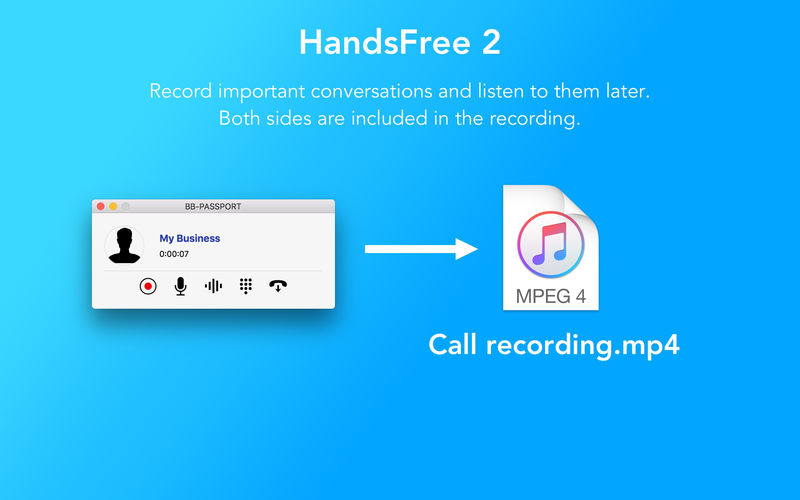
- Record any call with one click, as well as easily open up a previous recording.
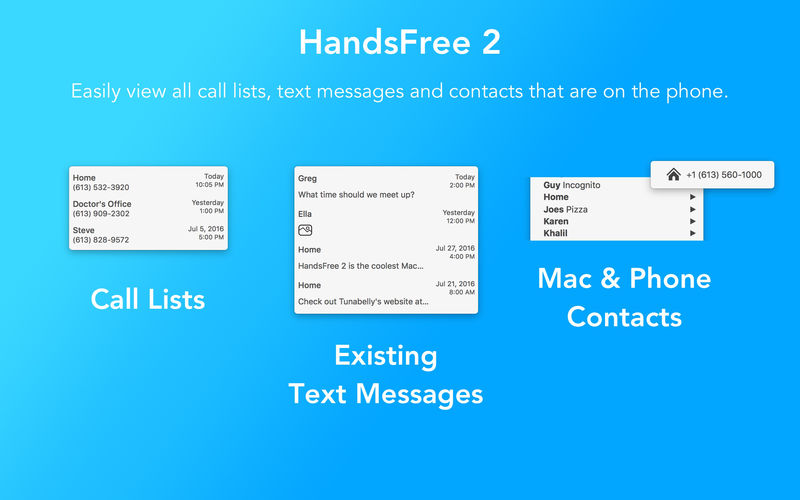
- Quickly see all the missing, incoming and outgoing call lists.
- Phone’s battery and signal levels, as well as a roaming indicator.
- Contacts app plugin.
Version 2.6.4
- Fixed potential crashes on app startup.
Frequently asked questions
How do I install the app?
Mount the image, drag the app into the "Applications" folder and launch it. If the system blocks the launch, allow it in "System Settings → Privacy & Security".
The app is damaged or won't launch
Reinstalling from a fresh image usually helps. Make sure your macOS version matches the one listed in the compatibility specs.
How do I update?
Download the new version from the site and install it over the current one — your settings will be preserved.
The download link doesn't work
Try a mirror or a download manager. For large files the browser often drops the connection.
How do I completely remove the app?
Use an uninstaller utility — it cleans up the service files that remain after moving the app to the trash.
VersionHandsFree 2.6.5
DeveloperTunabelly Software
CompatibilityOS X 10.9 or later, 64-bit processor
LanguageEnglish
IncludesK'ed by TNT





Information
Visitors in the group Guests cannot leave comments on this publication.
Choose a download source
HandsFree 2.6.5 · 10.76 MB