

TuneFab DVD Ripper 1.0.20
Screenshots
Click to enlarge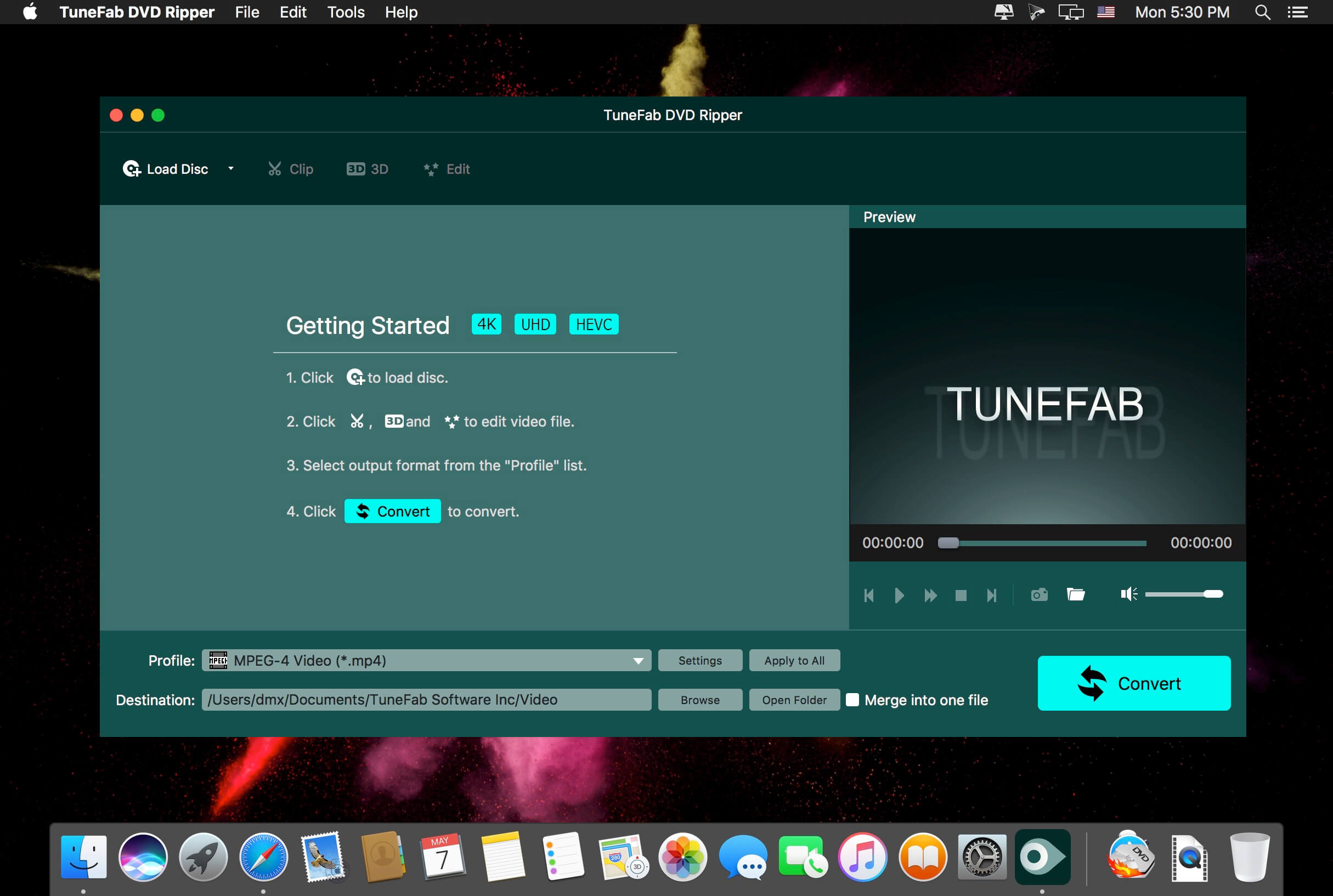
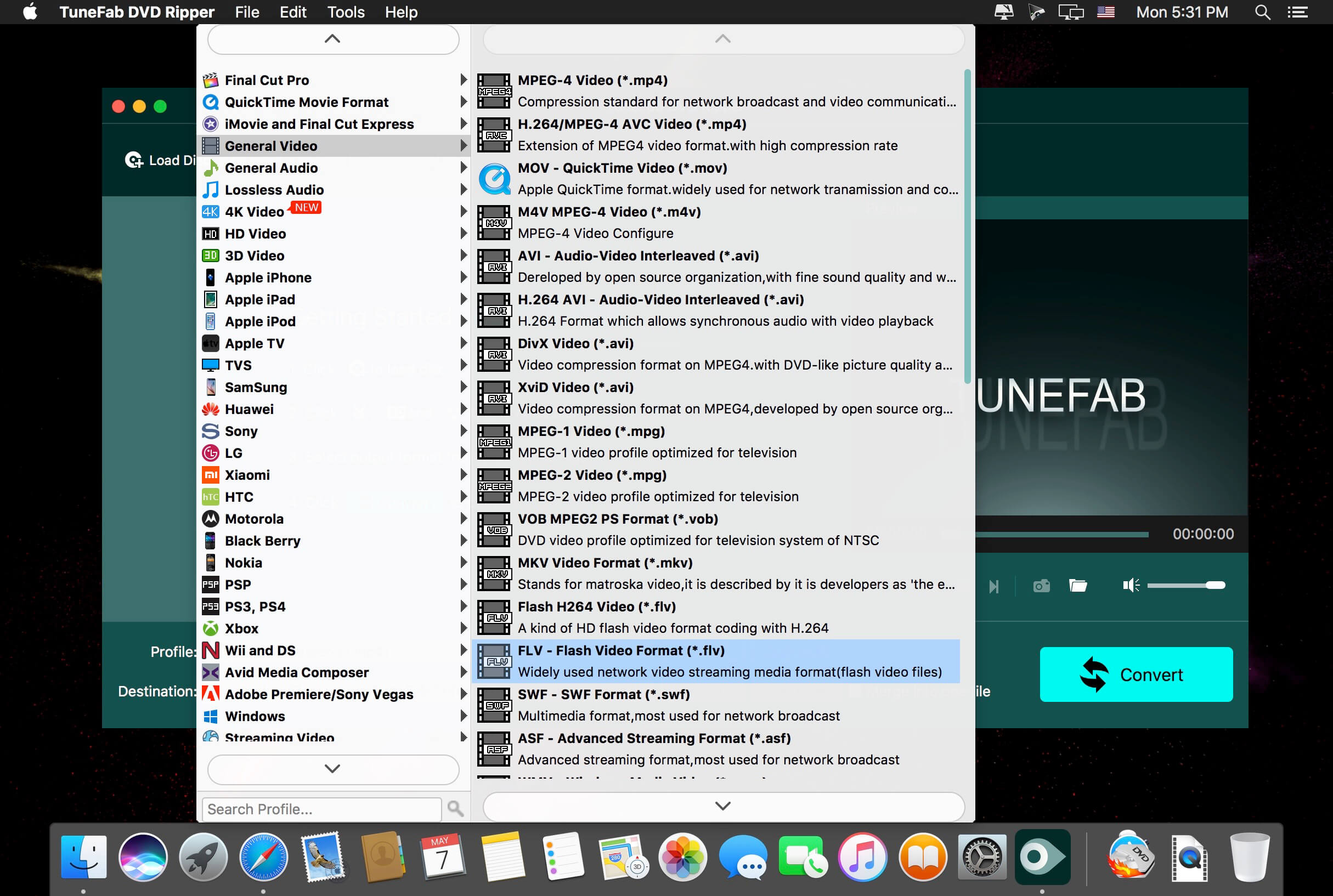
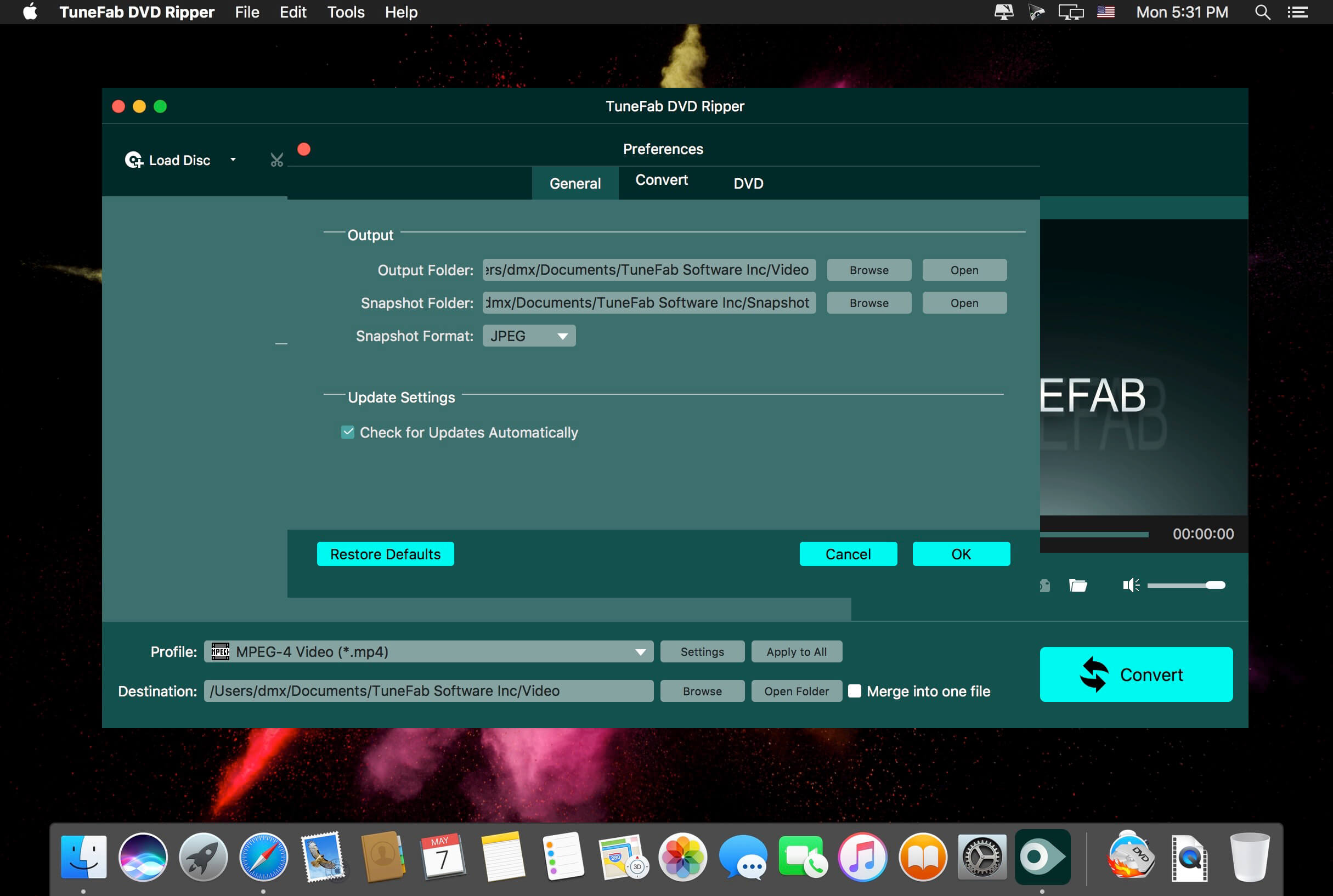
TuneFab DVD Ripper can be used by Mac users to rip movies, TV shows, music videos, etc. stored in DVDs to common video formats such as MP4, MOV, AVI, etc., so that people can enjoy the contents freely without the limitations of DVD.
Features
- Rip DVD Contents to 300+ Formats on Mac TuneFab DVD Ripper offer 300+ output formats. You are free to select anyone of it and rip your DVD contents to certain format as you like.
- Edit Ripped DVD Videos Freely When you have ripped the videos from DVD, you are able to edit or modify the videos with TuneFab DVD Ripper in your preference, then save to the
- More…
Version 1.0.20:
- Release notes were unavailable when this listing was updated.
Comments
No comments yet. Be the first.
Information
Visitors in the group Guests cannot leave comments on this publication.