AudioBook Converter for Mac 5.1.2
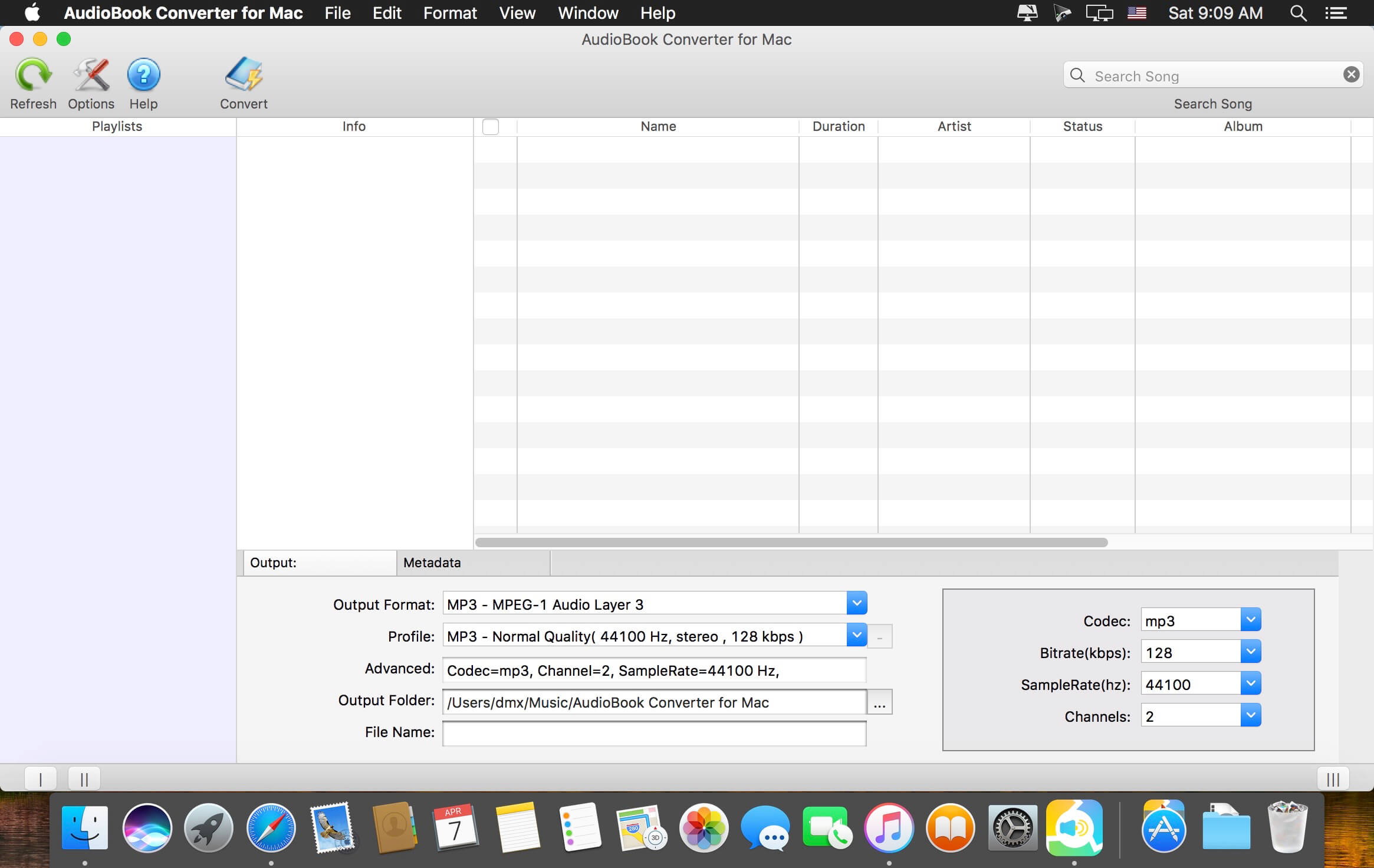
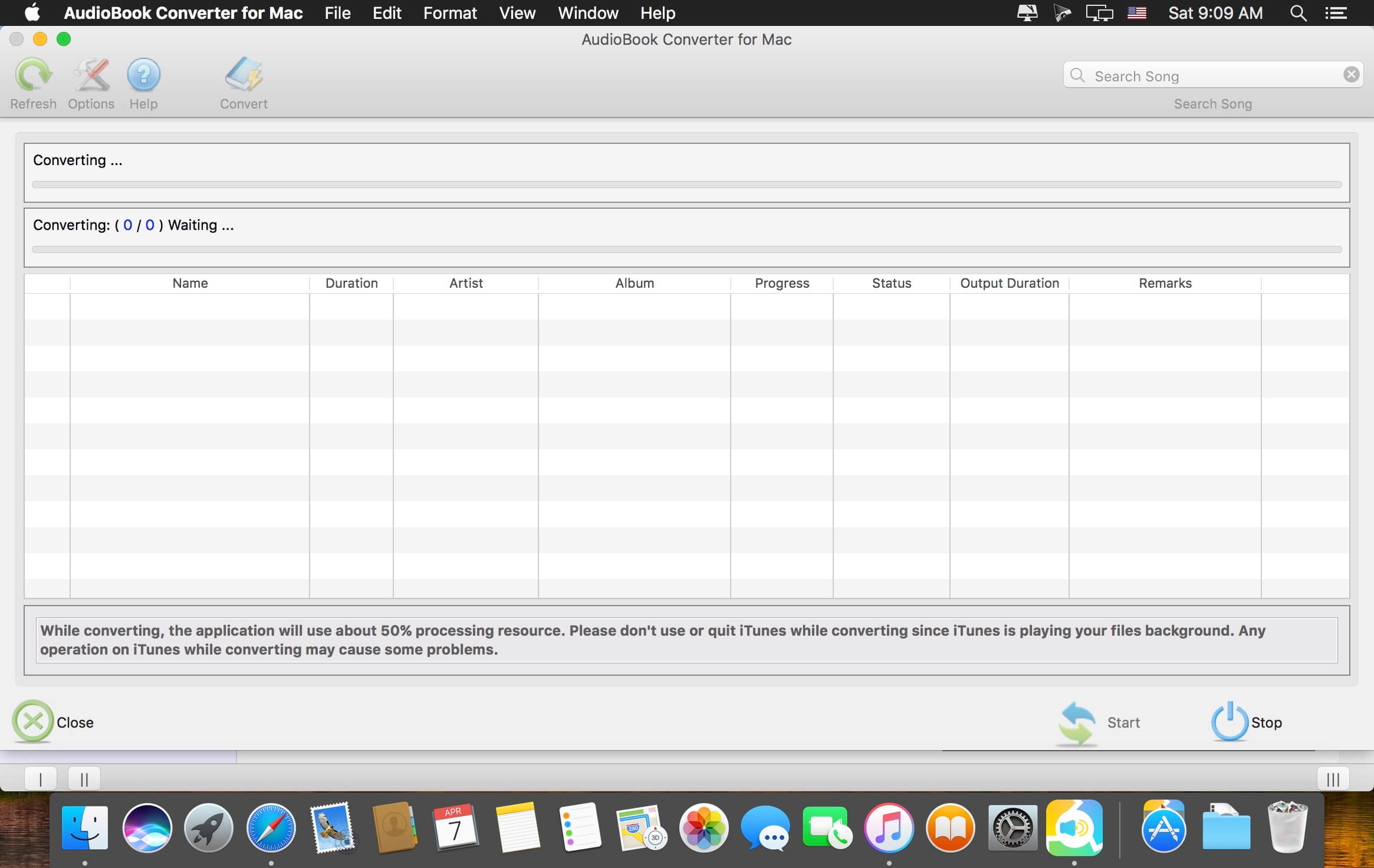
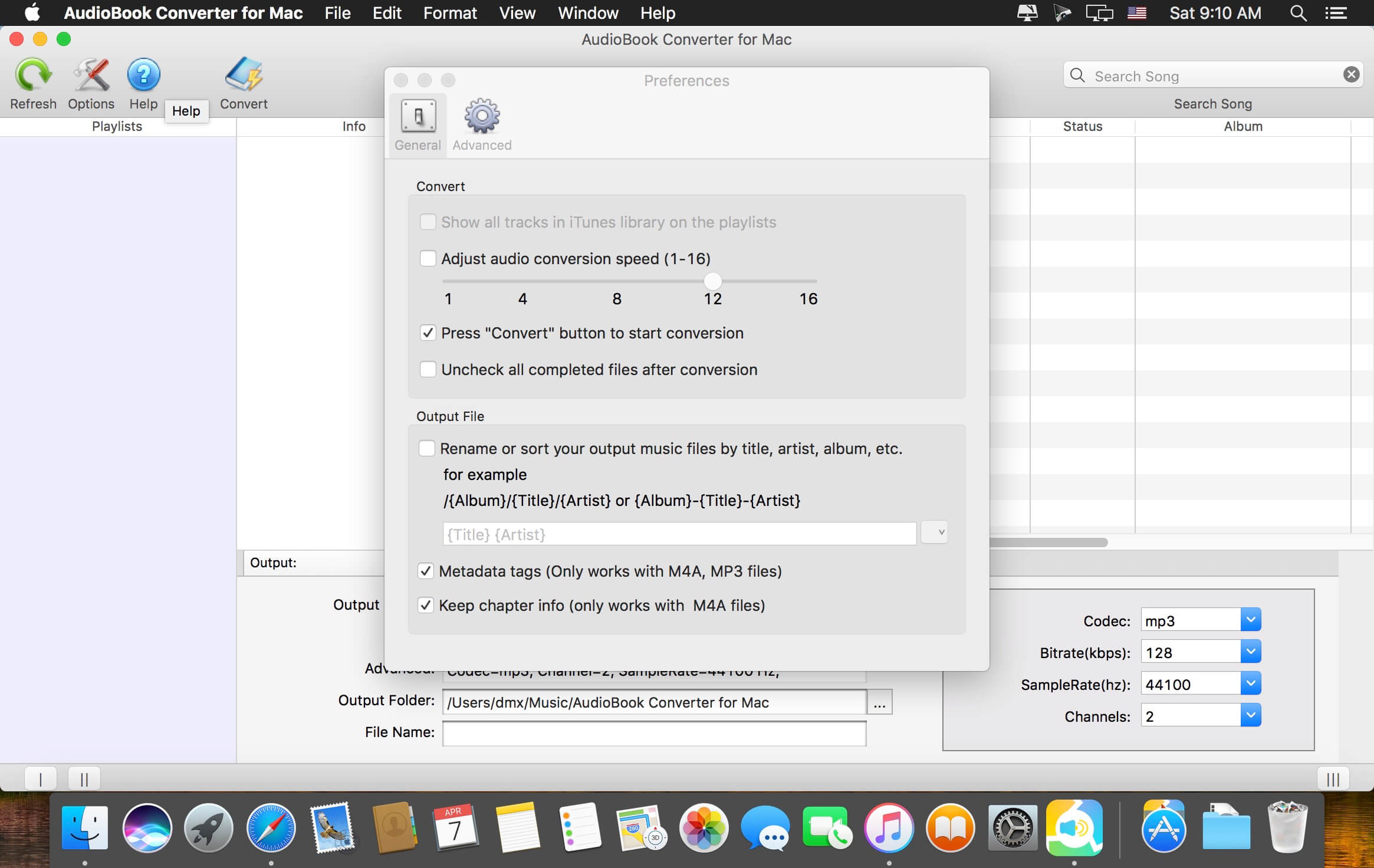
AudioBook Converter for Mac is an ideal and all in one M4B, M4A, AAX, AA to MP3 Converter that designed for easily converts iTunes audiobooks (M4B, M4A) and Audible (AA and AAX) into any audio format supported by iTunes, including MP3, M4A, AAC, AIFF and so on. Batch convert protected audiobooks or unprotected audiobooks to MP3, M4A, M4R, AAC, AIFF, AC3, AU, FLAC or MKA files ready for use on any computer or non-apple players such as Android, MP3 player, MP4 player, PSP, Suface, HTC phone, and etc. - without any restrictions or DRM protection.
Mac AudioBook to MP3 Converter works with iTunes and virtual-recording technology to complete the entire recording, encoding process ALL IN ONE. It converts audiobook files on your iTunes quickly and with CD-quality.
Key Features of Mac AudioBook Converter:
- Convert purchased AA, AAX, M4B audiobooks to MP3 to play anywhere.
- No matter what format the audiobook is, if it could be played on iTunes, Audiobook Converter will convert it to MP3 or AAC format for you.
- Support batch convert DRM protected or unprotected audiobooks.
- Unique DRM removal solution, it’s completely legal and safe!
- Automatically removes DRM protection from audiobooks with amazing speed and highest quality.
- Very fast converting speed (Only supports converting Audiobooks at 1X speed under macOS High Sierra 10.13.).
- Supports DRM M4B, M4A, AA, AAX audiobooks.
- No Extra Hardware or CD Needed.
- Keep ID Tags to the new converted MP3 files.
- Very Easy to Use
Version 5.1.2:
- Release notes were unavailable when this listing was updated.
Frequently asked questions
How do I install the app?
Mount the image, drag the app into the "Applications" folder and launch it. If the system blocks the launch, allow it in "System Settings → Privacy & Security".
The app is damaged or won't launch
Reinstalling from a fresh image usually helps. Make sure your macOS version matches the one listed in the compatibility specs.
How do I update?
Download the new version from the site and install it over the current one — your settings will be preserved.
The download link doesn't work
Try a mirror or a download manager. For large files the browser often drops the connection.
How do I completely remove the app?
Use an uninstaller utility — it cleans up the service files that remain after moving the app to the trash.
VersionAudioBook Converter for Mac 5.1.2
DeveloperAppleMacSoft
CompatibilityOS X 10.9 or later, 64-bit processor
LanguageEnglish
IncludesK'ed by TNT
Related posts


Information
Visitors in the group Guests cannot leave comments on this publication.
Choose a download source
AudioBook Converter for Mac 5.1.2 · 57.63 MB