
GifTools 1.4.0
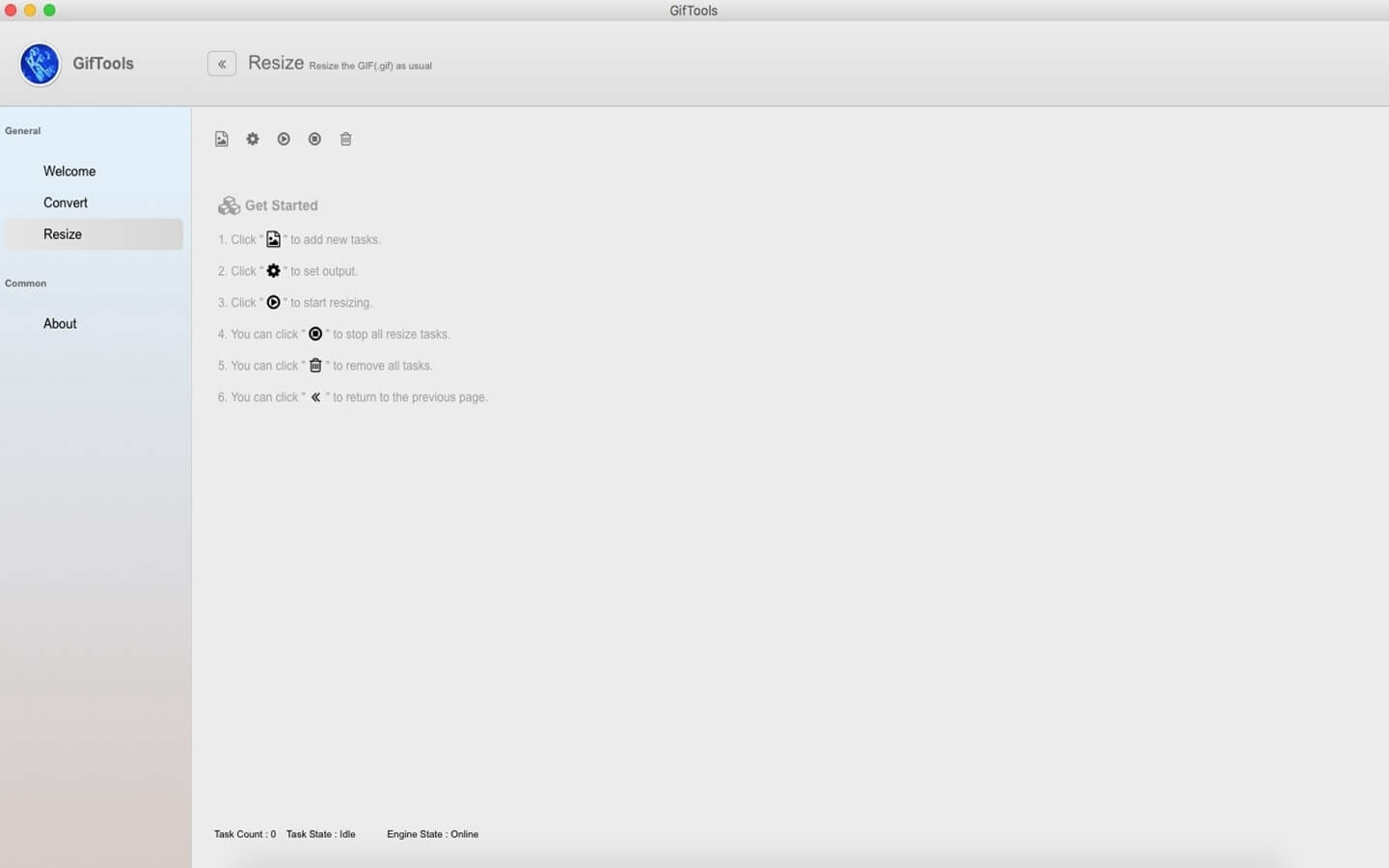
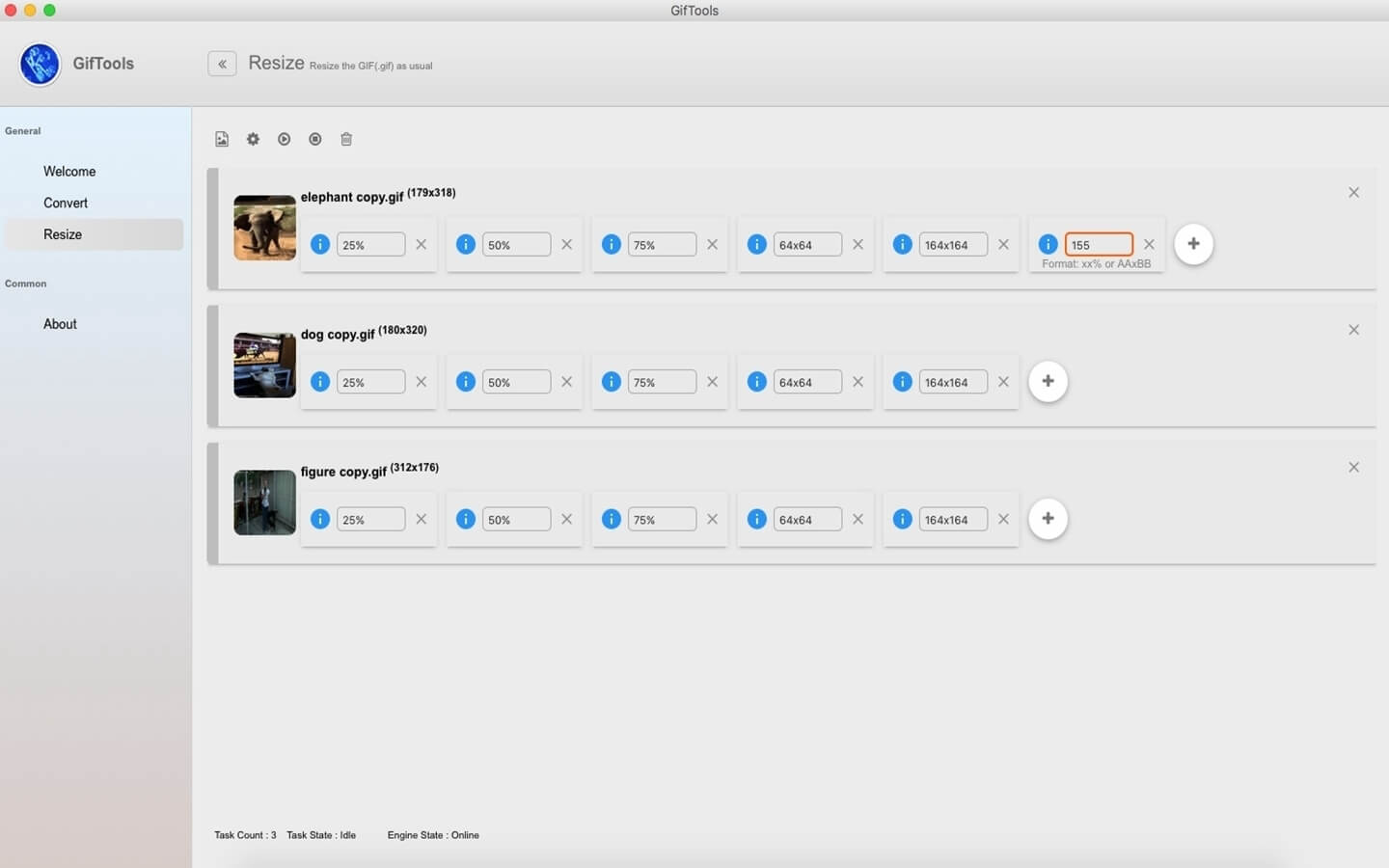
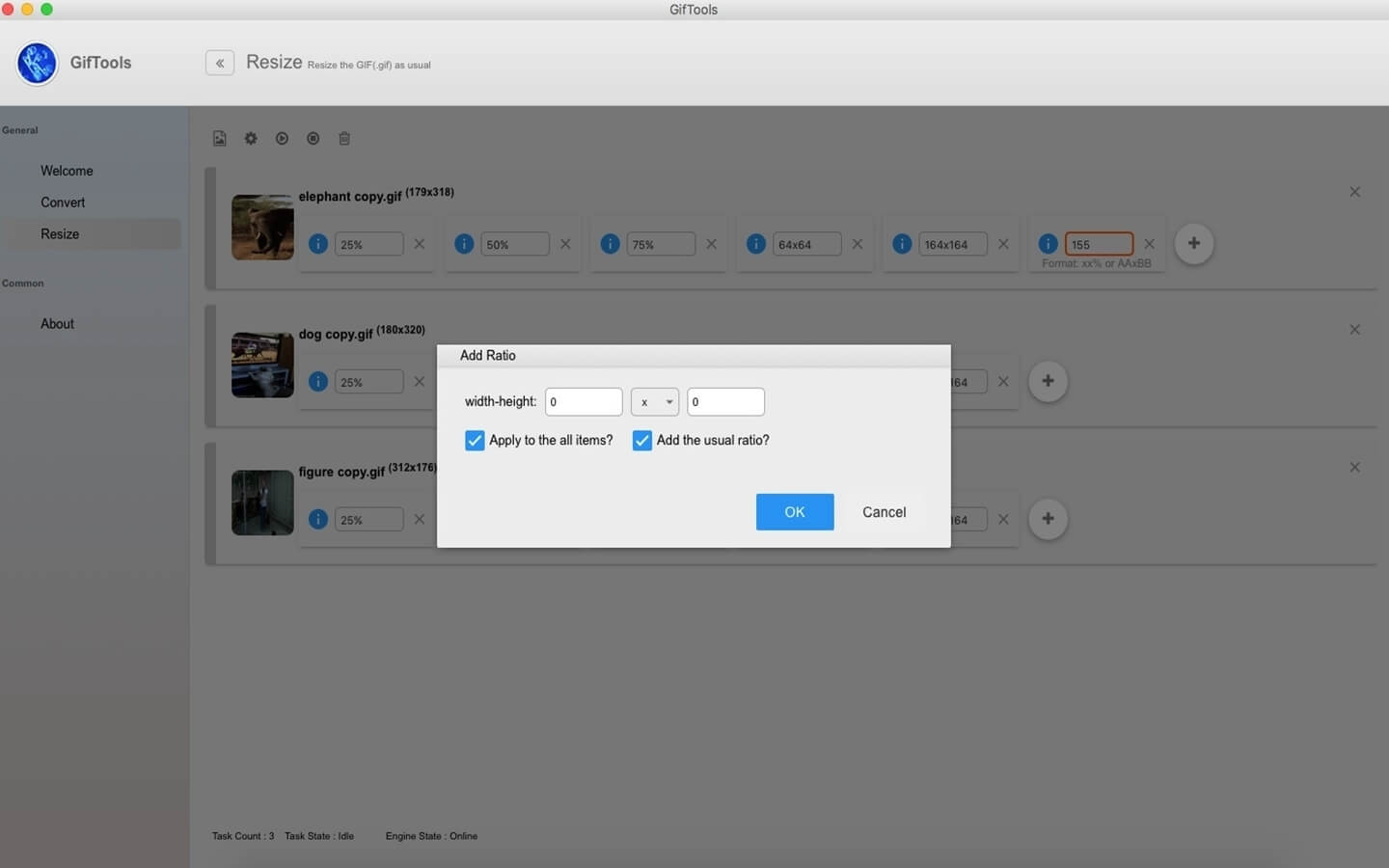
Romanysoft GifTools is designed for Mac users to convert animated images from GIF to APNG format. It generates APNG files with better quality and smaller file sizes, and meanwhile removes white pixels around the edges in the original GIFs. In addition, it allows users to resize images to the exact pixels or proportion specified before format conversion. For example, when you need to change a 512 x 512 animated Gif file to a 150 x 150 APNG file on a Mac computer, you can use Romanysoft GifTools to achieve that goal.
Version 1.4.0:
- Fixed the background color of GIFs turning black from transparent after resizing
- Fixed the jitter of GIFs
- Fixed the text overflow of y-axial after the preview of converted GIFs
- Optimized the rename function of custom aspect ratio in resize
- Optimized the user interface
- Optimized the content of the Quick Start
Frequently asked questions
How do I install the app?
Mount the image, drag the app into the "Applications" folder and launch it. If the system blocks the launch, allow it in "System Settings → Privacy & Security".
The app is damaged or won't launch
Reinstalling from a fresh image usually helps. Make sure your macOS version matches the one listed in the compatibility specs.
How do I update?
Download the new version from the site and install it over the current one — your settings will be preserved.
The download link doesn't work
Try a mirror or a download manager. For large files the browser often drops the connection.
How do I completely remove the app?
Use an uninstaller utility — it cleans up the service files that remain after moving the app to the trash.
VersionGifTools 1.4.0
DeveloperRomanysoft LAB
CompatibilityOS X 10.9.5 or later, 64-bit processor
LanguageEnglish
IncludesK'ed by TNT



Information
Visitors in the group Guests cannot leave comments on this publication.
Choose a download source
GifTools 1.4.0 · 8.89 MB