

MiGiC 1.0
Screenshots
Click to enlarge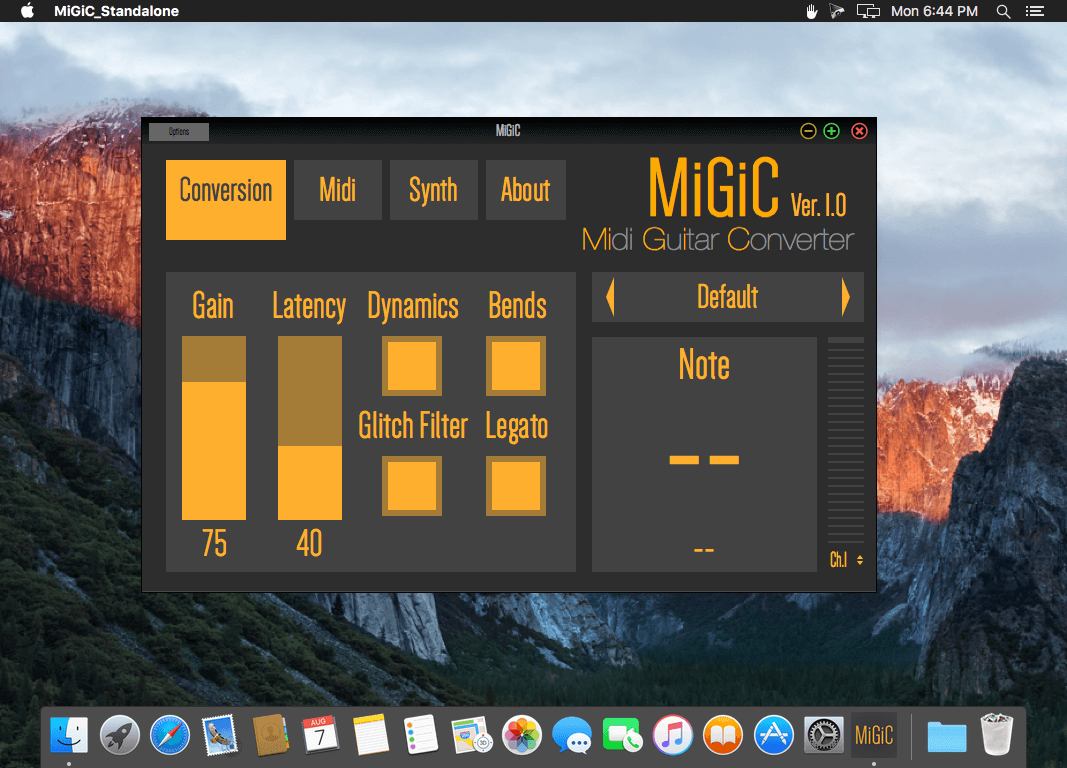
Description
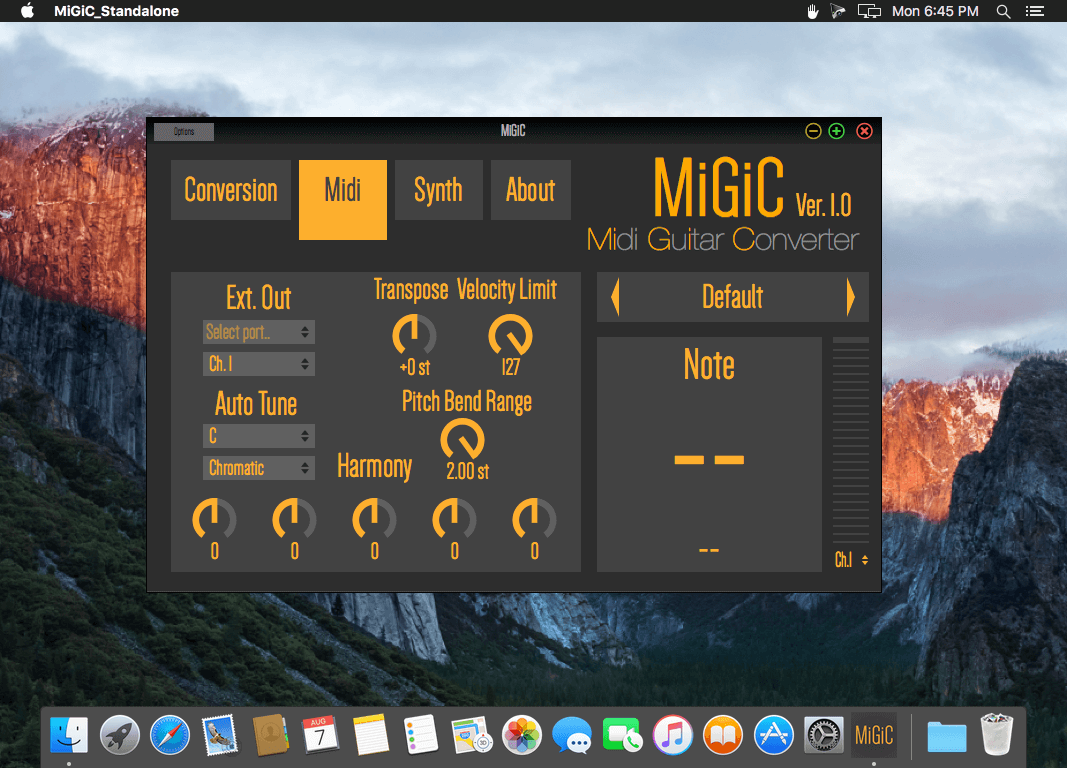
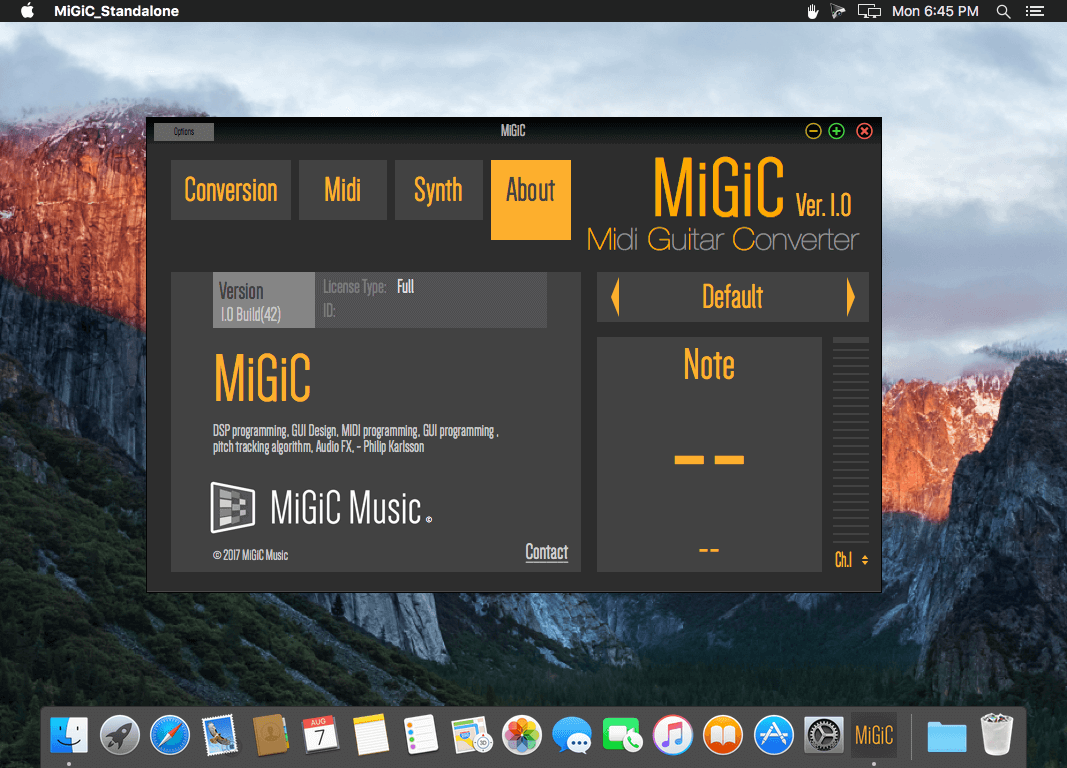
MiGiC 1.0 is now released! It includes multiple cool features that will make your music experience even better. With every download we now include a standalone version with integrated synthesizers. This means that with MiGiC 1.0 you only need a computer to start creating your own music!
This version includes:
- A completely new, very fast and accurate note tracking algorithm.
- Authentic capturing of bends and legato (used separately or together).
- Extended DAW compatibility for the plugin version.
- Standalone version includes 5 authentic instruments and also supports external synths (VST/AU).
- Possibility to save your own presets.
Comments
No comments yet. Be the first.
Information
Visitors in the group Guests cannot leave comments on this publication.