
Caato Time Tracker Pro 1.1.18
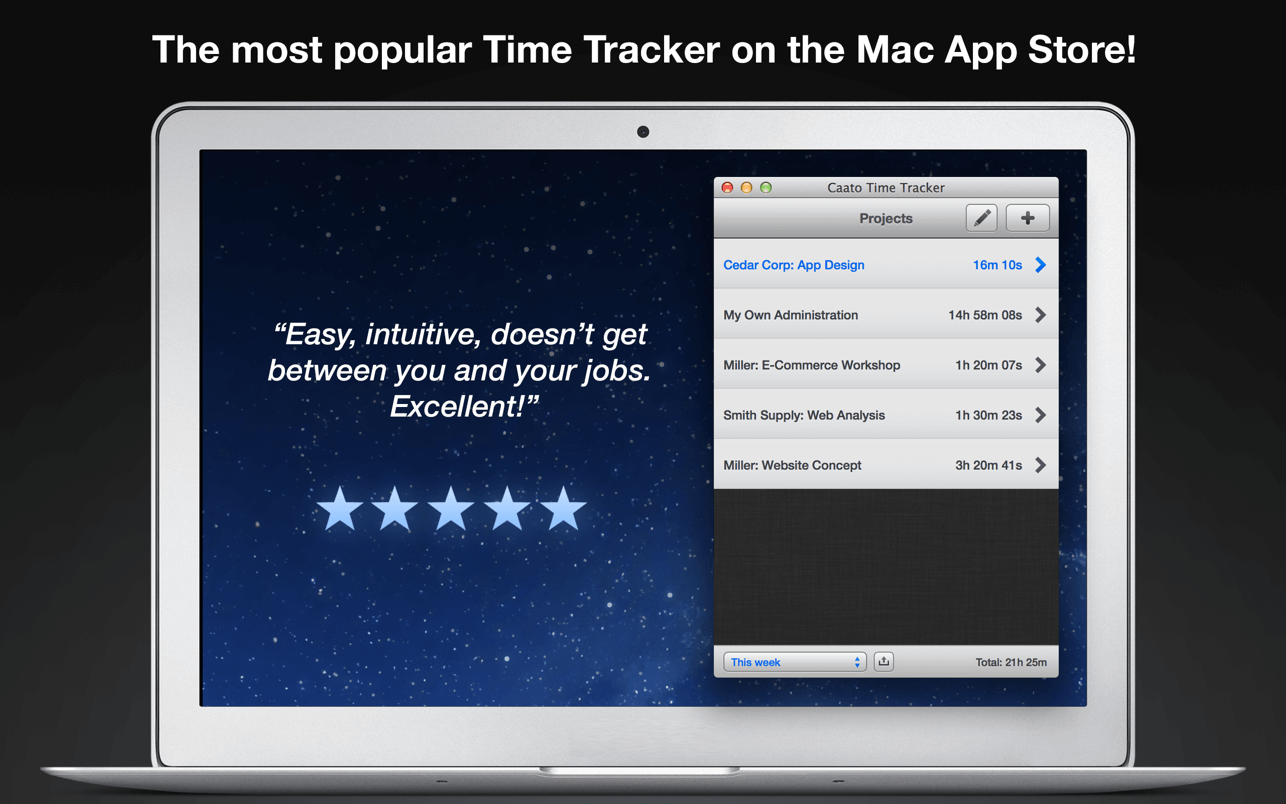
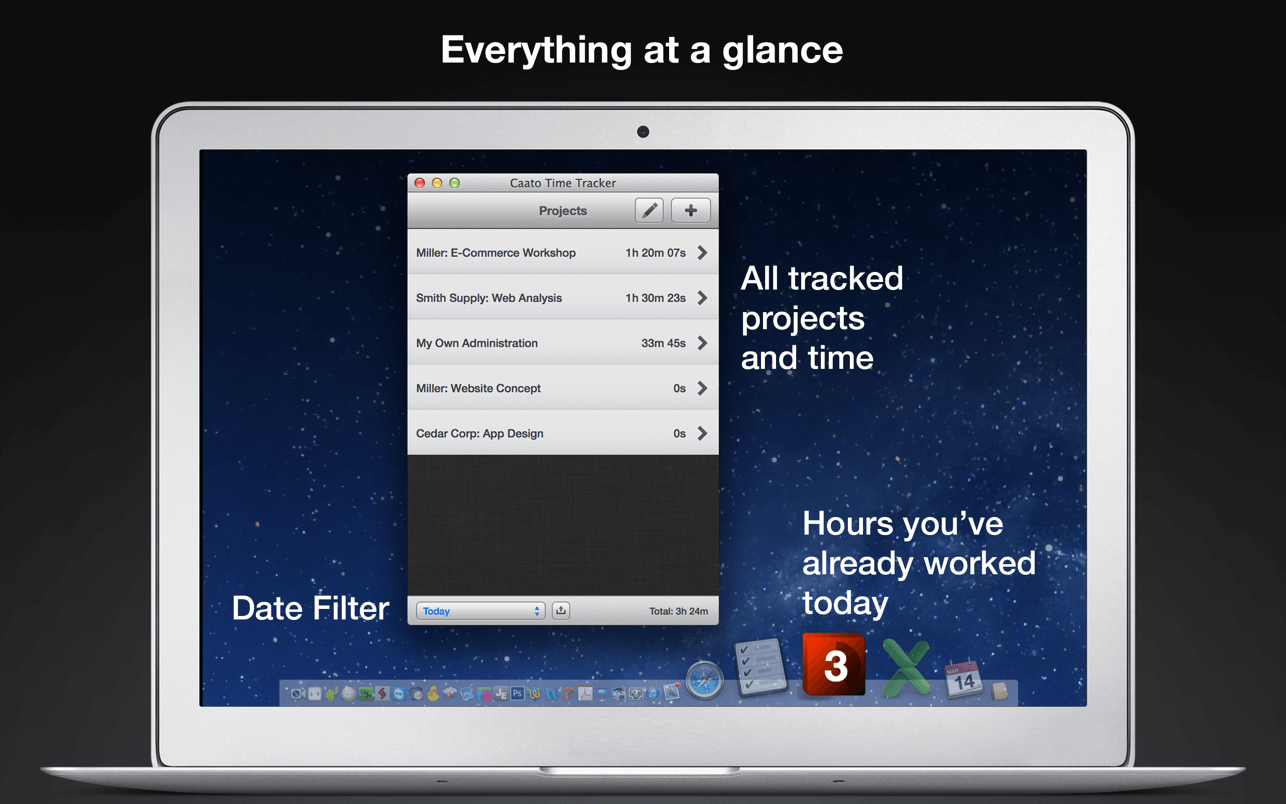
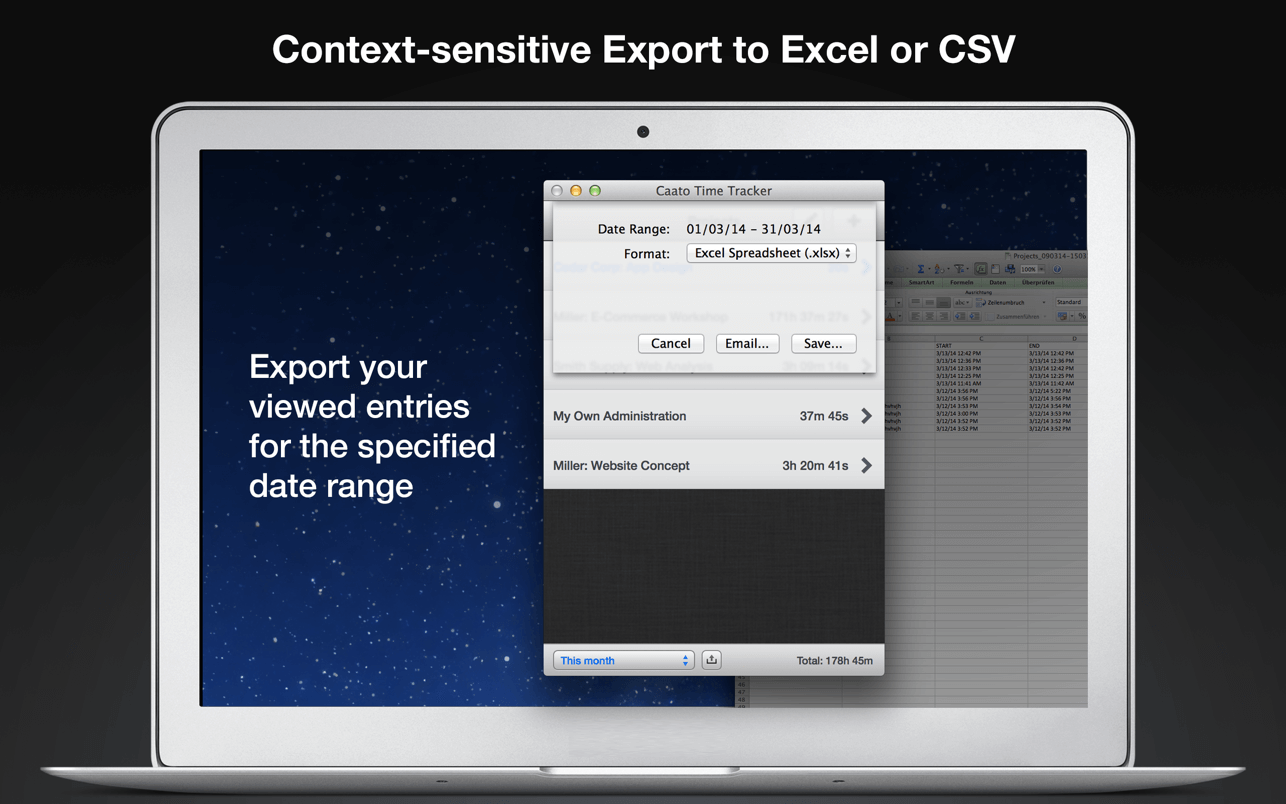
Caato Time Tracker uses a 3-tier hierarchy of projects, tasks, and detailed time entries. You can add, delete or edit entries on every level for maximum flexibility. The CSV-Export enables you to easily build reports with your favorite spreadsheet application.
Features
- Start and pause button
- Tracks projects, subtasks and detailed time entries including seconds
- Tracks multiple projects at once
- Allows editing of entries in the past
- Shows number of running entries in Dock icon
- Clean user interface with complete date labels
- Easy CSV-export: exports data in a simple, comma-separated File
- Retina-resolution support how you can use Caato Time Tracker
Version 1.1.18
- This update fixes an issue on macOS Ventura where the navigation bar wasn't displayed correctly
Frequently asked questions
How do I install the app?
Mount the image, drag the app into the "Applications" folder and launch it. If the system blocks the launch, allow it in "System Settings → Privacy & Security".
The app is damaged or won't launch
Reinstalling from a fresh image usually helps. Make sure your macOS version matches the one listed in the compatibility specs.
How do I update?
Download the new version from the site and install it over the current one — your settings will be preserved.
The download link doesn't work
Try a mirror or a download manager. For large files the browser often drops the connection.
How do I completely remove the app?
Use an uninstaller utility — it cleans up the service files that remain after moving the app to the trash.



Choose a download source
Caato Time Tracker Pro 1.1.18