liquivid Video Deflickering 1.4.1

liquivid Video Deflickering 1.4.1

liquivid Video Deflickering 1.4.1

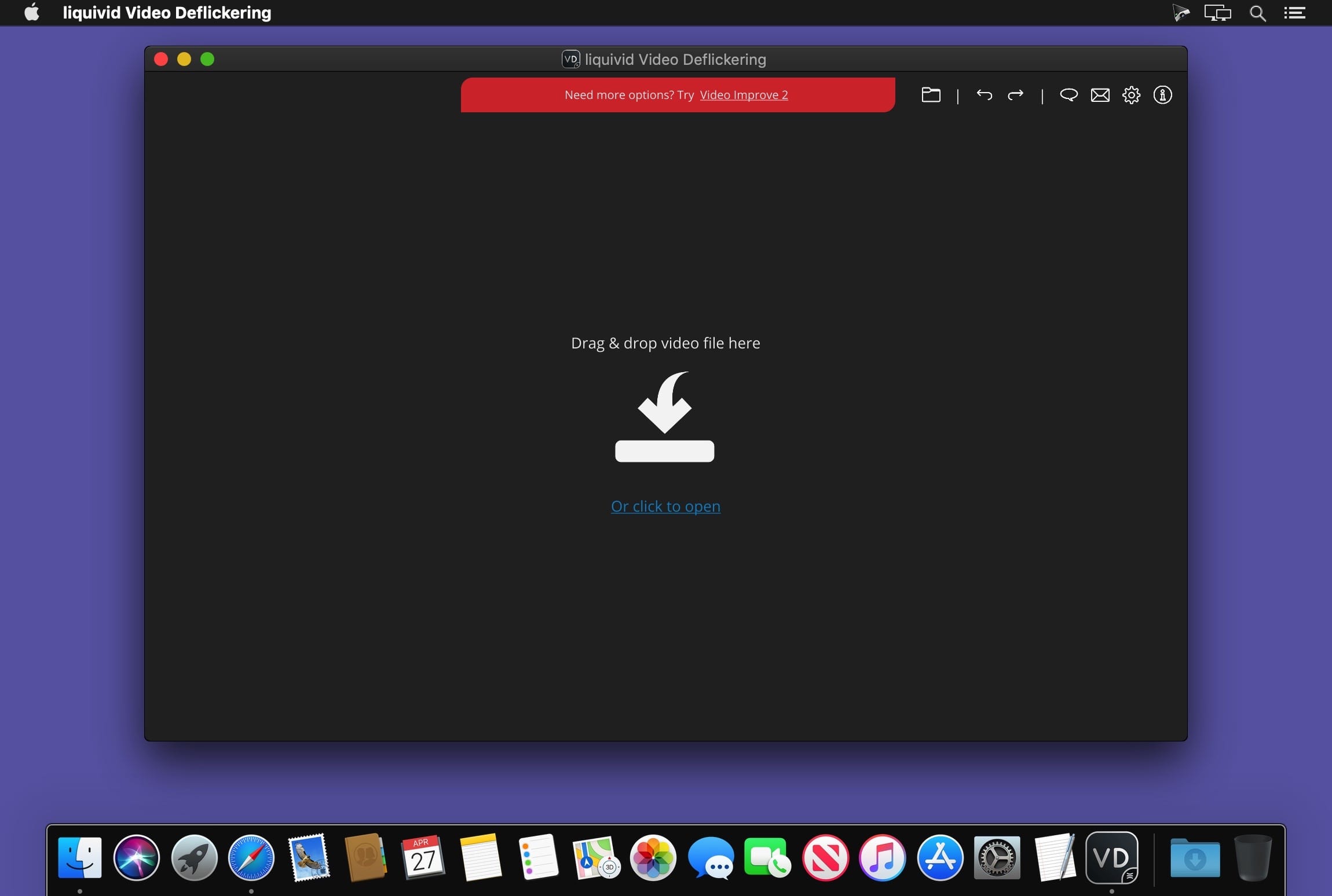
liquivid Video Deflickering is an easy-to-use app that reduces or removes flickering from video.

Flickering refers to an inconsistent exposure of video frames and can appear in time lapse videos or when recording under certain lighting conditions (e.g. when using pulsating light sources like incandescent blubs).

The app imports all common video formats and codecs in any resolution (including HD, 2K, 4K).
Exports videos as MP4 files with H.264 codec.
Version 1.4.1
  • Fixed a compatibility issue with macOS 10.14 and earlier
2 531 views 0 comments

Frequently asked questions

How do I install the app?

Mount the image, drag the app into the "Applications" folder and launch it. If the system blocks the launch, allow it in "System Settings → Privacy & Security".

The app is damaged or won't launch

Reinstalling from a fresh image usually helps. Make sure your macOS version matches the one listed in the compatibility specs.

How do I update?

Download the new version from the site and install it over the current one — your settings will be preserved.

The download link doesn't work

Try a mirror or a download manager. For large files the browser often drops the connection.

How do I completely remove the app?

Use an uninstaller utility — it cleans up the service files that remain after moving the app to the trash.

Information
Users of Guests are not allowed to comment this publication.
liquivid Video Deflickering 1.4.1