
OS X Yosemite 10.10.5
OS X Yosemite is Apple’s newest operating system for Mac.
An elegant design that feels entirely fresh, yet inherently familiar. The apps you use every day, enhanced with new features. And a completely new relationship between your Mac and iOS devices. OS X Yosemite will change how you see your Mac. And what you can do with it.
Redesigned interface.
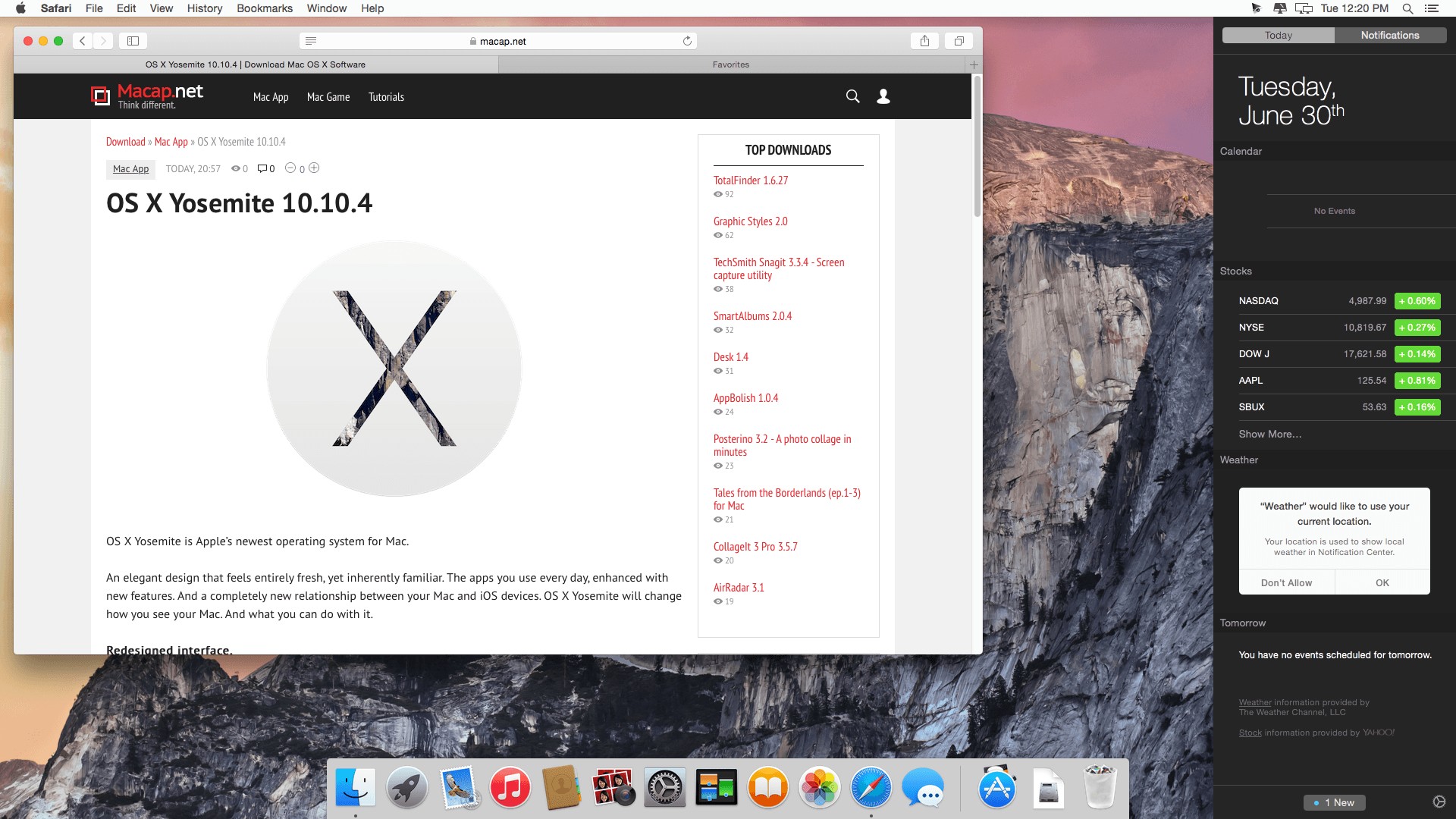
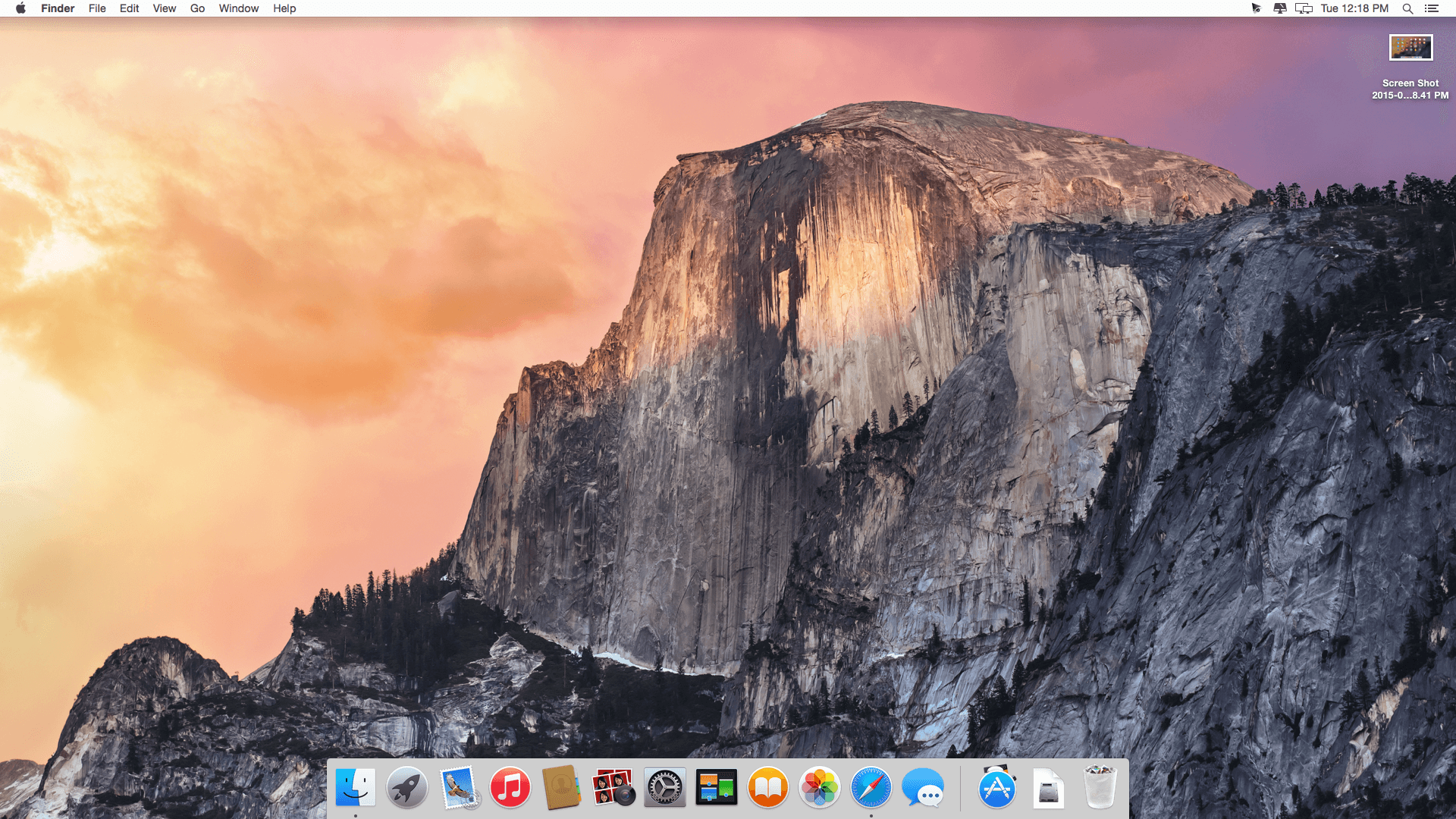
With OS X Yosemite, we set out to elevate the experience of using a Mac. To do that, we looked at the entire system and refined it app by app. Feature by feature. Pixel by pixel. And we built great new capabilities into the interface that put need-to-know information at your fingertips. The result is that your Mac has a fresh new look, with all the power and simplicity you know and love.
Powerful built-in apps.
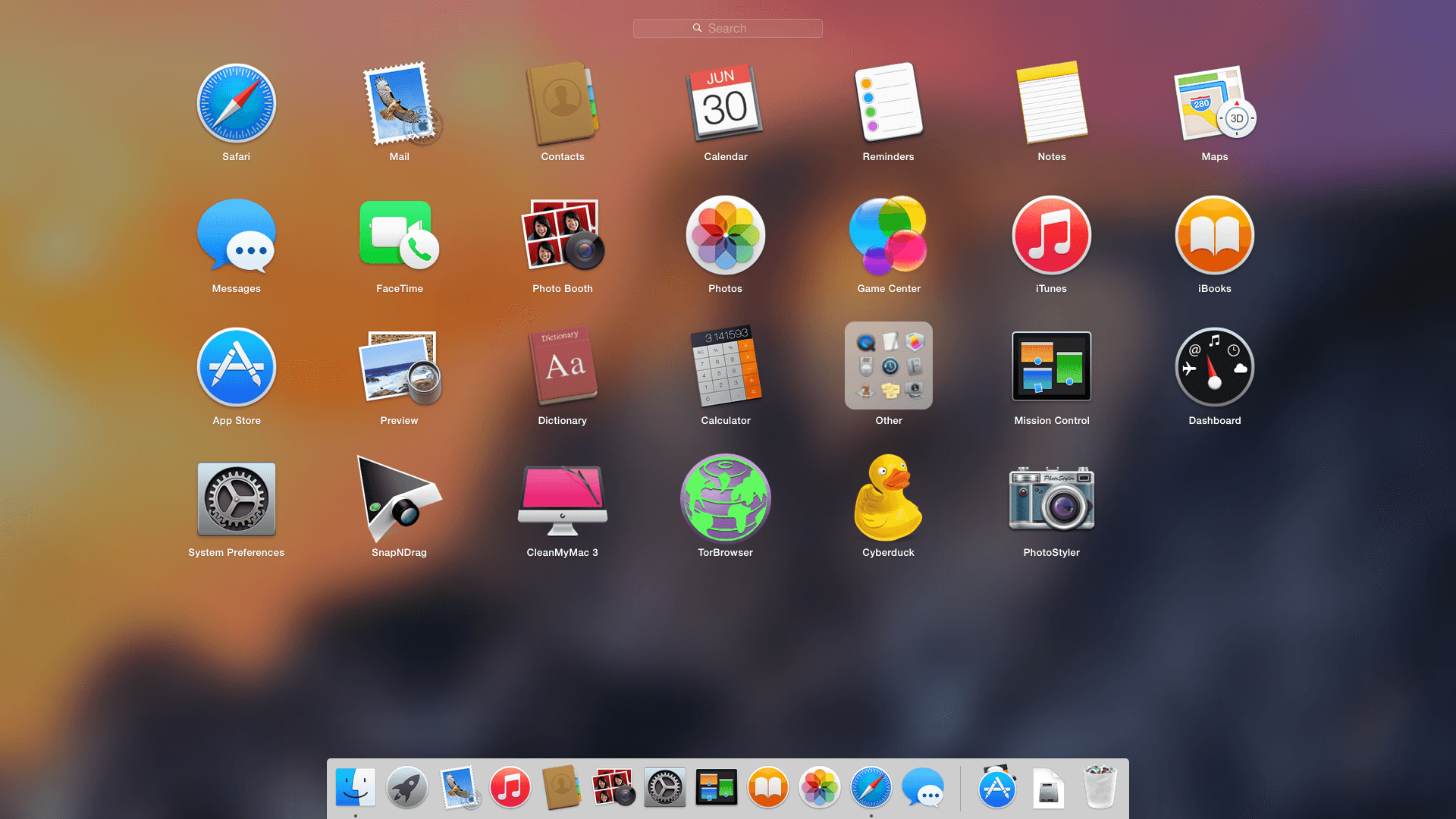
One of the best things about a Mac is that it comes loaded with state-of-the-art, beautifully designed apps you’ll love to use every day. In OS X Yosemite, those apps give you new ways to do some of the things you do most. The apps you use to surf the web, read your mail, send messages, and organize files have a simpler, more elegant look, and we’ve enhanced them with great new features.
Mac and iOS.
Use a Mac or an iOS device, and you can do incredible things. Use them together, and you can do so much more. Because now with OS X Yosemite and iOS 8, all your devices work together even more harmoniously. They recognize when they’re near each other, enabling brilliant new features that feel magical and yet make perfect sense.
WHAT’S NEW
The OS X Yosemite 10.10.5 update improves the stability, compatibility, and security of your Mac.
This update:
- Improves compatibility with certain email servers when using Mail
- Fixes an issue in Photos that prevented importing videos from GoPro cameras
- Fixes an issue in QuickTime Player that prevented playback of Windows Media files
Screenshots

Frequently asked questions
How do I install the app?
Mount the image, drag the app into the "Applications" folder and launch it. If the system blocks the launch, allow it in "System Settings → Privacy & Security".
The app is damaged or won't launch
Reinstalling from a fresh image usually helps. Make sure your macOS version matches the one listed in the compatibility specs.
How do I update?
Download the new version from the site and install it over the current one — your settings will be preserved.
The download link doesn't work
Try a mirror or a download manager. For large files the browser often drops the connection.
How do I completely remove the app?
Use an uninstaller utility — it cleans up the service files that remain after moving the app to the trash.
VersionOS X Yosemite
DeveloperApple. Inc
CompatibilityOS X 10.6.8 or later
LanguageEnglish, Arabic, Catalan, Chinese, Croatian, Czech, Danish, Dutch, Finnish, French, German, Greek, Hebrew, Hungarian, Indonesian, Italian, Japanese, Korean, Malay, Norwegian, Polish, Portuguese, Romanian, Russian, Slovak, Spanish, Swedish, Thai, Turkish, Ukrainian, Vietnamese


Information
Visitors in the group Guests cannot leave comments on this publication.
Choose a download source
OS X Yosemite 10.10.5 · 5.35 GB