
ABBYY FineReader OCR Pro for Mac 12.1.14

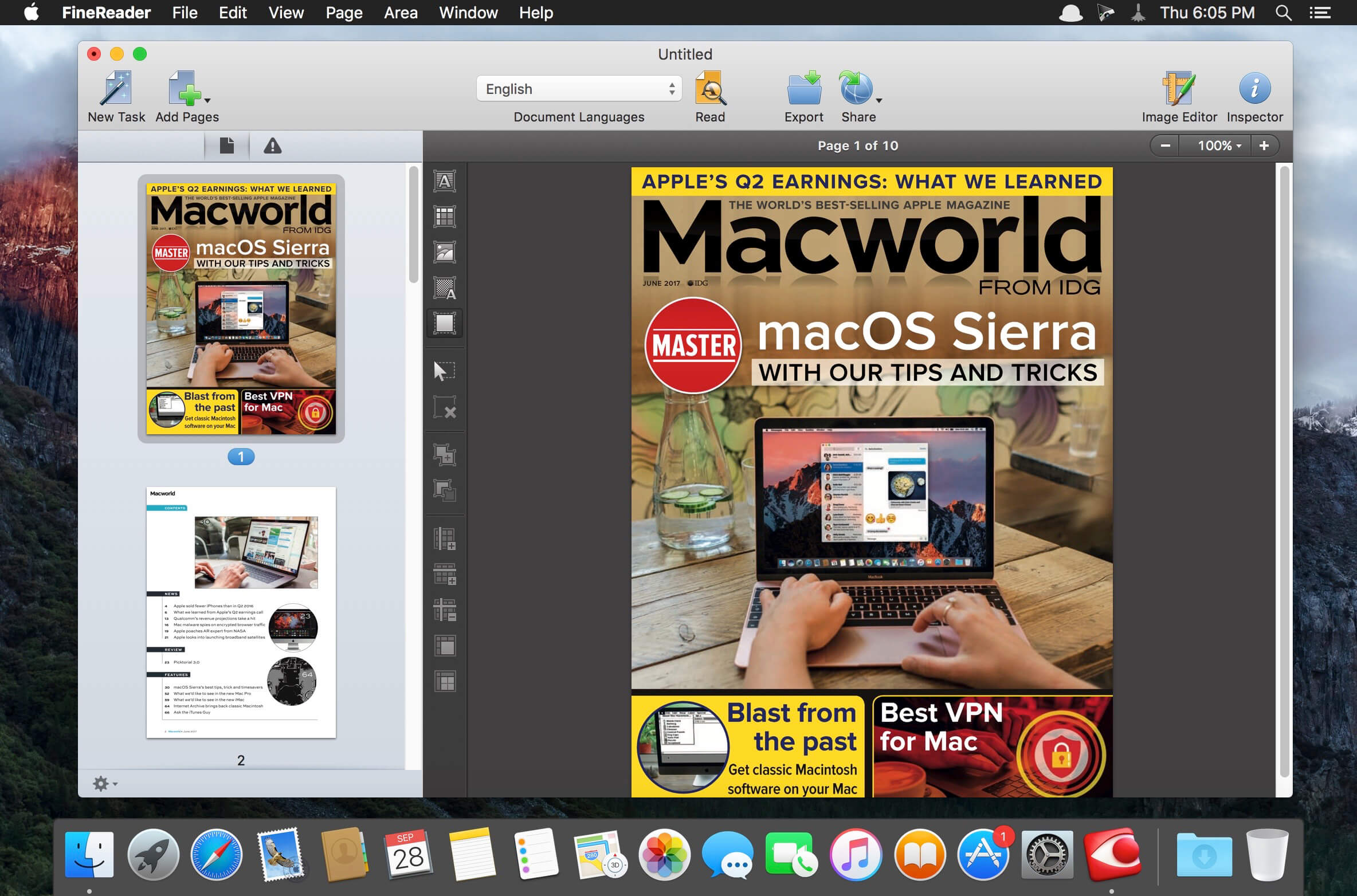
Easily turn documents of virtually any origin into information you can edit, quote, archive, search or share! ABBYY FineReader Pro complements the hassle-free efficiency of your computer by transforming paper documents, PDFs and digital photos of text into editable and searchable files. Say goodbye to time-consuming retyping and reformatting of documents – FineReader’s unmatched text recognition accuracy, language coverage and conversion features retain your original’s text, layout and formatting. It’s OCR the easy way – just as it should be!
With just a few clicks you can:
- Update documents with text corrections, date changes, modified conditions, links to other documents and more
- Instantly pull quotes from text and extract data
- Create searchable PDF files for archiving and sharing
- Make documents accessible for text-to-voice and more
KEY PRODUCTIVITY FEATURES:
- Scans and converts documents and images into a wide variety of popular electronic formats including: DOCX, ODT, RTF, XSLX, PDF and PDF/A, PPTX, HTML, EPUB and FB2
- Automates conversion tasks, processes batches of documents, and provides the ability to schedule OCR processing with the help of newly added Automator actions and AppleScript commands support;
- Accurately reconstructs document structure, layout and formatting across multiple pages – including headers/footers, footnotes, table of contents, page numbering, captions, etc.
- Creates editable, searchable and secure PDFs that are perfect for archiving and sharing
- Creates e-books in EPUB and FB2 formats for tablets and portable readers
- Performs image and photo pre-processing using ABBYY’s Advanced Digital Camera OCR technology
- Applies advanced OCR features to complex conversion tasks
YOUR ADVANTAGES WITH ABBYY OCR TECHNOLOGY INCLUDE:
- Professional OCR results with up to 99.8% character recognition accuracy
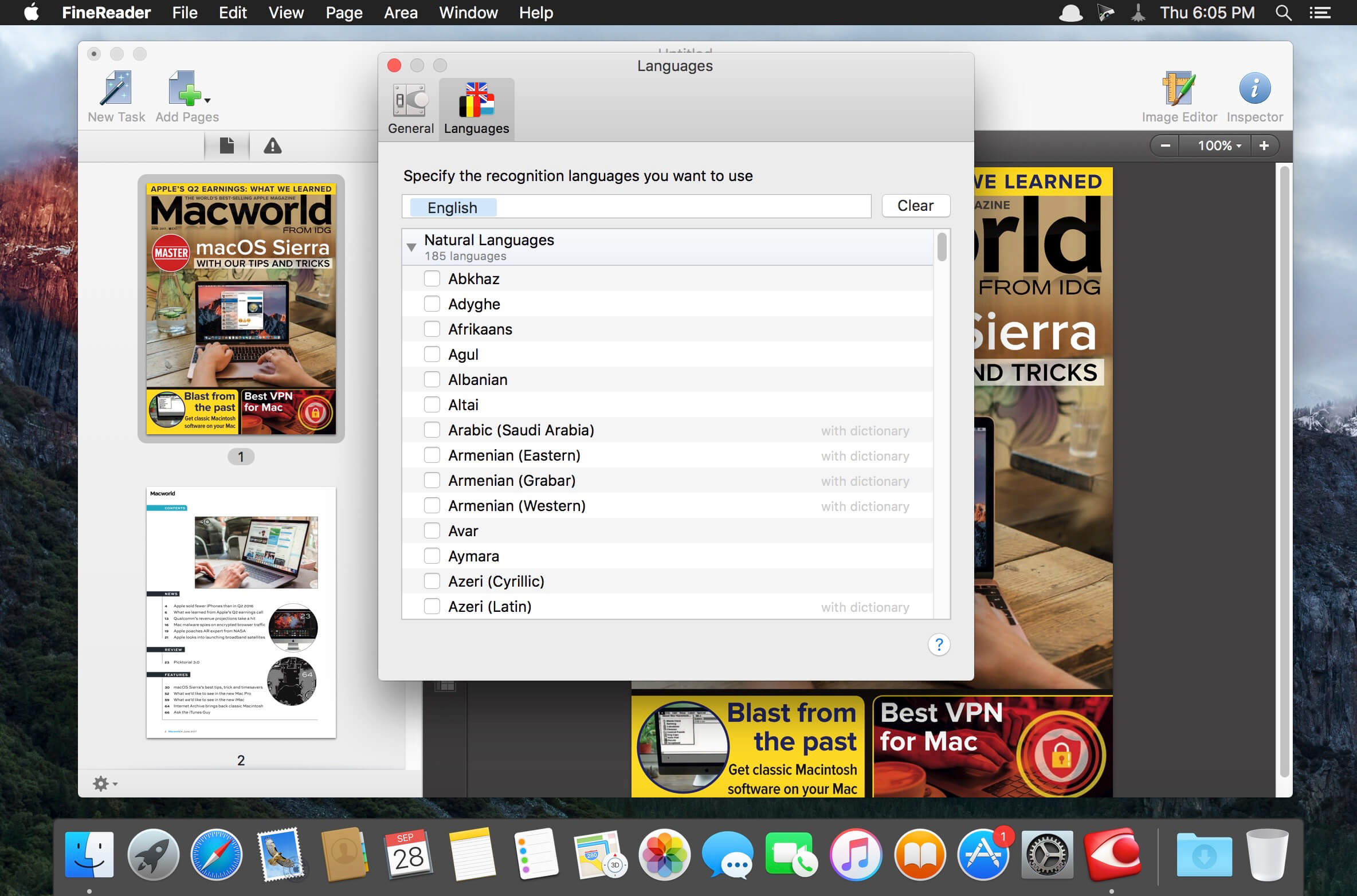
- Widest language support in the industry: 189 recognition languages (including Asian languages) in any combination of languages
- Multi-channel document input enables you to scan paper documents for processing or convert scanned images, PDFs and digital photos of text
- User-friendly interface with pre-defined Quick Tasks makes using FineReader easy and intuitive and provides Section 508 compliancy
Version 12.1.12:
- Support for macOS 10.14 +
- Bug fix
Frequently asked questions
How do I install the app?
Mount the image, drag the app into the "Applications" folder and launch it. If the system blocks the launch, allow it in "System Settings → Privacy & Security".
The app is damaged or won't launch
Reinstalling from a fresh image usually helps. Make sure your macOS version matches the one listed in the compatibility specs.
How do I update?
Download the new version from the site and install it over the current one — your settings will be preserved.
The download link doesn't work
Try a mirror or a download manager. For large files the browser often drops the connection.
How do I completely remove the app?
Use an uninstaller utility — it cleans up the service files that remain after moving the app to the trash.
VersionABBYY FineReader OCR Pro for Mac 12.1.14
Developer© ABBYY Production LLC
CompatibilityOS X 10.8 or later, 64-bit processor
LanguageEnglish, Dutch, French, German, Italian, Japanese, Korean, Portuguese, Russian, Simplified Chinese, Spanish, Traditional Chinese
IncludesSerial


Information
Visitors in the group Guests cannot leave comments on this publication.
Choose a download source
ABBYY FineReader OCR Pro for Mac 12.1.14 · 585.82 MB
Previous versions
ABBYY FineReader OCR Pro for Mac 12.1.14
Previous versions are available to registered users.