
Lynda.com - Photoshop: 2015 Creative Cloud Updates
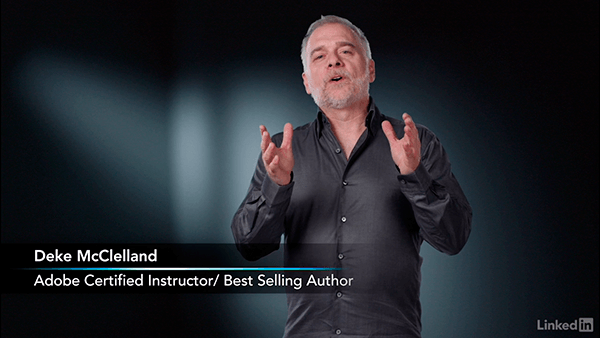
Creative Cloud, Adobe's cloud-based subscription service, delivers the latest imaging innovations in Photoshop CC straight to your computer. Deke McClelland helps you get the most out of these new features and enhancements in this course, centered around changes in 2015 and beyond. New videos will be added every time Adobe releases an update.
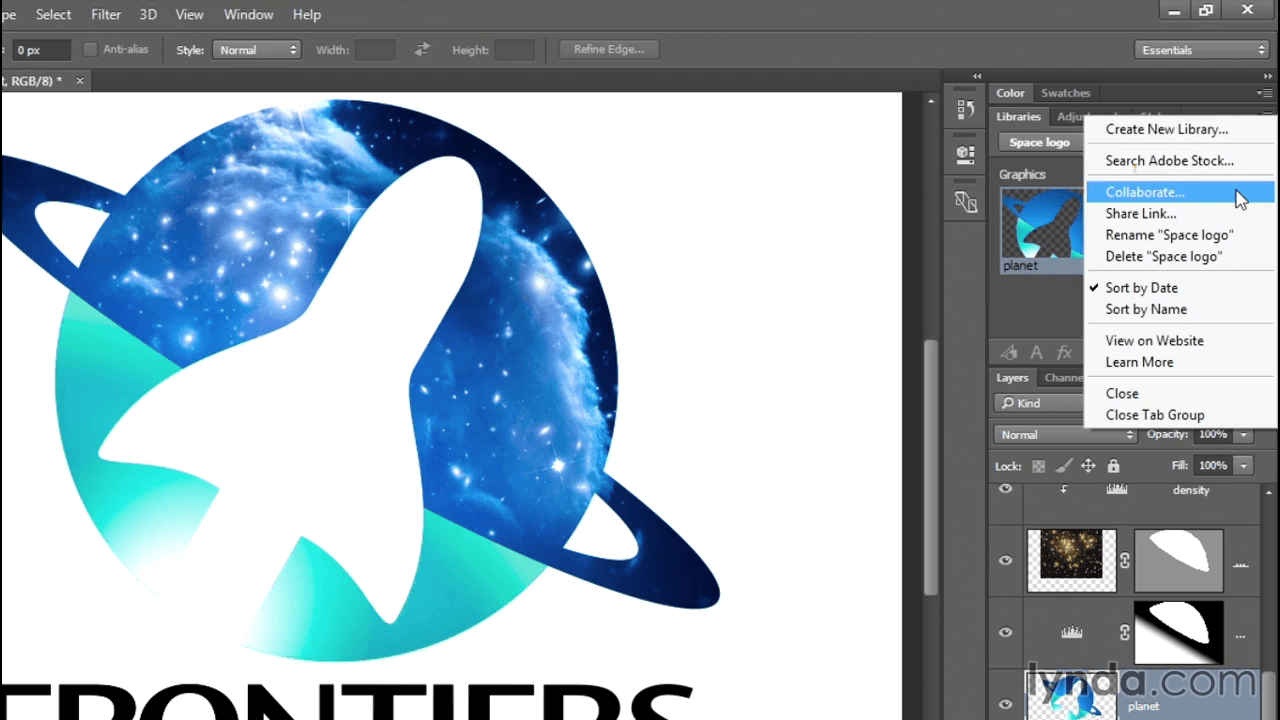
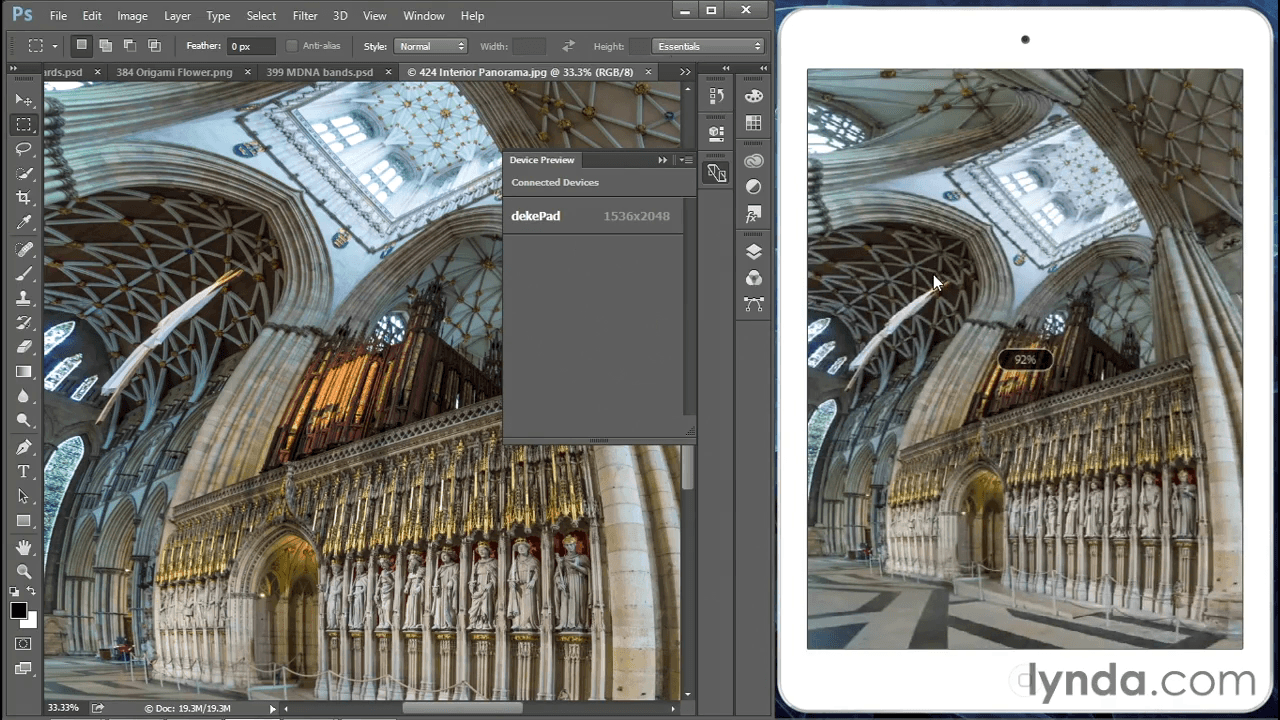
To start, Deke covers the June 2015 release of Photoshop CC. Tune in and learn how to apply multiply strokes, drop shadows, and other effects to a single layer; work with the new Glyphs panel; trade dynamically linked assets via the Library panel; create multiple artboards in a single document; and preview your designs directly on a mobile device.
Screenshots

Frequently asked questions
How do I install the app?
Mount the image, drag the app into the "Applications" folder and launch it. If the system blocks the launch, allow it in "System Settings → Privacy & Security".
The app is damaged or won't launch
Reinstalling from a fresh image usually helps. Make sure your macOS version matches the one listed in the compatibility specs.
How do I update?
Download the new version from the site and install it over the current one — your settings will be preserved.
The download link doesn't work
Try a mirror or a download manager. For large files the browser often drops the connection.
How do I completely remove the app?
Use an uninstaller utility — it cleans up the service files that remain after moving the app to the trash.
VersionPhotoshop: 2015 Creative Cloud Updates

Information
Visitors in the group Guests cannot leave comments on this publication.
Choose a download source
Lynda.com - Photoshop: 2015 Creative Cloud Updates · 1.39 GB