WonderPen 2.6.2
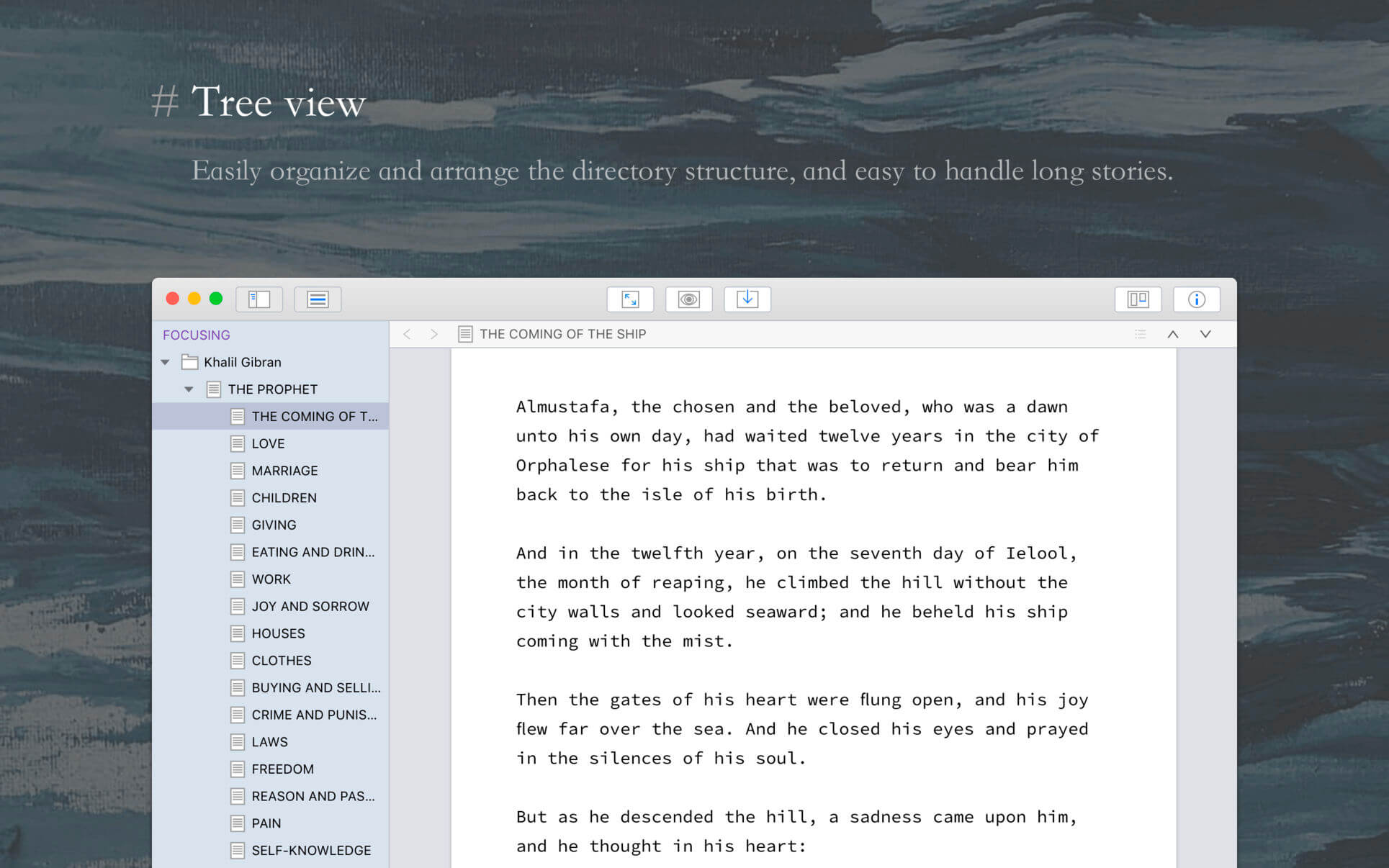
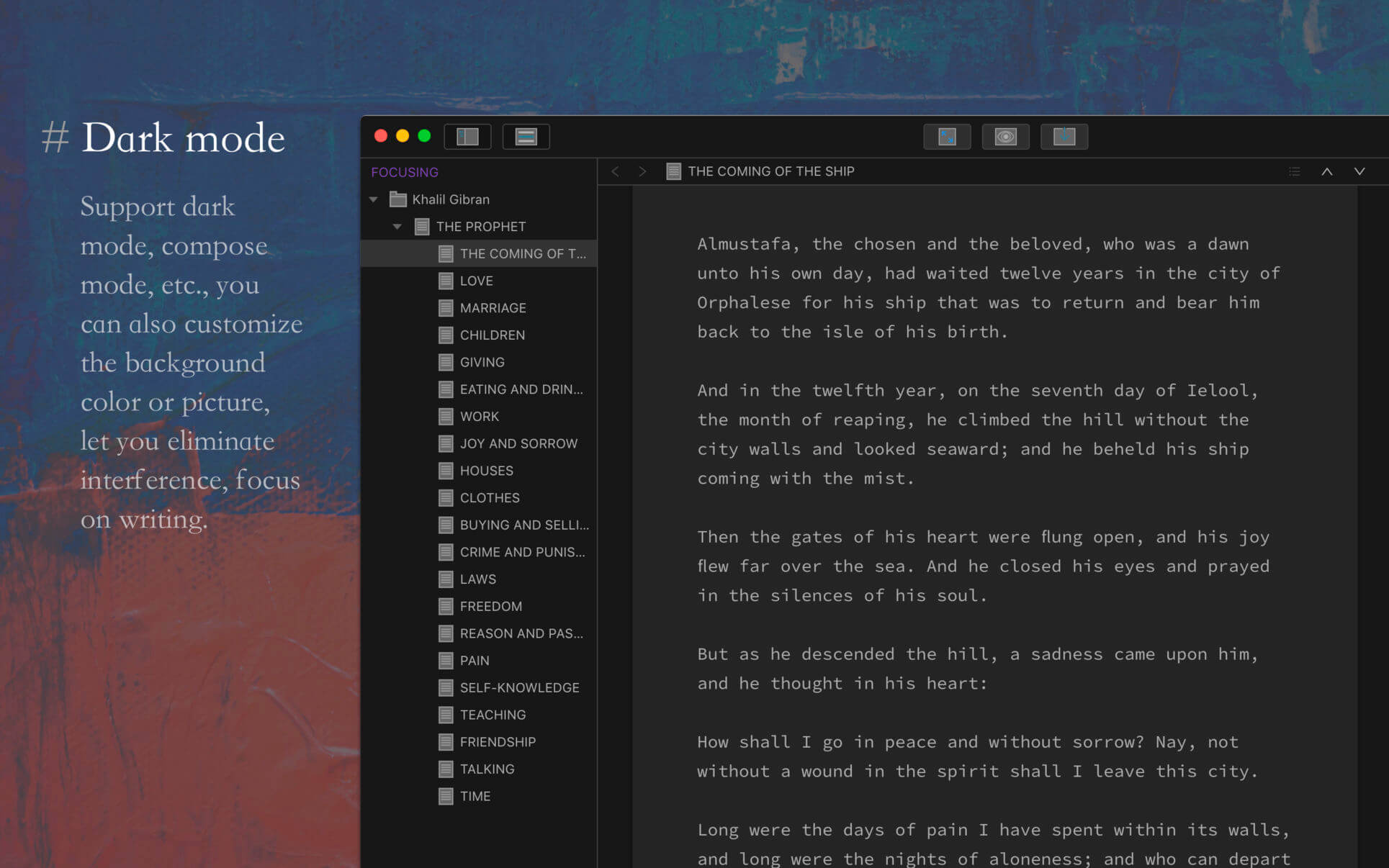
WonderPen is a writing app for both professional and amateur writers.
Features:
- Tree view, drag-and-drop to reorder.
- An easy-to-use text editor that supports Markdown.
- Supports full-screen mode, lets you focus on writing.
- Docs can be exported as Image, PDF, HTML, etc.
- Auto save while editing. You can backup all docs as a single file and restore from it later.
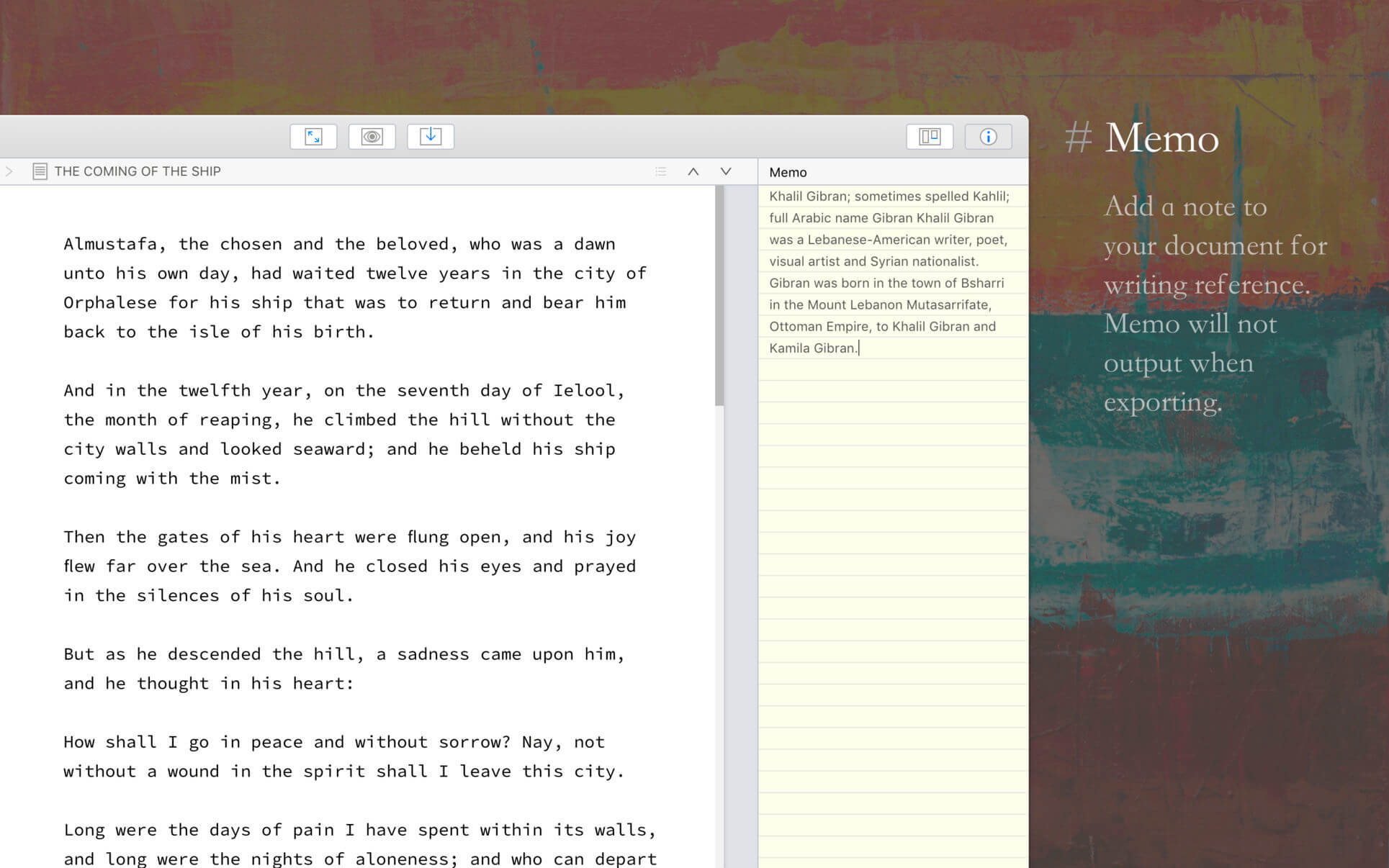
- Add memo for each doc.
- Focus on one node of the doc tree.
- Search in all docs.
- Automatic backup.
Support
Hope you enjoy this app. If you have any questions or suggestions about using it, you can contact us via the "Feedback" option in the "Help" menu
Version 2.6.2
- Added typing statistics calculation threshold setting
- Fixed some minor issues and made some detail adjustments
Frequently asked questions
How do I install the app?
Mount the image, drag the app into the "Applications" folder and launch it. If the system blocks the launch, allow it in "System Settings → Privacy & Security".
The app is damaged or won't launch
Reinstalling from a fresh image usually helps. Make sure your macOS version matches the one listed in the compatibility specs.
How do I update?
Download the new version from the site and install it over the current one — your settings will be preserved.
The download link doesn't work
Try a mirror or a download manager. For large files the browser often drops the connection.
How do I completely remove the app?
Use an uninstaller utility — it cleans up the service files that remain after moving the app to the trash.




Choose a download source
WonderPen 2.6.2 · 168.5 MB
Previous versions
WonderPen 2.6.2
Previous versions are available to registered users.