
Starry Night Pro Plus 7.5.5
IMAGINOVA
Starry Night Pro has everything the experienced astronomy enthusiast needs to explore the universe.
Features
- Enhanced observation planner lets you create detailed lists of targets for an observing session
- New observation logs allow you to store notes, times, sky conditions, equipment used, and even images on targets
- Equipment list allows you to store all scopes, eyepieces, binoculars, and accessories
- LiveSky panel lets you see up-to-date images of the Sun and Earth from ground and space-based observatories
- Navigate and open your saved Starry Night files easily with the new "Favorites" panel
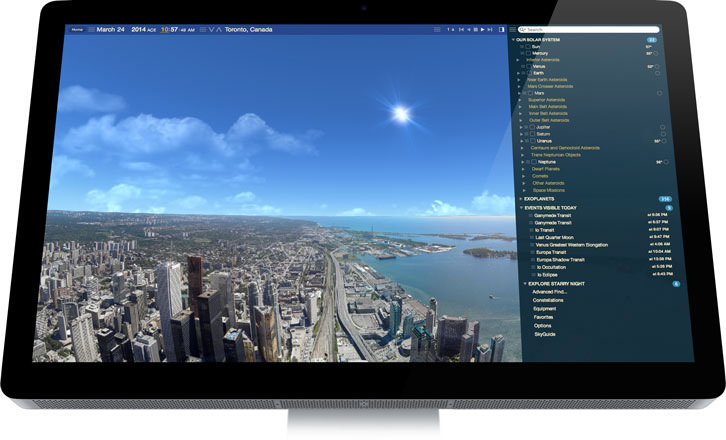
- View from anywhere on Earth or select from a database of over 8,000 cities
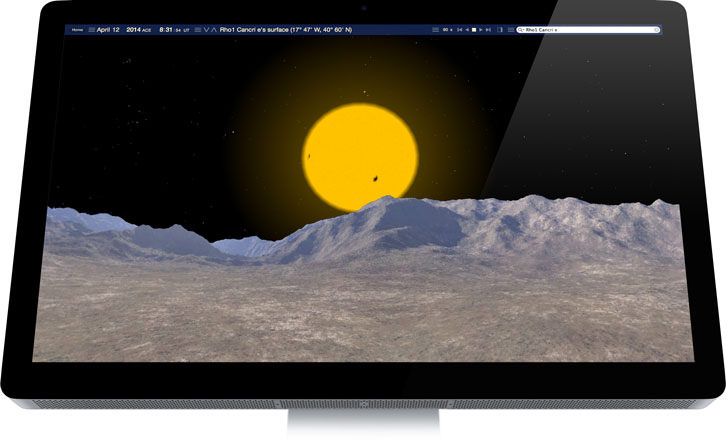
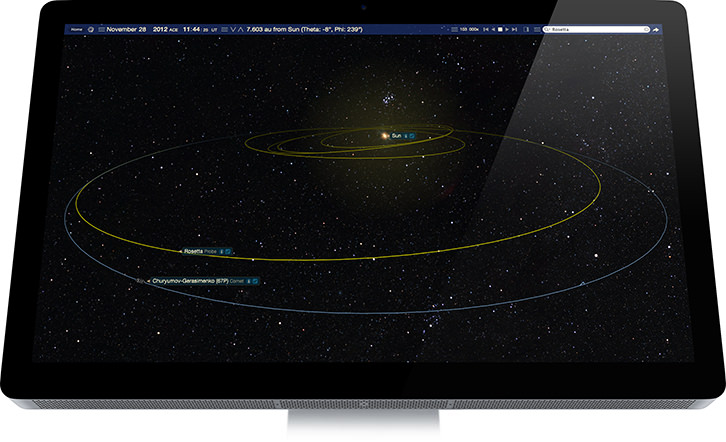
- See the sky from any location in the universe up to 700 million light years away
- Print personalized star charts of any area in the sky
- OpenGL support renders high-end 3D graphics
- Create QuickTime movies and export images
- 16 million stars and corrected NGC/IC catalogs
- Online access to 500 million stars
- Tycho 2/Hipparcos 3D star database
- PGC catalog with 70,000 galaxies
- Control most popular brands of computerized telescopes (additional cable required)
WHAT’S NEW
Fixed Bugs / Improvements:
- OSX: Application/System font name now displays correctly.
- OSX: Telescope 'nudge' now moves the telescope consistently.
- Telescope 'Follow' checkbox now accurately reflects follow state.
- OSX: Telescope 'nudge step' text visibility improved.
- OSX: Telescope debug logging adding.
- Object type substrings no longer clipped out of search strings.
- Image Editor paste and download fixed.
- 'J' key now triggers step to next sunrise/sunset, not TAB key.
Screenshots
Frequently asked questions
How do I install the app?
Mount the image, drag the app into the "Applications" folder and launch it. If the system blocks the launch, allow it in "System Settings → Privacy & Security".
The app is damaged or won't launch
Reinstalling from a fresh image usually helps. Make sure your macOS version matches the one listed in the compatibility specs.
How do I update?
Download the new version from the site and install it over the current one — your settings will be preserved.
The download link doesn't work
Try a mirror or a download manager. For large files the browser often drops the connection.
How do I completely remove the app?
Use an uninstaller utility — it cleans up the service files that remain after moving the app to the trash.
Information
Users of Guests are not allowed to comment this publication.
Choose a download source
Starry Night Pro Plus 7.5.5 · 2.4 GB