
Wondershare Data Recovery 3.7.1
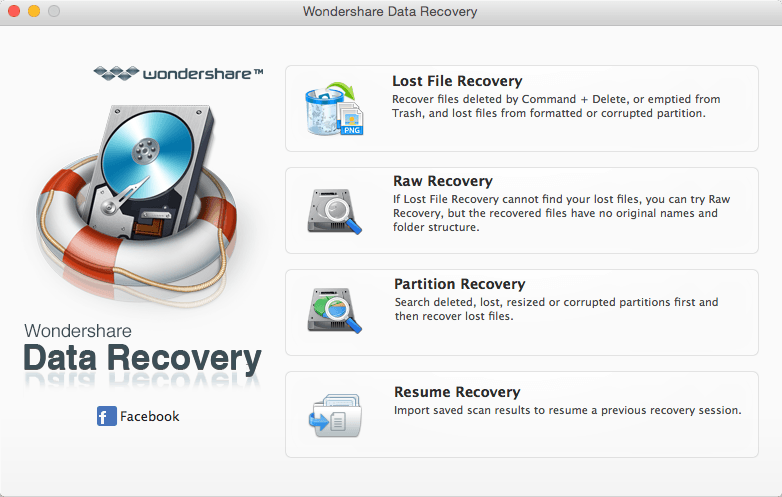
Wondershare Data Recovery is a comprehensive data recovery suite to recover Mac data lost due to accidental deleting, formatting, virus infection, improper operation, unexpected power failure, and other unknown reasons.
It can recover Mac data from lost, deleted, logical corrupted and formatted Mac hard drive, iPod, USB drive, SD card, digital camera, mobile phone, MP3, and MP4 player. Compatible with HFS+, FAT16/32, and NTFS file system volumes, this non-destructive Mac file recovery software ensures safe Mac file recovery without modifying the original data saved on your Mac machine or any other storage media. Versatile preview lets you enjoy Mac data recovery in advance.
Features
Safety First:
- Read-only and risk-free Mac data recovery program. No any writing operation to your original data.
Versatile Preview Ability:
- For images, real-time and direct scan results is displayed during the scan process to let users stop scanning once the target images are found.
- For other Mac files such as videos, audio files, archives and documents, they are displayed as a text in a Hex mode for preview to let users enjoy file recovery on Mac in advance.
Precise File Recovery for Mac:
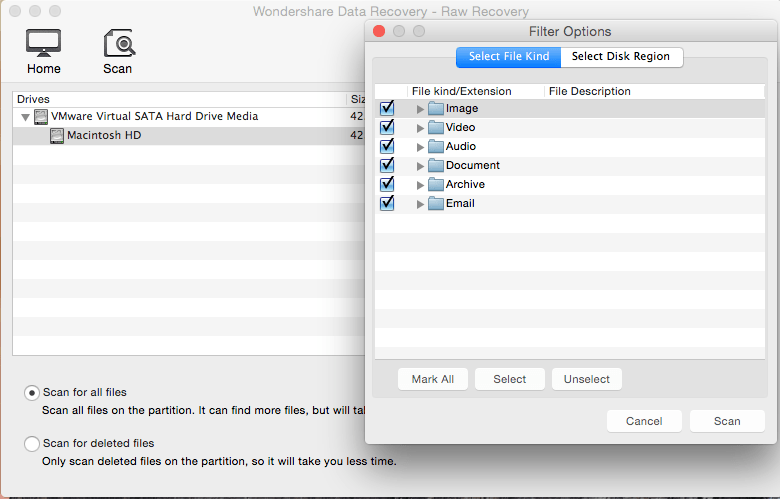
- Before data recovery on Mac, you can choose the target file types to scan, which saves you much time especially when there are tons of files on your Mac machine.
- Restore deleted files for Mac with original file names, shooting date, and storage paths.
- Support file names search for scanning results to provide you precise Mac file recovery.
Easy-to-use and Clean Interface:
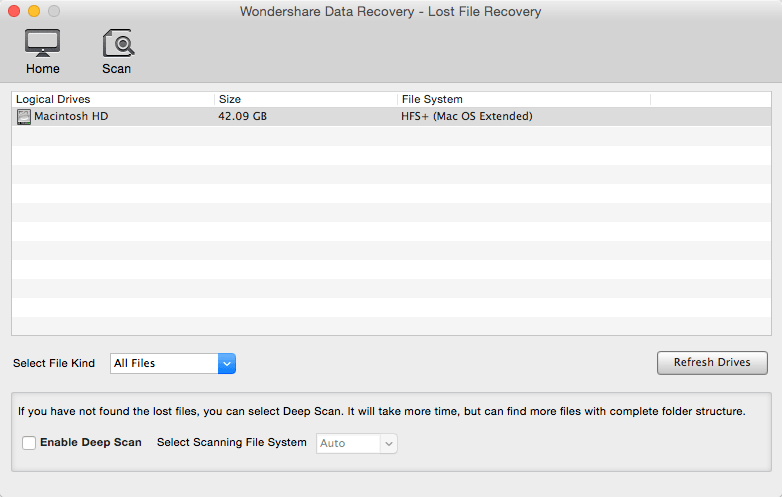
- Complete wizard and easy-to-use interface let you perform Mac data recovery in a breeze.
WHAT’S NEW
Version 3.7.1:
- Release notes were unavailable when this listing was updated.
Screenshots
Frequently asked questions
How do I install the app?
Mount the image, drag the app into the "Applications" folder and launch it. If the system blocks the launch, allow it in "System Settings → Privacy & Security".
The app is damaged or won't launch
Reinstalling from a fresh image usually helps. Make sure your macOS version matches the one listed in the compatibility specs.
How do I update?
Download the new version from the site and install it over the current one — your settings will be preserved.
The download link doesn't work
Try a mirror or a download manager. For large files the browser often drops the connection.
How do I completely remove the app?
Use an uninstaller utility — it cleans up the service files that remain after moving the app to the trash.
VersionWondershare Data Recovery 3.7.1
DeveloperWondershare Software Co., Ltd.
CompatibilityOS X 10.6 or later, 64-bit processor
LanguageEnglish
IncludesPre-K'ed





Information
Visitors in the group Guests cannot leave comments on this publication.
Choose a download source
Wondershare Data Recovery 3.7.1 · 7.84 MB