
Sid Meier's Starships v.1.1
Firaxis Games
Take command of a fleet of powerful starships in this adventure-driven strategy game from legendary designer Sid Meier. Travel to new worlds, completing missions to help save and protect the planets and their people from dangerous Space Pirates, to powerful Marauders and other hostile factions. Build a planetary federation as you strengthen your fleet and secure your homeworld as you attempt to preserve intergalactic peace and your vision of humanity. Set in the universe of Civilization: Beyond Earth after the age of the Seeding, Sid Meier’s Starships offers sci-fi/strategy fans a full stand-alone game experience that also features cross-connectivity with Beyond Earth, expanding the depth of both games. See if you have what it takes to rule the universe!
- Tactical Space Combat: Encounter unique tactical challenges in every mission, with dynamically generated maps, victory conditions, and foes.
- Fully Customizable Starships: Create an armada that fits your tactical plan with modular spaceship design.
- Diplomacy, Strategy, and Exploration: Expand the influence of your Federation and gain the trust of the citizens of new planets. Use the unique abilities of the each planet to enhance your fleet and Federation, and keep your opponents in check. Build improvements on worlds to increase the capabilities and resources of your Federation.
- A Galaxy Of Adventure: Explore the galaxy as you lead your fleet to distant worlds and complete missions to help the citizens of these planets. Fight pirates, protect colony ships, destroy rogue AI, and more.
- Multiple Paths To Victory: Will you win by conquering the greatest threat to the galaxy? Or will you unite a plurality of worlds in your Federation? Perhaps you will lead your people to push the frontiers of science. Each choice you make carries consequences on your path to victory
Screenshots
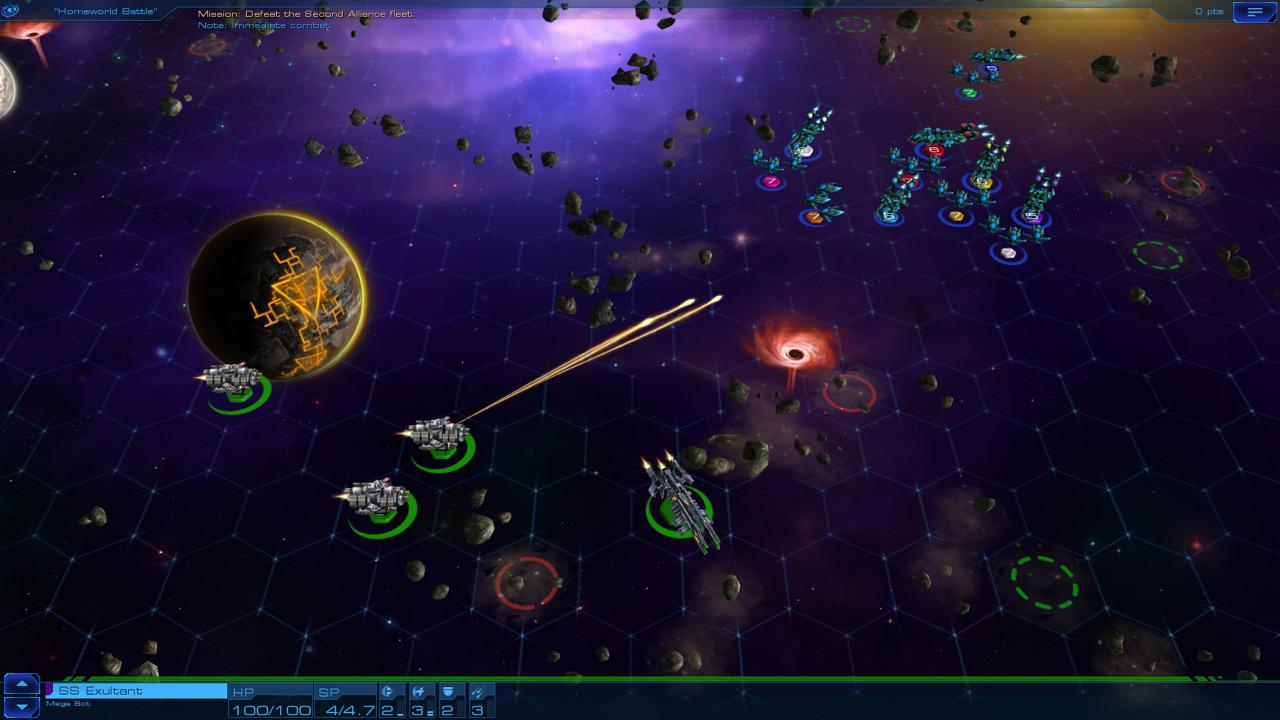
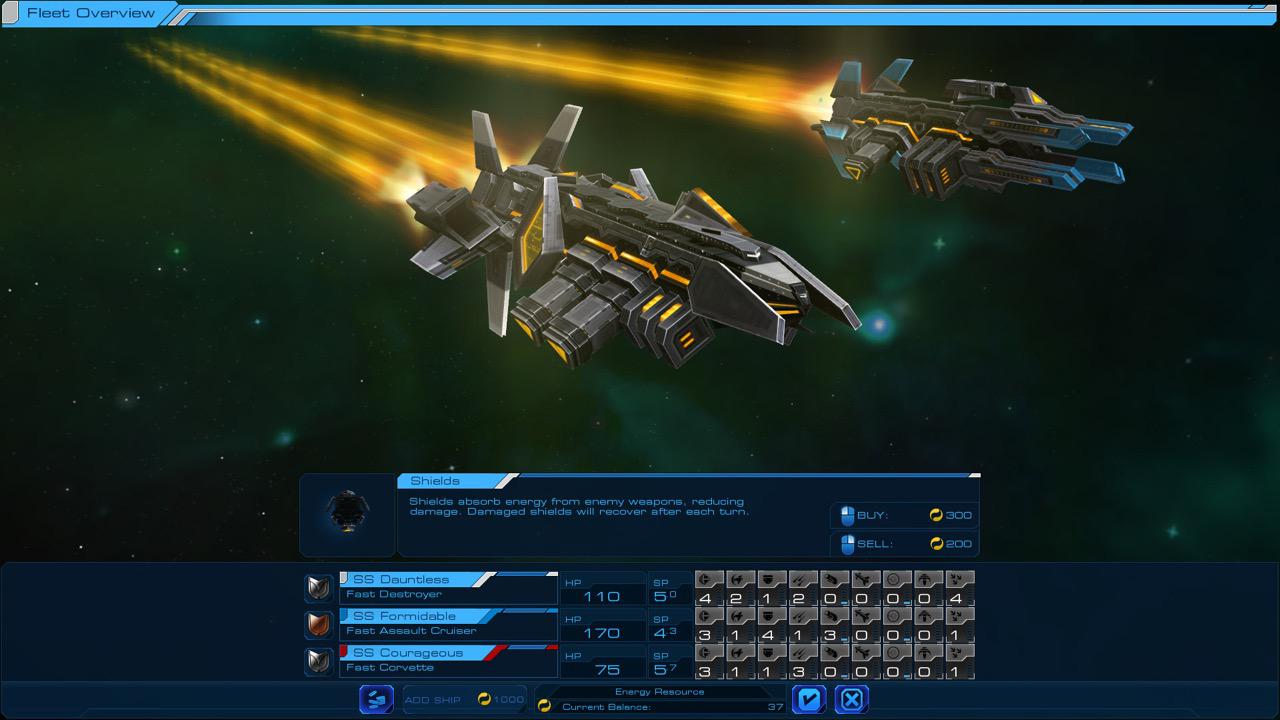
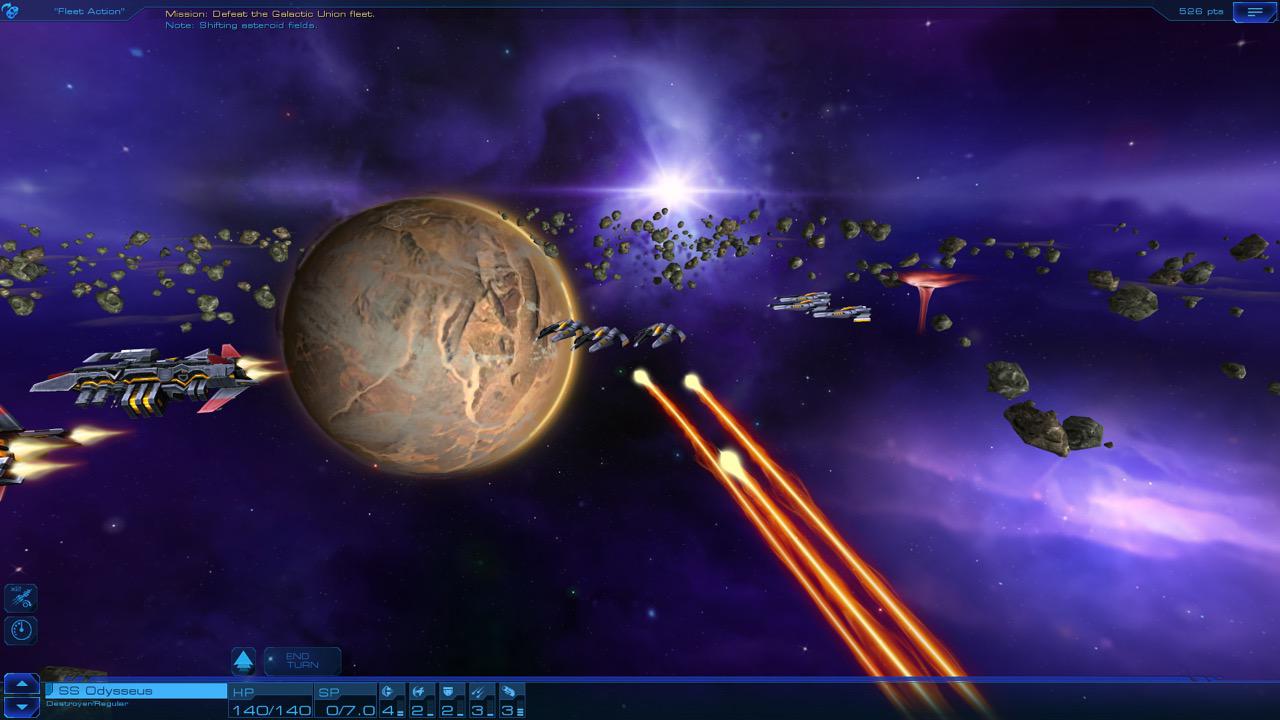
Frequently asked questions
How do I install the app?
Mount the image, drag the app into the "Applications" folder and launch it. If the system blocks the launch, allow it in "System Settings → Privacy & Security".
The app is damaged or won't launch
Reinstalling from a fresh image usually helps. Make sure your macOS version matches the one listed in the compatibility specs.
How do I update?
Download the new version from the site and install it over the current one — your settings will be preserved.
The download link doesn't work
Try a mirror or a download manager. For large files the browser often drops the connection.
How do I completely remove the app?
Use an uninstaller utility — it cleans up the service files that remain after moving the app to the trash.
Information
Users of Guests are not allowed to comment this publication.
Choose a download source
Sid Meier's Starships v.1.1 · 597.42 MB