
System Cleaner and Antivirus Movavi 2.4
System Cleaner & Antivirus Movavi is a powerful yet user-friendly application for OS X systems that will speed up your Mac and protect it against a whole range of cyberthreats. When computers start running slowly, it’s often because the hard drive gets clogged up with unnecessary files that users don’t even know exist. System Cleaner & Antivirus Movavi can track down these files and remove them in a flash, freeing up space and improving the overall performance of your Mac.
What’s more, System Cleaner & Antivirus Movavi is a great way to protect your computer against internet threats. With the powerful antivirus tool, you can thoroughly scan your system and easily get rid of infected files. Plus, the program is really easy to use thanks to its simple, streamlined interface.
System Cleaner & Antivirus Movavi gives you a wide array of tools to help take care of your Mac:
System Cleanup
Safely remove cache and log files that are wasting space on your hard drive.
Trash Cleanup
Reclaim free disk space by removing files in the Trash.
Disk Usage
Scan your hard drive to see which folders take up the most space.
Duplicates Finder
Track down and delete identical versions of files taking up space on your Mac.
Large Files Scanner
Clear out gigabytes of space in one fell swoop by removing overweight, long-forgotten files - give your computer more room to breathe.
Uninstaller
Completely remove both user-installed and default OS X applications (Mail, Safari, Chess, etc.). Clean up any files left over from previously uninstalled programs.
Memory Cleanup
Give your Mac a significant performance boost by clearing out the clutter from your system’s memory.
Shredder
Protect your privacy by removing files with confidential data for good.
Firewall
Protect your computer from network attacks by customizing the rules for inbound traffic.
Antivirus
Use the built-in antivirus protection to protect your computer against malware.
WHAT’S NEW
Version 2.4
- Improved Disk Usage utility.
- Automatic updates.
- Interface lag fixed.
- Minor bug fixes.
SCREENSHOTS
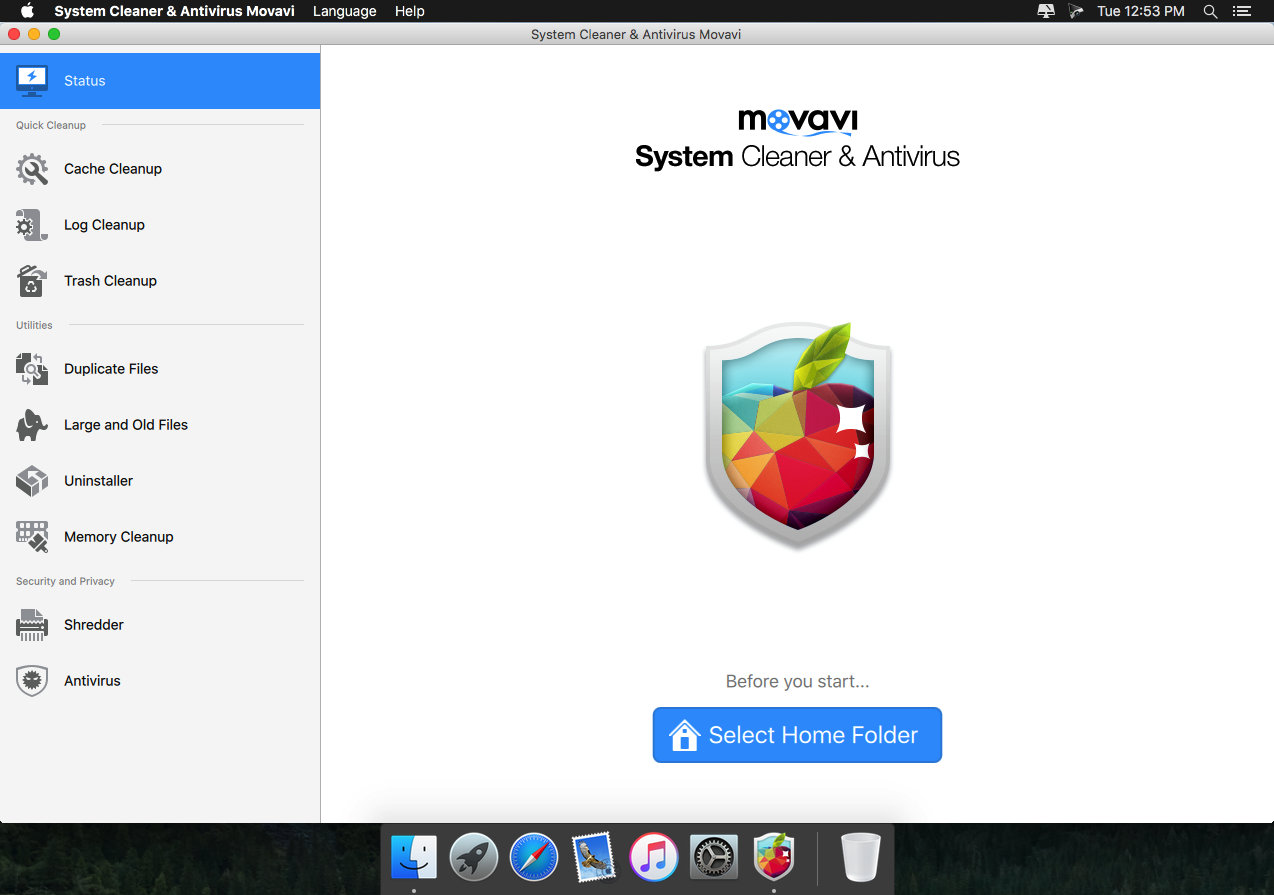

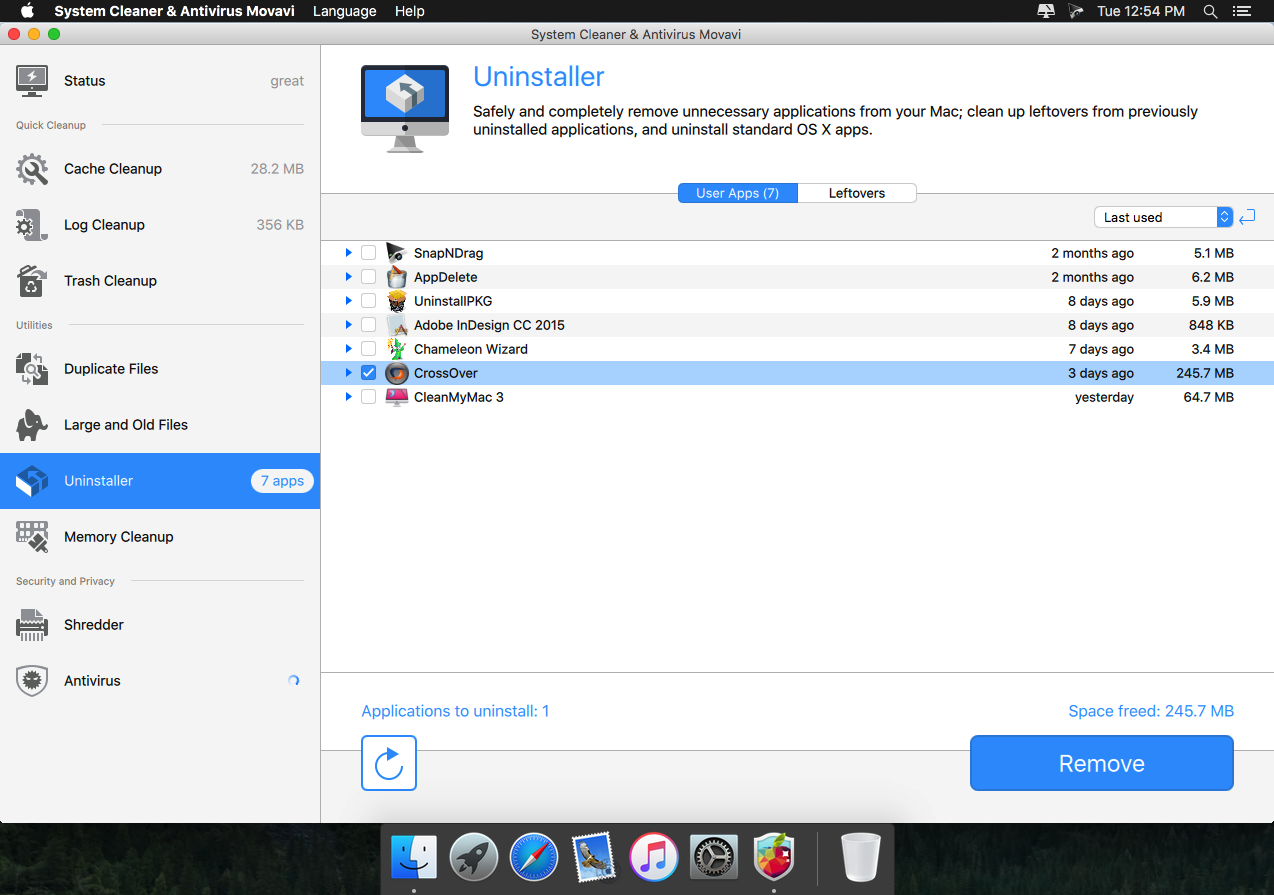
Frequently asked questions
How do I install the app?
Mount the image, drag the app into the "Applications" folder and launch it. If the system blocks the launch, allow it in "System Settings → Privacy & Security".
The app is damaged or won't launch
Reinstalling from a fresh image usually helps. Make sure your macOS version matches the one listed in the compatibility specs.
How do I update?
Download the new version from the site and install it over the current one — your settings will be preserved.
The download link doesn't work
Try a mirror or a download manager. For large files the browser often drops the connection.
How do I completely remove the app?
Use an uninstaller utility — it cleans up the service files that remain after moving the app to the trash.
VersionSystem Cleaner and Antivirus Movavi 2.4
DeveloperGOLDEN SOFTWARE INC. © 2016 Movavi
CompatibilityOS X 10.7 or later, 64-bit processor
LanguageEnglish, Dutch, French, German, Italian, Japanese, Portuguese, Russian, Spanish, Turkish
IncludesPre-K'ed



Information
Visitors in the group Guests cannot leave comments on this publication.
Choose a download source
System Cleaner and Antivirus Movavi 2.4 · 192.84 MB