
RealVNC Enterprise 5.3.2 for Mac
RealVNC provides remote control software which lets you see and interact with desktop applications across any network.
The software has a widespread user base from individuals to the largest multi-national companies. Founded by the original developers of VNC to promote, enhance and commercialize VNC.
WHAT’S NEW
Version 5.3.2:
Note: Now requires OS X 10.9 or later running on a 64-bit Intel processor.
- Setting the poll parameter to a number of milliseconds (for example 200) in an appropriate configuration file (such as ~/.vnc/config.d/vncserverui-virtual for Virtual Mode) or /etc/vnc/common.custom (for all modes) now works around copy and paste issues in X applications such as gVim.
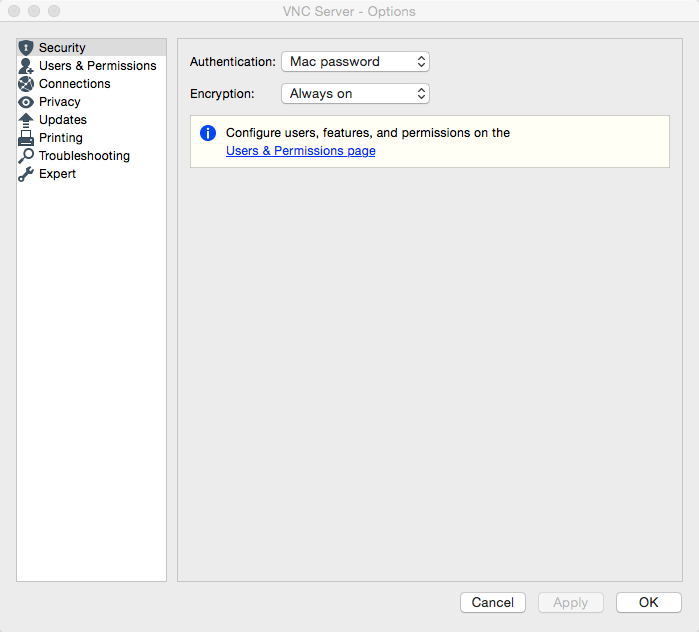
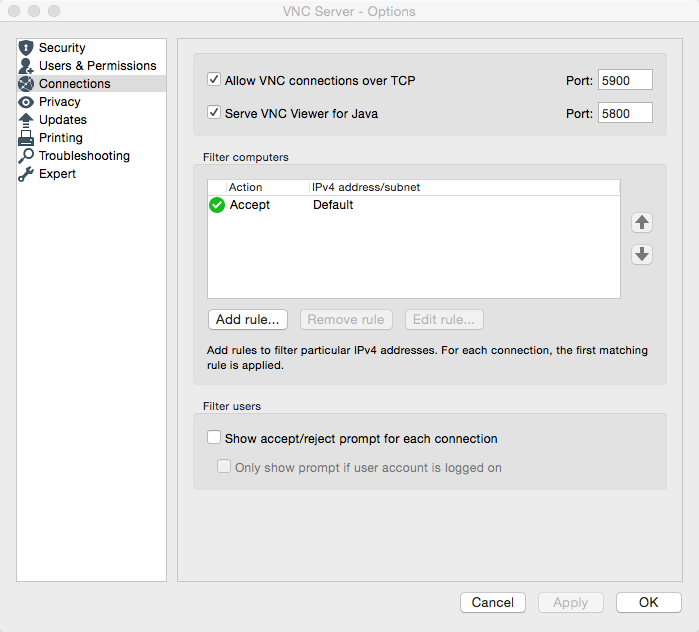
Screenshots

Frequently asked questions
How do I install the app?
Mount the image, drag the app into the "Applications" folder and launch it. If the system blocks the launch, allow it in "System Settings → Privacy & Security".
The app is damaged or won't launch
Reinstalling from a fresh image usually helps. Make sure your macOS version matches the one listed in the compatibility specs.
How do I update?
Download the new version from the site and install it over the current one — your settings will be preserved.
The download link doesn't work
Try a mirror or a download manager. For large files the browser often drops the connection.
How do I completely remove the app?
Use an uninstaller utility — it cleans up the service files that remain after moving the app to the trash.
VersionRealVNC Enterprise 5.3.2 for Mac
DeveloperRealVNC Limited
CompatibilityOS X 10.9 or later, 64-bit processor
LanguageEnglish
IncludesK




Information
Visitors in the group Guests cannot leave comments on this publication.
Choose a download source
RealVNC Enterprise 5.3.2 for Mac · 11.56 MB