Disk Doctor 3.5
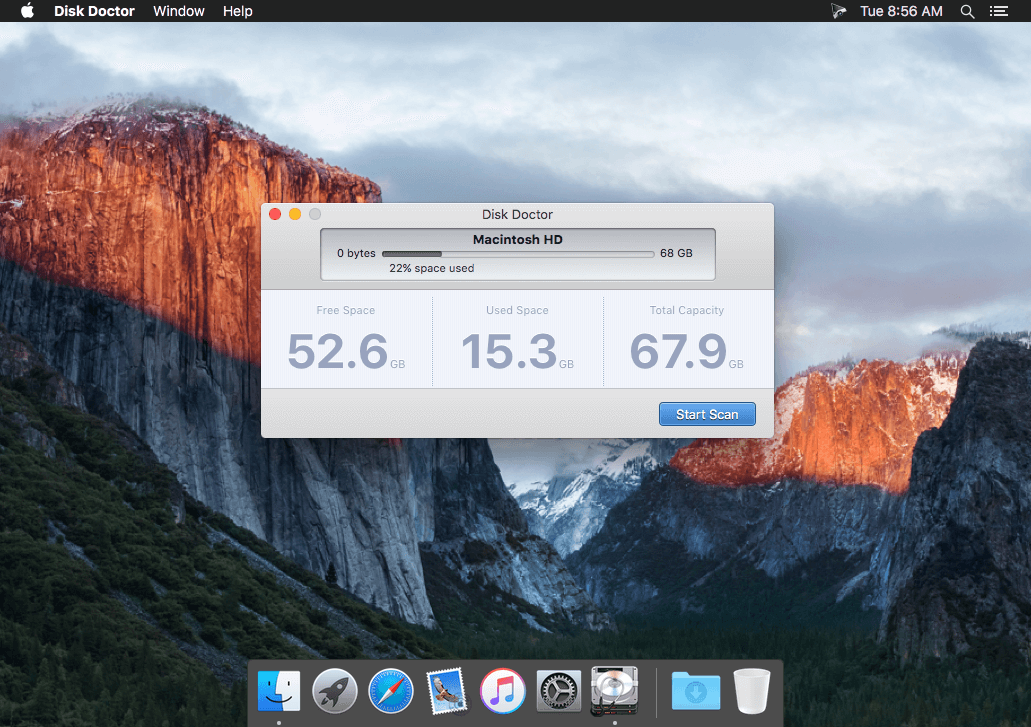
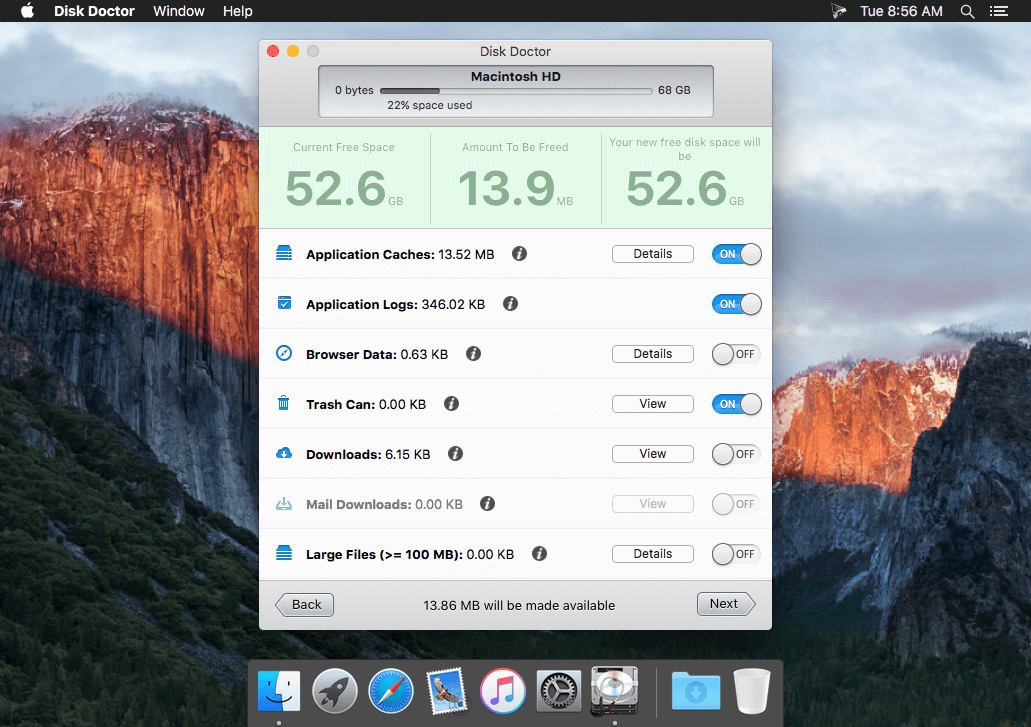
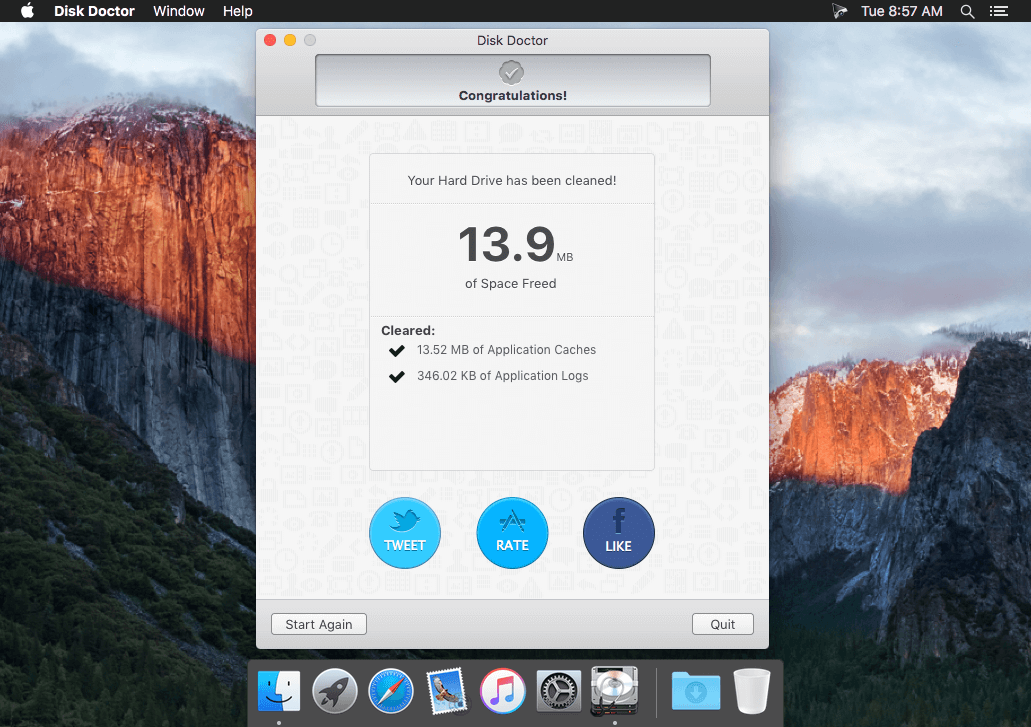
Disk Doctor will free up disk space by removing cached and unneeded files from your hard drive.
With one press of a button, Disk Doctor can empty the following:
- Applications caches
- Application logs
- Language packs
- Mail downloads folder
- Downloads folder
- Trash can
Version 3.5:
- This update has general stability and speed optimizations.
Frequently asked questions
How do I install the app?
Mount the image, drag the app into the "Applications" folder and launch it. If the system blocks the launch, allow it in "System Settings → Privacy & Security".
The app is damaged or won't launch
Reinstalling from a fresh image usually helps. Make sure your macOS version matches the one listed in the compatibility specs.
How do I update?
Download the new version from the site and install it over the current one — your settings will be preserved.
The download link doesn't work
Try a mirror or a download manager. For large files the browser often drops the connection.
How do I completely remove the app?
Use an uninstaller utility — it cleans up the service files that remain after moving the app to the trash.
VersionDisk Doctor 3.5
DeveloperIPLAB Ltd.
CompatibilityOS X 10.7.3 or later, 64-bit processor
LanguageEnglish
IncludesPre-K'ed
Information
Visitors in the group Guests cannot leave comments on this publication.
Choose a download source
Disk Doctor 3.5 · 5.34 MB