Cisdem PDF Compressor 6.0.0
PDF compressor for macOS with batch compression
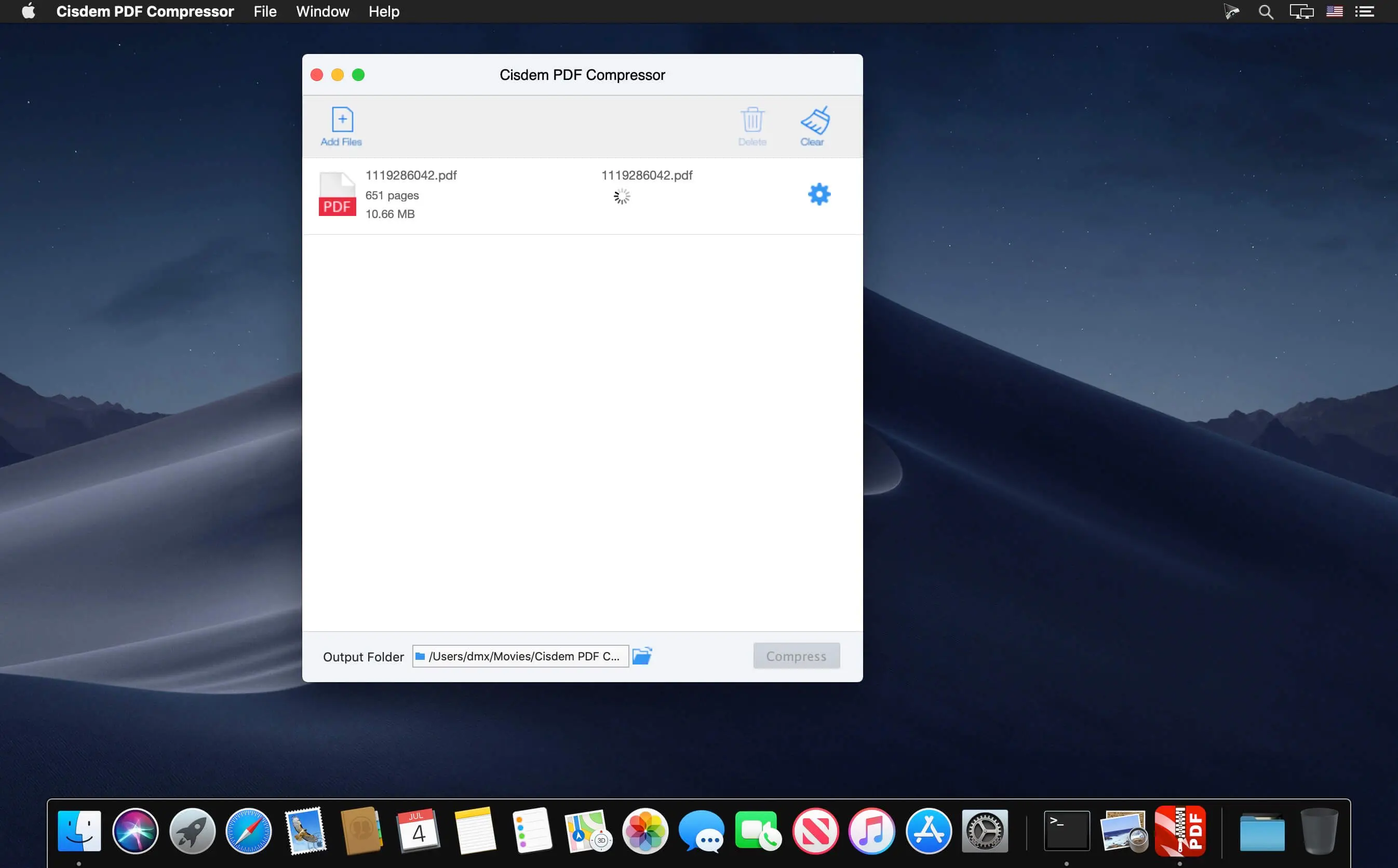
Cisdem PDF Compressor shrinks large PDFs so you can email, upload and share them faster. It suits anyone who works with PDFs on macOS and needs smaller files in their original format.
Reduce PDF file size your way
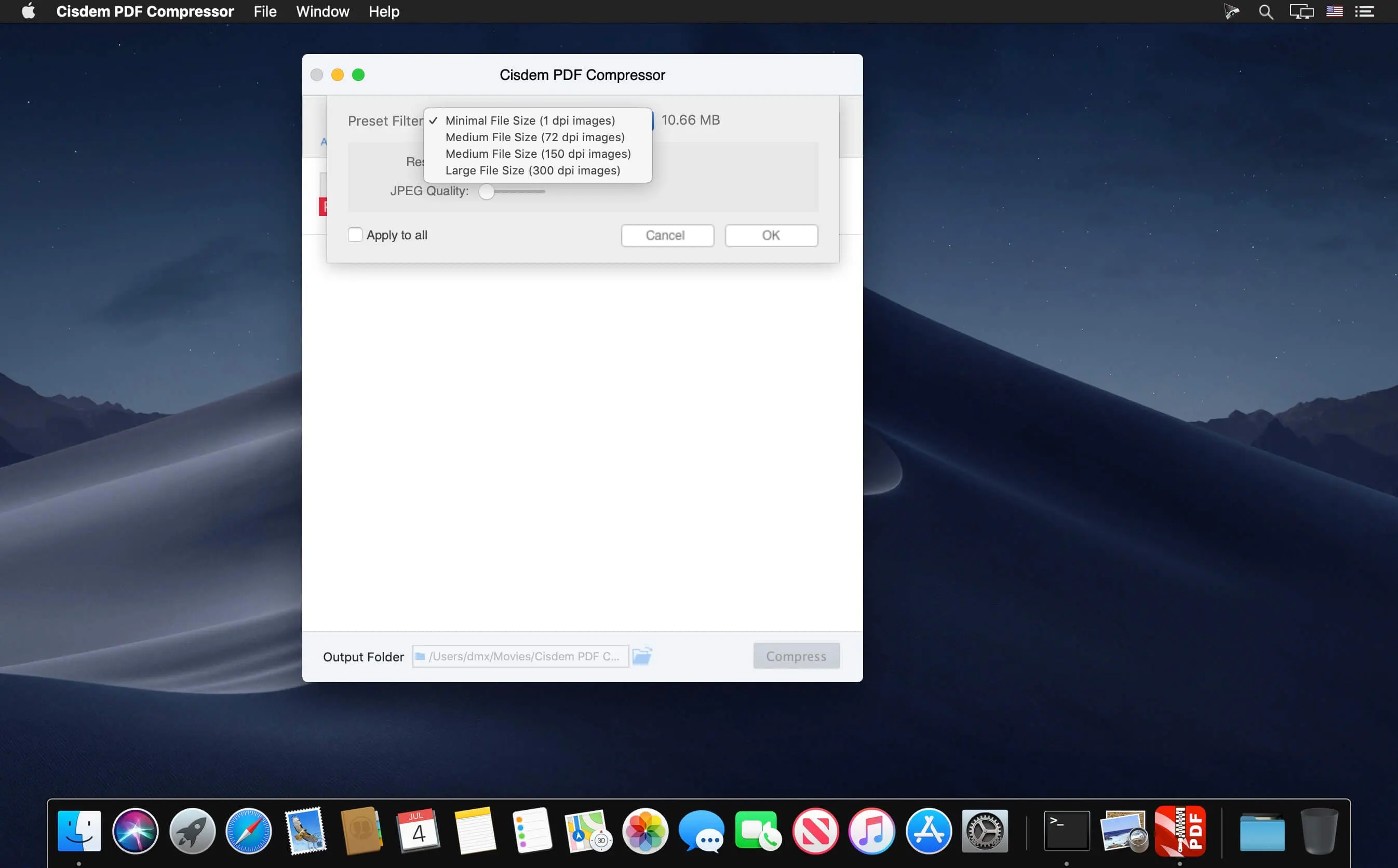
Pick a preset mode or set your own DPI to balance size and quality. Real-time size shows your current file sizes and the predicted sizes for each compression mode, so you can choose before you compress. The app removes only useless elements, so your PDFs reach their smallest size without compromising quality.
- Four preset modes: Choose Minimal, Small, Medium or Large File Size to cover everyday compression needs.
- Custom DPI: Set the compression result and content quality you prefer when you need more control.
- Real-time size: See the size of each PDF and its predicted size in different compression modes.
- Batch compression: Compress hundreds of PDFs or a 500-page PDF with one click.
- Page selection and preview: Drag and drop several PDFs at once, preview them, and select pages such as 1,3-10,21 or all pages.
- Quality focus: Remove only useless elements to keep the highest quality at the smallest size.
- All PDF versions: Compress every version of PDF without Adobe Acrobat Reader installed.
Compress your PDFs now to speed up file sharing and free up disk space.
Version 6.0.0:
- Added native support for Apple Silicon.
- Updated the PDF compression engine for improved compression results.
Frequently asked questions
How do I install the app?
Mount the image, drag the app into the "Applications" folder and launch it. If the system blocks the launch, allow it in "System Settings → Privacy & Security".
The app is damaged or won't launch
Reinstalling from a fresh image usually helps. Make sure your macOS version matches the one listed in the compatibility specs.
How do I update?
Download the new version from the site and install it over the current one — your settings will be preserved.
The download link doesn't work
Try a mirror or a download manager. For large files the browser often drops the connection.
How do I completely remove the app?
Use an uninstaller utility — it cleans up the service files that remain after moving the app to the trash.



Choose a download source
Cisdem PDF Compressor 6.0.0 · 38.25 MB
Previous versions
Cisdem PDF Compressor 6.0.0
Previous versions are available to registered users.