
WinZip Mac Pro 12.0.7282
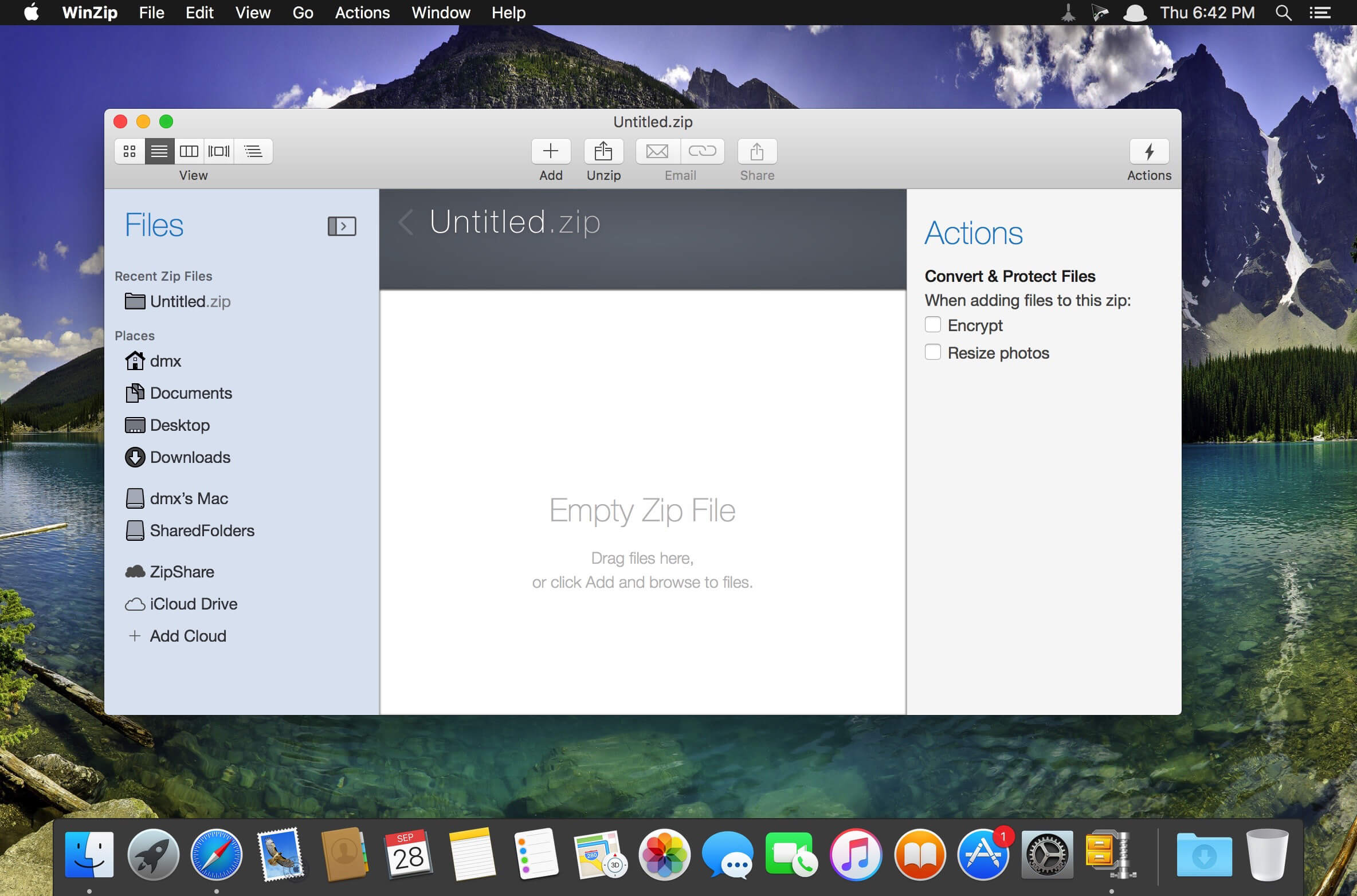
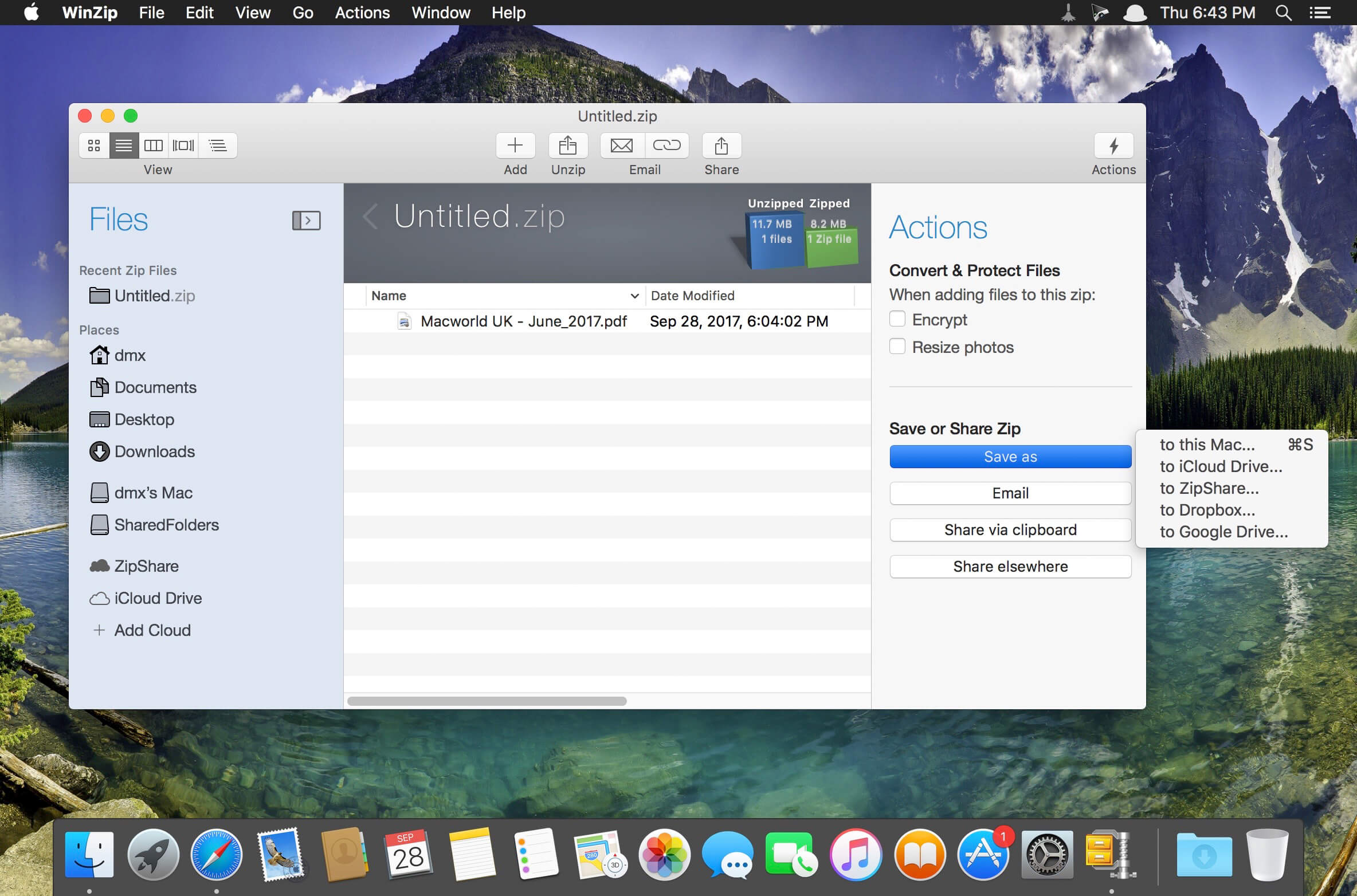

New WinZip for Mac offers simple zipping and unzipping right from its new Files pane! Enjoy one-click access, multiple viewing layouts, drag-and-drop functionality, support for 12+ compression formats and easy file management!
- Zip and unzip files instantly with WinZip’s trusted compression
- Protect files with strong AES encryption
- Share directly to iCloud Drive, Dropbox, Google Drive and ZipShare, from within WinZip
- Successfully email large files and minimize storage needs
Zip
- Zip and unzip files instantly using simple, drag-and-drop tools.
- Reduce file size for faster sharing and a smaller storage footprint.
- Work with 12+ major compressed file formats including Zip, Zipx, RAR, LHA, 7Z, JAR, and WAR.
- Encrypt files and/or resize images inside a zipped file without having to unzip/zip it again.
- Resize images when you create and zip, and get two new resize options.
- Zip or unzip files to any folder in a flash—right from the NEW Files pane!
Encrypt
- Password-protect confidential files and apply powerful AES encryption.
- Re-use your password when additional encrypted files are added to a Zip.
- Prevent unauthorized access of email attachments.
- Encrypt individual files within a zipped folder.
- Easily view and double-check your password with Show Password.
Package and Share
- Zip and encrypt Mac files to create smaller, safer email attachments.
- Organize and compress files into small, logical groups that are ideal for sharing.
- Zip files and folders for faster uploading/downloading times.
- Easily share to Facebook, Twitter and other apps.
Connect to your Clouds
- Connect to iCloud Drive, Dropbox, Google Drive and ZipShare right from WinZip.
- Easily zip and upload large files, or open zip files saved in the cloud.
- Use Cloud Links to upload a file to your cloud service and quickly send a link to it via email.
- Automatically get a link to paste into Skype or other apps when you upload your zip file to a cloud service.
- Maximize cloud storage space by compressing files.
Frequently asked questions
How do I install the app?
Mount the image, drag the app into the "Applications" folder and launch it. If the system blocks the launch, allow it in "System Settings → Privacy & Security".
The app is damaged or won't launch
Reinstalling from a fresh image usually helps. Make sure your macOS version matches the one listed in the compatibility specs.
How do I update?
Download the new version from the site and install it over the current one — your settings will be preserved.
The download link doesn't work
Try a mirror or a download manager. For large files the browser often drops the connection.
How do I completely remove the app?
Use an uninstaller utility — it cleans up the service files that remain after moving the app to the trash.





Choose a download source
WinZip Mac Pro 12.0.7282 · 34.36 MB
Previous versions
WinZip Mac Pro 12.0.7282
Previous versions are available to registered users.